


Modify API responses before they reach the client by adding, removing, renaming, or replacing headers and body fields.
Overview
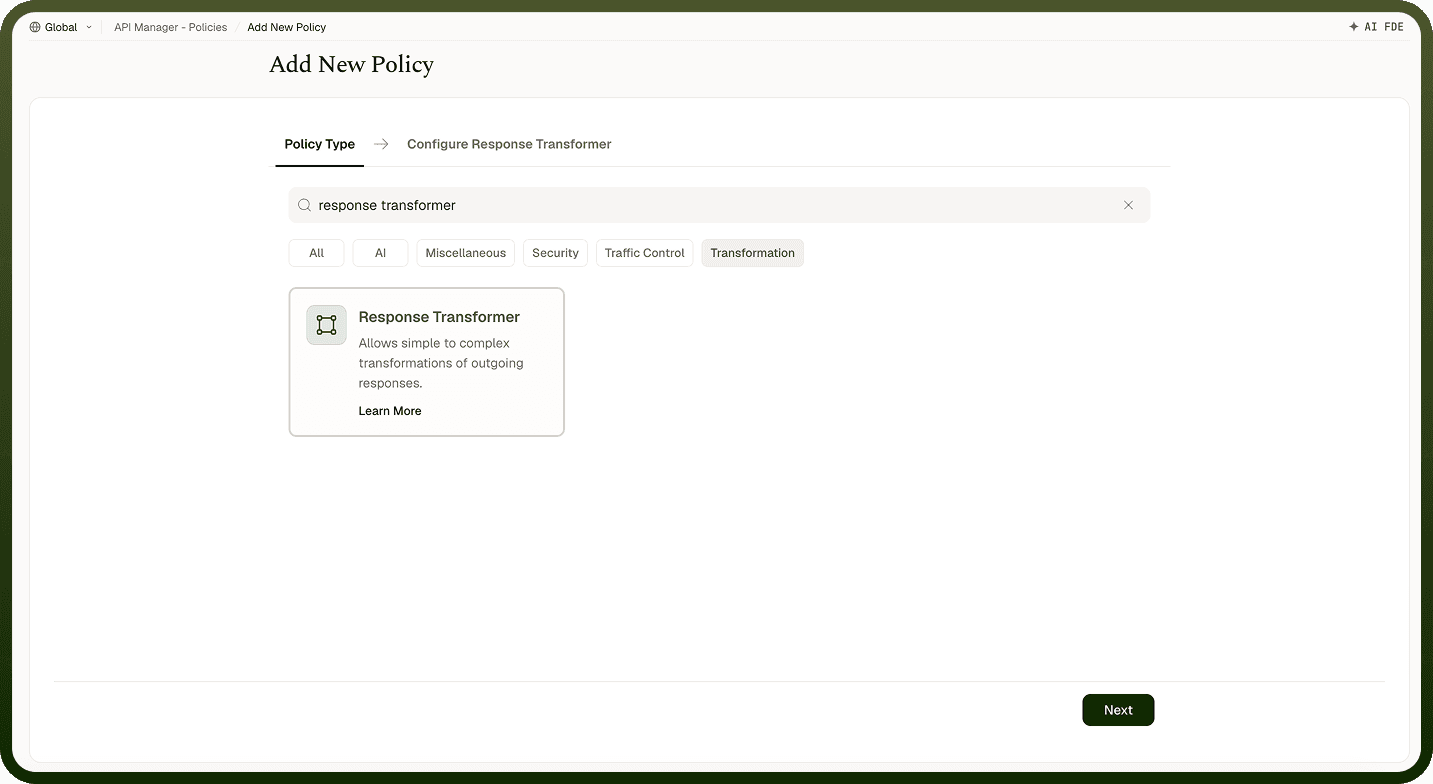
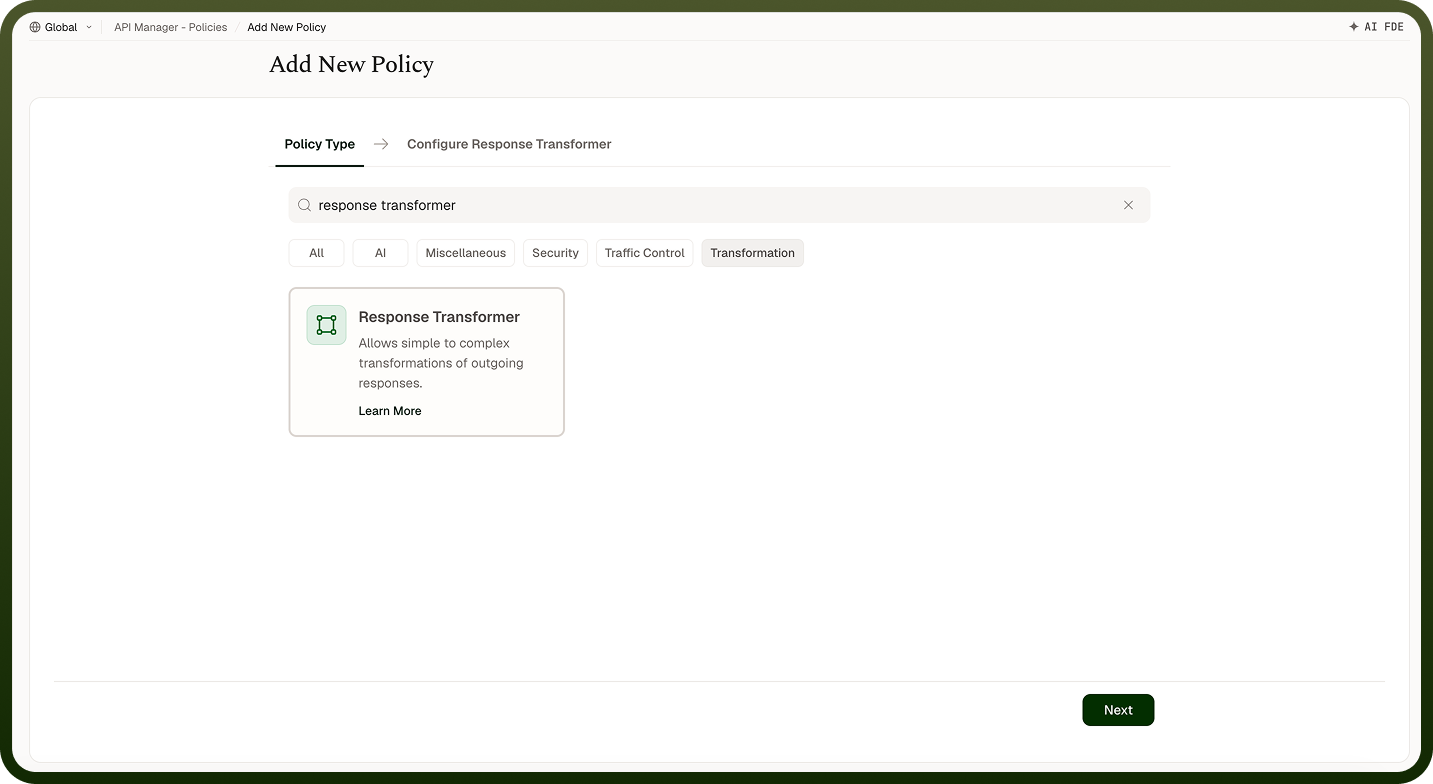
A Response Transformer is an outbound policy that reshapes successful (200) API responses before they are returned to the client.
Field Reference
Field | Description |
|---|---|
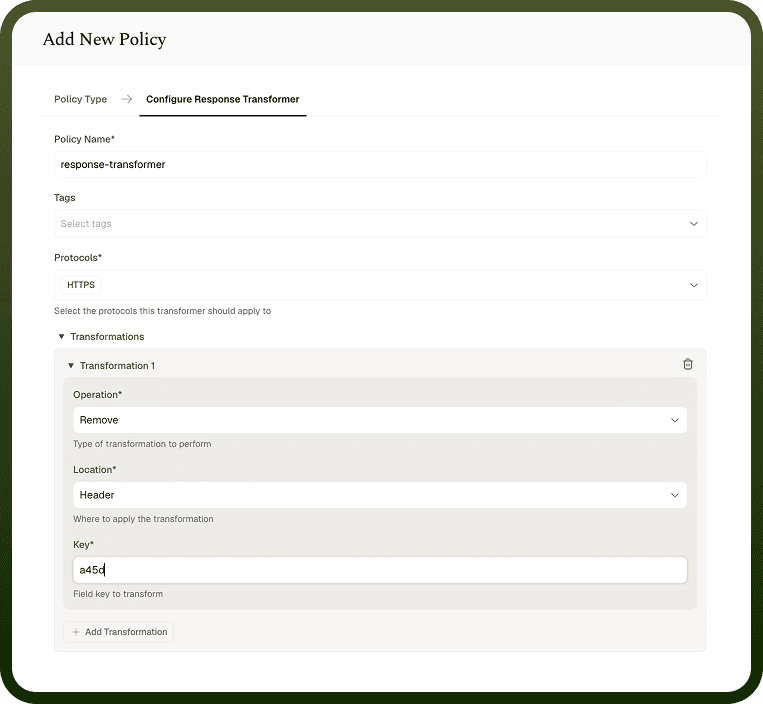
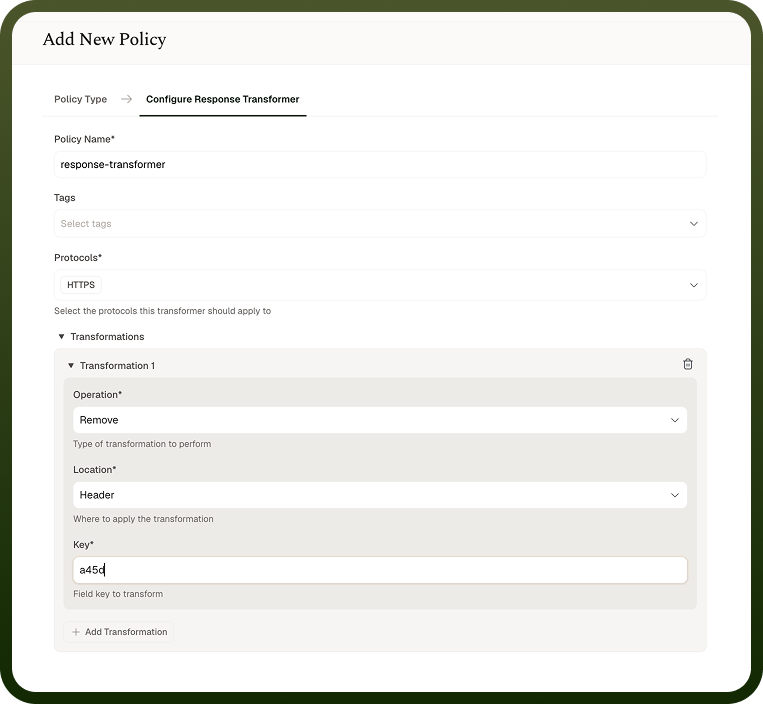
Policy Name * | A unique identifier used across logs, dashboards, and API group configurations. |
Tags | Custom labels to organize and filter the policy by environment, team, or functionality. |
Protocols * | The protocols this transformer applies to: HTTP, HTTPS, or both. Default: HTTPS. |
Transformations | The list of transformation rules. Select Add Transformation to add a rule. Rules run in the order you add them. |
Transformation Rule Fields
Sub-field | Description |
|---|---|
Operation * | The type of transformation: Upsert, Remove, Rename, or Replace. |
Location * | Where to apply the transformation: Header or Body. |
Key | The field key to transform. Required for Upsert, Replace, and Remove. |
Value | The new value. Required for Upsert and Replace. |
Value Type | The data type of the value: String, Number, or Boolean. Shown only for Upsert and Replace on the Body, where it is required. |
Old Value / New Value | For Rename: the original field name and the new field name. Both are required. |
How it works
Response received from backend — The backend service returns a response to the gateway.
Policy evaluation — The policy applies only to successful (200) responses that match the configured protocols. Error responses are returned unchanged.
Transformation execution — Each rule is applied in sequence: headers or body fields are added, updated, renamed, replaced, or removed per the configured location.
Modified response returned — After all transformations, the updated response is sent to the client.
Attaching the policy
Policies can be attached to an access profile, an API, or an API group. They are applied in that order: access profile, then API, then API group.
Notes
Transformation rules are applied in the order you define them — if rules depend on each other (e.g., rename before replace), order them deliberately.
Use Remove to strip internal or sensitive fields (internal IDs, debug headers) before the response reaches clients.
Use Upsert to inject standard headers (e.g., X-API-Version) across all responses without changing every backend endpoint.
Test transformations against sample responses before attaching the policy to an API group, to confirm the output shape is what clients expect.