


Capture photos and video, scan barcodes and QR codes through the camera, or render scannable barcodes from your data.
This page compares the five blocks. Each one is covered in full on its own page: Camera & Photo Booth and QR Code, Barcode & Scanner.
Choosing the Right Block
Block | Purpose | Platform |
|---|---|---|
Camera | Live feed photo capture and video recording. Supports Face Detection (web) and Recording add-ons. | Web + Native mobile |
Photo Booth | Richer mobile capture experience with crop, drawing, flash, and gallery. Designed for native mobile apps. | Native mobile only |
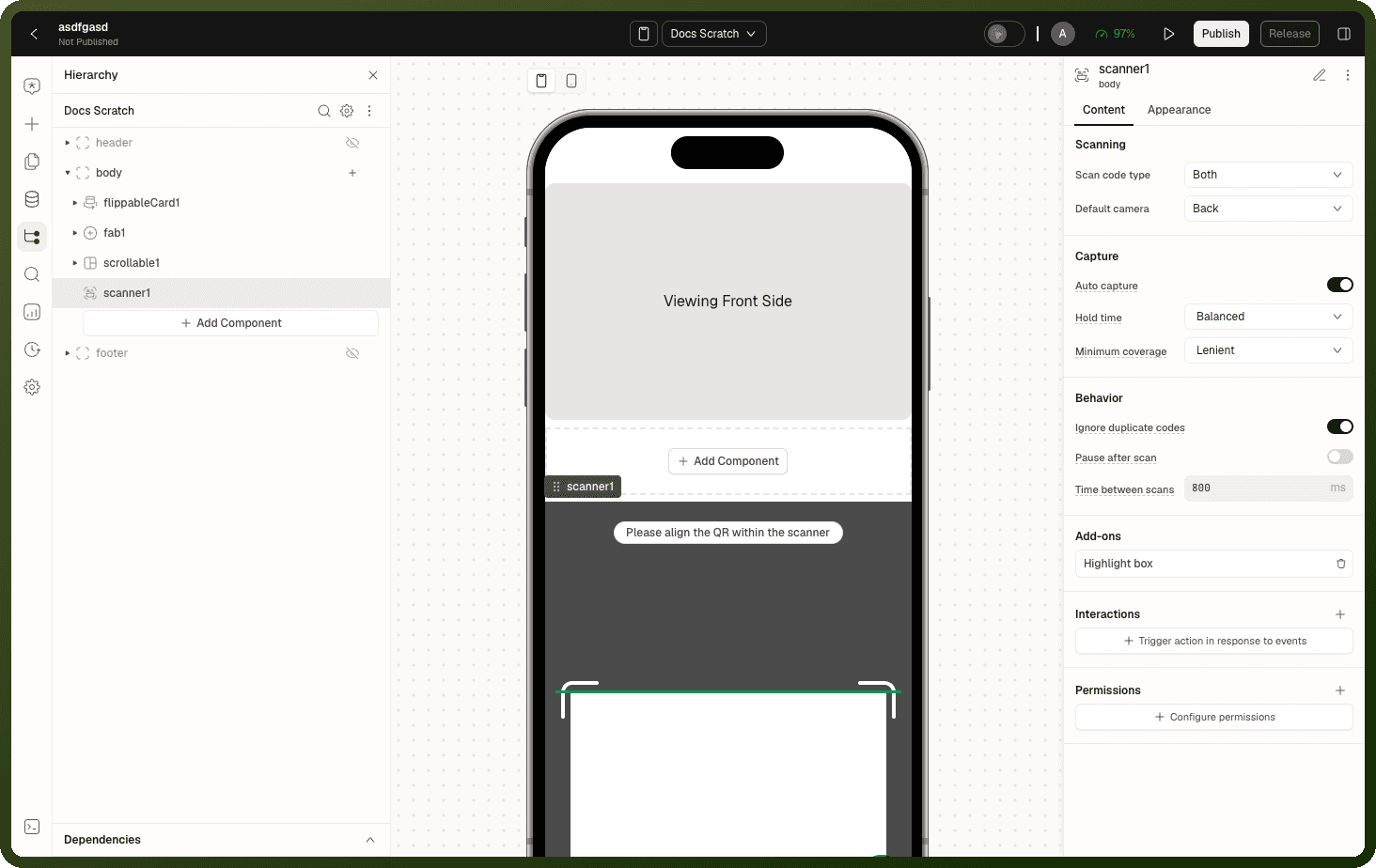
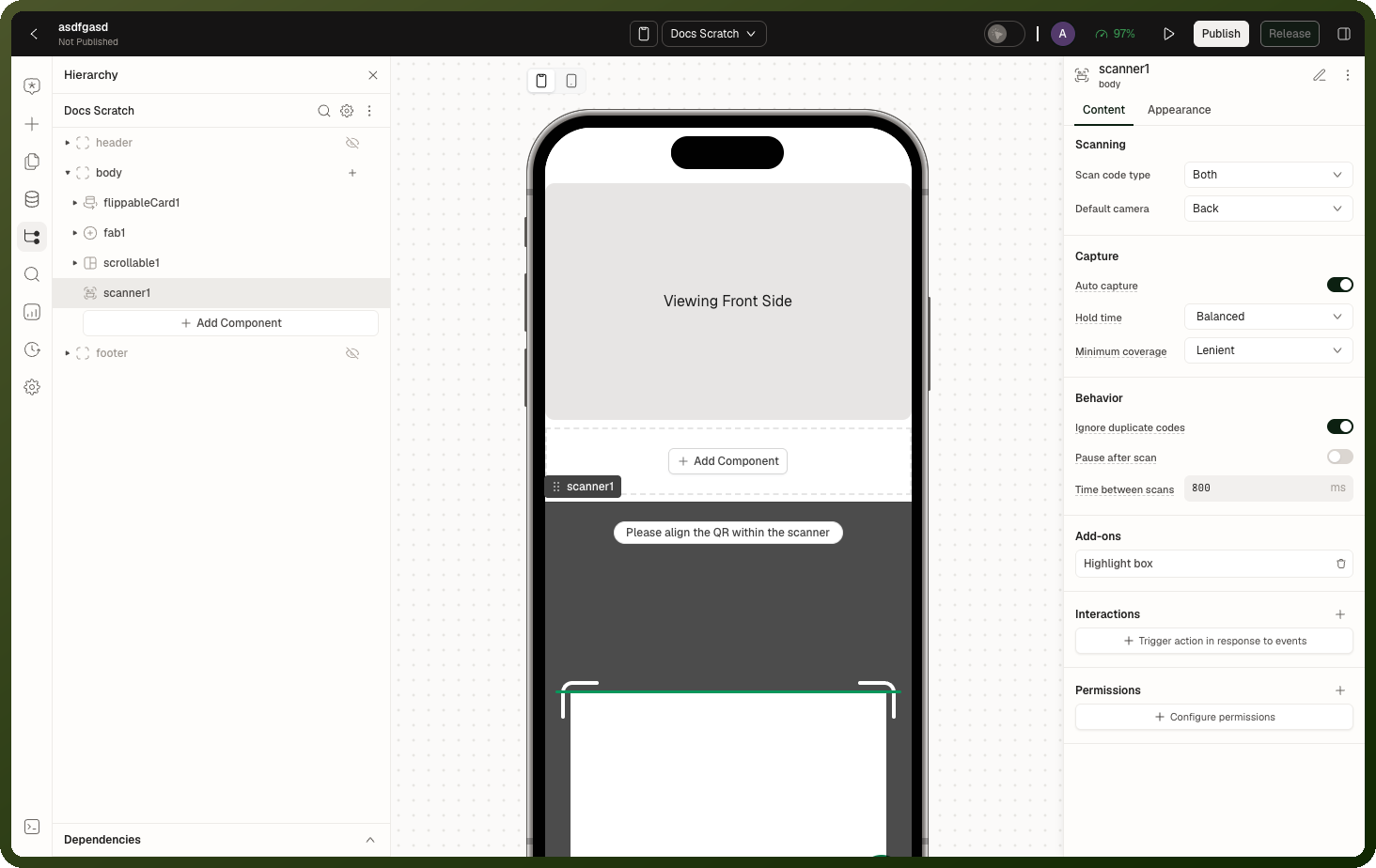
Scanner | Decode barcodes and QR codes from the camera feed. Accumulates decoded values in a | Web + Native mobile |
Barcode | Render a scannable barcode graphic from a text value. Display-only — no camera, no scanning. | Web |
File Upload | Pick existing files from the device (no camera). See File Upload. | Web + Native mobile |
Where to Find Each Block's Properties
Properties, add-ons, events, methods and exposed state for each block are on its detail page:
Camera and Photo Booth: see Camera & Photo Booth.
Scanner and Barcode: see QR Code, Barcode & Scanner. It also lists the barcode formats each platform supports.
File Upload: see File Upload.
Common Gotchas
Photo Booth is native mobile only
The Photo Booth block is not available in web apps. It does not appear in the web block library and a page using it has no web fallback. For web photo capture, use the Camera block instead.
switchCamera always toggles — it ignores the facingMode parameter
Both Camera and Photo Booth expose a switchCamera method that takes a facingMode parameter in its UI, but both blocks ignore the parameter and simply toggle to whichever camera is not currently active. Call it twice and you're back where you started.
Face detection and recording are mutually exclusive on Camera
If the Recording add-on has Auto Record, Duration, Loop, or Loop Iterations set, face detection stops working even when its toggle is on. Recording wins. Choose one capability per Camera block.
On Photo Capture fires after upload, not at the shutter press
For both Camera and Photo Booth, the event fires after the upload completes, not when the shutter is pressed. previewImage / previewMedia updates immediately at capture time, but use the event and the uploadedImage / uploadedMedia state for anything that needs the real backend URL.
Barcode keeps the last valid barcode for invalid or empty text
If the Text doesn't satisfy the selected format's rules — for example letters in an EAN13 that needs only digits — no error is shown. The block keeps displaying whatever it last rendered successfully, or stays blank. Validate bound values upstream when the format is strict.
On Permission Denied does not fire in the Photo Booth native runtime
A camera-permission refusal updates hasCameraPermission to false and shows an access-denied panel, but the On Permission Denied event handler is not invoked on native. Watch {{ id.hasCameraPermission }} instead of relying on the event for Photo Booth on mobile.