


Get Apps & Extensions puts Enterprise Chat outside the browser tab — alongside whatever you're reading, in a window of its own, or inside the documents you're already working in.
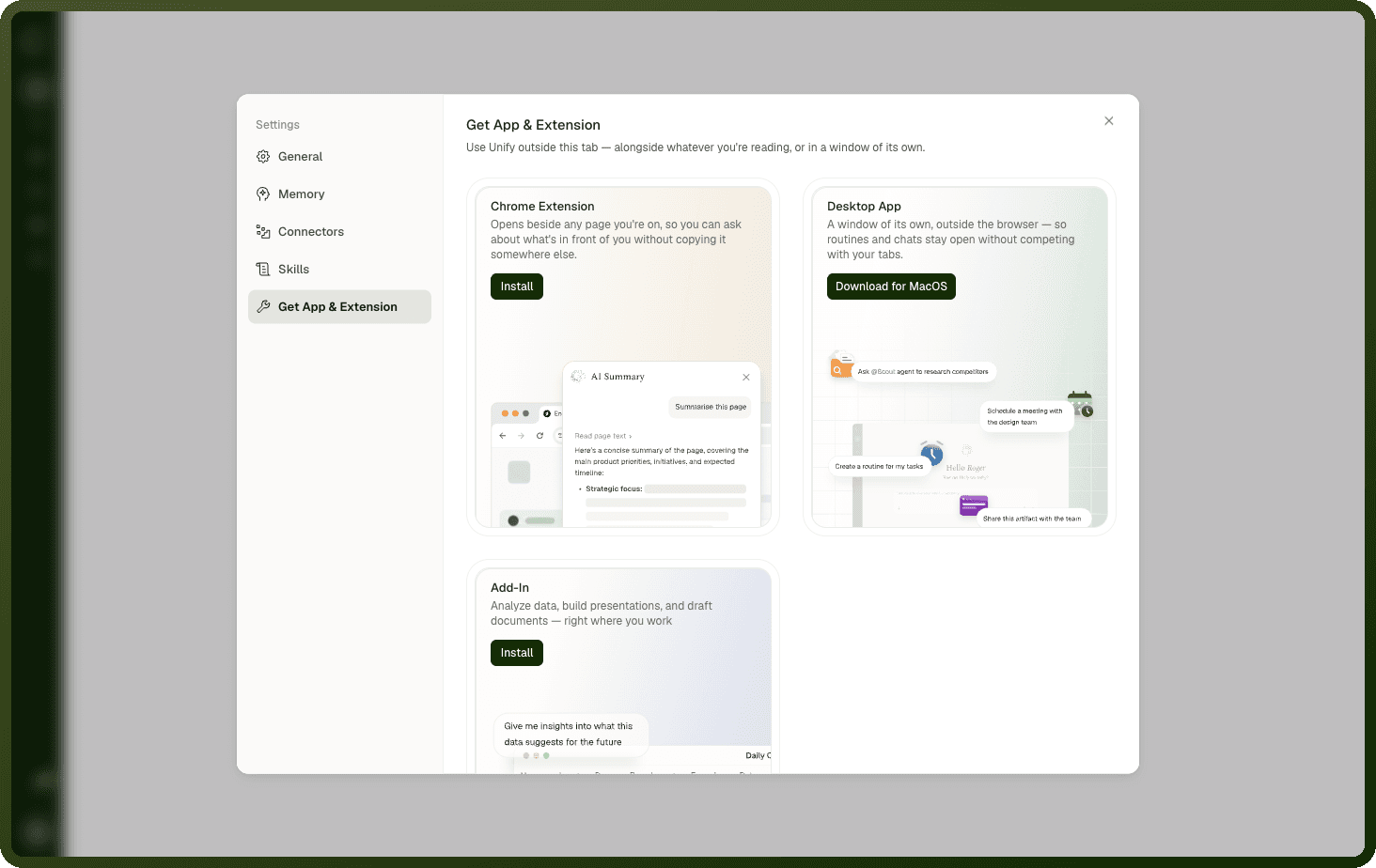
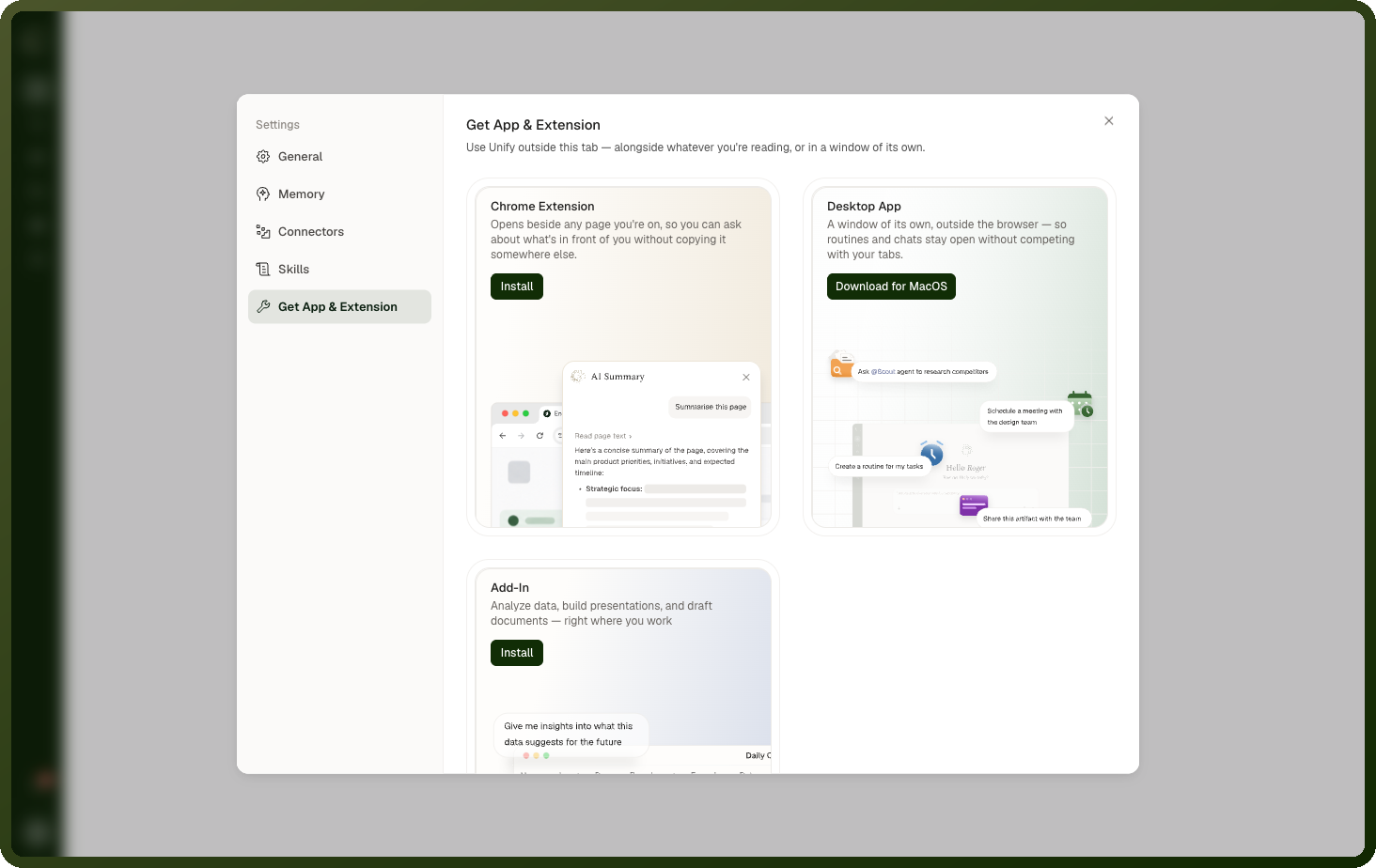
To find these options, select your avatar at the bottom of the sidebar to open Settings. In Settings, this tab is named Get App & Extension.
Chrome Extension
Opens beside any page you're on, so you can ask about what's in front of you — summarize a page, pull key points — without copying the content somewhere else first. Install it from Settings › Get App & Extension › Chrome Extension.
Desktop App
A window of its own, outside the browser, so your routines and chats stay open without competing with your browser tabs. To get it on macOS, select Download for MacOS on the Desktop App card in Settings › Get App & Extension.
Add-In
Brings Enterprise Chat into the tools you already work in — analyze data, build presentations, and draft documents right where the file lives, instead of switching to a separate chat window. To get it, select Install on the Add-In card in Settings › Get App & Extension.