


People builds a directory of the people in your organization, synced from connected apps, so Enterprise Search understands who someone is when it answers.
Overview
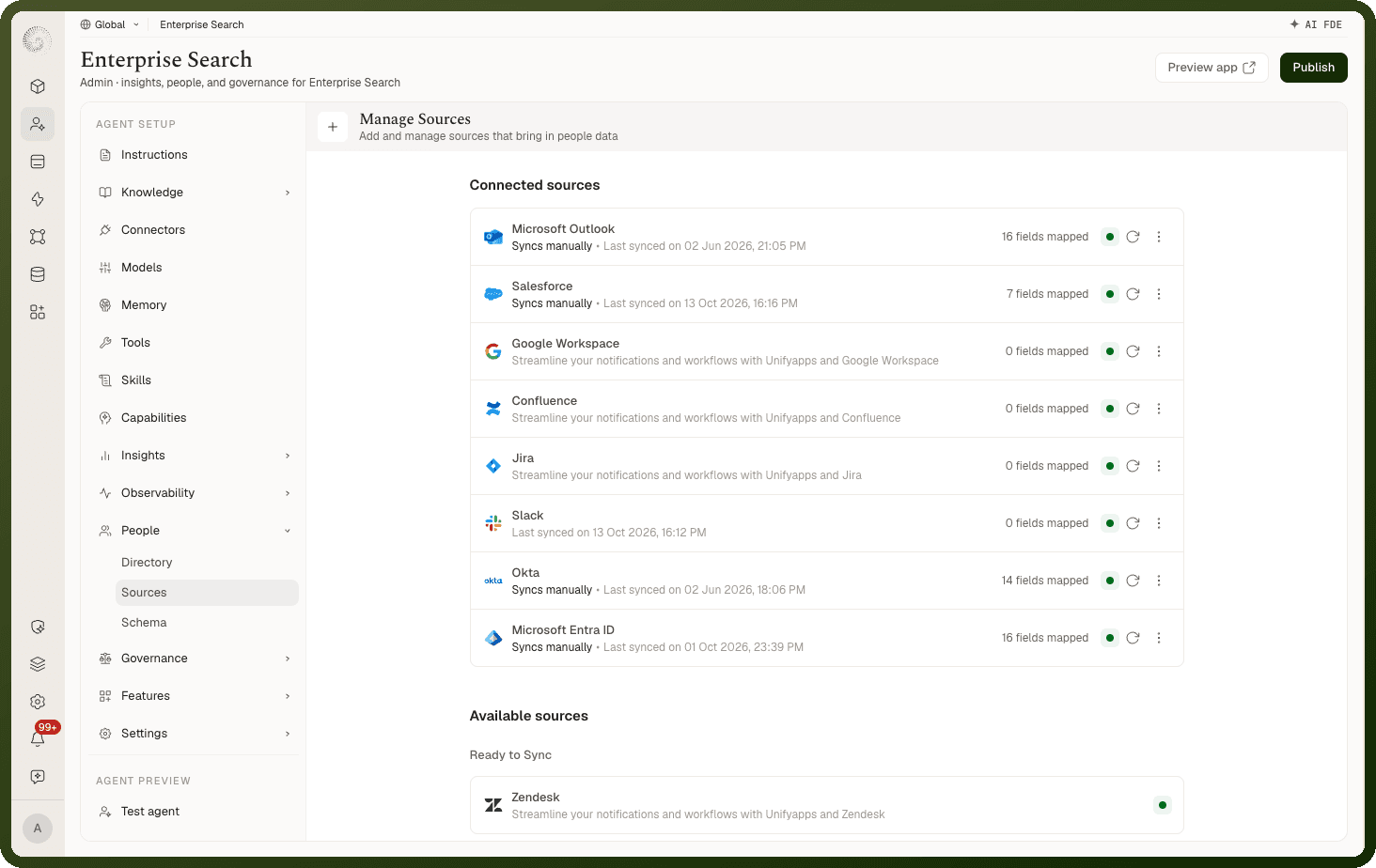
With a people directory in place, the search agent can reason about names, roles, teams, and reporting lines — making questions like "who owns X" or "who's on the Y team" answerable. You manage it under People in the Enterprise Search admin, across three areas. It uses the same Directory, Sources, and Schema screens as the AI setup People directory.
The Directory table shows each person's name, email, title, and department. What else the directory holds for a person depends on the attributes in the Schema and the fields you map from each source.
What's in This Section
| Topic | Covers |
| Directory | Browsing the synced people records. |
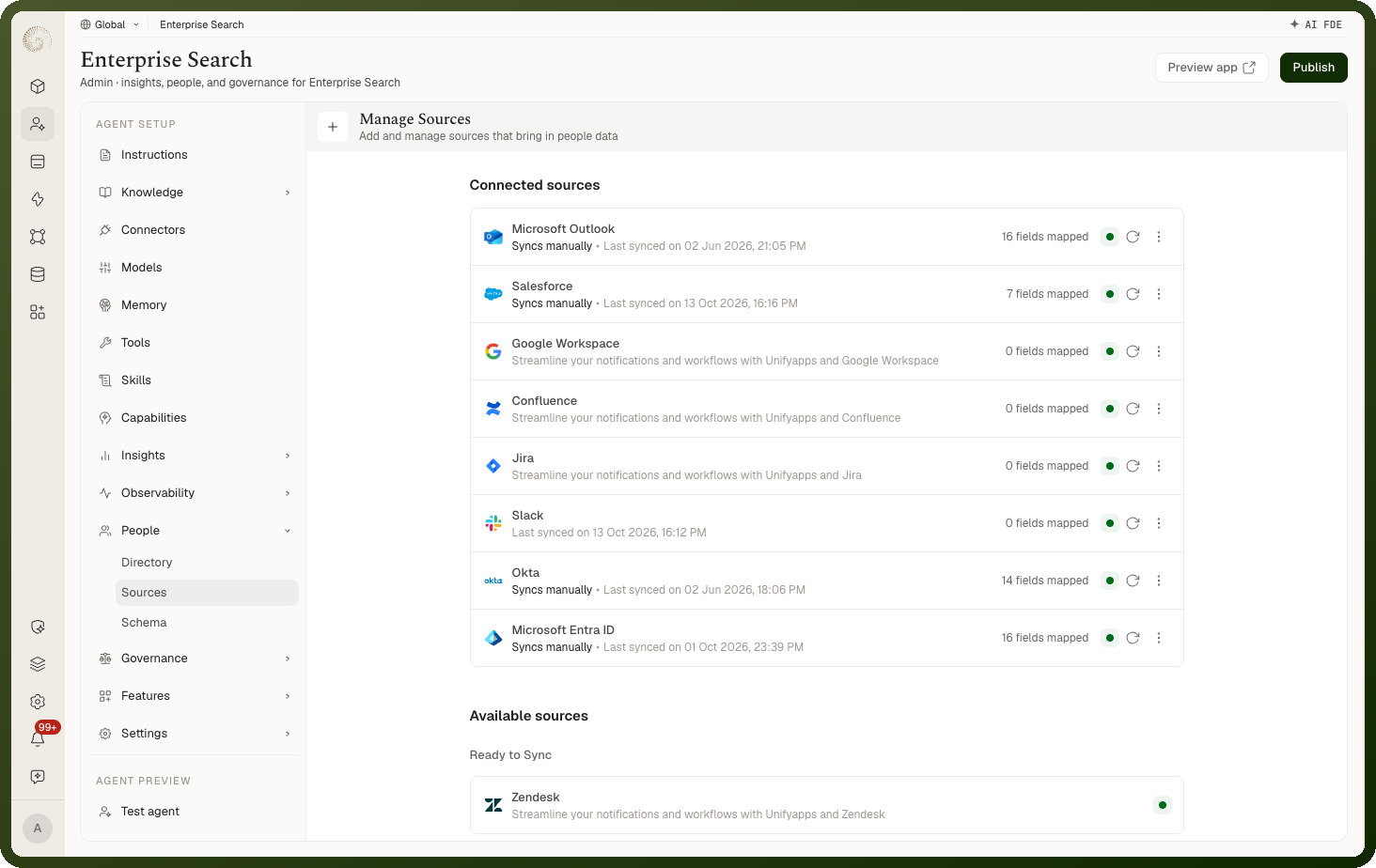
| Sources | Connecting the apps that hold people data, mapping their fields, and setting a sync schedule. |
| Schema | Defining the person attributes the directory stores. |
Getting started: review the Schema first, then connect an app and map its fields in Sources, then browse the result in Directory. Until a source is connected, opening Directory sends you to Sources.