


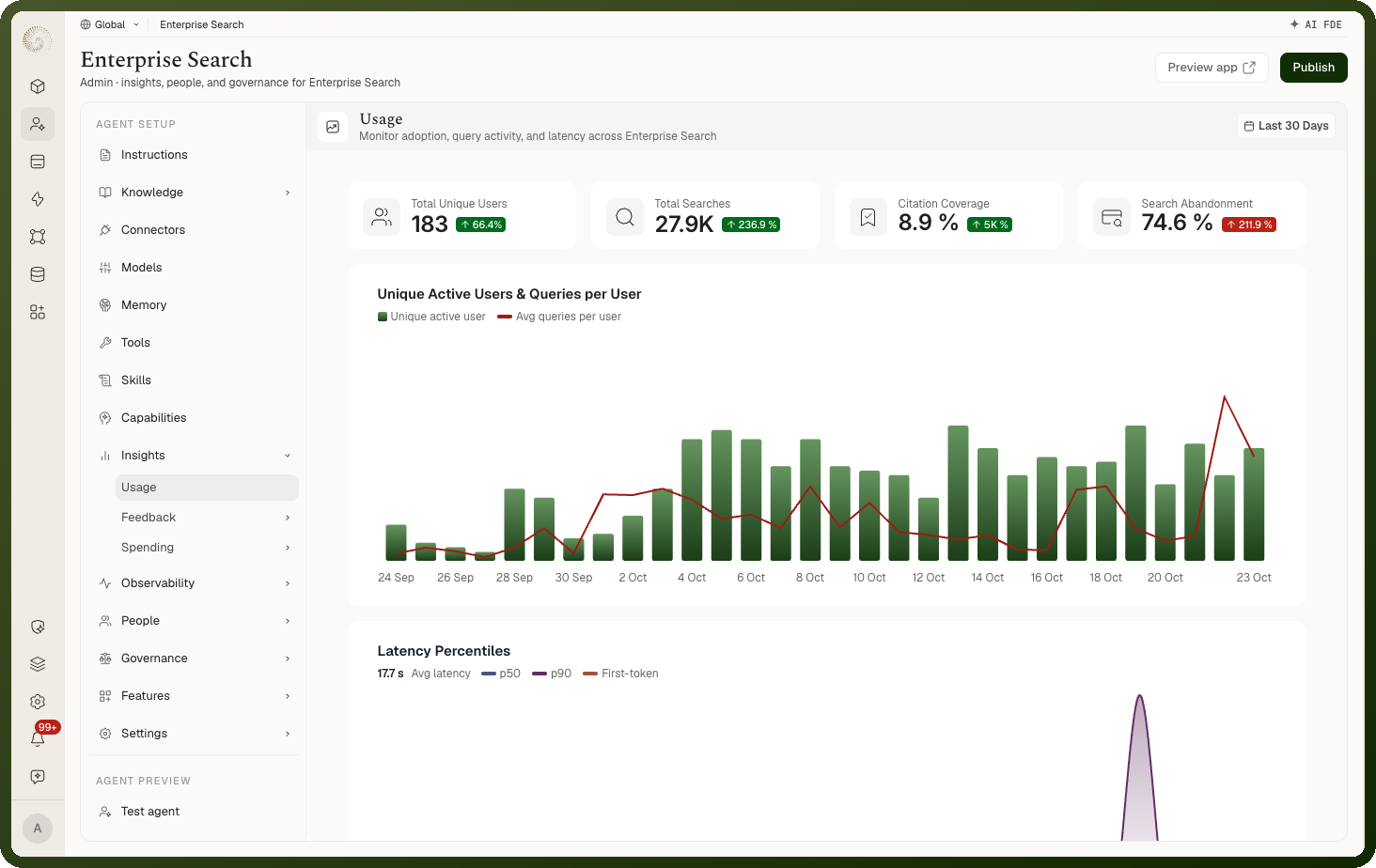
Insights is the analytics area of the Enterprise Search admin. It shows how Enterprise Search is used, what people think of its answers, and what it costs, giving you read-only dashboards to track adoption, answer quality and spend — separate from the live Observability tabs that trace individual sessions.

Overview
Insights has three areas: Usage, which shows how Enterprise Search is being used; Feedback, which shows what users think of its answers; and Spending, which shows what Enterprise Search costs, broken down by user and by model. Spending caps and alerts are set under Observability › Spending, not here. None of these pages have settings to change — they're all read-only views for keeping an eye on the system.
In the Enterprise Search admin, Insights is a group in the left side-nav, between Capabilities and Observability. Expand it to reach Usage, Feedback (with its Summary and Analysis pages) and Spending (with its By User and By Model pages).
What's in This Section
| Topic | Covers |
| Usage | Search activity across Enterprise Search — how often it's queried, trends over time, and where activity is concentrated. |
| Feedback | The positive and negative ratings users leave on answers, split into a high-level Summary and an Analysis table of individual ratings. |
| Spending | What Enterprise Search costs over a selected date range, broken down By User and By Model. |