


Overview
To manage advanced configuration options for your object, open the object and select the Settings tab. Each option is a toggle, grouped into Data Management, Object Indices, Monitoring & Logging, Access Control, and Object Versioning. These options control key object behaviors, including data retention, audit logging, activity monitoring, reporting capabilities, and webhook functionality. The Settings tab appears only on custom objects.
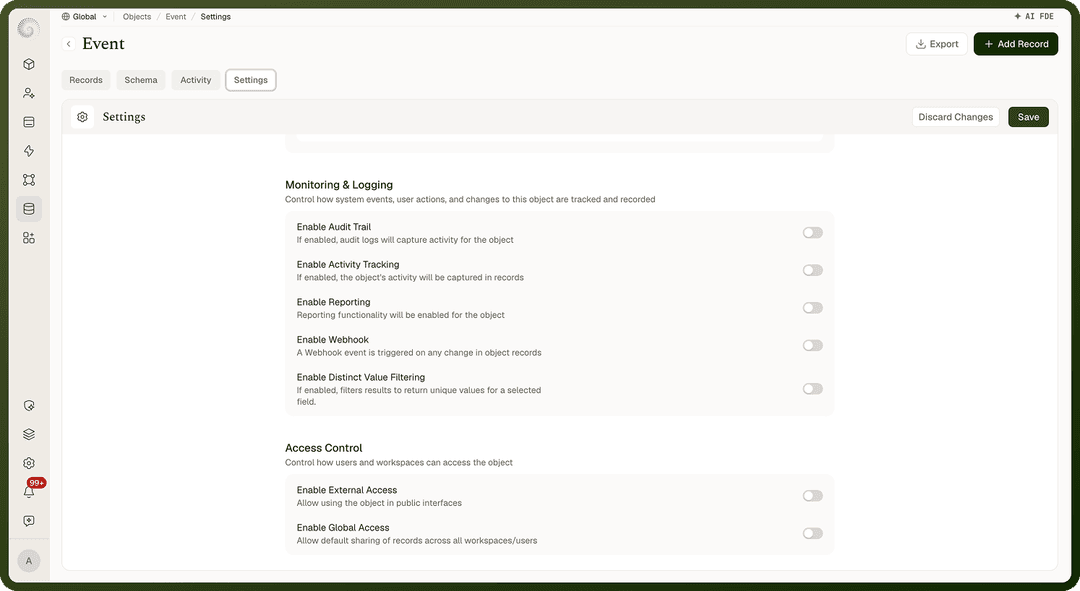
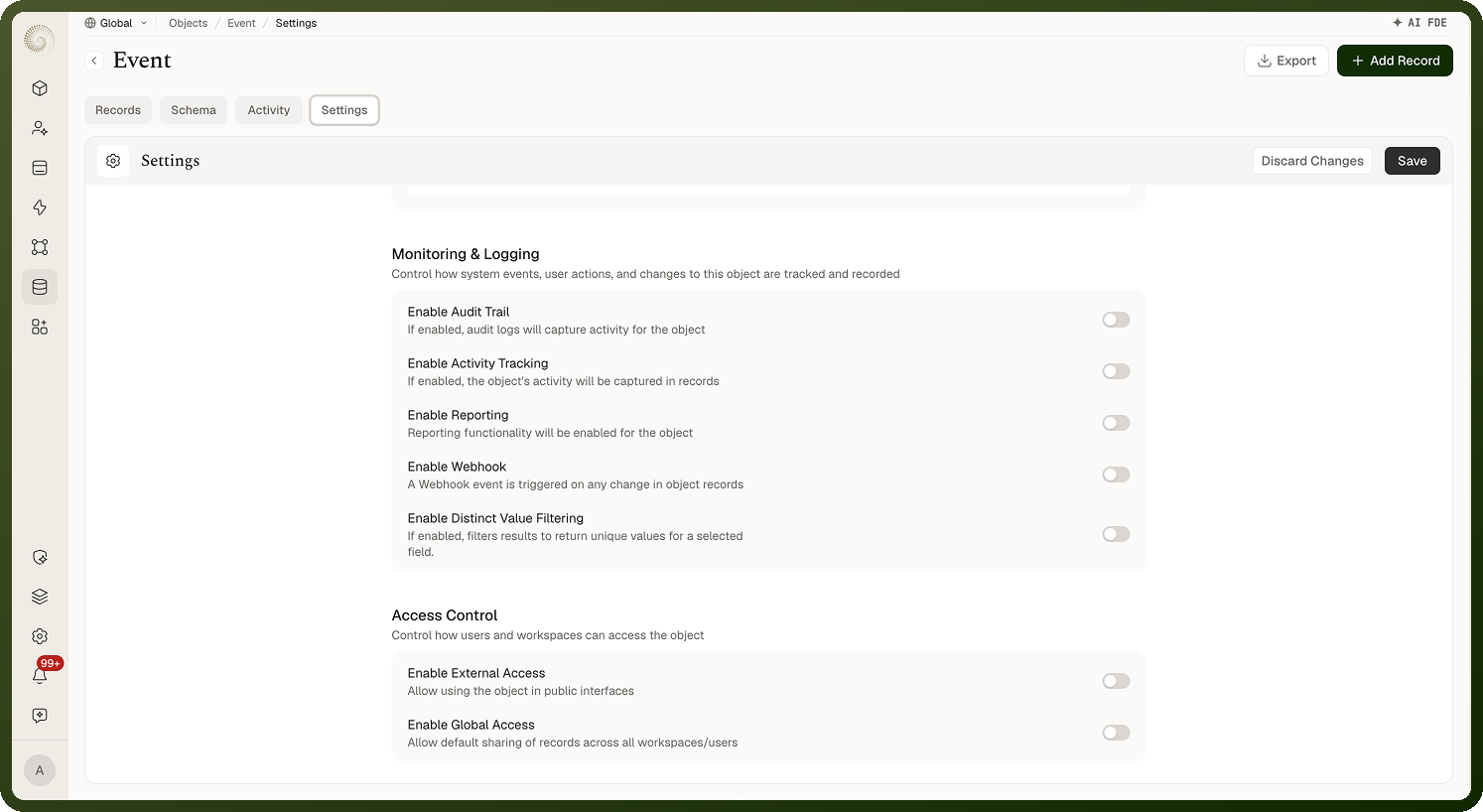
Enable Audit Trail
The Audit Trail feature comprehensively tracks all modifications to an object's records.
When enabled, it logs every create, update, and delete on the object's records (plus archive, restore, and deploy), with the before-and-after values, who made the change, and when. Read operations are not audited. The audit trail can't be back-filled, so turn it on before storing sensitive data.
Each audit entry includes crucial metadata such as the timestamp, specific field modifications (including both previous and new values), and the type of operation executed.
A sample use case would be to store the audit logs of products in a catalogue management application to keep track of all the changes made to a product's specifications.

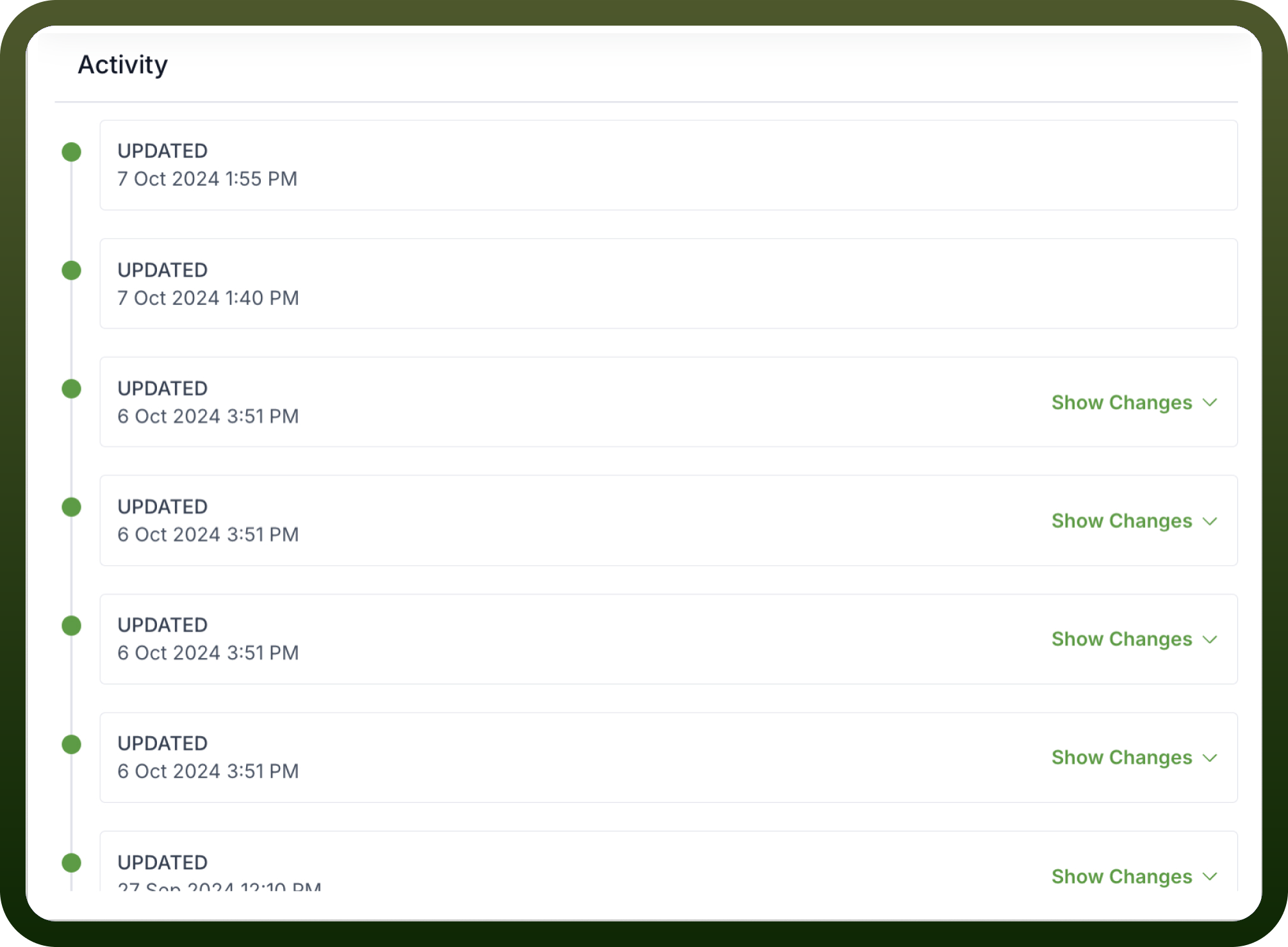
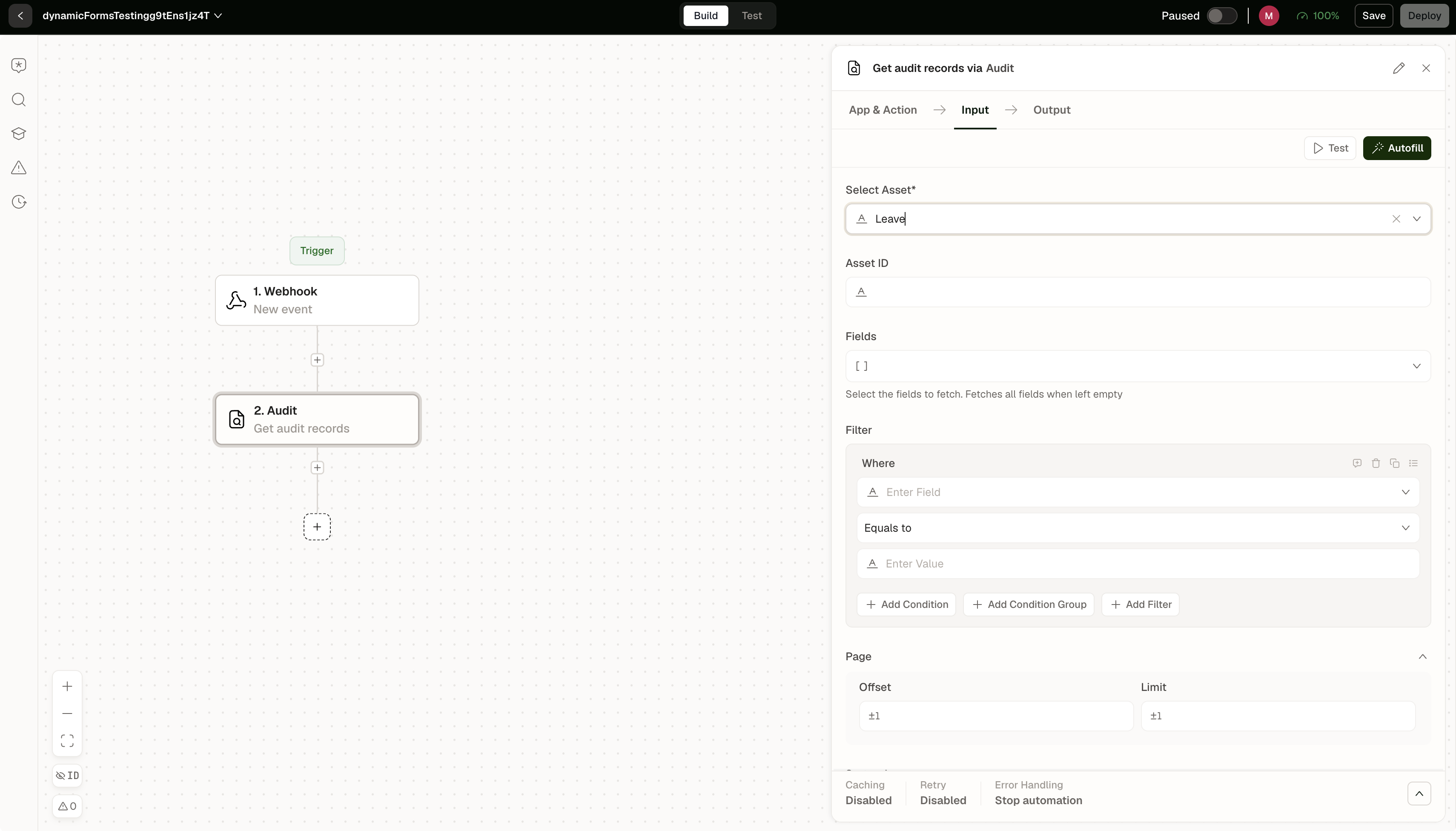
Additionally, to fetch the audit logs, you must use the
Audit by UnifyAppsnode in your automation, select the asset (the object), and specify the asset ID and optional filters.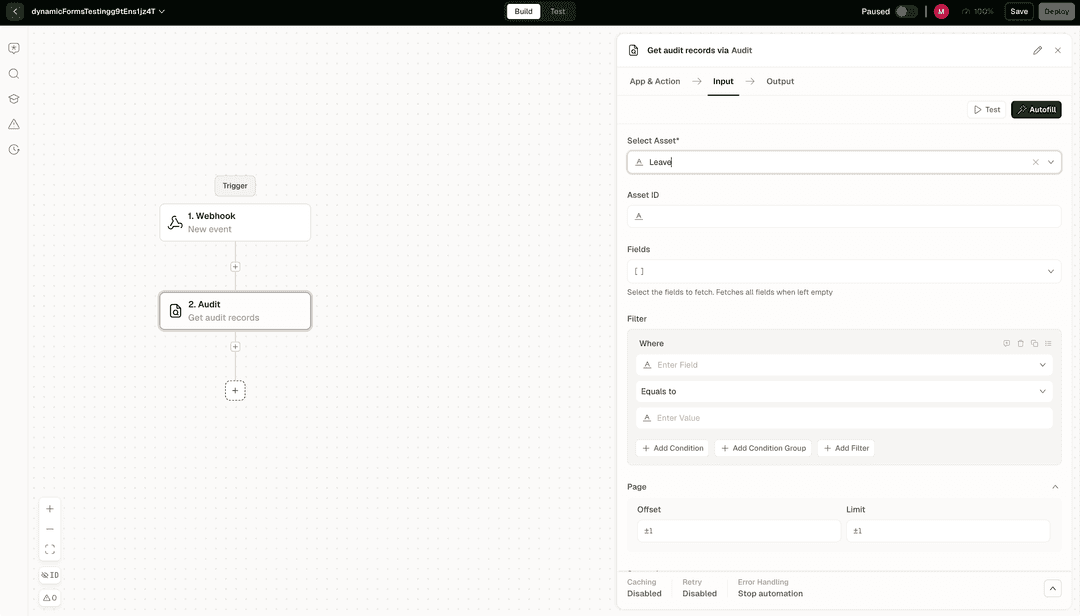
Enable Activity Tracking
Activity Tracking logs who created, updated, or deleted each record and when. You see it on the record's Activity tab.
It's a lighter log than the Audit Trail. Activity for records changed before you turn it on can't be back-filled.
Enable Reporting
The Reporting feature integrates your object's data with UnifyApps' analytics capabilities.
This setting allows object data to be included in the platform's reporting tools when activated. Users can generate standard reports, create custom visualisations, and build interactive dashboards.

Note
Reporting must be enabled before any records are added for them to reflect in the analytics engine. If you enable it later, records added before that aren't synced automatically. Update or re-add those records, or contact support@unifyapps.com to request a re-sync of the object's existing records into reporting.
Enable Webhook
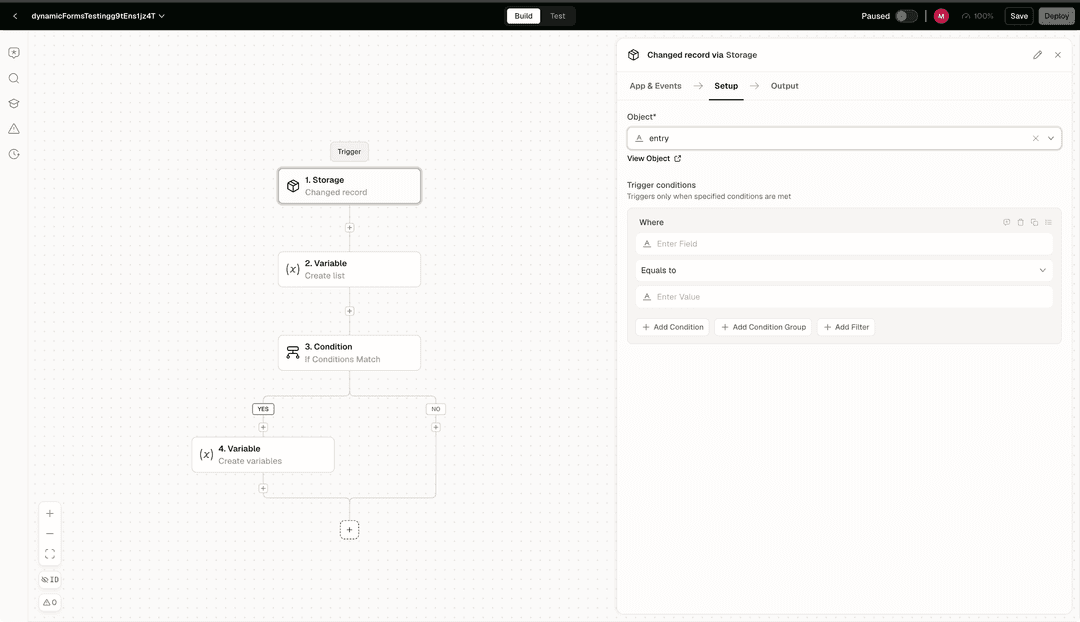
Turn on Enable Webhook to fire an event on every record create, update, or delete.
There are no endpoint or payload settings. Automations pick up the event instead.
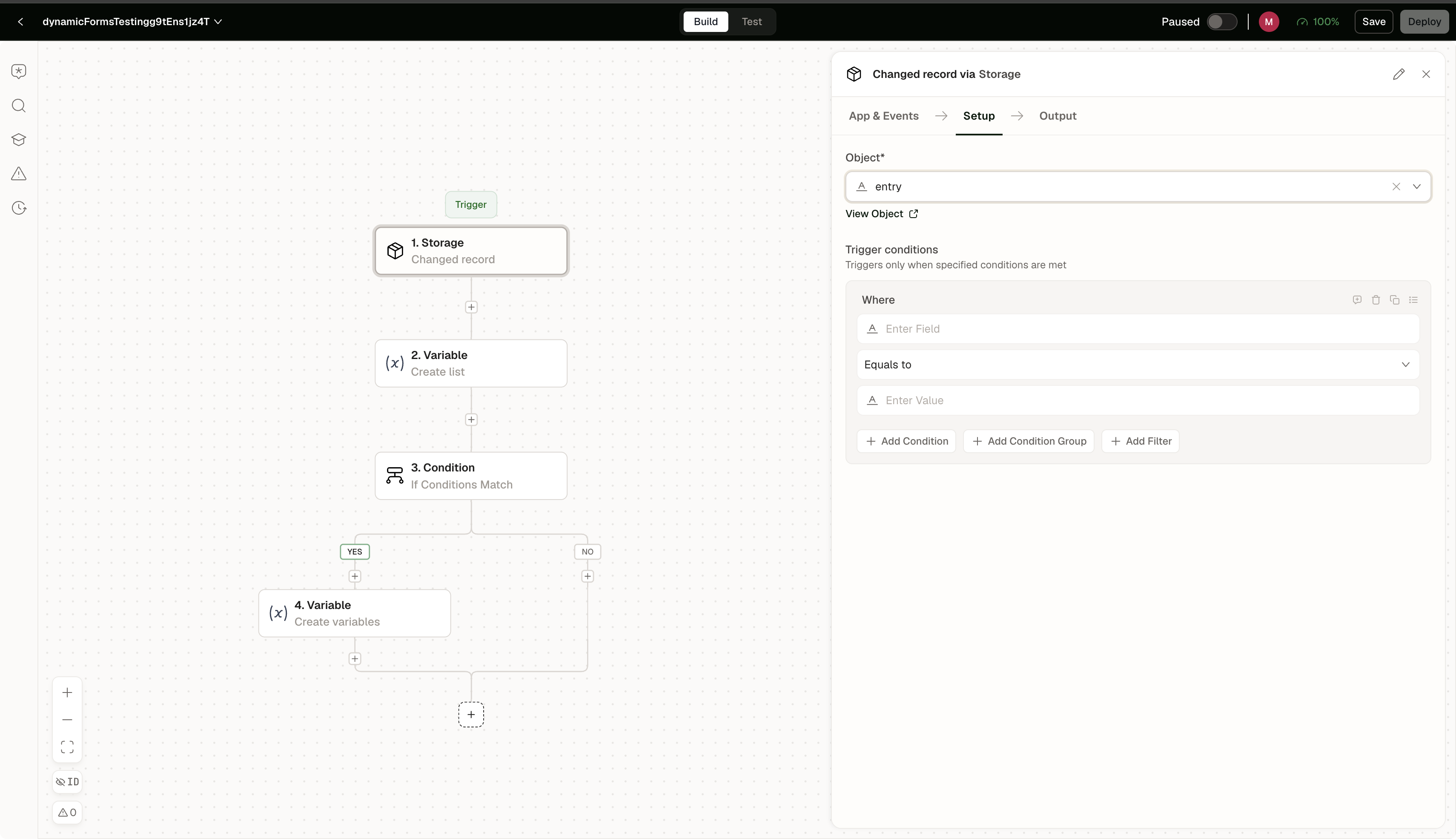
Only objects with this setting on can be picked in the Storage by UnifyApps triggers (New record, Updated record, Deleted record, Changed record).
A sample use case would be to trigger a validation workflow every time a record is created or updated in the object.
Other settings
Retention Period (Data Management): define how long object data should be retained, in minutes, hours, or days. This option appears only for JSON Store and Key Value Store objects.
Object Indices: define custom indexes for the object.
Enable Distinct Value Filtering (Monitoring & Logging): lets automations use the Fetch distinct values action of Storage by UnifyApps on this object. The action returns the unique values of one field across the object's records, for example every country in a customer object. While this setting is off, the action fails for this object.
Enable External Access (Access Control): allows the object to be used in public interfaces. Anyone who can open a public interface that uses the object can see the data it shows, so turn this on only for data that's safe to share that way.
Enable Global Access (Access Control): shares the object's records by default with all users across all workspaces. Records are no longer filtered by sharing permissions, so turn this on only for reference data that everyone may see, such as a list of countries.
Enable Object Versioning (Object Versioning): allows the object to store version history, so you can track changes over time.
Enable Deployable Versioning (Object Versioning): allows the object to support deployment tracking and related data storage.