

Overview
A code snippet is a reusable, named piece of code or data definition stored on the platform. Snippets come in two groups:
Code: JSON, JavaScript, XML, Python, Java, Groovy and XSD.
Definition: JSON Schema.
Executable snippets (JavaScript, Python, Java and Groovy) run inside automations. Data snippets (JSON, XML, XSD and JSON Schema) are reused wherever the platform asks for a sample payload or schema, through the Use Code Snippet option.
The Snippet Manager screen
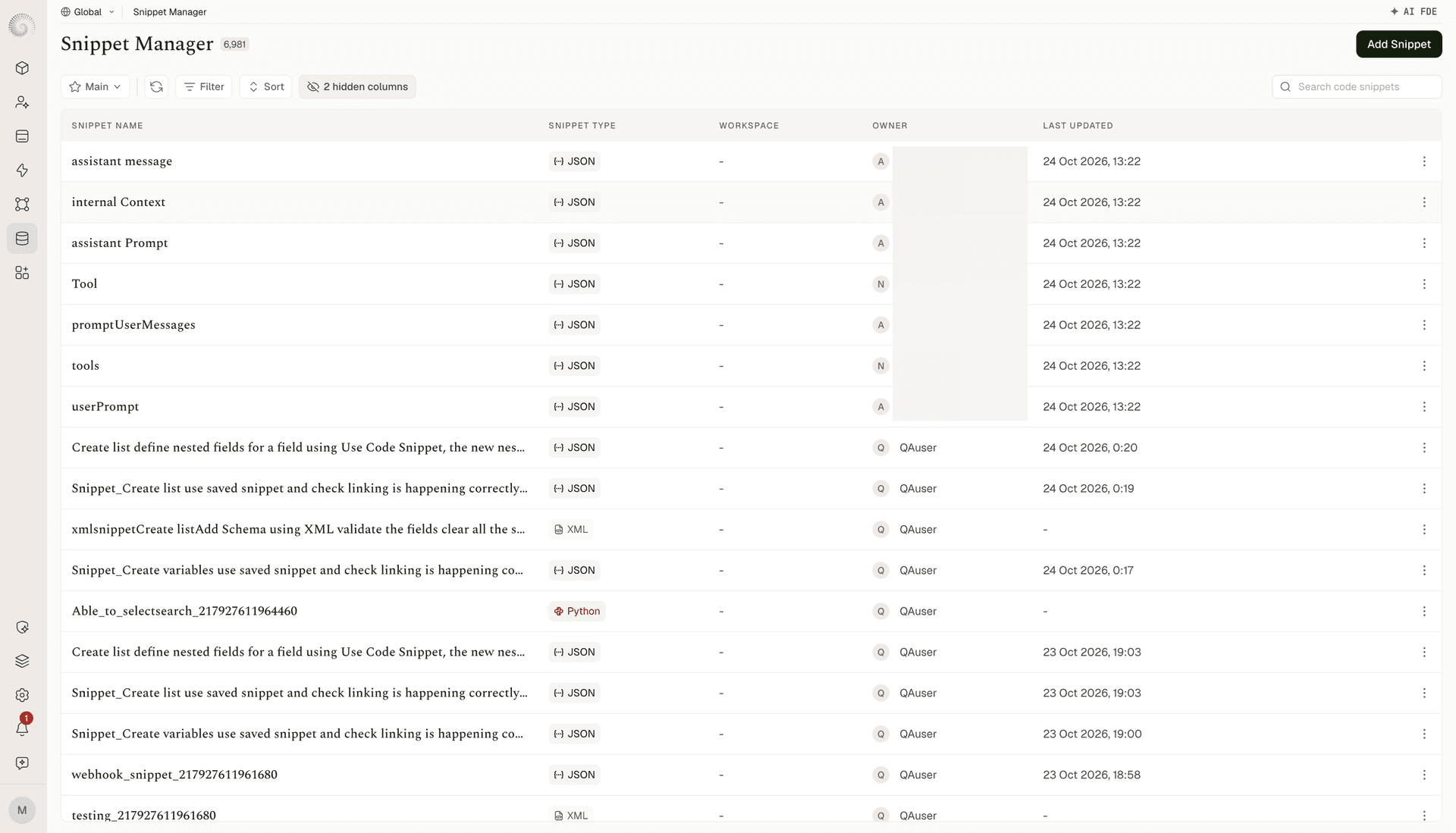
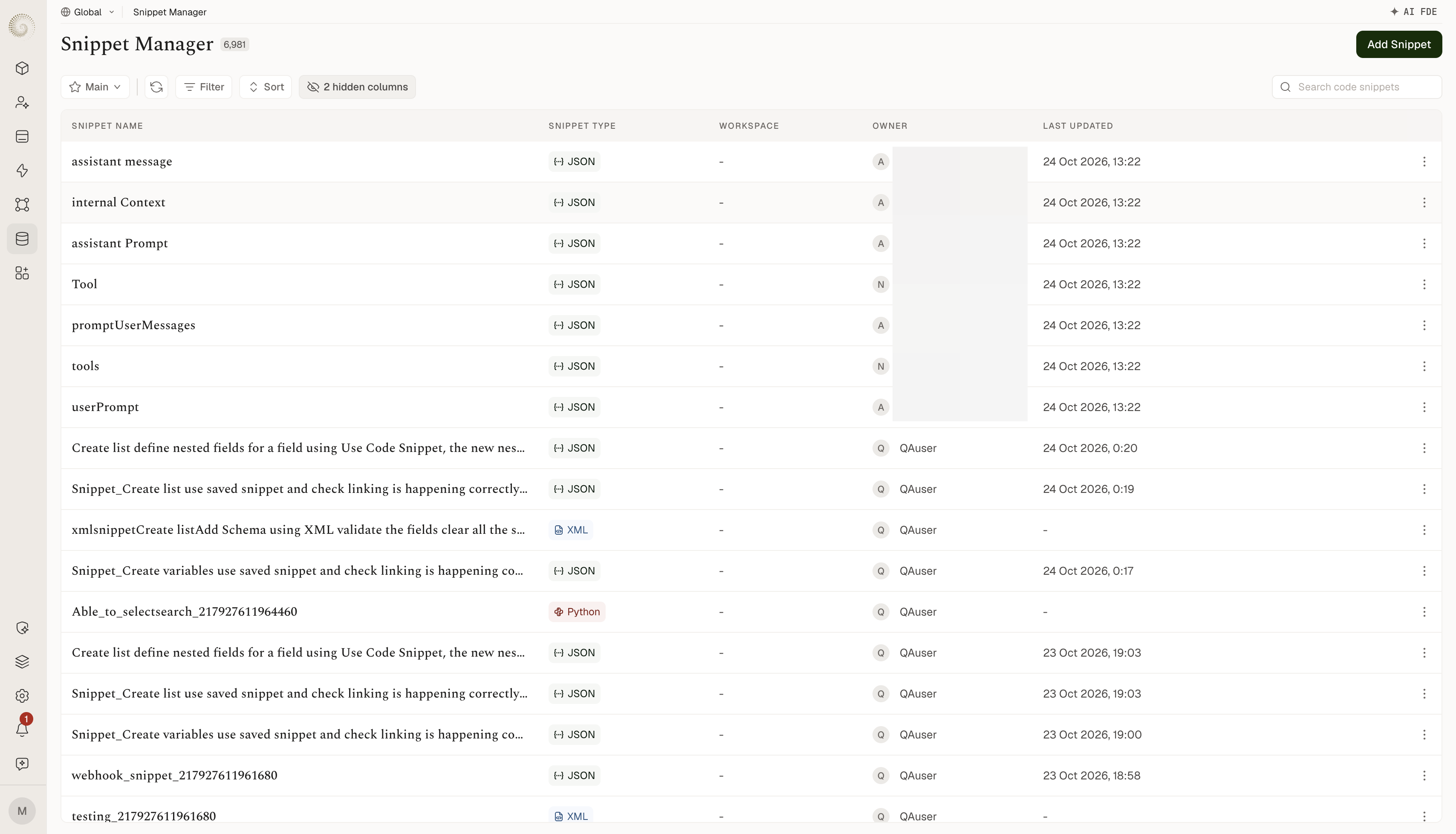
The Snippet Manager lists every snippet you can access. It has these columns: Snippet Name, Snippet Type, Owner and Last Updated. When you view all workspaces, a Workspace column also appears.
Use the search box to find a snippet by name.
Click a row to open the snippet's editor.
Use a row's menu to Edit, Share, Clone or Delete the snippet. Each action appears only if you have that permission.
Create a code snippet
Click Add Snippet. You need create permission.
In the New Snippet editor, set the name, type and code. For executable languages, also set the input and output schemas.
Save the snippet.
To make a variant without changing the original, use Clone and give the copy a name.
Before you delete a snippet, check where it's used. Automation steps and schemas that still reference it will break.
Snippets you save from a schema-setup dialog with Save as new snippet also appear in the Snippet Manager.