

The Custom Application node runs an app action or a callable automation as a step in an automation. You choose the target through the context object, can get its input schema with Fetch Input Schema, and then run it with Execute Custom Application Request, which returns its result.
Use it to invoke something your team built — a custom connector, a callable workflow, or a registered application — from another automation, without hand-coding the integration contract.
Overview
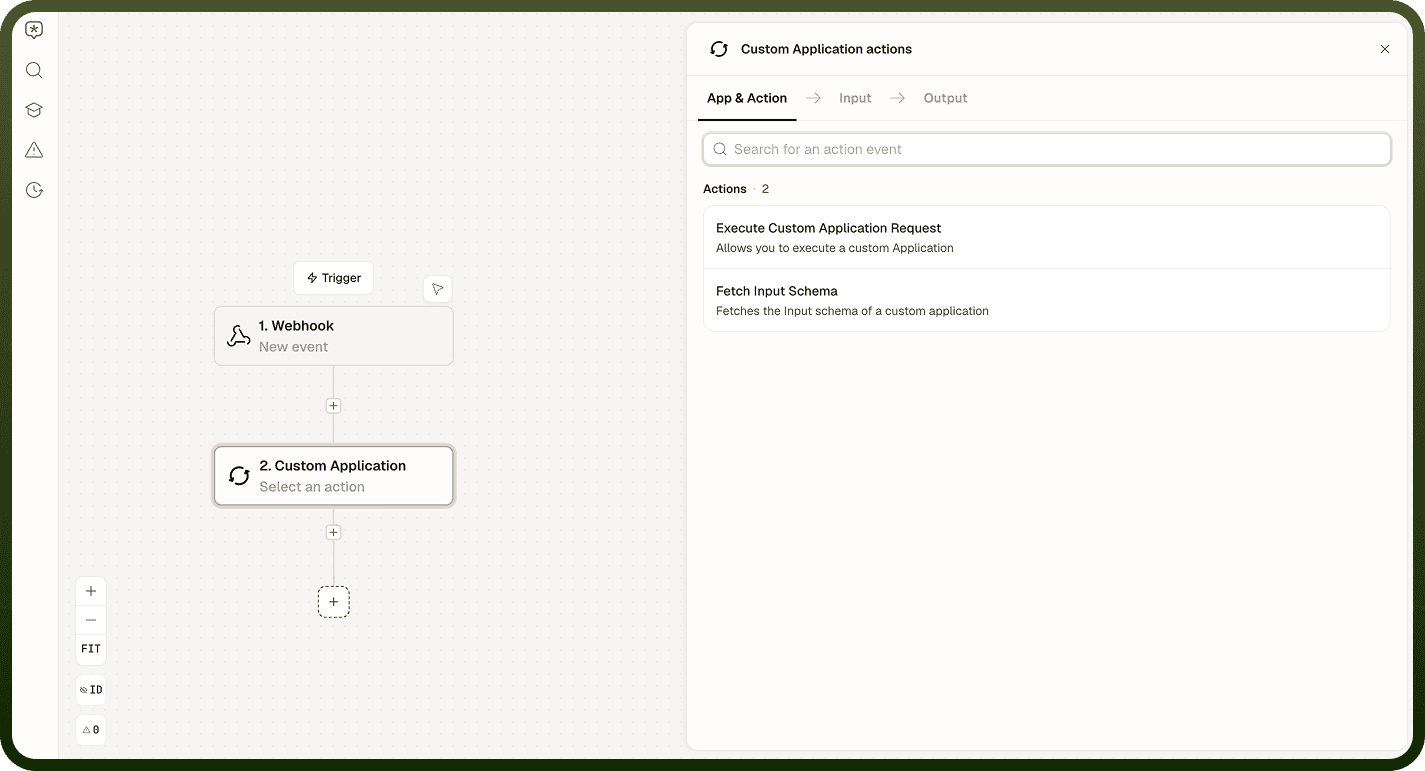
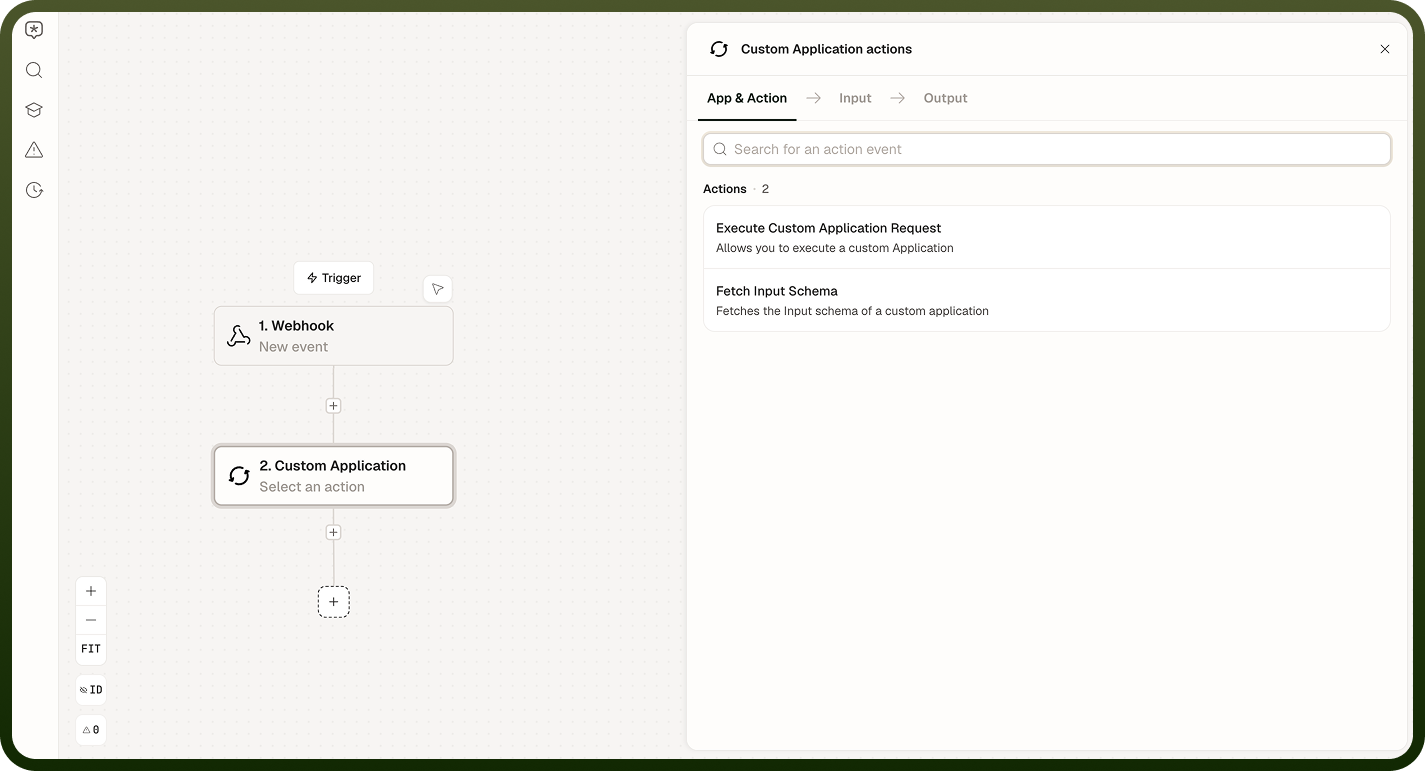
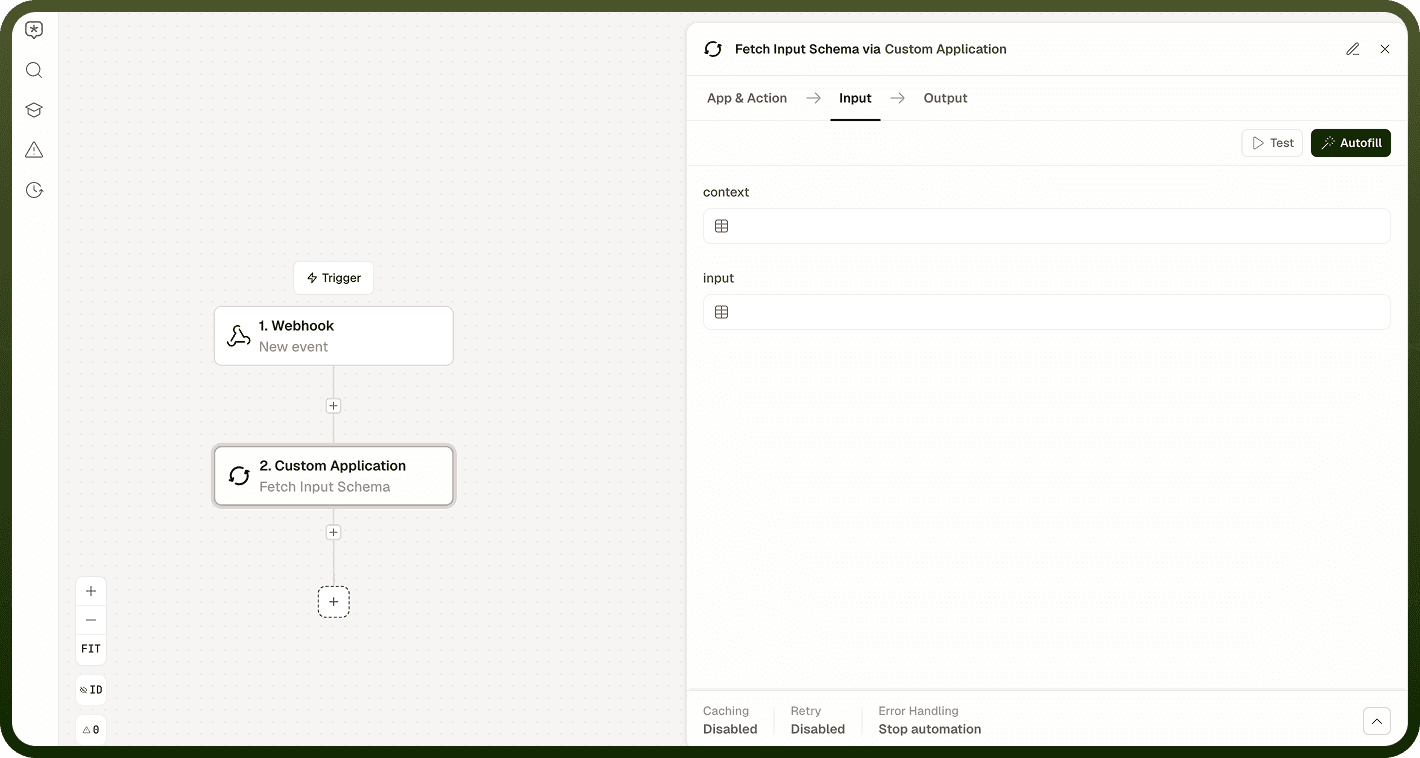
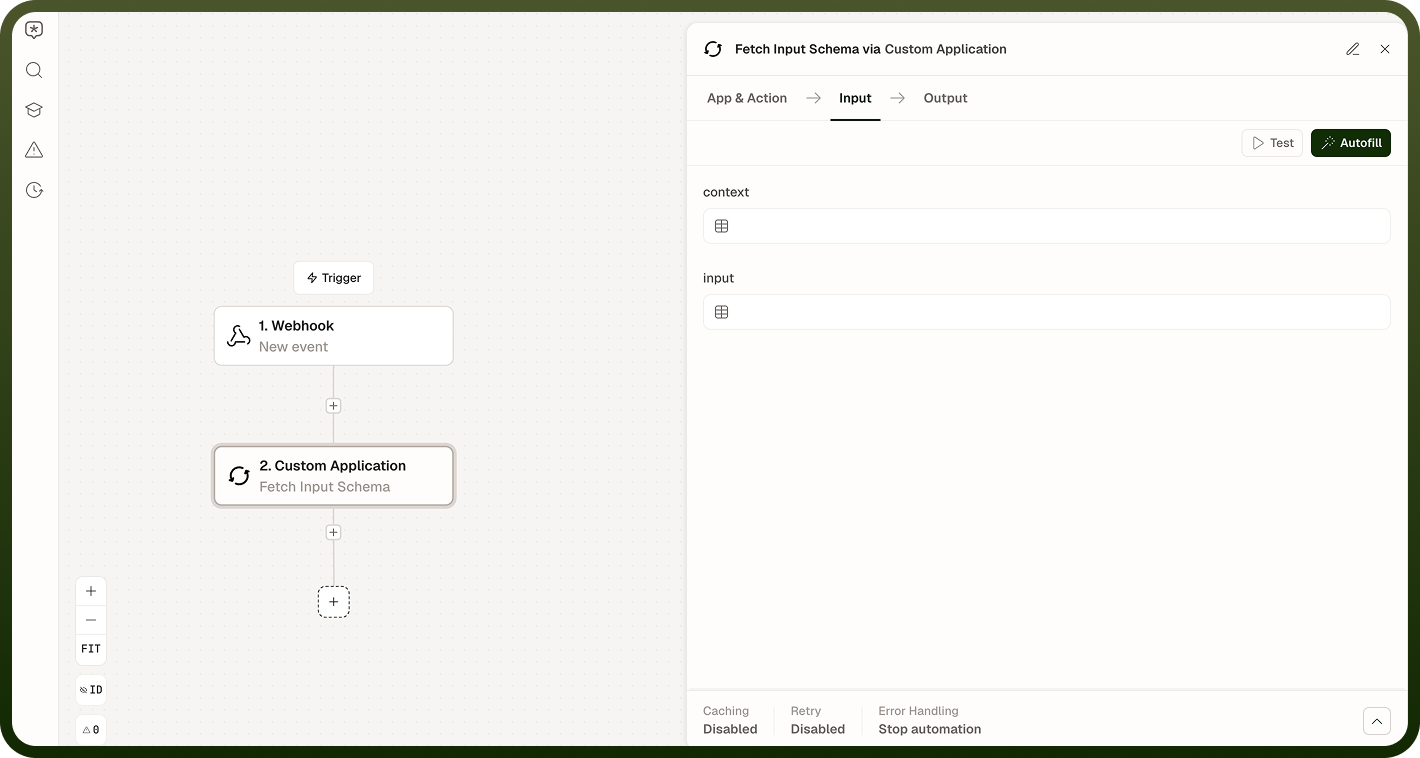
Fetch Input Schema
Gets the input schema of an app action or a callable automation. Add it as a step when you need to know, at runtime, which inputs the target expects. For an app action, set appName and resourceName in context. For a callable automation, set automationId in input.
Input
Input Field | Description |
|---|---|
context | The target to inspect: |
input | For a callable automation, the |
Output
Returns the target's input schema in the inputSchema output, describing the fields it expects and their types.
Execute Custom Application Request
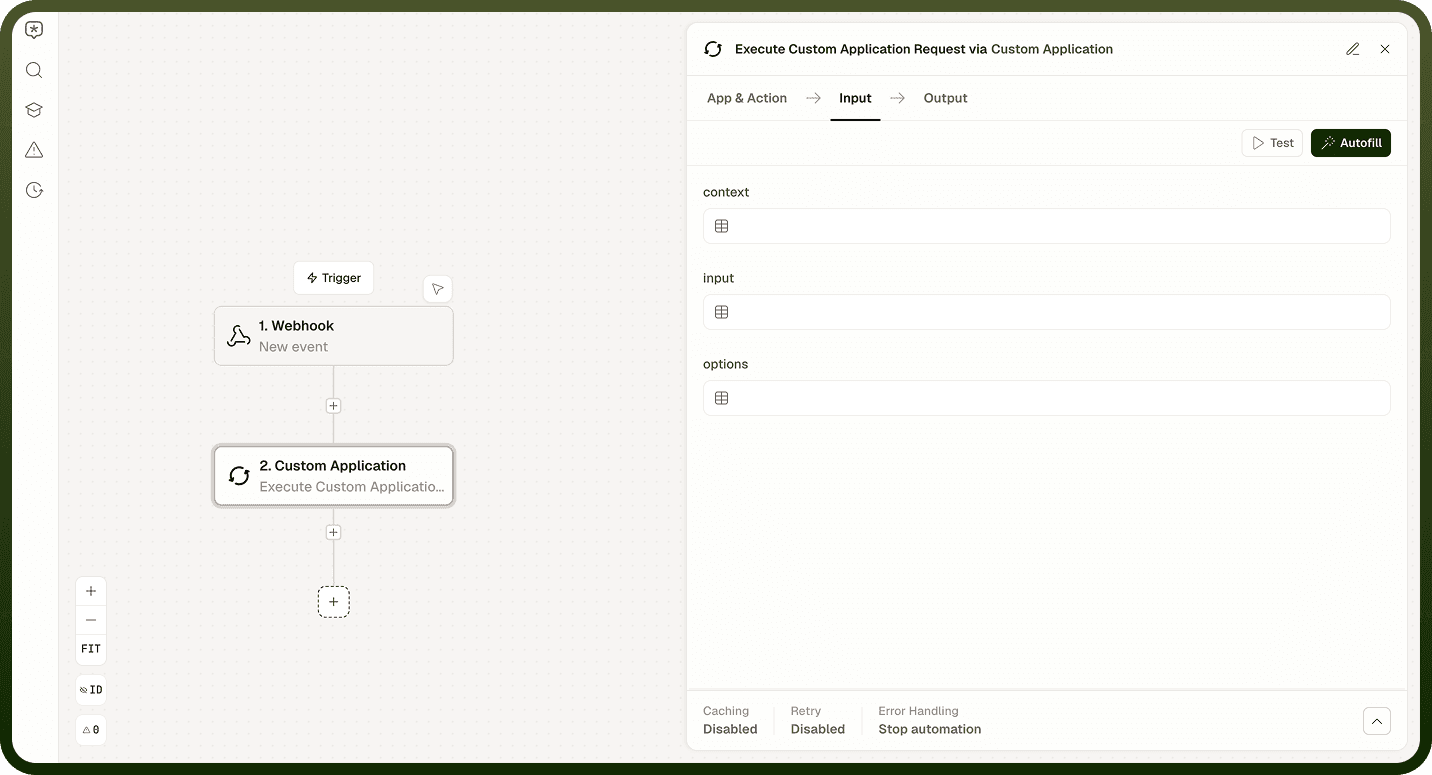
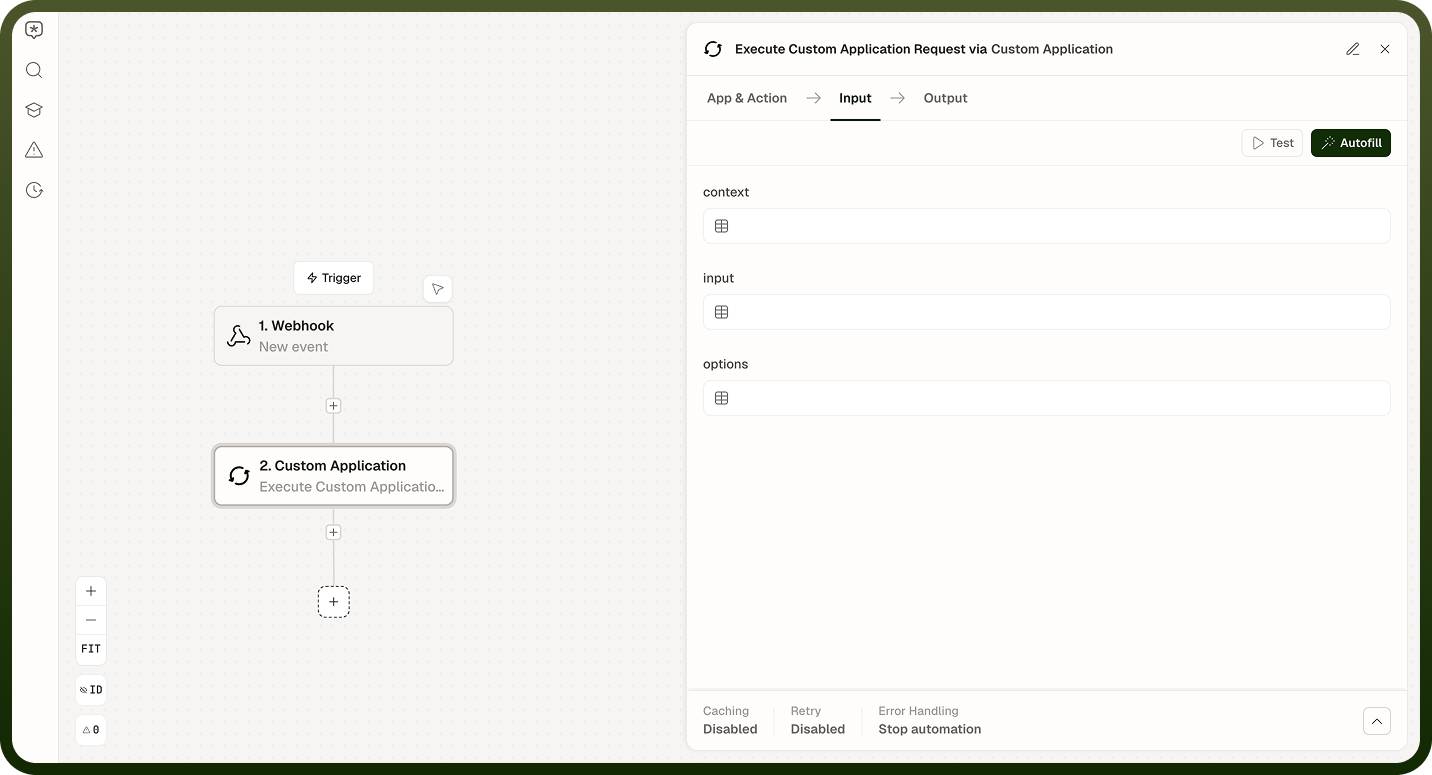
Runs an app action or a callable automation that you choose through the context object, and passes it the values in input. The node waits for the target to finish and returns its output.
Input
Input Field | Description |
|---|---|
context | The target to run: |
input | The inputs of the target action. For a callable automation, the |
options | Optional cache and rate-limit settings for the call. |
Output
Returns the output of the app action or callable automation in result.
Environment-Specific Integration Nodes
Some environments include additional custom integration nodes that are provisioned per workspace and do not appear in every deployment. These fall into a few categories:
Category | Description |
|---|---|
Custom-code execution | Nodes that run bespoke server-side code — custom Java, framework beans, or job scripts — on a deployment-specific service. Used to bridge to systems or logic that requires real code beyond the standard nodes. |
Customer-specific helpers | Nodes built for a particular organization's needs, such as message-template matching or region and number lookups tailored to that organization's data. |
Third-party SaaS integrations | Purpose-built connectors to a specific external product — for example, a community-management platform's user and tag operations. |
Custom Application vs. Standard Connectors
A standard connector is a broadly available integration to a known application, with documented operations available to all workspaces. Custom Application and environment-specific integration nodes are narrower: they invoke your team's own code, serve one organization's bespoke logic, or wrap one specific product, and they appear only in the environments set up for them.
When a specialized node is not available or not needed, the general-purpose alternatives still apply:
Use Custom HTTP to call an external API directly.
Use the Code node to run your own script in the sandbox.
Use the Connector SDK to build a reusable, shareable connector.
Notes
To make the most of it:
Use Fetch Input Schema to check the target's expected inputs before wiring data into the Execute step — mismatched inputs fail at runtime.
Keep the target stable — if the app action or callable automation is renamed or replaced, update context and input in every automation that calls it.
For environment-specific integration nodes, treat their inputs and behavior as defined by the deployment that built them; do not assume they behave like standard nodes.
When a custom node is not available in your workspace, use Custom HTTP, the Code node, or the Connector SDK as the appropriate general-purpose alternative.