


The PPT node works with PowerPoint presentations in an automation. Use it to assemble a deck from parts, or to process slides individually.
Overview
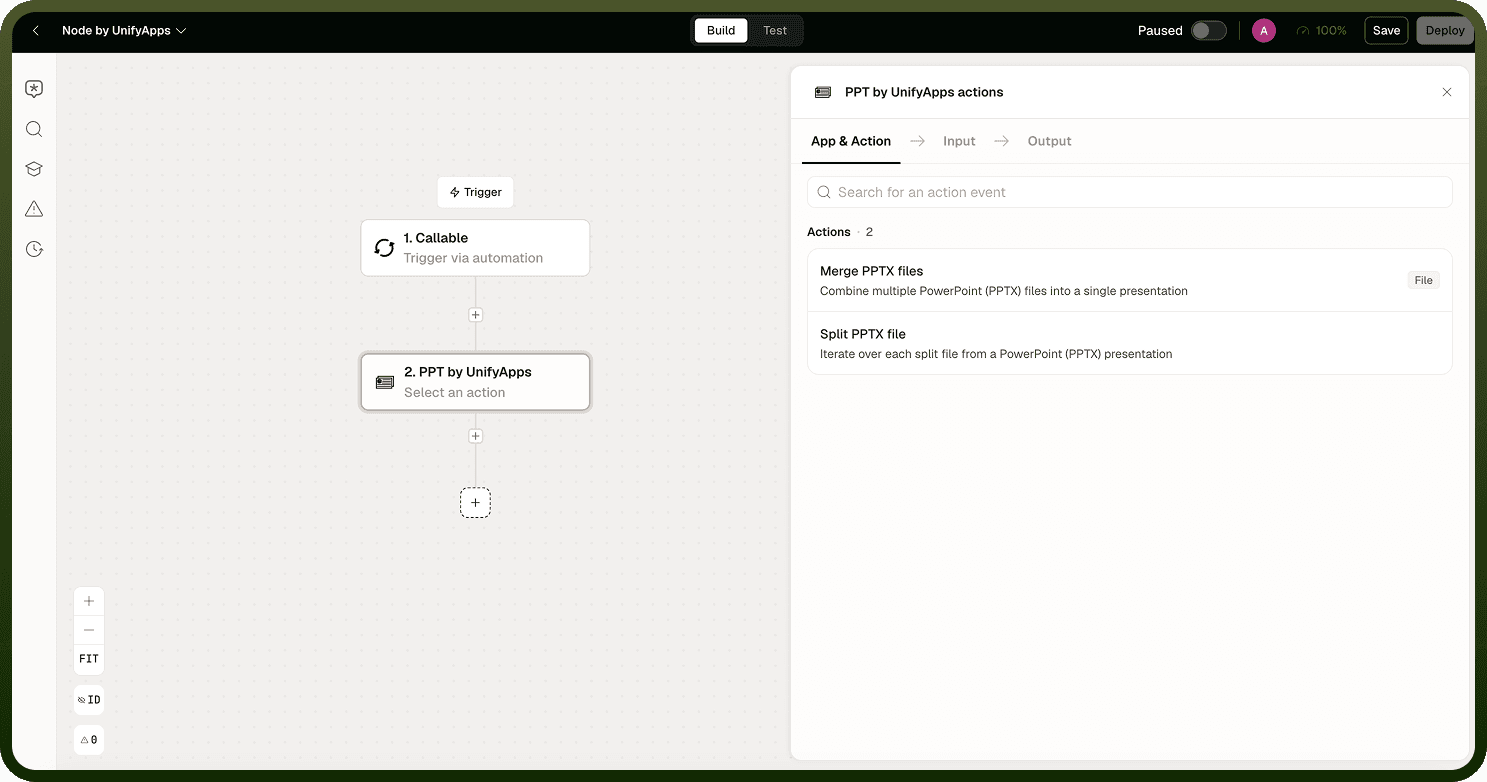
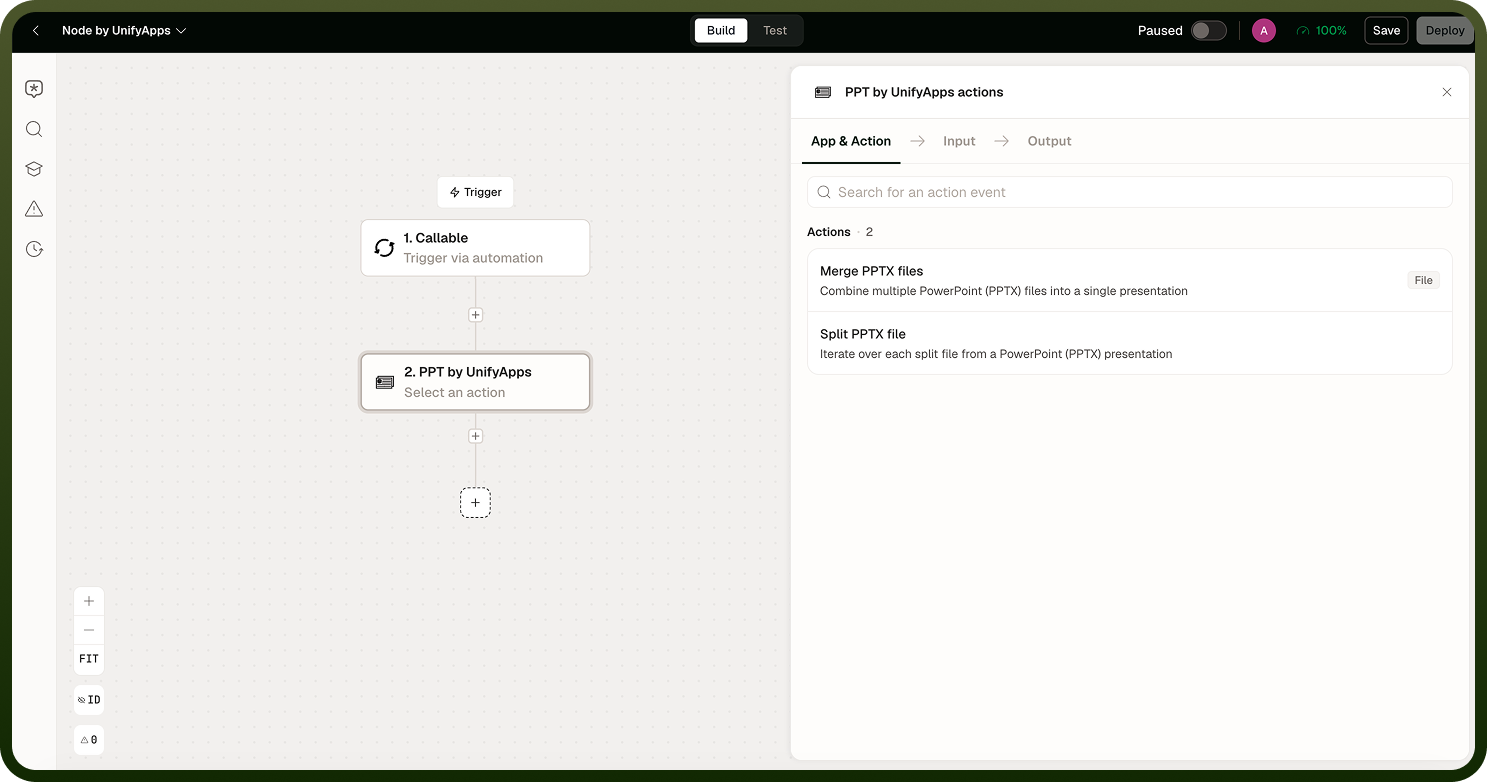
The PPT node provides two operations:
Merge PPTX files: combine several .pptx files into a single presentation
Split PPTX file: split a presentation into smaller files of a set number of slides and loop over them, running the steps inside it once per file
Note: The PPT node works with the modern .pptx format only. Legacy .ppt files are not supported — convert them first before passing them to this node (the Utility node can perform that conversion).
Merging Presentations
Input Field | Description |
|---|---|
Combined PPTX name | Optional. Name of the merged presentation without extension. If left empty, a randomly generated id is used. The output is always .pptx. |
List of PPTX files | The PPTX files to combine, in the order you want them merged (.pptx only). |
Merge combines the source presentations in the order you provide them, importing each slide into the output file one by one. Two practical notes:
Order matters — slides appear in the merged output in the exact order you supply the input files. Feed them in the final order you want.
Complex effects may not carry over — because merge copies slide content rather than re-authoring it, some animations and transitions may not transfer perfectly. Check the merged deck if your slides use heavy animation.
The result is a single .pptx file you can hand off, store, or export.
Splitting a Presentation
Split PPTX file is a loop step. It splits a presentation into files of Slide count slides each (default 5; set it to 1 for one slide per file), and the steps you place inside it run once per split file. Use it, for example, to extract images, generate per-slide summaries with an AI step, or perform quality checks on individual slides before reassembling the deck.
Input Field | Description |
|---|---|
File | The .pptx presentation to split. |
Split type | Split by slide. |
Slide count | Required. Number of slides per split file. Default 5, minimum 1. |
Output: For each split file, the step provides the split file (item), Slide index, Is First and Is Last.
Notes
Convert legacy .ppt files to .pptx before using this node.
If you are assembling a deck from generated sections (cover, body, appendix), generate each section first and then merge them in order.
Check the merged output visually for any slide layout issues caused by blank-layout handling during import.