


The Ontology node builds a unified data model — a single, deduplicated view of your important entities (customers, products, accounts) consolidated from many source systems, with the relationships between them. It is the platform's master data management (MDM) capability. Use it to create one trustworthy version of a business entity instead of conflicting copies scattered across apps.
Overview
You define entity models and entities, connect them with relationships, feed in source records, and the node resolves them into clean golden records. Entities are stored in a property-graph so you can traverse relationships; the data lives in an analytics store by default (a document store is also available).
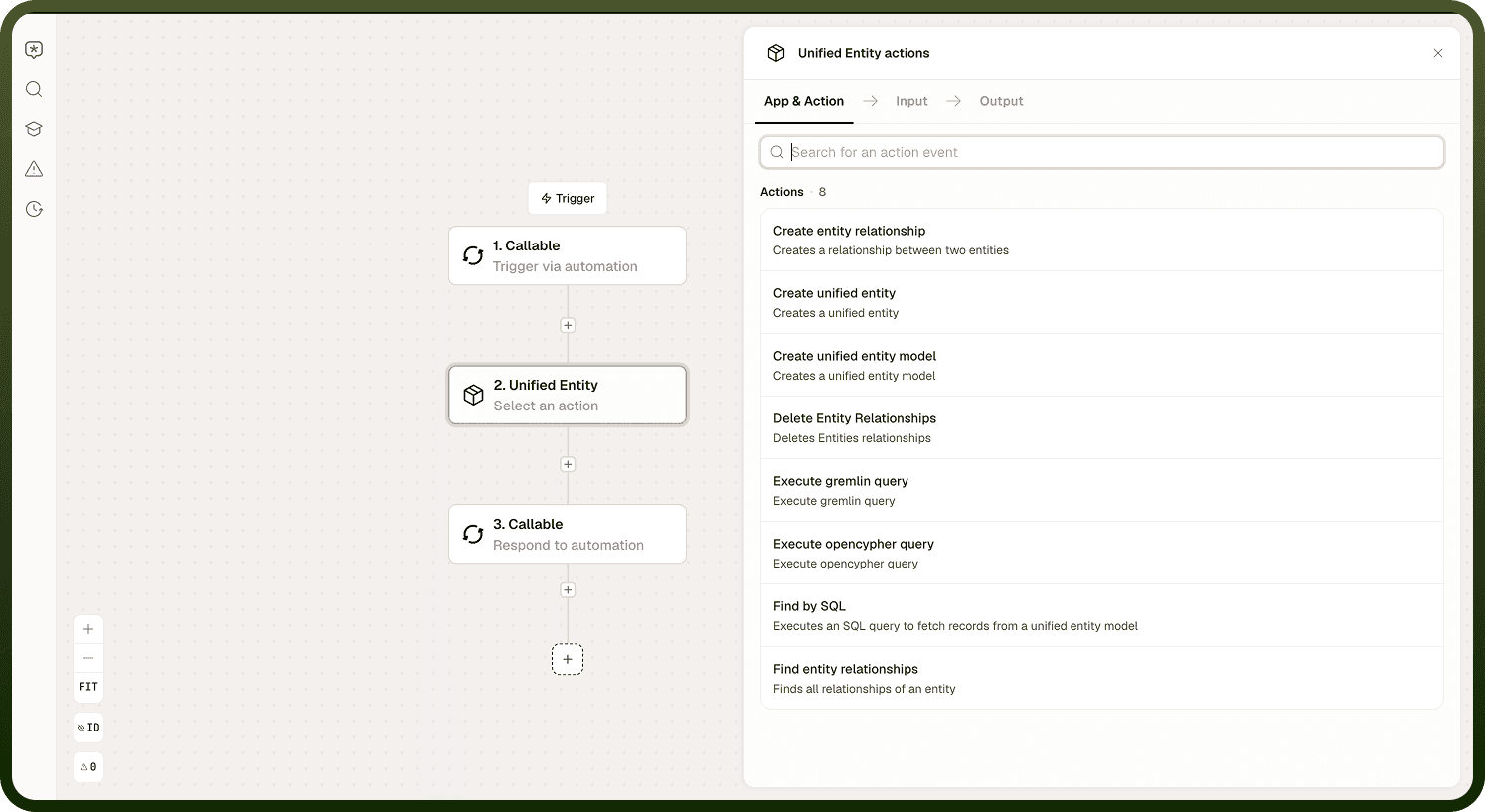
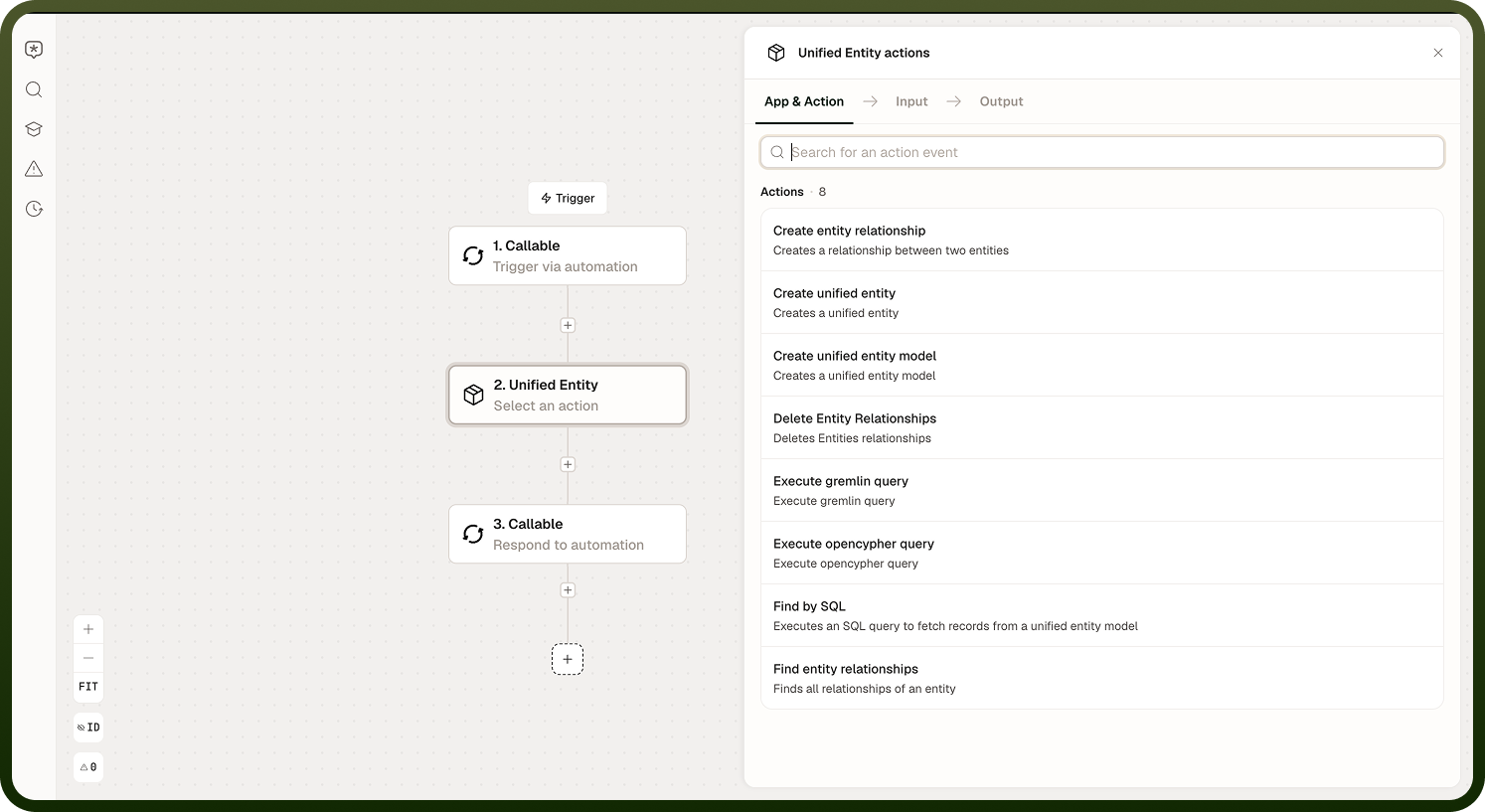
The pipeline has three distinct rule stages — matching, survivorship, and data quality — plus a staging layer before golden records are produced.
Entity and Relationship Management
Entity Models and Entities
Input Field | Description |
|---|---|
Entity model | The schema definition for a category of business entity (for example, "Customer" or "Product"). Defines the properties and structure. |
Entity data | A record conforming to the entity model to create or update in the graph. |
Output: The created or updated entity ID and its properties within the unified model.
Relationships
Input Field | Description |
|---|---|
Select model | The model the relationship belongs to. |
Primary Entity | The entity type the relationship starts from. Required. |
Associated Entity | The entity type the relationship links to. Required. |
Relationship type | The cardinality of the link: One to one, One to many, Many to one, Many to many, or Derived. Required. |
Primary field / Associated field | The fields on each entity that the relationship joins on. You can also map several field pairs. |
Output: Confirmation that the relationship was created or updated in the property graph.
Staging to Golden Record Pipeline
Source data lands in a staging layer first, then is processed into golden records. The pattern is a pipeline you orchestrate explicitly — it is not a single button.
Create staging records — ingest source data into the staging layer. This is fire-and-forget; it does not block until the data is merged.
Fetch staging records — retrieve the staged records for inspection or to pass into subsequent steps.
Run matching — deduplicate staged records against existing golden records. Optionally enable survivorship to merge matched records.
Run data-quality rules — validate records and quarantine those that fail, passing only valid ones through.
Create Staging Records
Input Field | Description |
|---|---|
Model | The model the records belong to. |
Entity | The entity the source records conform to. |
Connection | The source system the records come from. |
Record Event Type | INSERT for new records (the default), UPDATE for modified records, DELETE for removed records. |
Use raw payload | When enabled, you can pass the records as a JSON array payload. |
Output: A success flag. Creation is asynchronous; the records persist shortly after the node returns.
Matching, Survivorship, and Data-Quality Rules
Matching
Compares incoming staged records against existing golden records and classifies each as create (no match found), update (matched with high confidence), or flagged (matched with a lower confidence score requiring review). Matching only finds duplicates — it does not merge them unless survivorship is also enabled.
Input Field | Description |
|---|---|
Model | The model to match within. |
Entity | The entity whose configured matching rules are applied (for example, matching on name and email). |
Records | The records to run matching against. |
Also apply survivorship rules? | When enabled, matched records are merged field by field using the configured survivorship strategy. Off by default. |
Output: Records classified into create, update, and flagged buckets.
Survivorship (merge strategy — optional)
When enabled in the matching step, survivorship decides which field value wins when records are merged. Available strategies:
Strategy | Winning value |
|---|---|
Most recent | The value from the record with the latest timestamp. |
Most frequent | The value that appears most often across matched records. |
Source priority | The value from the highest-priority source system as defined in the configuration. |
Minimum | The lowest numeric or lexicographic value. |
Maximum | The highest numeric or lexicographic value. |
Designated winner | A specific value or source you designate as always winning for this field. |
Data-Quality Rules
Validates records against the quality rules already configured on the entity. Records that fail are quarantined; records that pass continue through the pipeline. To manage the rules themselves, use the Create Data Quality Rule, Update Data Quality Rule, Clone Data Quality Rule and Fetch Data Quality Rules actions.
Input Field | Description |
|---|---|
Object | The model the records belong to. |
Entity | The entity whose configured quality rules are applied. |
Records | The records to validate. |
Output: Valid records (passed through) and quarantined records (failed, with failure reasons).
Querying the Unified Data
Three query modes are available against the entity graph:
Query mode | Description |
|---|---|
Gremlin | Graph traversal language. Best for relationship-heavy questions such as "which accounts connect to this customer." You select a model on each query — see the note below. |
openCypher | Graph query language (Cypher syntax). Alternative graph traversal. Also needs a model. |
SQL | Queries a relational view of the entity model. Familiar syntax for flat or tabular retrieval. |
Scoping: Gremlin write traversals are not scoped to your model and need edit access on it, so constrain them in the query yourself. Gremlin and openCypher reads are scoped to the model you select on each query and need view access.
Audit Retrieval
A dedicated operation for reading the change history of MDM records over time — who changed what and when.
Input Field | Description |
|---|---|
Asset class | The type of asset whose audit trail to retrieve. Required. |
Asset ID | The asset whose audit trail to retrieve. Required. |
Filter | Optional. Narrow the audit results. |
Page | Optional. Page through the results. |
Sort order | Ascending or Descending by the time the change was captured. Defaults to Descending. |
Output: A list of audit records, each with the user who made the change, the time it was captured, and the changes made — the field name, new value and operation for each changed field.
Triggers
Start an automation when the ontology changes:
New unified data model is created
Unified data model is updated
Unified data model is deleted
New unified entity is created
On Unified Entity Deleted
Other Actions
Action | Description |
|---|---|
Create entity model | Creates an entity model. |
Create entity | Creates an entity in a model. |
Update unified entity schema | Updates the field mappings of a unified entity. |
Delete Entity | Deletes an entity from a model. |
Delete Entity Relationships | Deletes the entity relationships that match a filter. |
Find entity relationships | Finds all relationships of an entity. |
Find unified entity relationships | Finds all relationships in a model, optionally for one entity. |
Add Edge to Graph | Adds an edge between two entity records in the graph, optionally updating it if it already exists. |
Execute opencypher update | Runs an openCypher update query on a model. |
Fetch Staging Records | Fetches records from staging for an entity. |
Create Data Quality Rule | Creates a data quality rule on an entity. |
Update Data Quality Rule | Updates an existing data quality rule. |
Clone Data Quality Rule | Copies an existing data quality rule into a new one. |
Fetch Data Quality Rules | Fetches the data quality rules configured on an entity. |
Get Data Sync information | Gets data sync information for a model. |
Notes
Matching finds duplicates; survivorship merges them. You must turn on Also apply survivorship rules? in the matching step to get automatic merges. Without it, matched records are classified but left as-is.
Staging creation is fire-and-forget. Do not assume a staging record is immediately available for matching after the create step returns. Build the pipeline steps explicitly and sequence them.
Graph query scoping. Gremlin and openCypher reads are scoped to the selected model. Gremlin write traversals aren't model-scoped and need edit access on the model — constrain them yourself.
The analytics store is the default storage backend. A document store is available when the access pattern requires it; select the appropriate store in the entity model configuration.
Quarantined records do not progress to golden records until the quality issues are resolved and the records are re-submitted.