


The Respond node crafts the content, format and tone of the AI agent's response. Use it at the end of a flow: it uses the model you select and your instructions to write the final reply, and returns it as a single Final Answer string.
Overview
Respond is a generation node. Each time it runs, it calls the selected model, which writes the final reply from your Instructions and the data you map in from earlier steps. Configure it with these fields:
Field | Description |
|---|---|
Name | A name for this step. |
Instructions | How the reply should be written: what to include, the tone, and the format. Map in data from earlier steps as needed. |
Model | The model that writes the reply. |
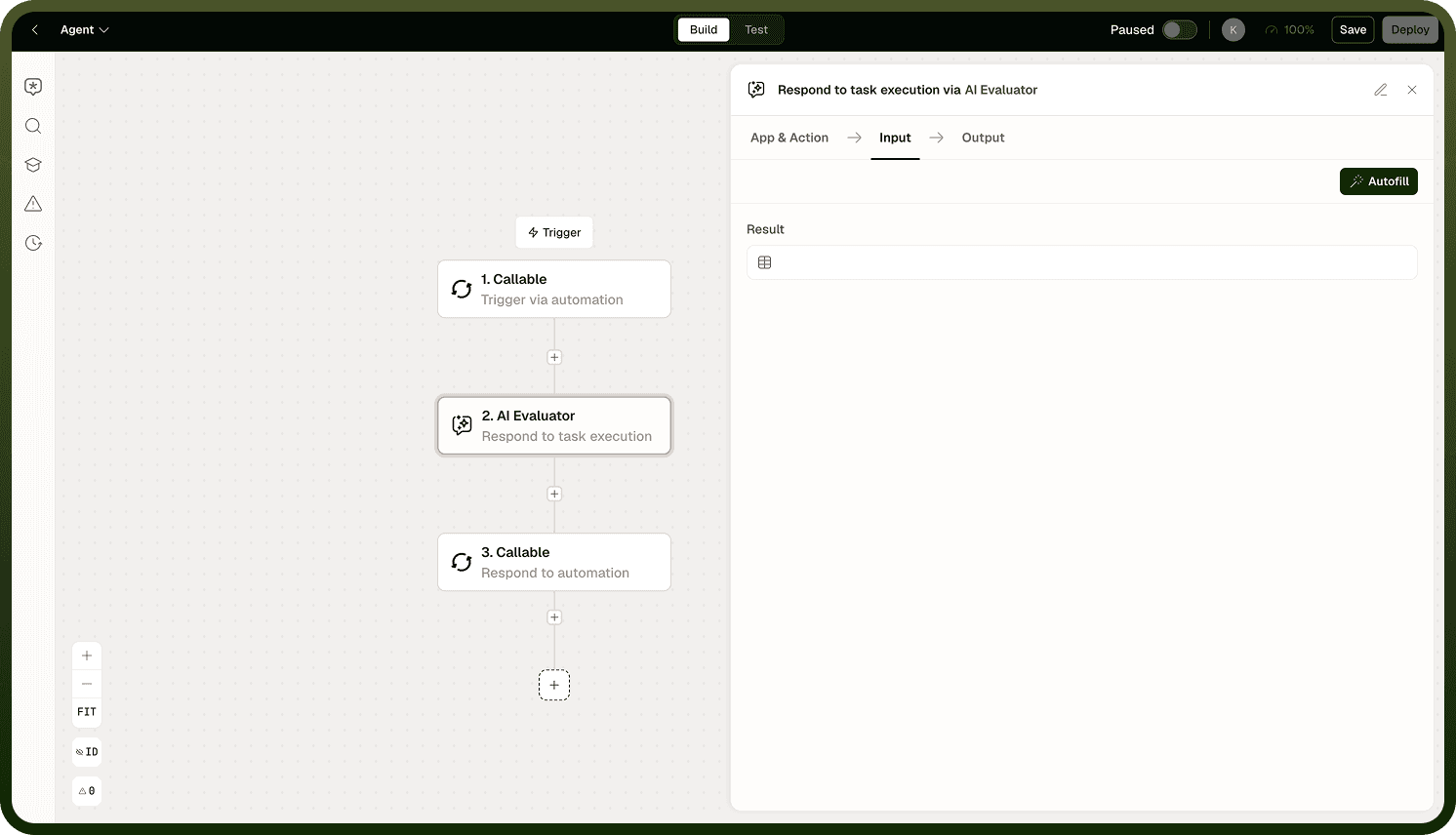
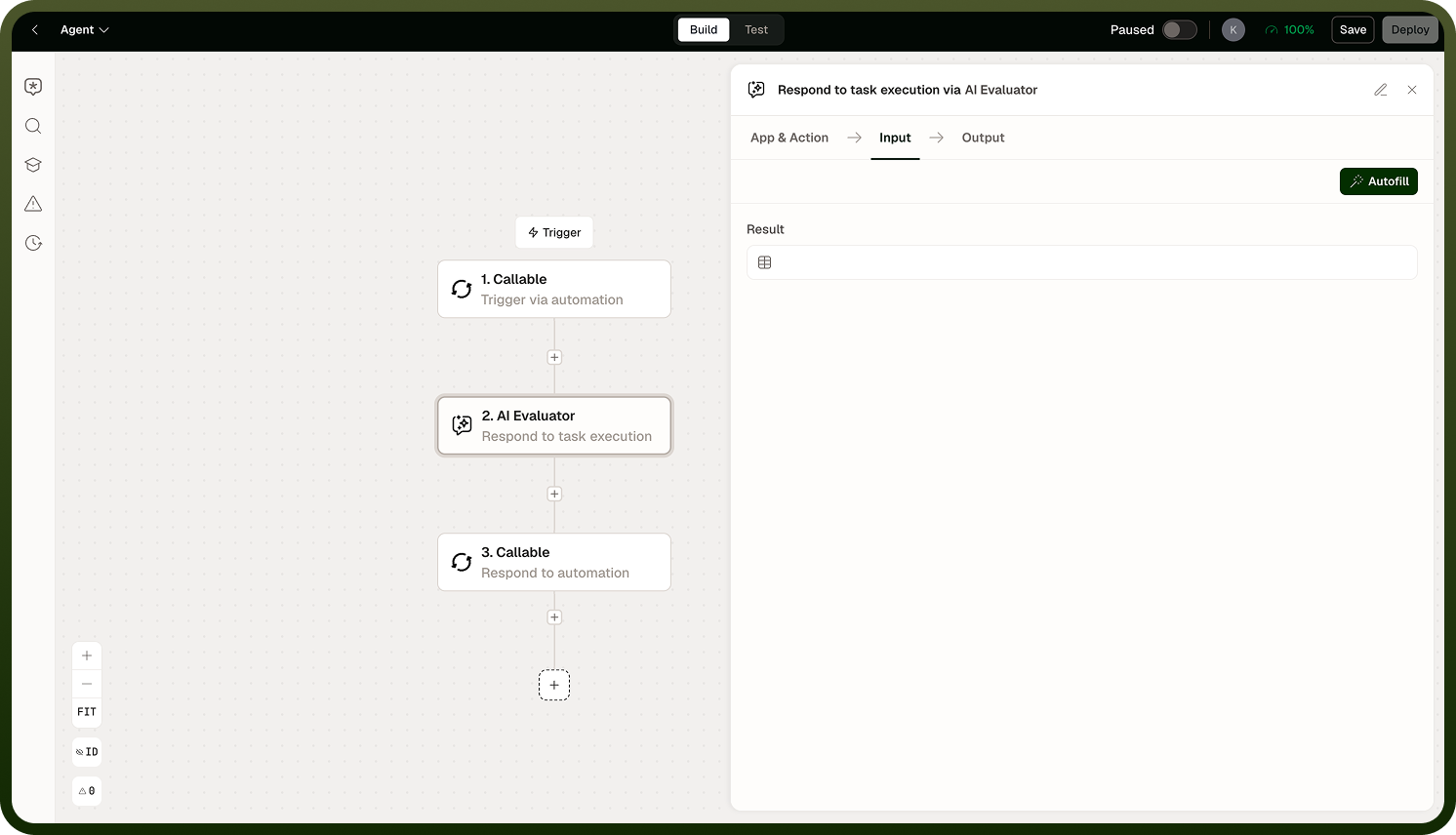
Note: There is no response schema on the Respond node. Unlike the Prompt node, Respond always returns a single formatted string. If you need machine-readable output, use the Prompt or Agent node with an output format instead.
When to Use Respond
Use the Respond node when:
The flow's work is done and you want to turn what it gathered into a final, well-written answer.
You need to combine data from multiple earlier steps into a single reply.
You are building a chatbot or conversational flow and want to write the reply text.
You want to control the tone and format of the final reply.
If the task needs tools, lookups or several steps, use the Agent node before Respond. If you need structured data rather than prose, use the Prompt node with an Output Format.
Output
Respond returns one output, Final Answer: the reply the model wrote, as a single string. In agent and chatbot flows, this is the message the end user or calling system receives.
Notes
Keep the following in mind when using the Respond node:
Respond is typically the last node in a flow. Placing steps after it is valid but uncommon.
Respond calls the selected model every time it runs, so it adds a model call to each run.
Map data from earlier steps into the Instructions so the model has what it needs to write the reply.
Fine-grained model settings, such as temperature or token limits, aren't exposed on the node. They're determined by the model you select.
Clear Instructions and the right Model are what shape the reply Respond writes.