


The Invoke Agent node calls a saved, deployed agent from within an automation. Use it to reuse an agent you have already built and deployed — so that its logic is maintained in one place and called by multiple automations — rather than re-configuring the same agent inline each time.
Overview
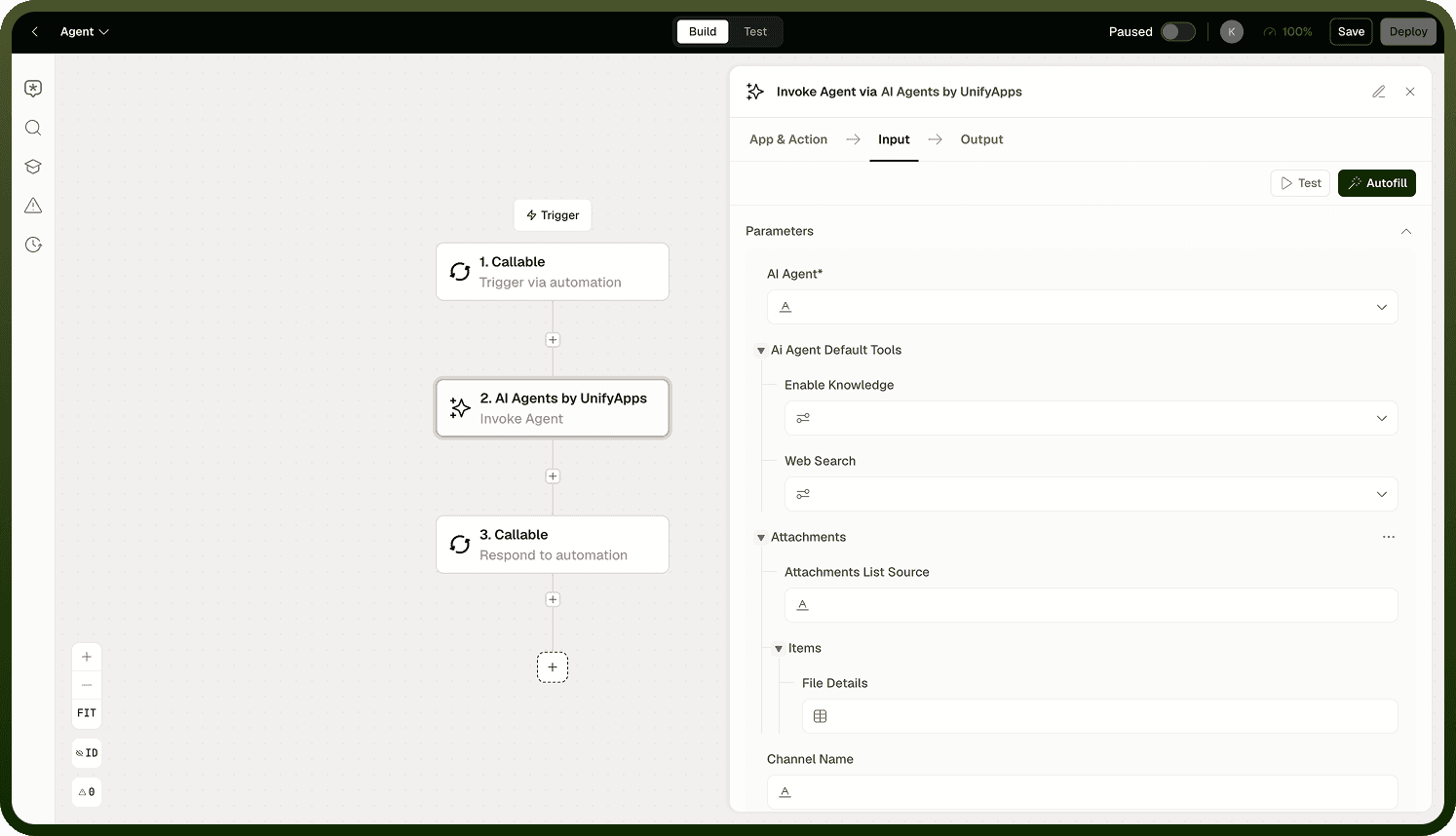
Invoke Agent is a reference node: you point it at an existing agent by selecting it from your workspace, pass inputs to it, and receive its output when it finishes. Instructions come from the agent. You can switch its default tools (knowledge, web search) on or off for this call, and add attachments, a session ID and the user's email.
Referencing an Agent
Select the agent in AI Agent. Publish it from AI Agents first so the automation runs its published version.
Note: If the referenced agent is updated and redeployed, Invoke Agent automatically runs the new deployed version on the next execution. There is no pinning to a specific version — always deploy intentionally when agents are shared across automations.
Input Fields
Field | Description |
|---|---|
AI Agent | Required. The agent to invoke. |
Query | Your question or request for the agent. |
Session ID | Optional. A unique identifier for the session. If provided, previous messages from the same session are used for context. |
Email Address | The user's email address, used for identification. |
Attachments | Files to pass to the agent. |
Channel Name | The channel the request comes from. |
Ai Agent Default Tools | Turn the agent's default tools on or off for this call: Enable Knowledge and Web Search. |
Message ID | Optional. An ID for this message. If the same ID is sent again, the original answer is returned instead of running the agent again. |
Handling Failures
Invoked agents can fail independently of the automation. To keep the automation from failing when the agent can't complete its task, use the node's Retry and Error Handling settings below the input fields.
Output
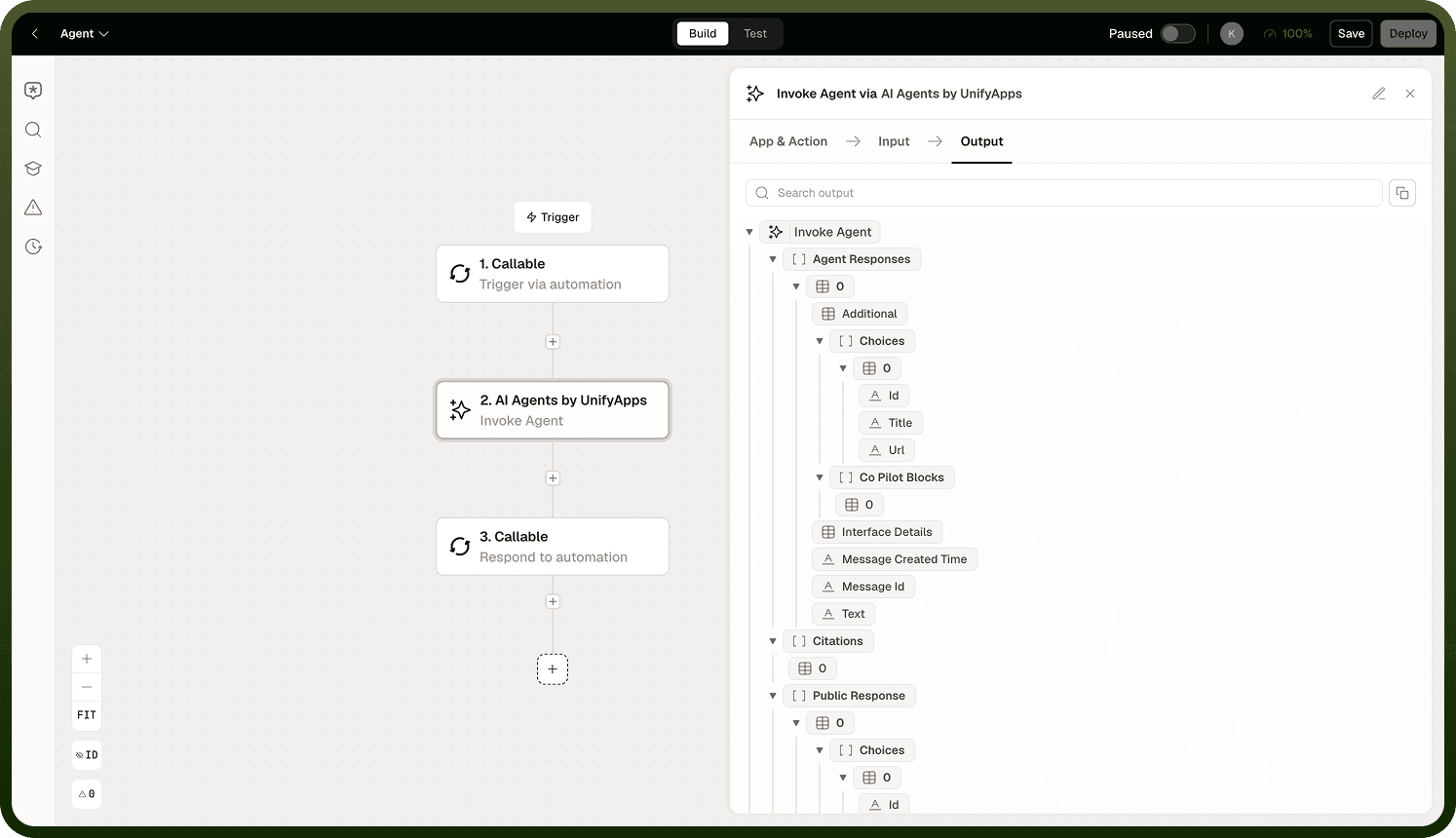
The node returns the agent's reply in Agent Responses (the response text and any choices the agent offers), along with Citations, Public Response and the Session ID. Test the agent in AI Agents to understand its output before mapping its results in downstream steps.
Notes
Keep these guidelines in mind when using the Invoke Agent node:
Publish the agent in AI Agents before invoking it, so the automation runs its published version.
Use the node's Retry and Error Handling settings — agent invocations can fail independently of the automation.
Use Invoke Agent to share agent logic across automations. Centralizing the agent avoids duplicating configuration and makes updates easier to manage.
Test the invoked agent in isolation before building automations that depend on it.
Following these practices ensures reliable, predictable agent invocations across your automations.