


The MCP by UnifyApps node lets your automation use the tools of an MCP Server built in your workspace's MCP Servers manager. Use it to discover the tools a server exposes and to call one of them from a workflow.
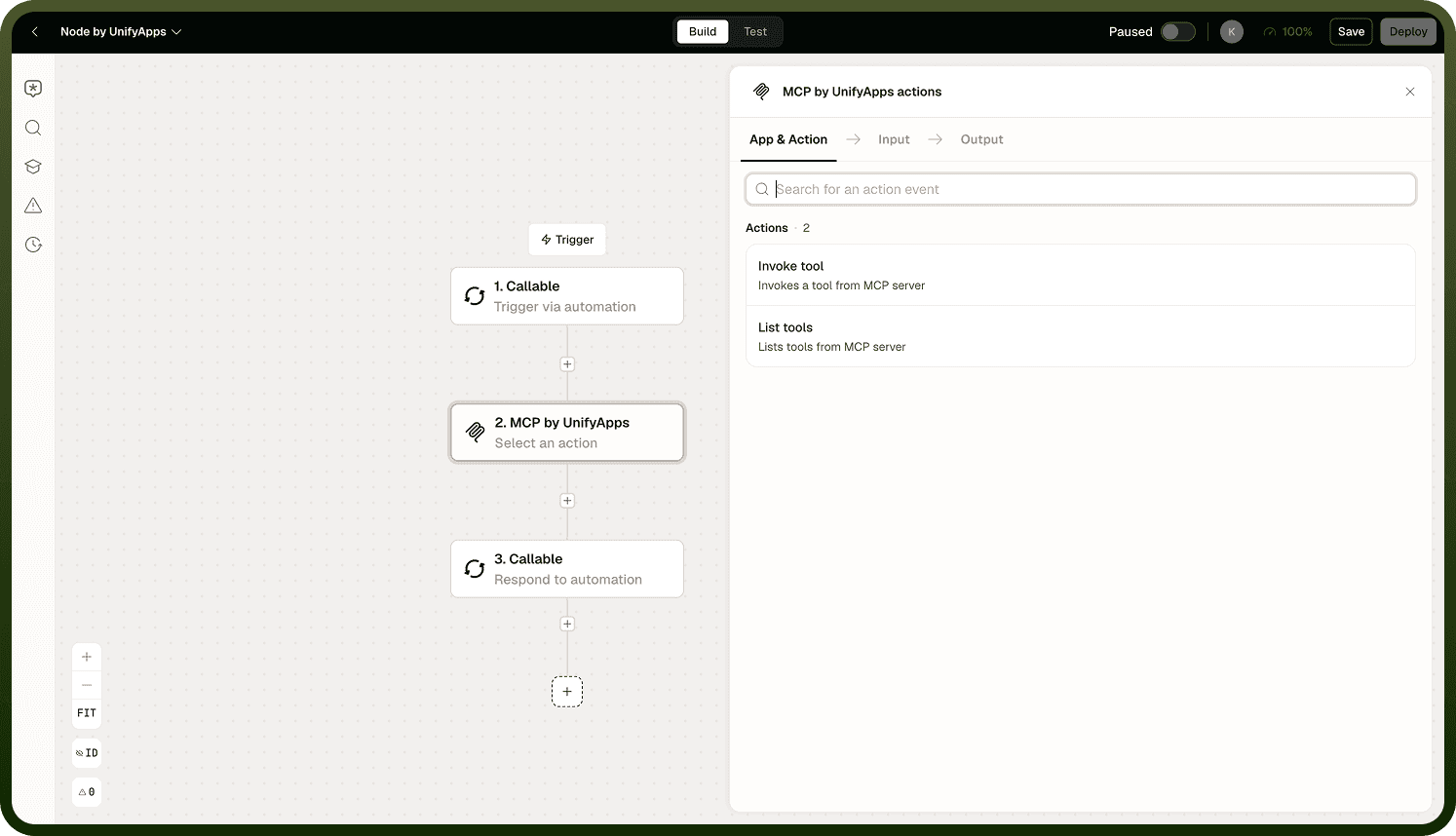
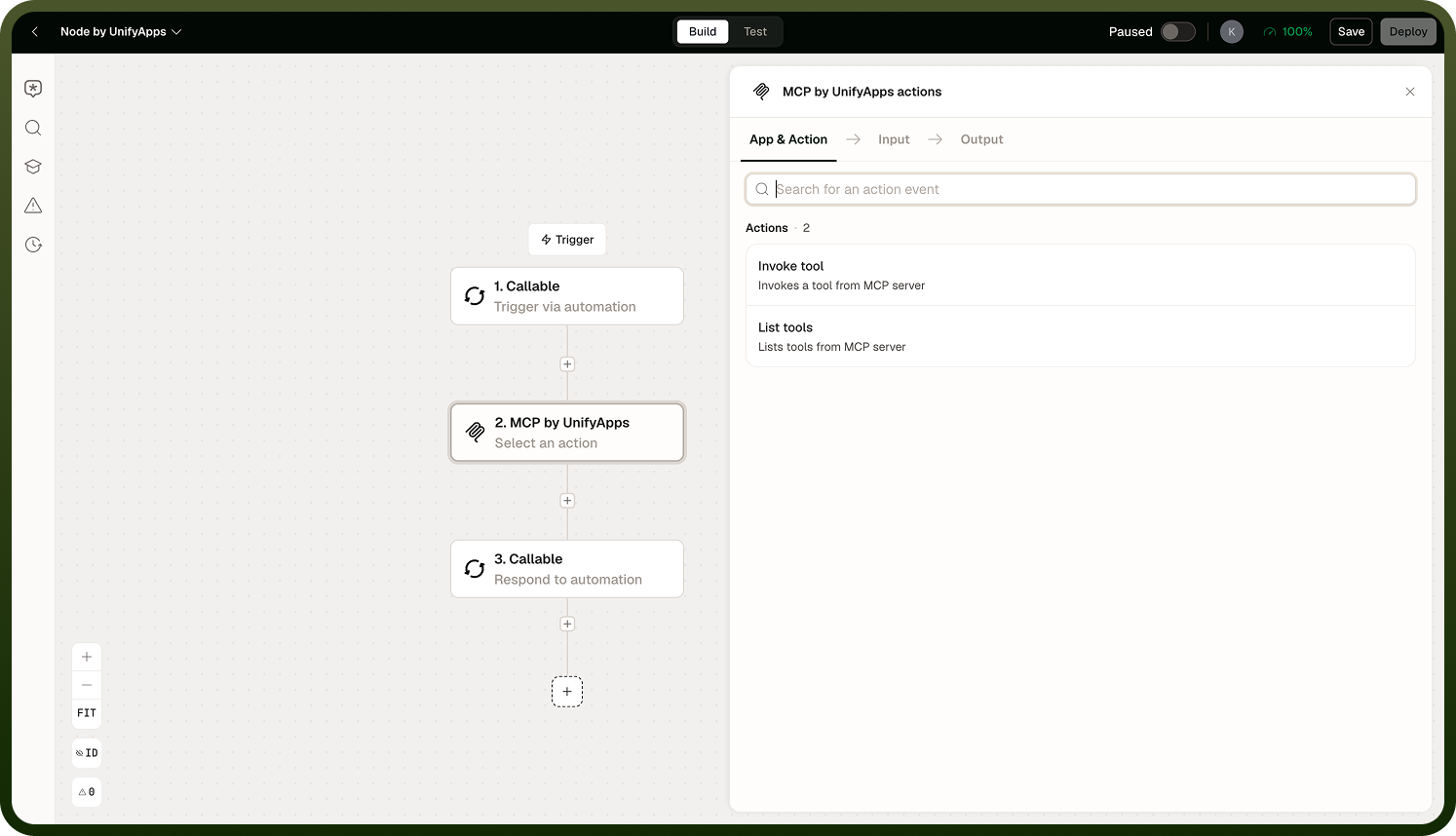
The node has two actions: List tools to see which tools the server offers, and Invoke tool to call one with the parameters you supply.
Selecting an MCP Server
Both actions start with MCP Server, where you select one of your workspace's MCP Servers. No connection is needed: the node reads the tools saved on that server, and Invoke tool runs the app action or automation behind the chosen tool directly.
To add, edit or remove tools, open MCP Servers, select the server and go to Tools.
To call tools on an external MCP server, use the MCP Servers connector instead. Its Invoke tool action calls tools on external MCP servers through a connection.
Operations
List tools — Lists the tools saved on the selected MCP Server. Use this to see what the server exposes before invoking a specific tool.
Input
Input Field | Description |
|---|---|
MCP Server | The MCP Server whose tools you want to list. |
Output
Returns a list of tools — each includes the tool's ID, name, description and inputs — and a hasMore flag that shows whether more tools are available.
Note: List tools returns the tools saved on the server in MCP Servers. If a tool is missing, add it in MCP Servers › your server › Tools.
Invoke tool — Calls one tool of the selected MCP Server with the parameters you provide, and runs the app action or automation behind that tool.
Input
Input Field | Description |
|---|---|
MCP Server | The MCP Server that has the tool. |
Available Tools | The tool to call. Tools from the chosen MCP Server are listed here. |
Tool parameters | After you pick a tool, its input fields appear, generated from the tool's schema. Fill them in or map them from earlier steps. |
Output
Returns the tool's response in result. The shape depends on the tool you invoke — check the tool in MCP Servers to see what it returns.
Notes
To make the most of it:
Run List tools first when building a new automation to confirm which tools the server has, then configure Invoke tool with the right tool and parameters.
If a tool is missing from Available Tools or List tools, add or edit it in MCP Servers › your server › Tools.
Match parameter values to the tool's input fields; a tool returns an error if required inputs are missing or invalid.
Use MCP by UnifyApps for your workspace's own MCP Servers. To reach an external MCP server, use the MCP Servers connector.