


The Data Quality node checks data against your organization's rules from inside an automation. It has two operations: Detect Business Term to classify an entity's fields against known glossary terms, and Evaluate Rule to run a data-quality rule against a record and get back the result of the ruleset that matched. Use it to profile and tag incoming data, and to gate or flag records that do not meet your quality standards.
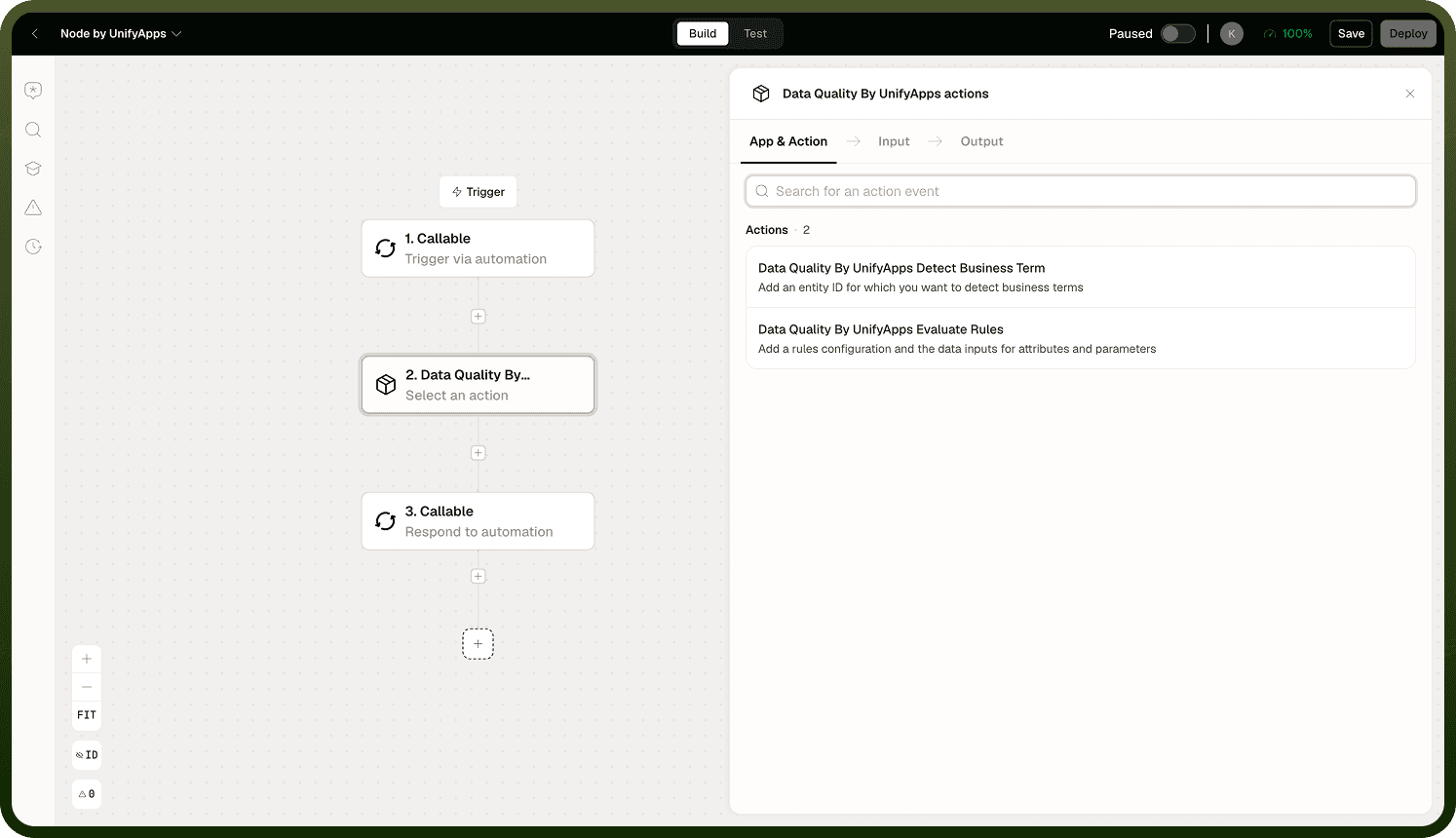
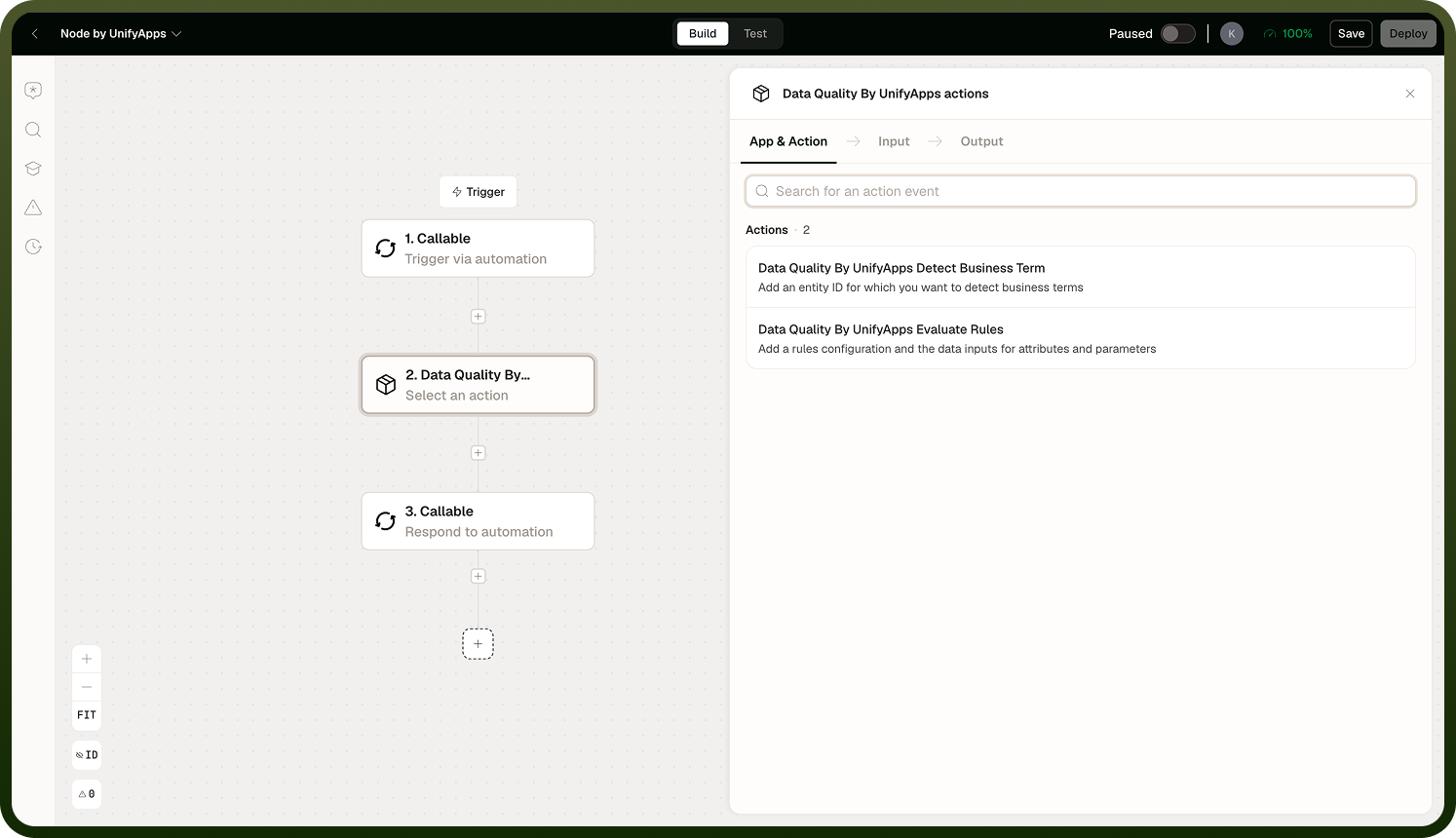
Operations
Detect Business Term
Scans an entity's fields and identifies which ones match known business glossary terms — recognizing, for example, which column holds an email address, an account number, or a customer name. Detection is rule- and pattern-based, not AI inference.
How Detection Works
For each business term, the operation looks at the entity's fields whose data type matches the term's expected type. It then runs the term's filter rules against the field's actual values and counts how many values match. If the proportion of matching values meets or exceeds the configured threshold, the field is tagged with that term.
The default matching threshold is 50% — at least half of the field's sampled values must satisfy the term's filter rules for the tag to be applied. You can set a different percentage threshold for each rule of a business term when the default is not appropriate.
Detection works from the data values themselves. Metadata-only detection — inferring a term from column name or type alone — is not currently available.
Input
Input Field | Description |
|---|---|
Entity (required) | The data entity whose fields should be classified against business terms. |
Business Term | Optional. The business term to check, with a percentage threshold for each of its rules (default 50). Leave it empty to check all business terms. |
Output
Returns a map of field name to the business terms detected on that field.
Note: For large entities, detection requires scanning the actual data values — it is not instantaneous. Factor this into your automation's timeout and performance expectations when running detection on high-volume datasets.
Evaluate Rule
Runs a data-quality rule against a record and returns the result of the ruleset that matched. Rules consist of one or more rulesets — each ruleset is either filter-based (a condition over the record's fields) or template-based (a true/false expression). The operation evaluates rulesets in order and returns the result of the first one that matches.
How Evaluation Works
Short-circuit evaluation: rulesets are evaluated in order; the first matching ruleset's result is returned and evaluation stops. If multiple rulesets could match, only the first one's result counts.
Type coercion: field values are coerced to their declared types before evaluation — ensure your field types are declared correctly on the rule.
Pre-filter: if you supply a record and a pre-filter condition, the rule is only evaluated when the record matches the pre-filter. If the record does not match the pre-filter, the operation returns {ALL: SKIPPED} rather than evaluating the rulesets.
Input
Input Field | Description |
|---|---|
Rule ID | The ID of the data-quality rule to evaluate. |
Rules Config | Optional. An inline rule definition to use instead of Rule ID. |
Attributes (required) | The attribute values the rule checks. |
Parameters (required) | The values of the rule's parameters. |
Record | The data record to evaluate the rule against. |
Pre-Filter | Optional. The filter inside the inputs that gates evaluation — if the record does not match this filter, the rule is skipped. |
Output
Returns result, a map from the ID of the ruleset that matched to that ruleset's configured result. If no ruleset matches, the key is ALL and the value is the rule's no-match result. If the pre-filter excludes the record, the result is {ALL: SKIPPED}.
Note: Evaluate Rule is short-circuit — it returns as soon as the first matching ruleset is found. Order your rulesets by priority so the most specific or important conditions are checked first.
Notes
To make the most of it:
Use the pre-filter on Evaluate Rule to scope which records a rule applies to — rules that check for a specific record type should skip records of other types rather than evaluating against them and producing misleading results.
Order rulesets by specificity: more specific conditions first, broader fallback conditions last, since evaluation stops at the first match.
Set a percentage threshold on the business term's rules in Detect Business Term when the 50% default is too permissive or too strict for a given term — a term like "SSN" may need a higher threshold than a generic "text identifier".
Check for a SKIPPED result downstream from Evaluate Rule; it is a legitimate outcome when the record type did not match the pre-filter, not an error.
Ensure field types are declared correctly on your rules before using Evaluate Rule — type coercion happens silently and a mismatch can produce unexpected evaluation behavior.