


The Prompt node gives the AI clear instructions to guide its thinking or behavior. It makes a single model call: you write instructions, pick a model, and get a reply that later steps can use.
Overview
Prompt is one of the AI agent nodes, alongside Agent, Respond and Search the Knowledge. Use it for one-shot generation, classification, extraction, or rewriting. If the task needs tools, lookups or several steps, use the Agent node instead. To write the final, user-facing reply, use the Respond node.

Configure the Prompt Node
Field | Description |
|---|---|
Name | A name for this step. |
Instructions | What you want the model to do. Write clear, specific instructions and map in data from earlier steps as needed. |
LLM | The model that runs the prompt. Select one of the models available in your workspace. |
Output Format | The shape of the reply you want back. Define the fields you need, and the model returns data that matches them, so later steps can read each field directly instead of parsing free text. |
Output: The model's response, in the shape you defined in Output Format.
How to Use the Prompt Node
Add a Prompt step where you need a single model call.
Enter a Name for the step.
Write the Instructions, mapping in any data from earlier steps that the model needs.
Select the LLM to use.
Define the Output Format with the fields you want back.
Map the response fields into the steps that follow, then test the flow.
Notes
Prompt makes one model call. It doesn't use tools or knowledge bases and doesn't loop. For that, use the Agent node.
To pull facts from your knowledge bases first, add a Search the Knowledge step before Prompt and map its result into the Instructions.
If you need machine-readable output, define an Output Format. If you need polished prose for a person, use the Respond node, which returns a single formatted answer.
Fine-grained model settings, such as temperature or token limits, aren't exposed on the node. They're determined by the model you select, so choose the model accordingly.
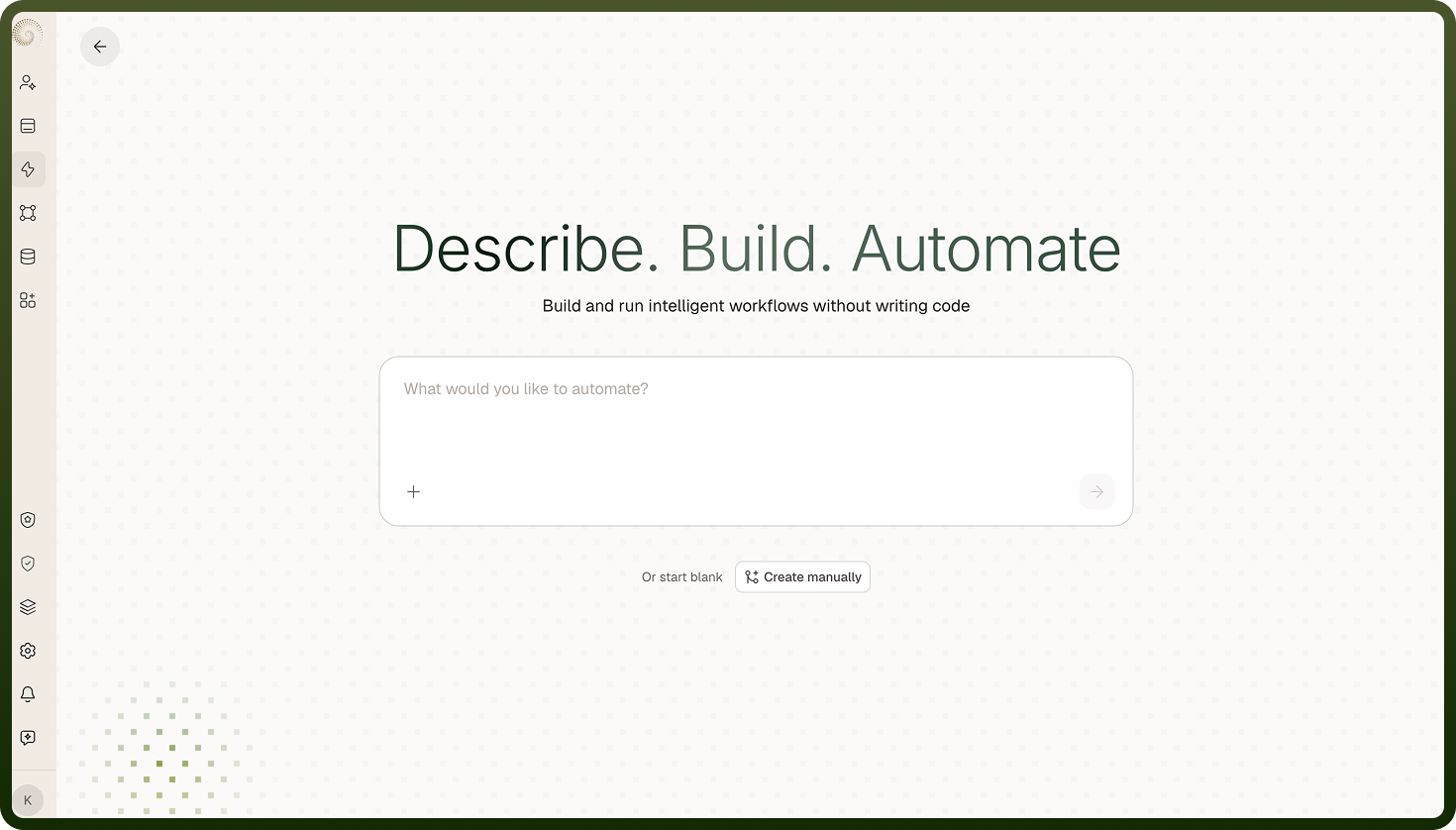
To build a new automation by describing it in plain language, see Generate an automation from a prompt.