


The Maven node resolves and downloads Java dependencies from a Maven repository inside an automation. Use it when a workflow needs to pull specific JAR files — for a Code node, a build pipeline, or downstream processing — without running a full build tool locally.
Overview
The node has one action, Get Dependency Tree. You list one or more libraries by their Maven coordinates, and the node resolves the full dependency tree for them. The Request Type setting decides what comes back: Dependency Tree (the default) returns the resolved tree only, and Download returns the JARs as a zip file with license information for each JAR, so compliance checks can be done in the same automation.
Repository Sources
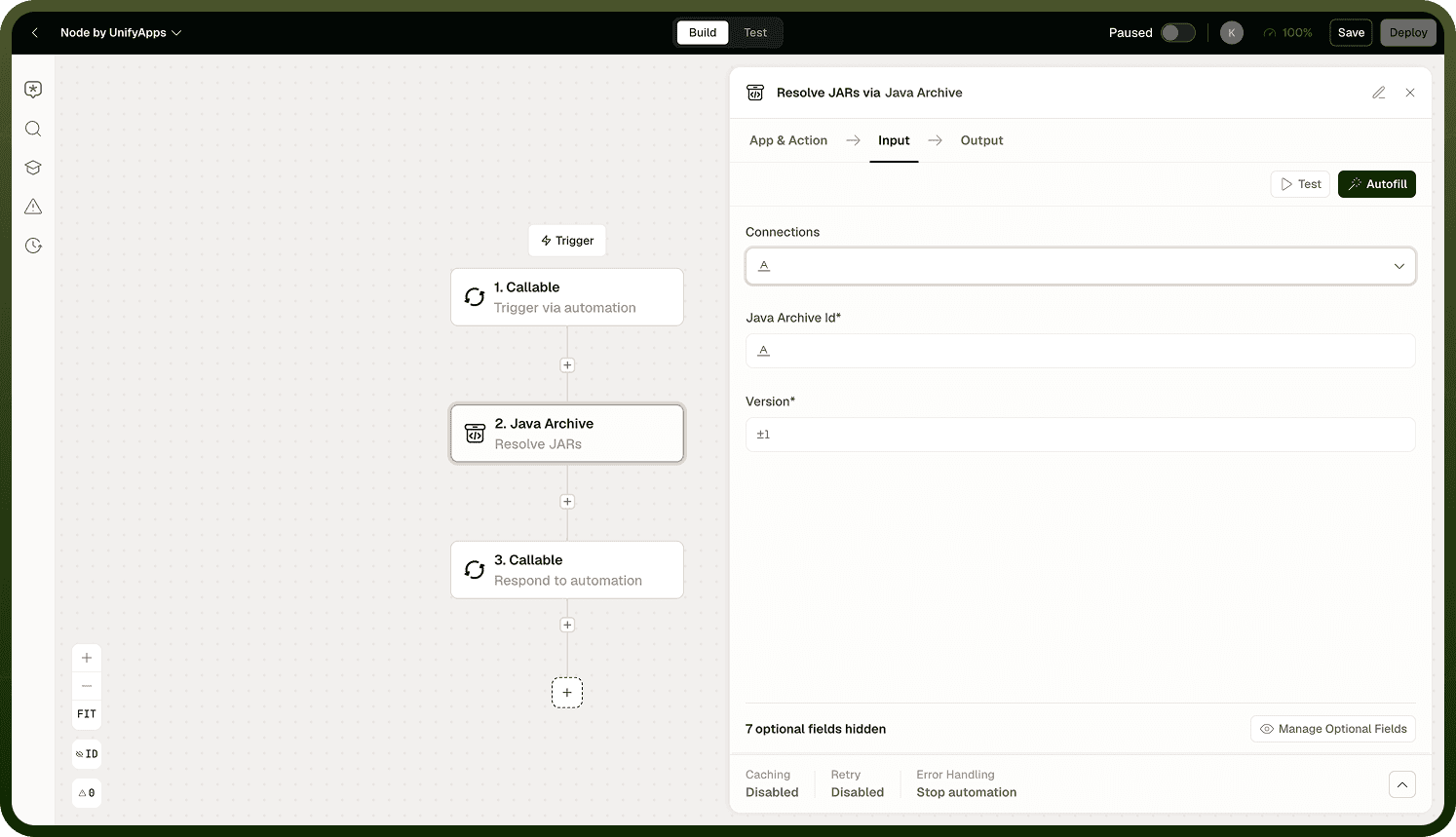
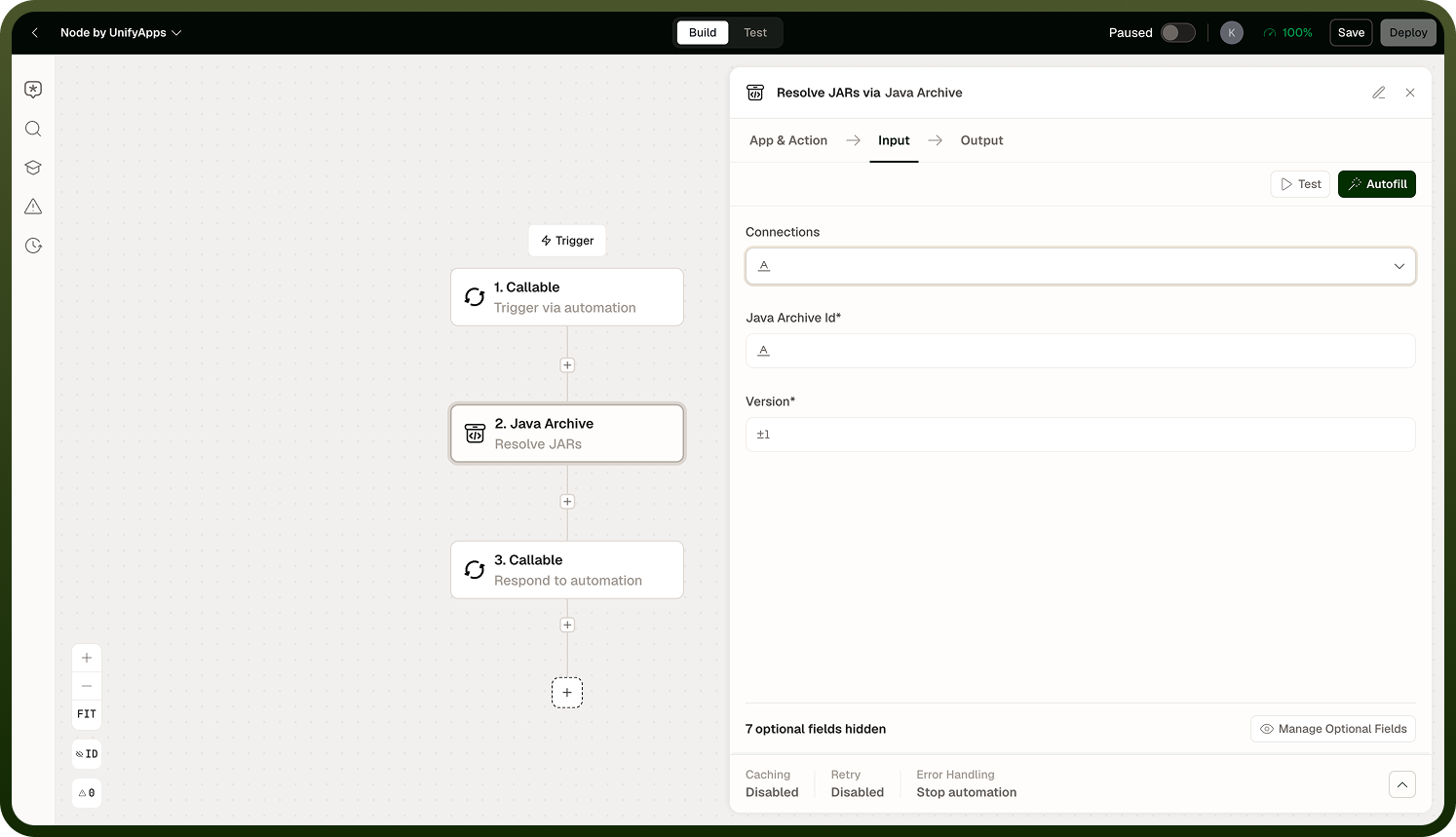
By default, the node resolves dependencies from Maven Central. To use a private or internal repository — a Nexus or Artifactory instance, for example — configure a Maven connection and select it in the node. The node will resolve from the private repository first, falling back to Maven Central if a dependency is not found there.
Dependency Options
Libraries — add each library with its Group, Name and Version. Extension (default
jar) and Classifier are optional.Transitive dependencies — the node always resolves the full dependency tree (the library you specified, plus everything it depends on). To drop specific transitive dependencies, add them under Exclude Groups (Group and Name) on the library.
Request Type — choose Dependency Tree to get the resolved tree, or Download to get the JAR files. License information is included only with Download; use it in a downstream step to flag or block artifacts with licenses that conflict with your project's requirements.
Note: Resolving a large dependency tree can take time, especially over a slow or rate-limited registry connection. If the automation is time-sensitive, narrow the dependency set or add the dependencies you don't need under Exclude Groups.
Output
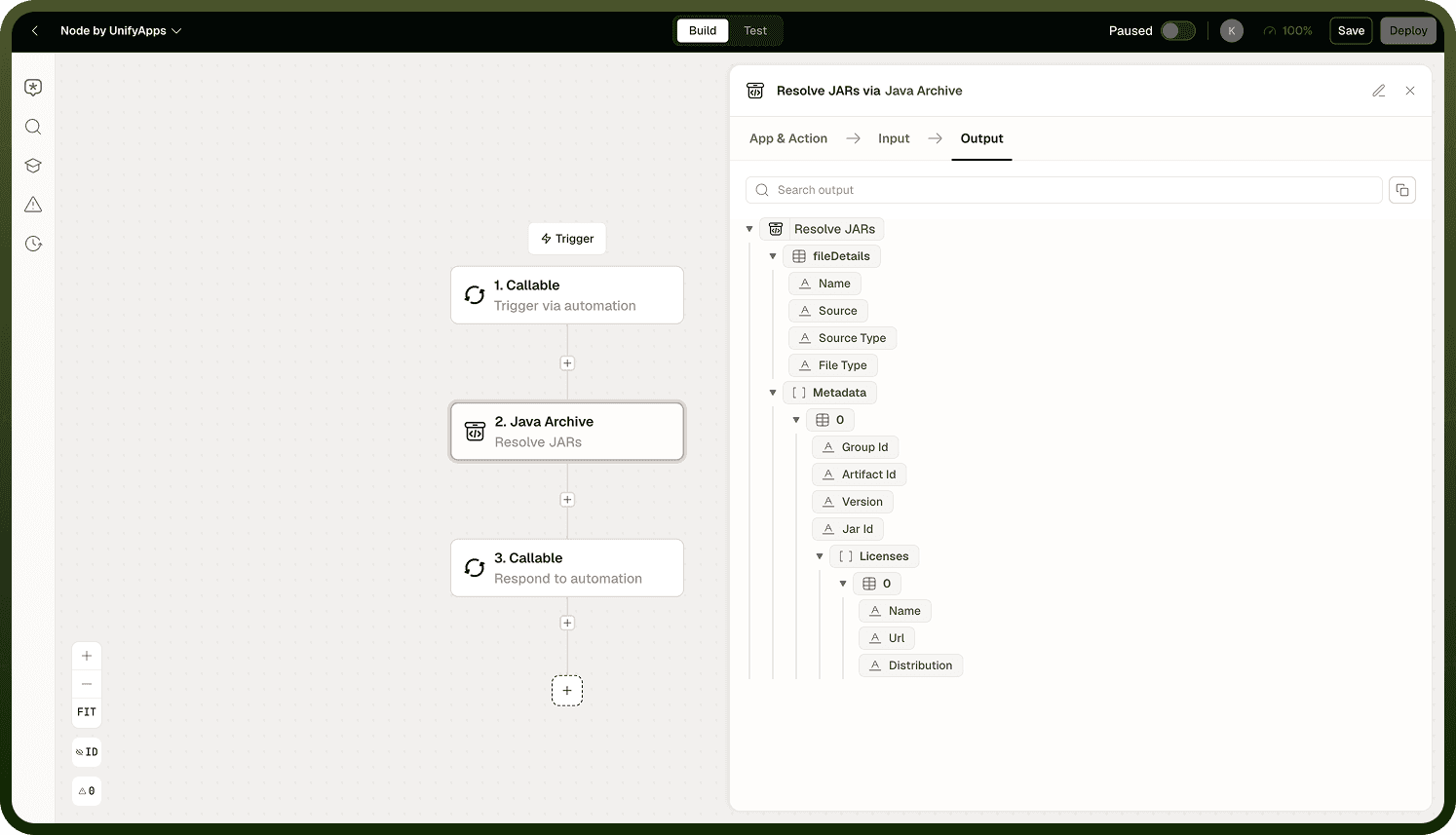
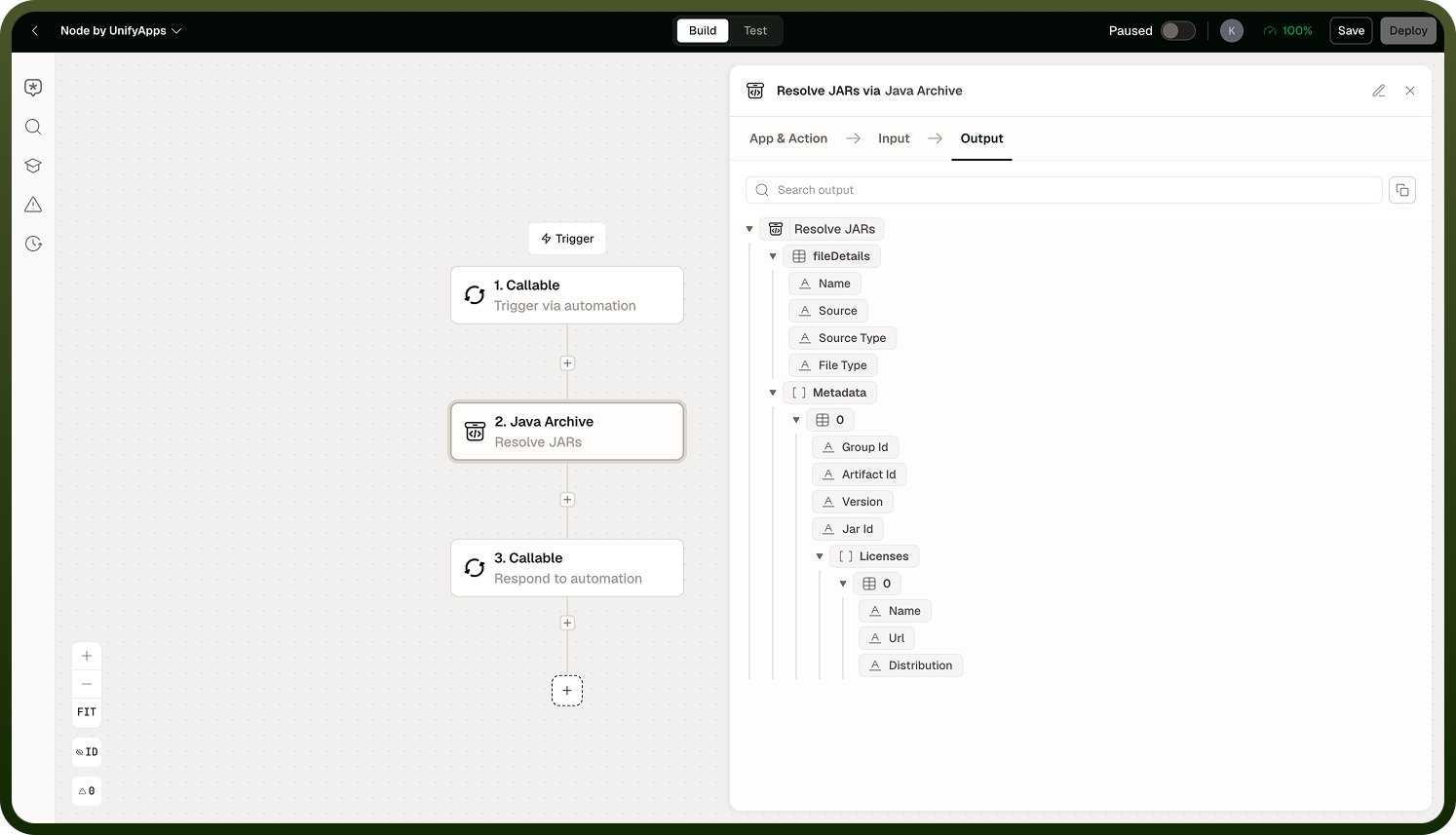
With Dependency Tree, the node returns the resolved tree: for each dependency, its Group ID, Artifact ID, Version, Classifier, Scope, whether it is optional, and its own dependencies. No JARs are downloaded. With Download, the node returns a zip file of the resolved JARs together with the license data for each JAR. Pass the JARs to a Code node or a subsequent build step that expects them on a classpath. The license output can be passed to a condition or a notification step for compliance gating.
Notes
Keep these practices in mind when using the Maven node:
Use exact version numbers rather than version ranges — ranges can resolve to different artifacts on different runs, making the automation non-deterministic.
Configure a private Maven connection before referencing internal artifacts — the node will not infer credentials from the environment.
Use Download when you need the license output, and review it before deploying automations in environments with strict open-source compliance requirements.
Add transitive dependencies under Exclude Groups when the calling code manages them directly — this keeps the download set small and avoids version conflicts.
Pinning versions and supplying explicit connections ensures the Maven node resolves consistently across every run.