


The Text Reader Node reads a text file line by line, yielding each line to the steps inside the iterator block without loading the entire file into memory at once.
Overview
The Text Reader Node is an iterator node that walks a text file one line at a time, delivering each line to the loop body as it goes. Use it to process log files, delimited text, or any line-oriented content where you want to handle one line at a time rather than pulling the whole file into a variable. Because it iterates rather than reads-all, it stays efficient even on large files — memory use stays flat regardless of how many lines the file contains.
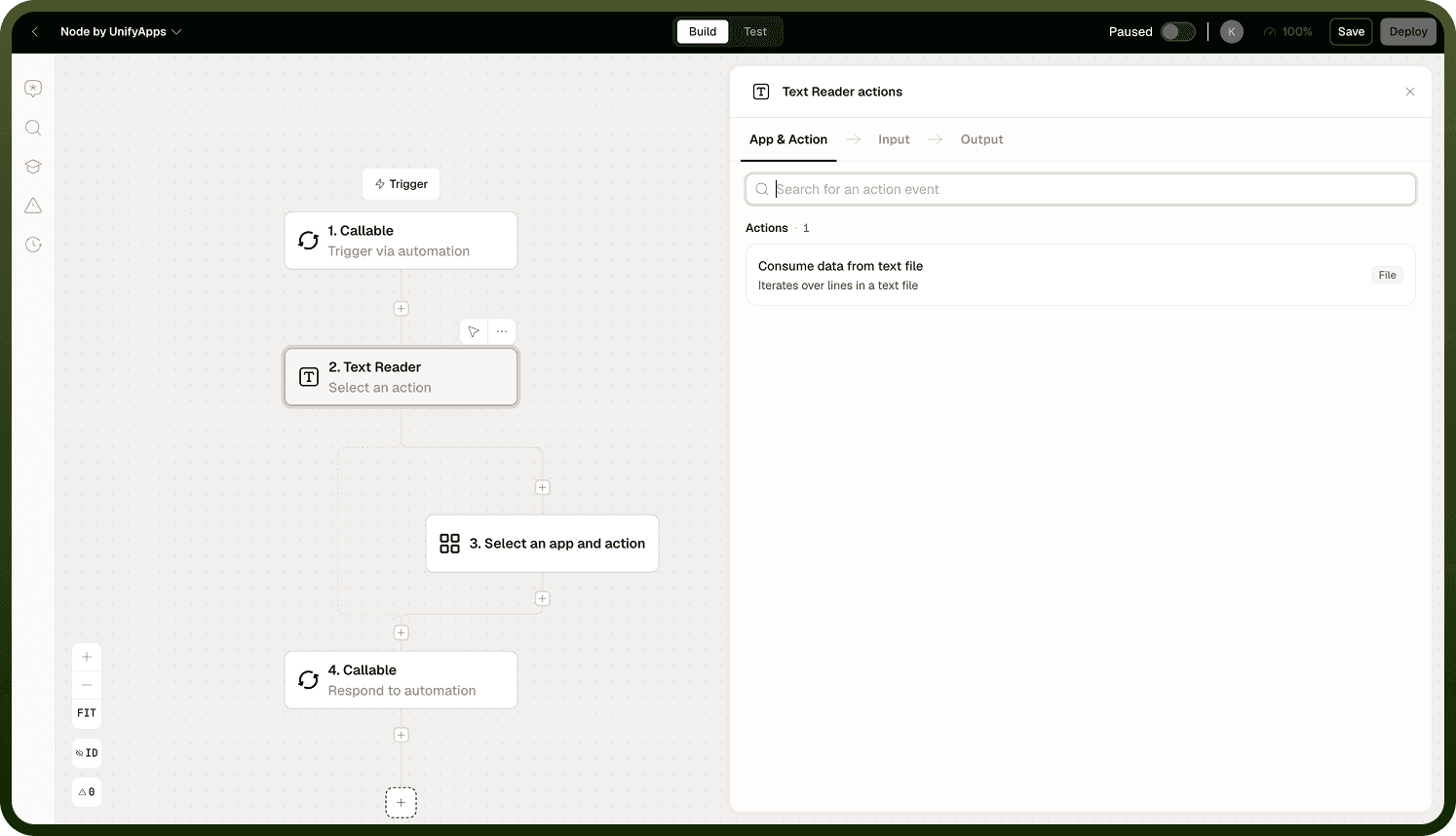
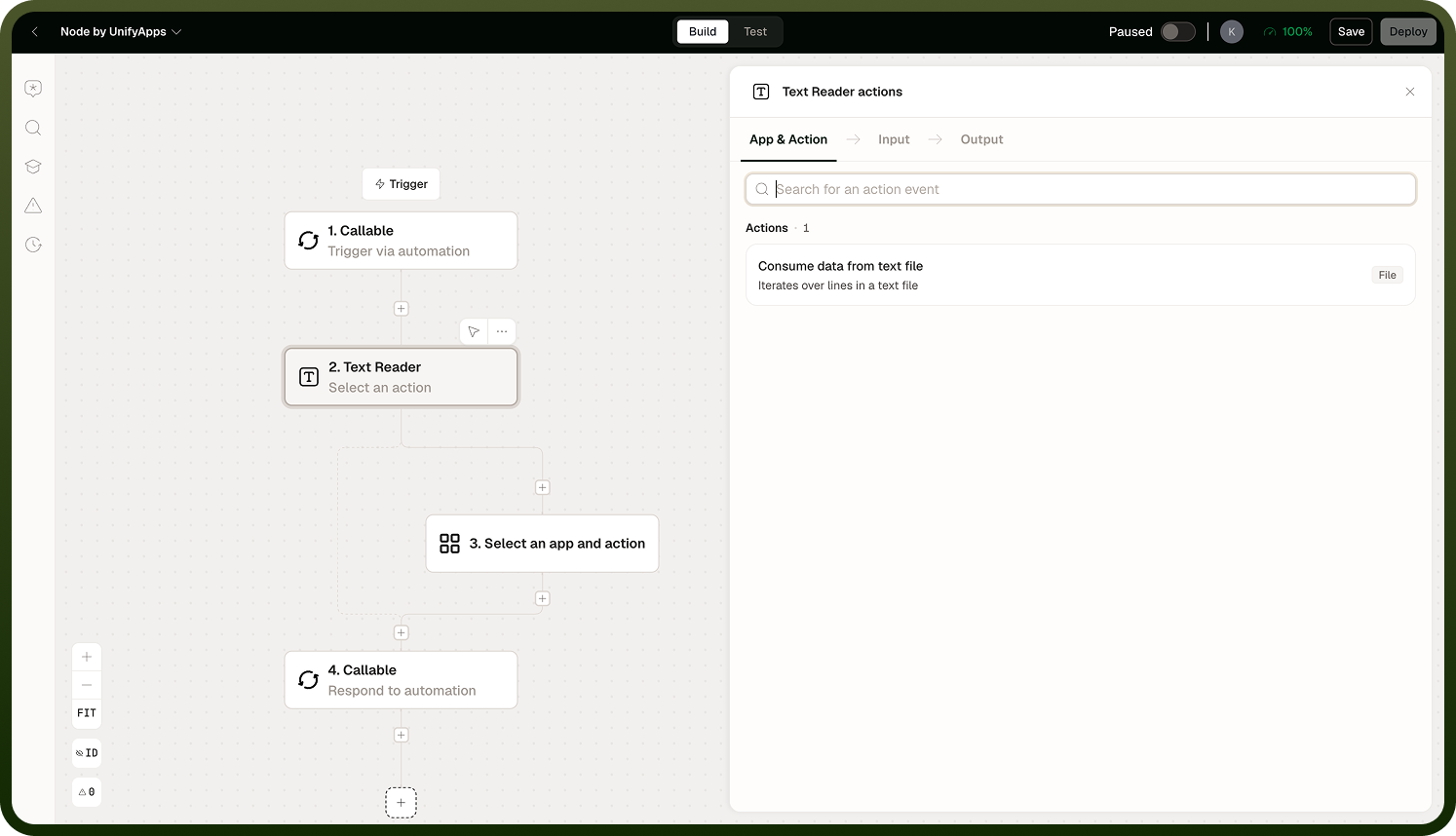
Pair the Text Reader with the loop body to apply transforms, filters, or writes to each line as it arrives. Use the Is First and Is Last flags exposed by the loop to run setup or teardown logic — opening a target file, flushing a buffer — without adding conditional branches to every pass.
Reading Text Files
The node's action, Consume data from text file, iterates a text file from its first line, exposing one line at a time to the steps inside the loop body. Each pass delivers the current line of text together with metadata about its position in the iteration. Turn on Batch to work on a batch of lines in each pass instead of a single line.
Inputs
Field | Description |
|---|---|
File | The text file to iterate. |
Batch | Turn on to work on a batch of lines in each pass instead of one line. Off by default. |
Batch size | The number of lines in each batch. Shown when Batch is on. Default: 100. |
Encoding | The encoding used in the text file. Default: UTF-8. |
Loop Outputs
The following values are available inside the loop body on each pass:
Output | Description |
|---|---|
Item | The current line of text from the file, or the current batch of lines when Batch is on. |
Index | The zero-based position of the current pass within the iteration. The first pass has index 0. |
Is First | True on the first iteration pass. Use this to run setup logic once — for example, opening a target file or initialising a counter. |
Is Last | True on the final iteration pass. Use this to flush a buffer or finalise output after the last line has been processed. |
Notes
Keep the following in mind when using the Text Reader Node.
Files are read as UTF-8 by default. Change Encoding if your file uses a different encoding.
The node always starts at the first line of the file. To skip header rows, add a condition inside the loop on Is First or Index.
Index is zero-based and counts passes, starting at 0 for the first pass.
Use the Is First and Is Last flags to run setup or teardown logic exactly once without conditional branches on every loop pass.
The node iterates rather than reads-all — memory use stays flat regardless of file size. Prefer this node over reading an entire file into a variable for any file large enough to matter.
For structured line-delimited data (one JSON object per line), consider the JSON Node instead — it parses each line as a record and exposes typed fields rather than raw text.