


Automation Interfaces define a shared contract — a named input and output schema — that multiple automations can implement.
Overview
Automation Interfaces define a shared contract — a named input and output schema — that multiple automations can implement. An interface specifies what inputs are expected and what outputs will be returned, without dictating which automation fulfills the request. This enables callers to invoke an interface and have the system route the call to whichever automation is registered for that interface, allowing different automations to be swapped in based on conditions, tenant, or context.
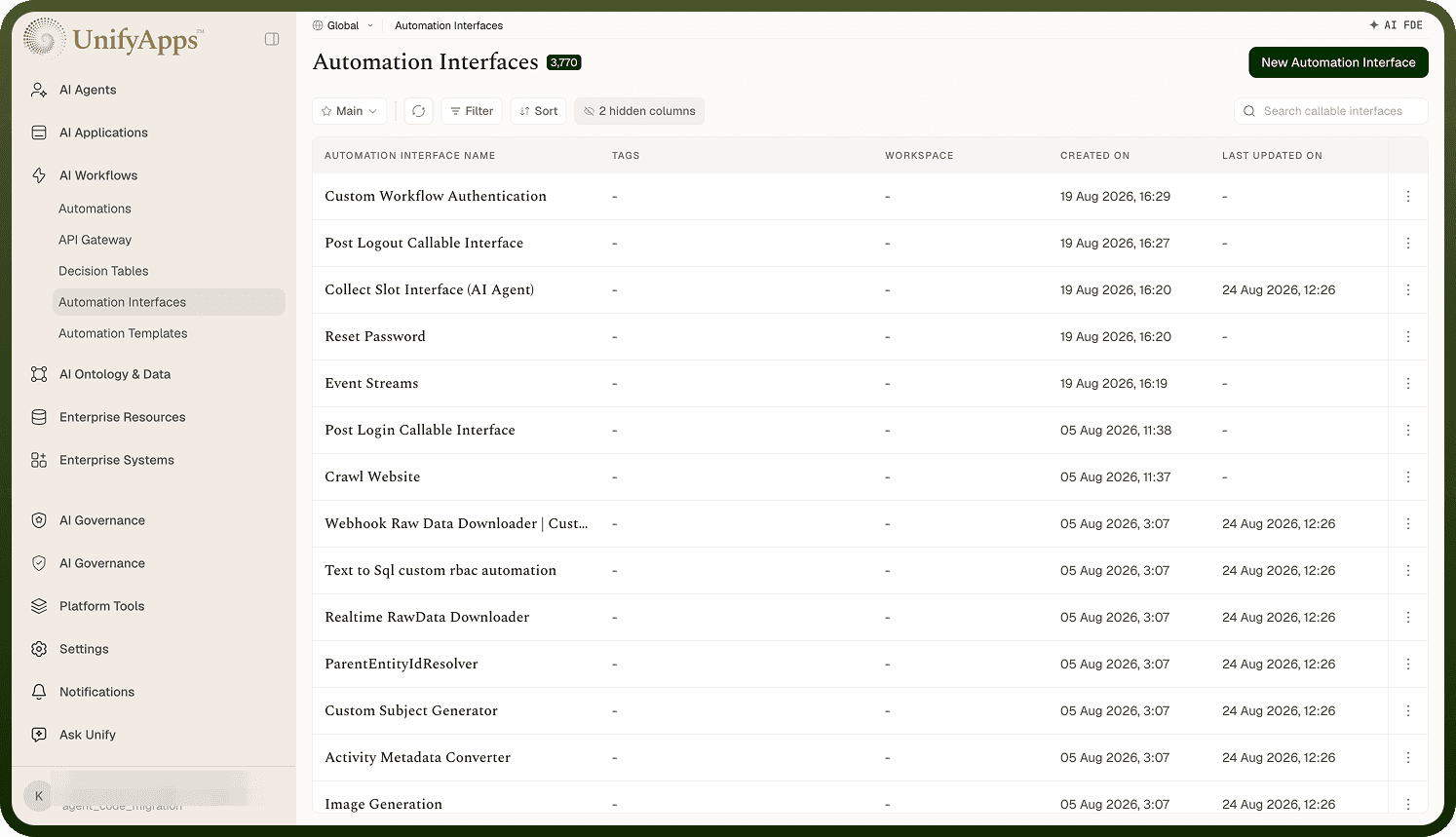
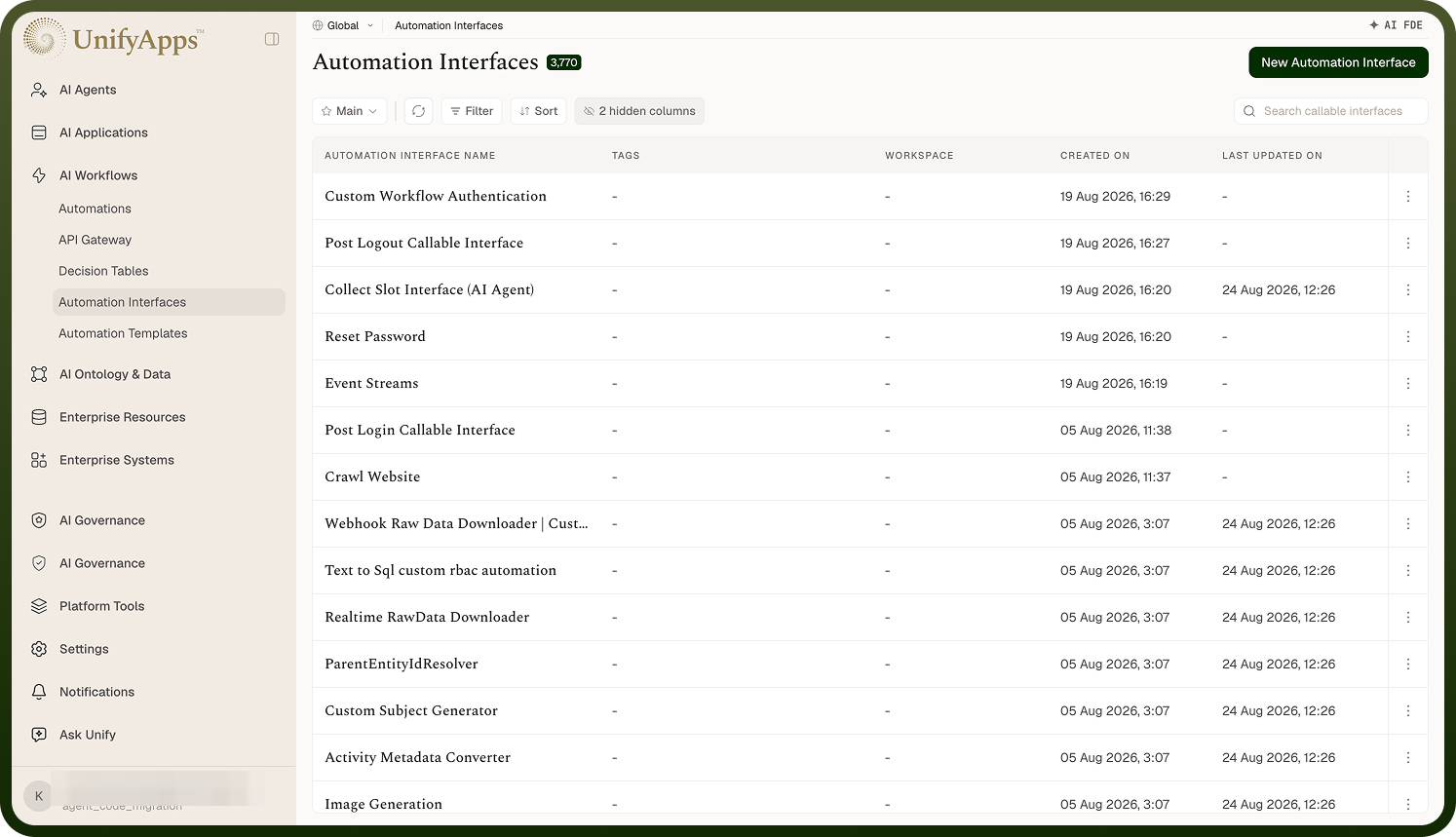
Create an Automation Interface
An Automation Interface is defined independently of any specific automation. It acts as a blueprint that participating automations must conform to.
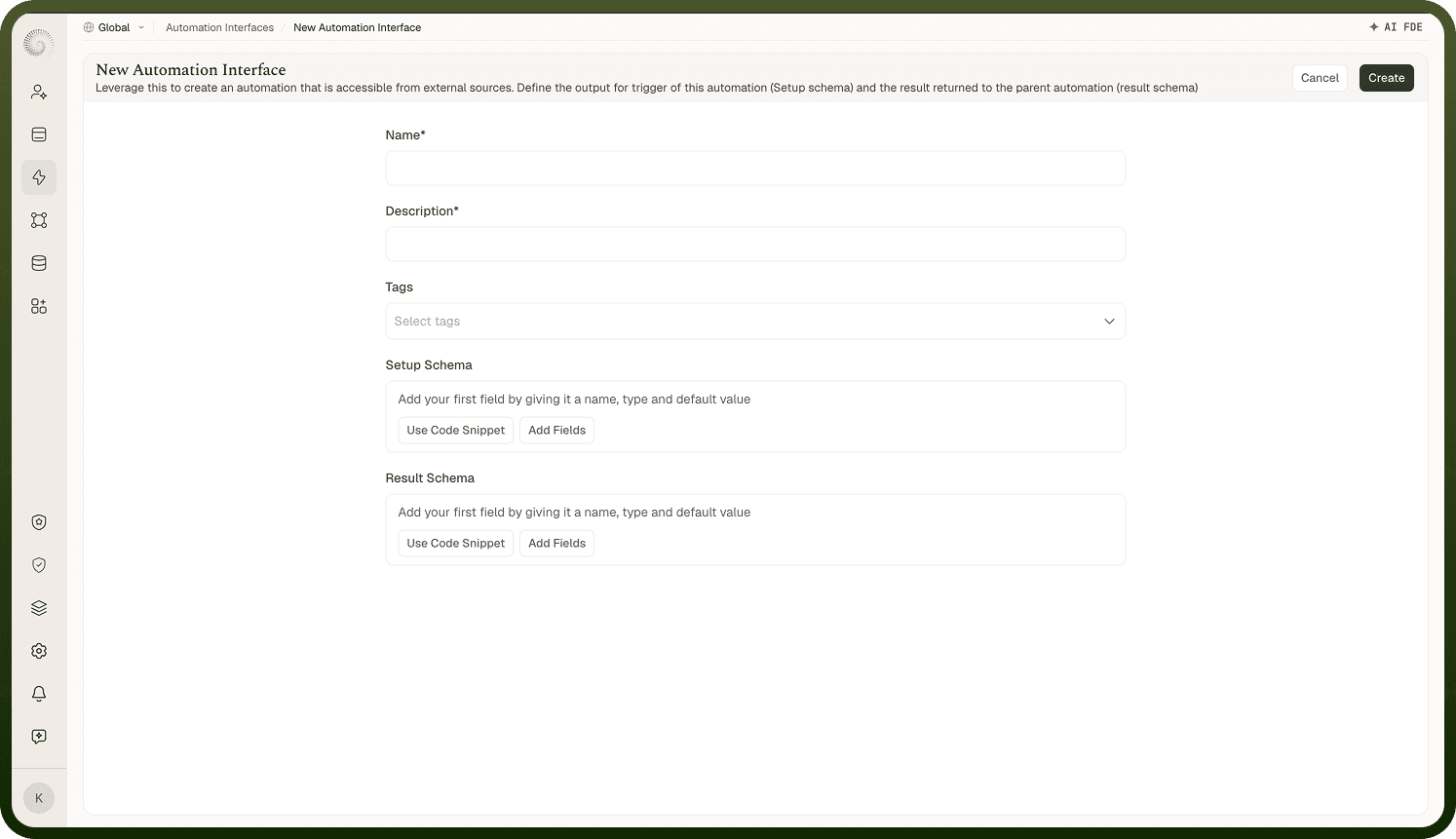
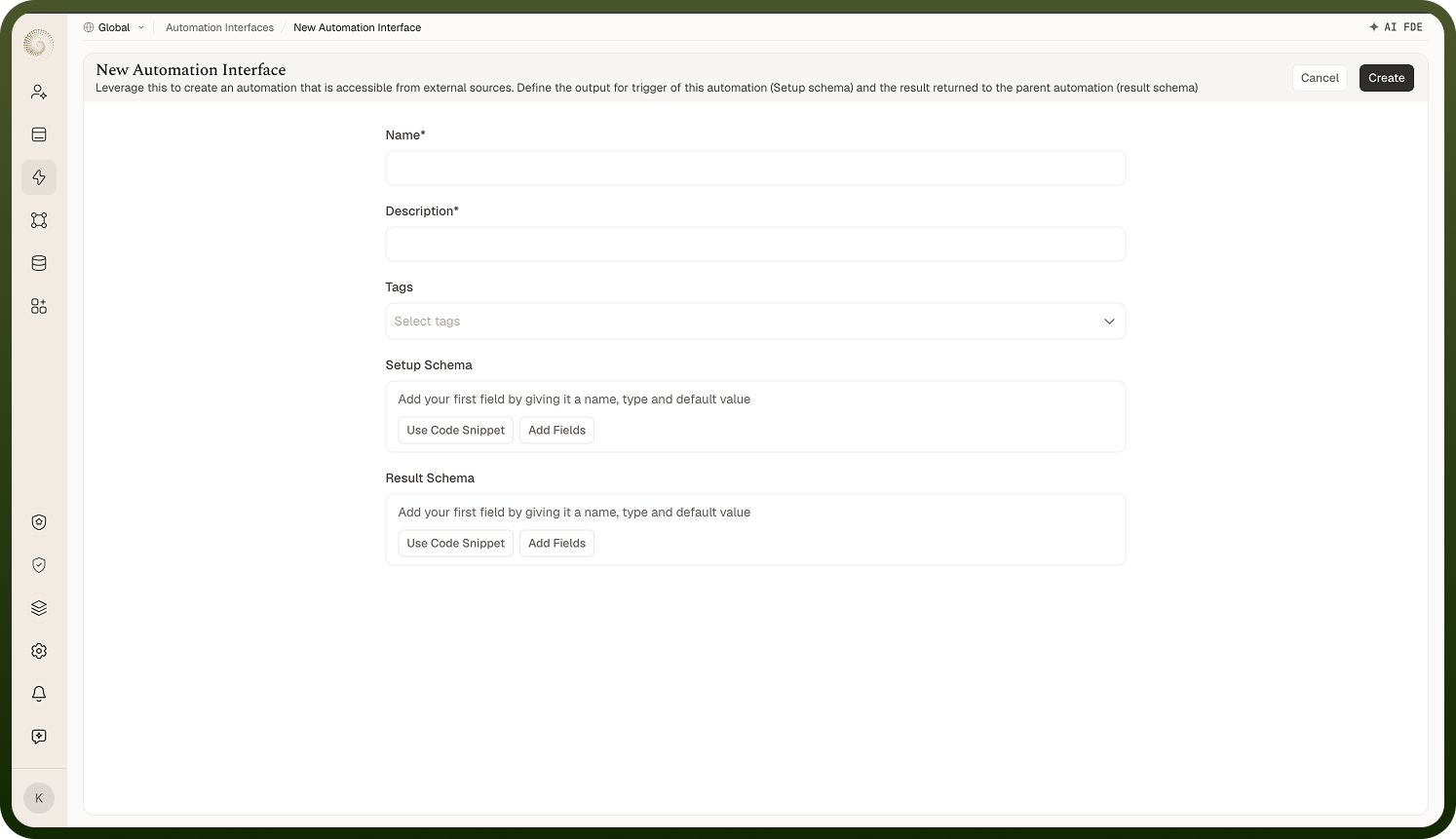
Fields when creating an interface:
Name (required) — How this interface appears when other automations call it (e.g., "SendNotification", "ProcessPayment")
Description (required) — What the interface does and when to use it
Tags — Group related interfaces for search and filtering
Setup Schema (inputs) — The input parameters that callers must provide when invoking the interface. Add each field in the Add a field dialog with a Key, Label, Field Type and Is Optional, or define the fields with Use Code Snippet.
Result Schema (outputs) — The output parameters that implementing automations must return. Callers can rely on this schema regardless of which automation handled the request.
Use an Interface as a Trigger
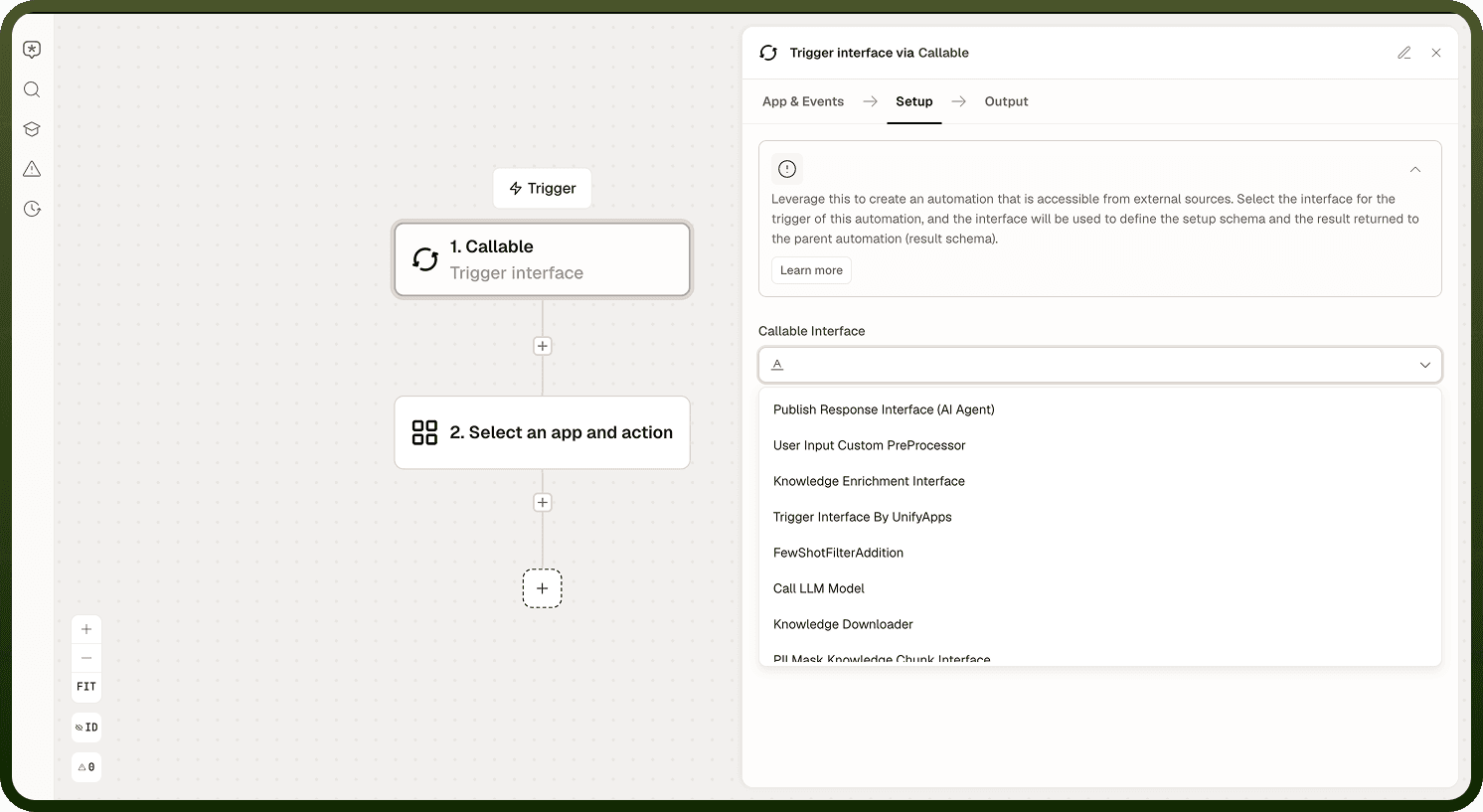
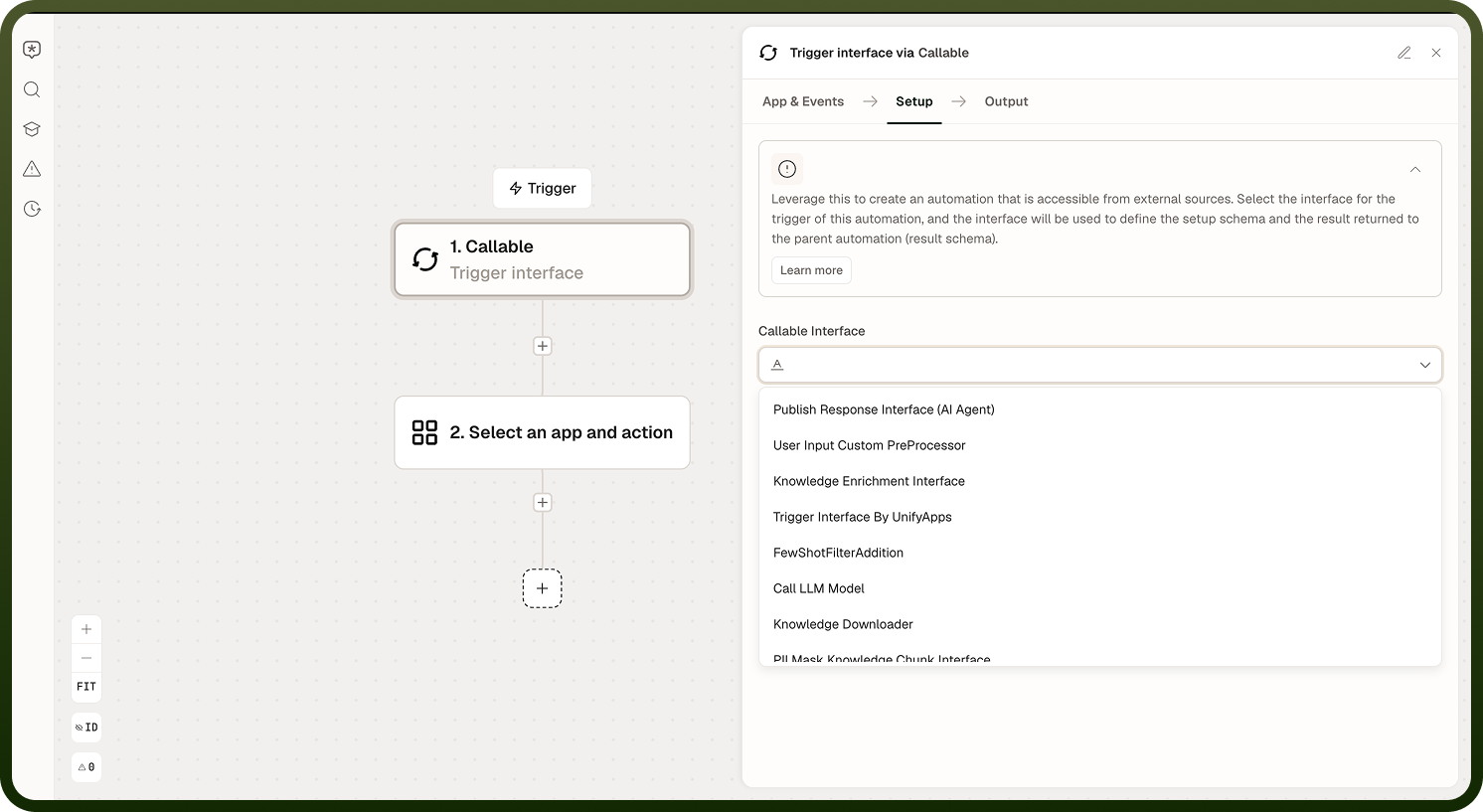
An automation can register itself as an implementation of an interface by using the Trigger interface trigger. When the interface is invoked, the automation fires and processes the request.
Steps:
Open the automation's trigger configuration.
Choose the Trigger interface trigger (Callable app), then pick the interface under Callable Interface.
The Setup Schema (inputs) and Result Schema (outputs) from the interface auto-populate in the trigger configuration — no manual schema entry required.
Build the automation logic using the interface's input fields as data pills.
End the automation with the Respond to automation step and map the Result Schema fields.
Note: An interface's schema is enforced at the trigger level. If an automation's output does not match the interface's result schema, the caller will receive a schema mismatch error.
Call an Automation Interface
The Call interface step (Callable app) lets a caller invoke an interface without referencing a specific automation. The platform resolves which automation handles the call at runtime.
Configuration:
Callable interface — Choose the interface to invoke, then map its input fields.
Wait for automation to complete — Choose whether the caller waits for the called automation to finish.
Select automation — Add rows of Filter and Select automation to call to decide which automation handles each call. For example: if the customer type is "enterprise", call the EnterpriseNotification automation; if "standard", call the StandardNotification automation.
Default automation — The automation to call when no filter matches. This ensures every call is handled.
This pattern enables a single point of invocation to fan out to different implementations without the caller needing to know which automation will run — useful for A/B testing, tenant-specific logic, and phased rollouts.
Notes
Keep the following in mind when using Automation Interfaces:
An interface defines the contract (input and output schema); the implementing automation must honor that contract exactly or the call will fail at runtime.
Use interfaces when multiple automations share the same input/output structure; adding optional fields is safe, but renaming or removing fields breaks mappings in implementing automations and calling steps — update them after such a change.
Test the interface with a simple implementing automation before wiring it into complex parent automations.
Interface names must be unique within the workspace; establish a naming convention (such as prefixing with the domain) before creating multiple interfaces.
When updating an interface schema, verify that all implementing automations still satisfy the updated contract before deploying.