


Integrating your application with Amazon Comprehend lets you detect personally identifiable information (PII) and the dominant language of text, either for a single piece of text or as an asynchronous job over a collection of documents. Ensure you have the following information ready for a smooth and efficient integration process.
Authentication
Connecting your application to Amazon Comprehend allows you to harness advanced natural language processing to analyze and understand text at scale. Before you begin, make sure you have the following information:
Connection name: a name that identifies this connection in UnifyApps, such as "MyAppAmazonComprehendIntegration".
Region (required): the AWS region of your resources, such as us-east-1. If your AWS console URL starts with https://us-east-1.console.aws.amazon.com, enter us-east-1.
Authentication type: Access Key, IAM Role or Instance Role.
The fields you fill in depend on the authentication type:
Access Key: enter the Access key ID and Secret access key of an IAM user (both required).
IAM Role: enter the ARN of an IAM role in the IAM Role field (required), and in External Id the external ID set on the role's trust relationship.
Instance Role: no keys are entered; the connection uses the IAM role of the environment that UnifyApps runs in. Use it only when UnifyApps runs inside your own AWS account.
Access Key Based
Sign in to the AWS Management Console.
Search for Users in the search bar at the top of the console and open Users in IAM (Identity and Access Management).
Click Create user and enter a user name.
Choose Attach policies directly and attach the ComprehendFullAccess policy (or a policy that grants the Amazon Comprehend permissions you need). Click Create user.
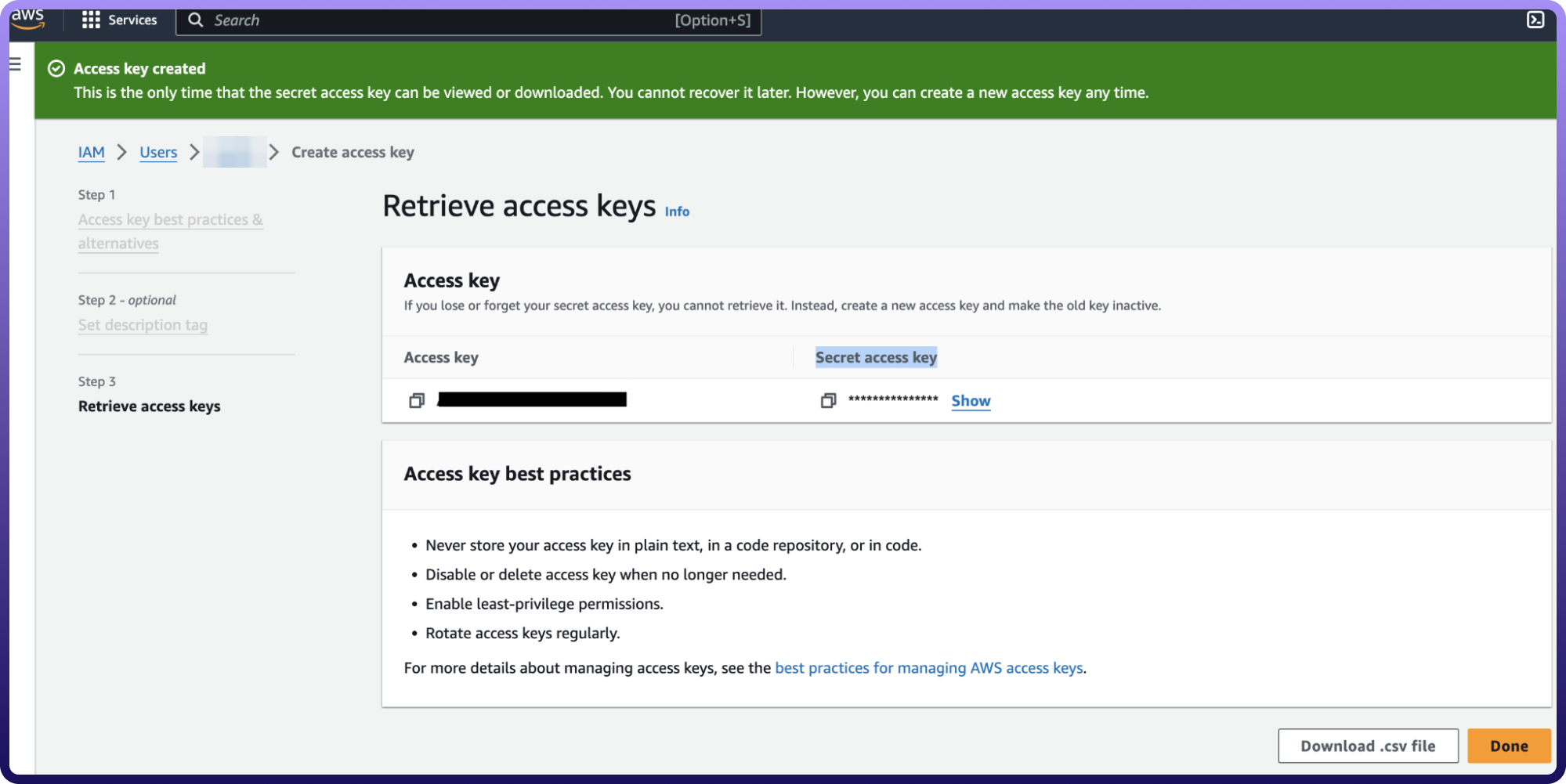
Open the new user, go to Security credentials and click Create access key.
Choose Command Line Interface as the use case, add a description tag and click Create access key.
Copy the access key ID and secret access key into the connection form. Store them securely; anyone with them can access your AWS account.

IAM Role Based
Sign in to AWS Management Console (https://console.aws.amazon.com/) and select security credentials.

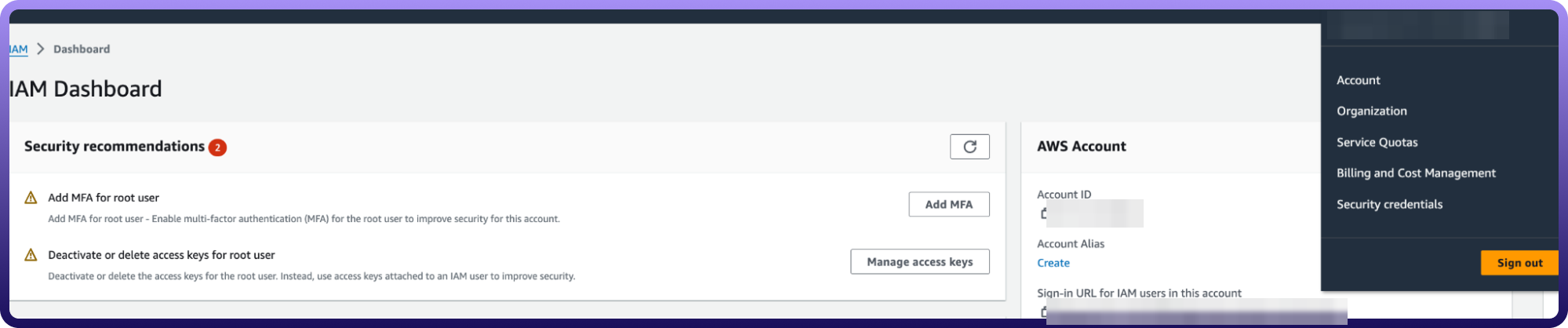
2. Navigate to the IAM dashboard and click "Roles" > "Create role". (https://docs.aws.amazon.com/IAM/latest/UserGuide/id_roles.html


3.Under "Trusted entity type," choose the AWS account option.
4.Select "Another AWS account" and input the UnifyApps AWS account ID (contact support to obtain this).
5.Check the "Require external ID" box and enter the External ID provided by UnifyApps.
6.Assign the necessary permissions for UnifyApps to operate automated workflows within your account.
7.Give the IAM role a name and description.
8.Click the "Select trusted entities" Edit button to modify trusted entity policies if needed. (Optional)
9.Click the "Add permissions" Edit button to adjust permissions. (Optional)
10.If using object tags, select an appropriate tag for the IAM role. (Optional)
11.Click on Create Role to finalise the process.
Create an IAM permissions policy
Go to the AWS Console and open the IAM console https://console.aws.amazon.com/iam
Navigate to Access management and select Policies.
Choose Create Policy.
Locate and choose the AWS service that UnifyApps will access.
Select the required permissions under the Actions field.
Define the resources that the role will have access to.
Continue clicking Next until you reach the Review policy page.
Provide a Name for the policy.
Click Create policy once done.
Retrieve IAM role ARN
Open the AWS Console and go to My Security Credentials > Roles.
Search for the IAM role you need for the connection.
3. Select the role to view its details.
4. Copy the Role ARN for use in the UnifyApps connection setup.
Actions :
Action | Description |
|---|---|
| Get the properties of a PII entities detection job |
| Analyze text to detect its dominant language in Amazon Comprehend |
| Detect PII entities from text using Amazon Comprehend |
| Get a list of PII entity detection jobs that you have submitted |
| Start an asynchronous PII entity detection job for a collection of documents |