


Lob.com is an API-driven platform for automating direct mail and address verification. It enables businesses to send postcards, letters, and checks with tracking and scalability.
Integrating your application with Lob enables you to automate direct mail, verify addresses, and optimize your mailing workflows with ease.
Authentication
Ensure you have the following information ready for a seamless integration process:
Connection Name: Select a descriptive name for your connection, like "MyAppLobIntegration". This helps in easily identifying the connection within your application or integration settings.Authentication Type: Lob supports API key authentication. This method ensures secure access to Lob's functionalities and data.
API Key Authentication
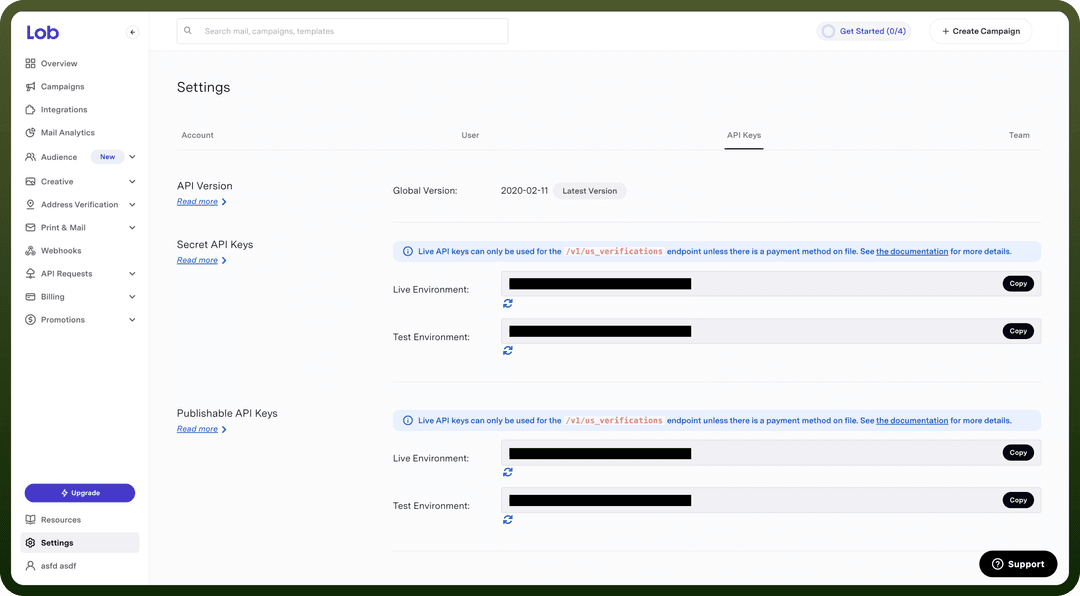
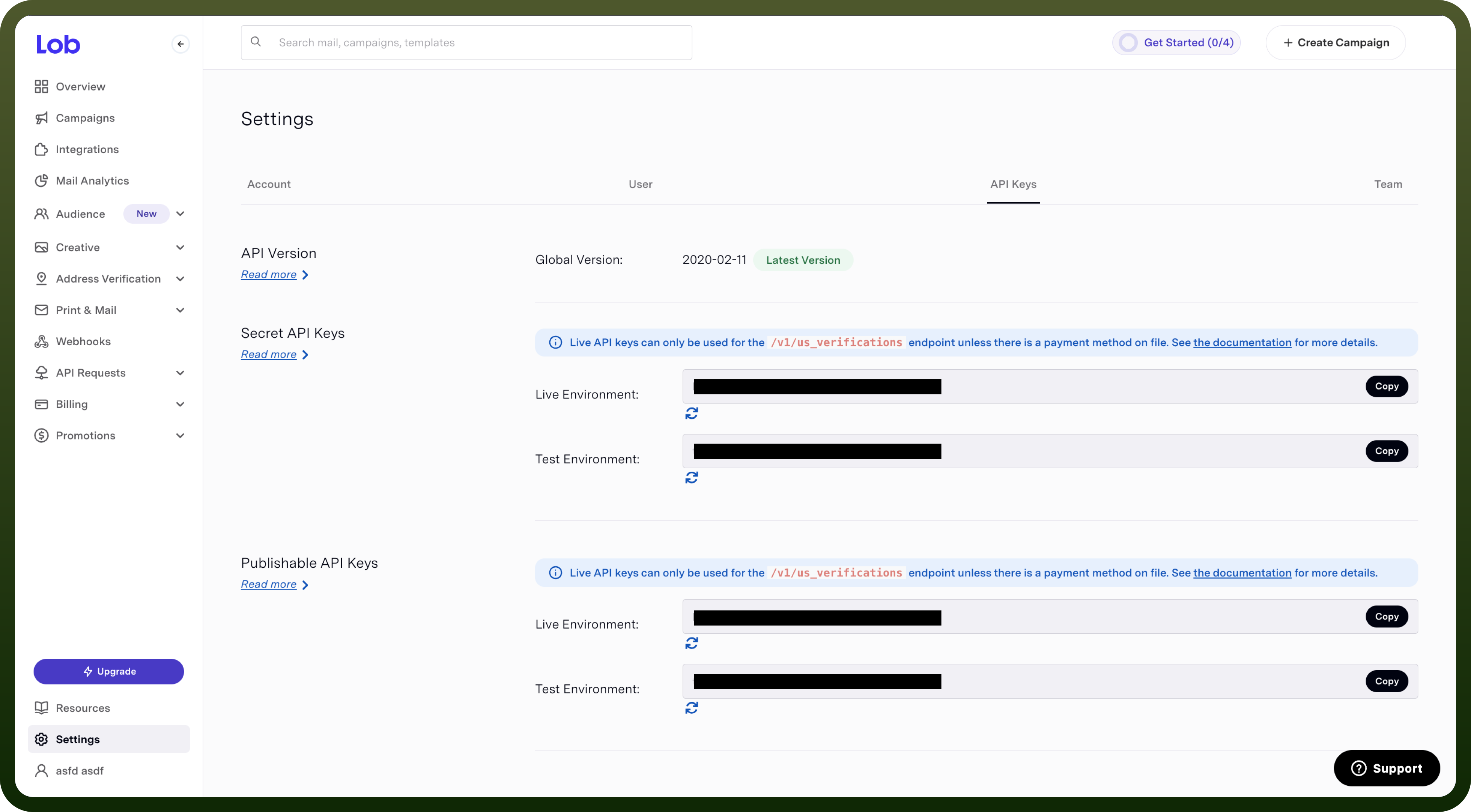
Log into your Lob account and navigate to the "
Settings" section from the sidebar.Go to the "
API Keys" tab then in "Secret API Keys" and then "Test Environment", you will find your API Key. Use the Test Environment key for testing. To send real letters and postcards, use the Live Environment key instead (Lob requires a payment method on file for live mail).You can also regenerate API keys by refreshing.
Copy the API Key and keep it secure, as it grants access to your Lob account. Paste it into the API key field in the UnifyApps connection form.
Actions
| Actions | Description |
Create letter | Creates a new letter in Lob |
Create postcard | Creates a new postcard in Lob |
Retrieve all letters | Retrieves a list of letters in Lob |
Retrieve all postcards | Retrieves a list of postcards in Lob |
Retrieve letter | Retrieves a letter in Lob |
Retrieve postcard | Retrieves a postcard in Lob |