


Use the Caspio connector to build database-driven applications without coding.
Integrating your application with Caspio lets you use these operations in an automation. It exposes 15 actions and 1 trigger, listed below. Add the connector from the Connections area, authenticate, then select its operations in the automation builder. Capabilities: actions, triggers.
Authentication
Before you begin, make sure you have the following information:
Connection Name: Choose a meaningful name for your connection. This name helps you identify the connection within your application or integration settings.
Authentication Type: Caspio uses API client credentials. The connection form asks for a Connection name, Account ID, Client ID and Client Secret.
Obtaining Your API Client Credentials
Log in to your Caspio account and open the application you want to connect.
In the left navigation menu, click Integrations.
Select the API Profiles tab.
Click Create API Profile.
Enter an API profile name, description, contact email, and contact name, then click Create.
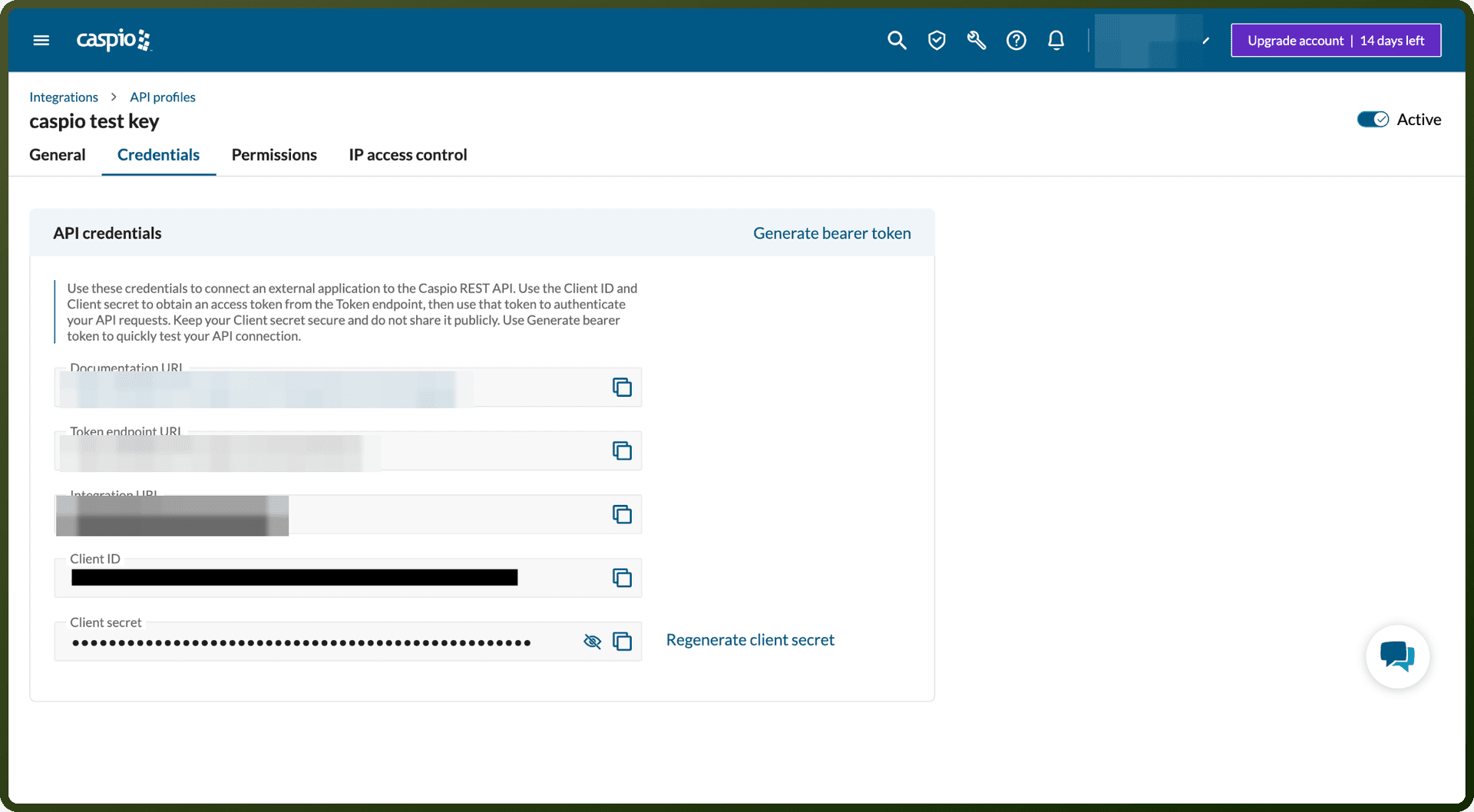
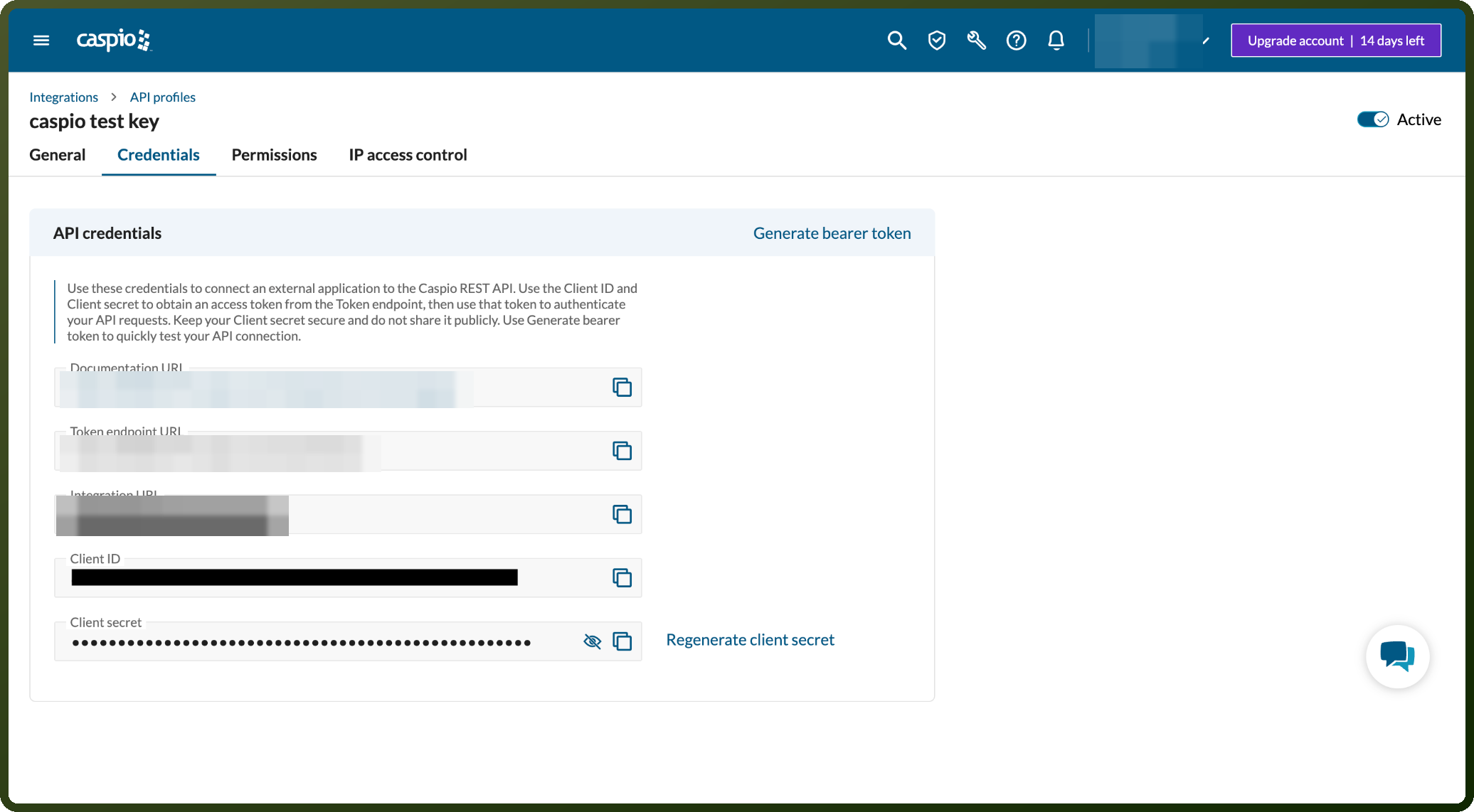
Open the new profile and go to its Credentials tab.
Copy the Client ID and Client Secret shown there and paste them into the Client ID and Client Secret fields of the connection form.
Copy your Caspio Account ID, shown under account information in Caspio, and paste it into the Account ID field.
If your API profile asks for a callback or redirect URL, copy the Callback URL shown in the connection form and paste it there.
Actions
Action Name | Description |
|---|---|
Create field | Creates a new field into the table in Caspio |
Create table | Creates a new table in Caspio |
Delete file | Deletes file using file ID in Caspio |
Fetch app | Fetches details of app properties in Caspio |
Fetch apps | Fetches details of list of apps in Caspio |
Fetch datapage | Fetches details of DataPage properties in Caspio |
Fetch datapages | Fetches details of list of DataPages properties in Caspio |
Fetch fields | Fetches table definition or fields in Caspio |
Fetch file | Fetches details of files using file ID in Caspio |
Fetch files | Fetches details of files using folder ID in Caspio |
Fetch folders | Fetches the folders in Caspio |
Fetch table | Fetches details of the table description in Caspio |
Fetch tables | Fetches details of list of available tables in Caspio |
Fetch view | Fetches details of the view description in Caspio |
Upload file | Uploads or overwrites one file into the files area in Caspio |
Triggers
Trigger Name | Description |
|---|---|
New record | Triggers when an record is inserted in Caspio |