


Use the Freshchat connector to provide customer messaging and live chat support.
Integrating your application with Freshchat lets you use these operations in an automation. It exposes 11 actions, listed below. Add the connector from the Connections area, authenticate, then select its operations in the automation builder. Capabilities: actions.
Authentication
Before you begin, make sure you have the following information:
Connection Name: Choose a meaningful name for your connection. This name helps you identify the connection within your application or integration settings.
Authentication Type: The connection uses an API key. It asks for the following fields:
Access token: your Freshchat API key.
Account URL: the subdomain of your Freshchat chat URL, the part before
.freshchat.com. UnifyApps sends every request tohttps://<Account URL>.freshchat.com/v2.
Authentication & setup
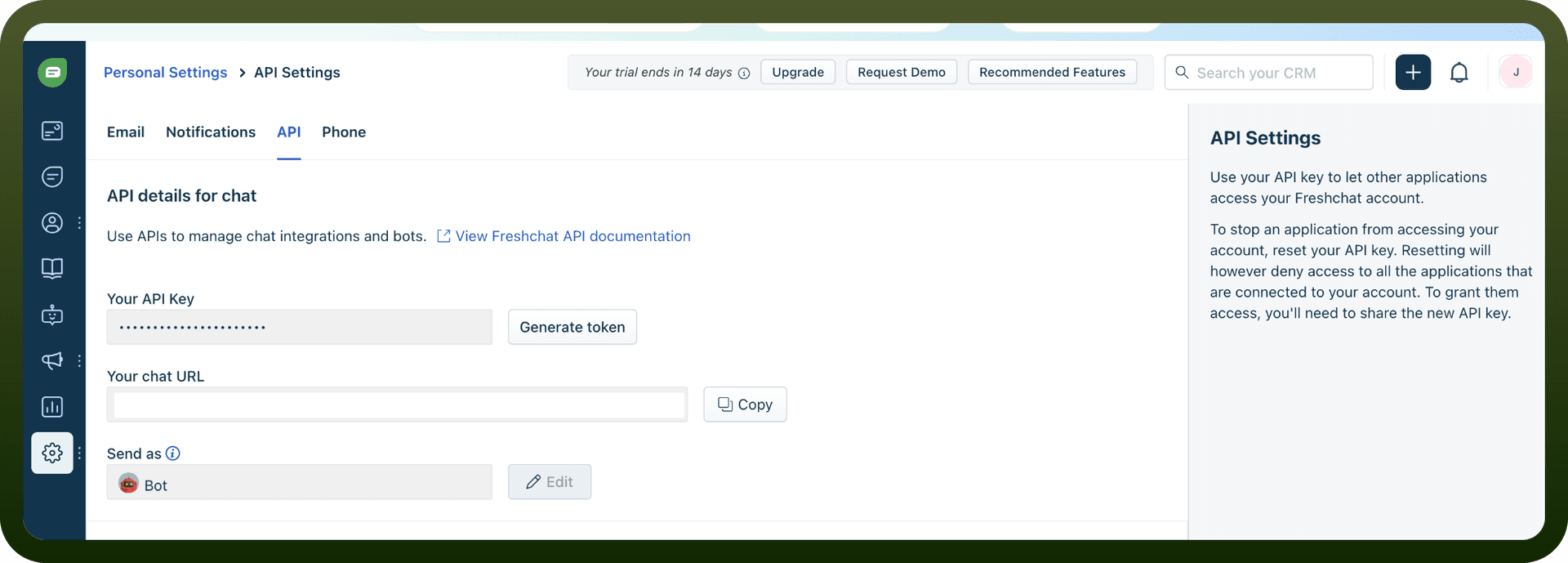
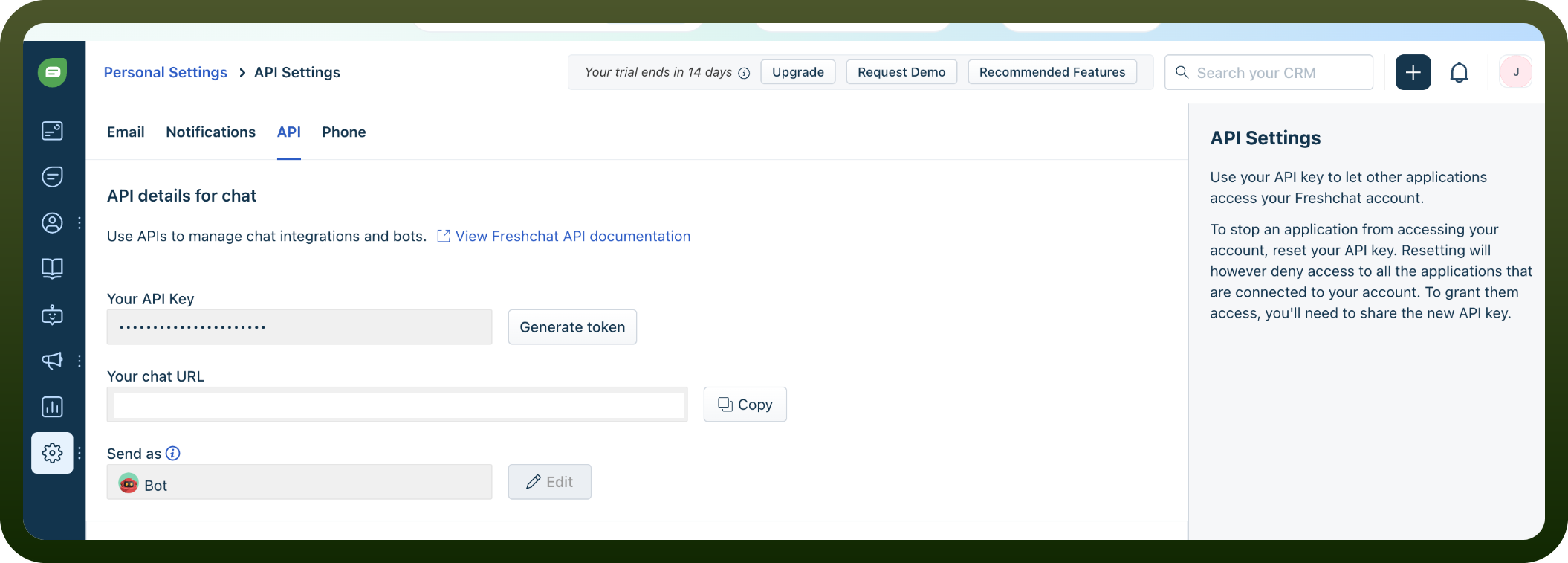
Obtaining your API key and Account URL:
Navigate to your Freshchat account settings.
Click on "Developer Settings" section and "API Access".
Click the "Generate API Key" button and securely store your API key. Enter it in the Access token field.
On the same page, note the chat URL shown for your account. Enter its subdomain in the Account URL field.
Actions
Action Name | Description |
|---|---|
Create conversation | Creates a conversation in Freshchat |
Create user | Creates a user in Freshchat |
Delete agent | Deletes an agent by ID in Freshchat |
Delete user | Deletes a user by ID in Freshchat |
Get agent | Gets agent details by ID in Freshchat |
Get conversation | Gets conversation details by ID in Freshchat |
Get user | Gets a user in Freshchat |
List agents | Lists agents in Freshchat |
List channels | Lists channels in Freshchat |
List users | Lists users in Freshchat |
Update conversation | Updates a conversation in Freshchat |
About the API
The Freshchat API provides access to Freshchat resources via REST APIs, supporting integration with the Freshworks app ecosystem.
Official documentation
https://developers.freshworks.com/docs/app-sdk/v3.0/chat_user/oauth-implementation-in-apps/