


Figma is a collaborative web application for interface design, with additional offline features enabled by desktop applications for macOS and Windows. The feature set of Figma focuses on user interface and user experience design, with an emphasis on real-time collaboration, utilising a variety of vector graphics editor and prototyping tools.
Connecting your application to a Figma account enables integration for various Figma workspace functionalities.
Authentication
Before you begin, make sure you have the following information:
Connection Name: Choose a meaningful name for your connection. This name helps you identify the connection within your application or integration settings. It could be something descriptive like "MyAppFigmaIntegration".Authentication Type: Select one of the options in the connection form: Personal access token (PAT), OAuth or OAuth with client configuration.
OAuth
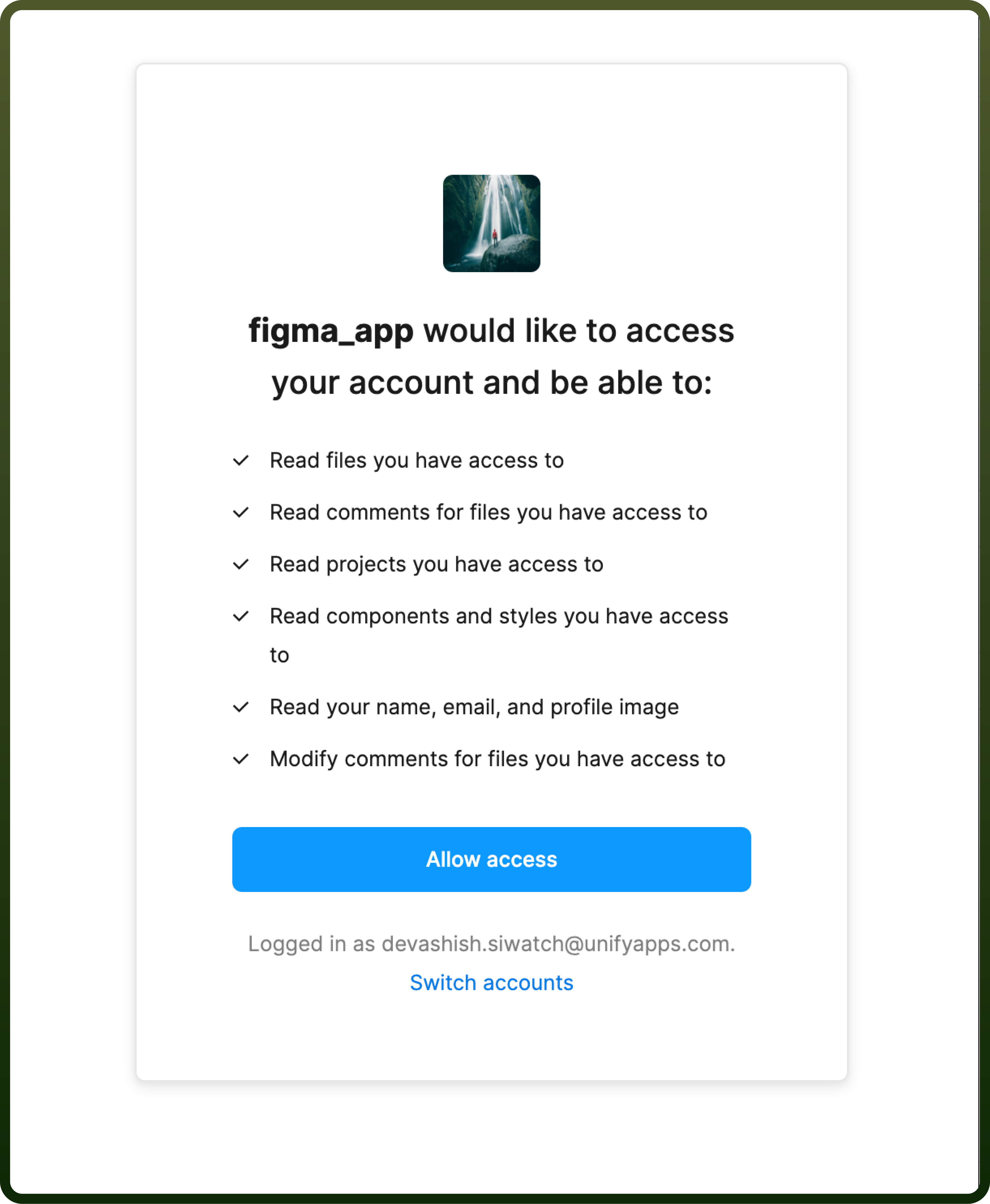
Select OAuth, optionally choose the Scopes you want to grant, and click Authorize. A pop-up opens where you sign in to Figma and allow access. No client details are needed.
OAuth with client configuration
Use this option to connect through your own Figma app.
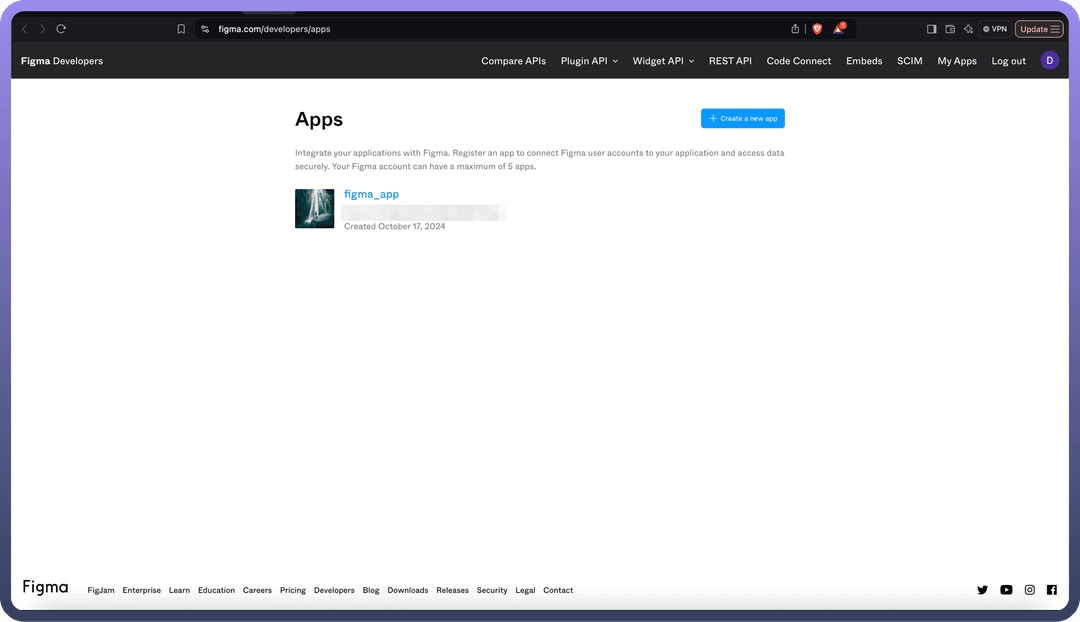
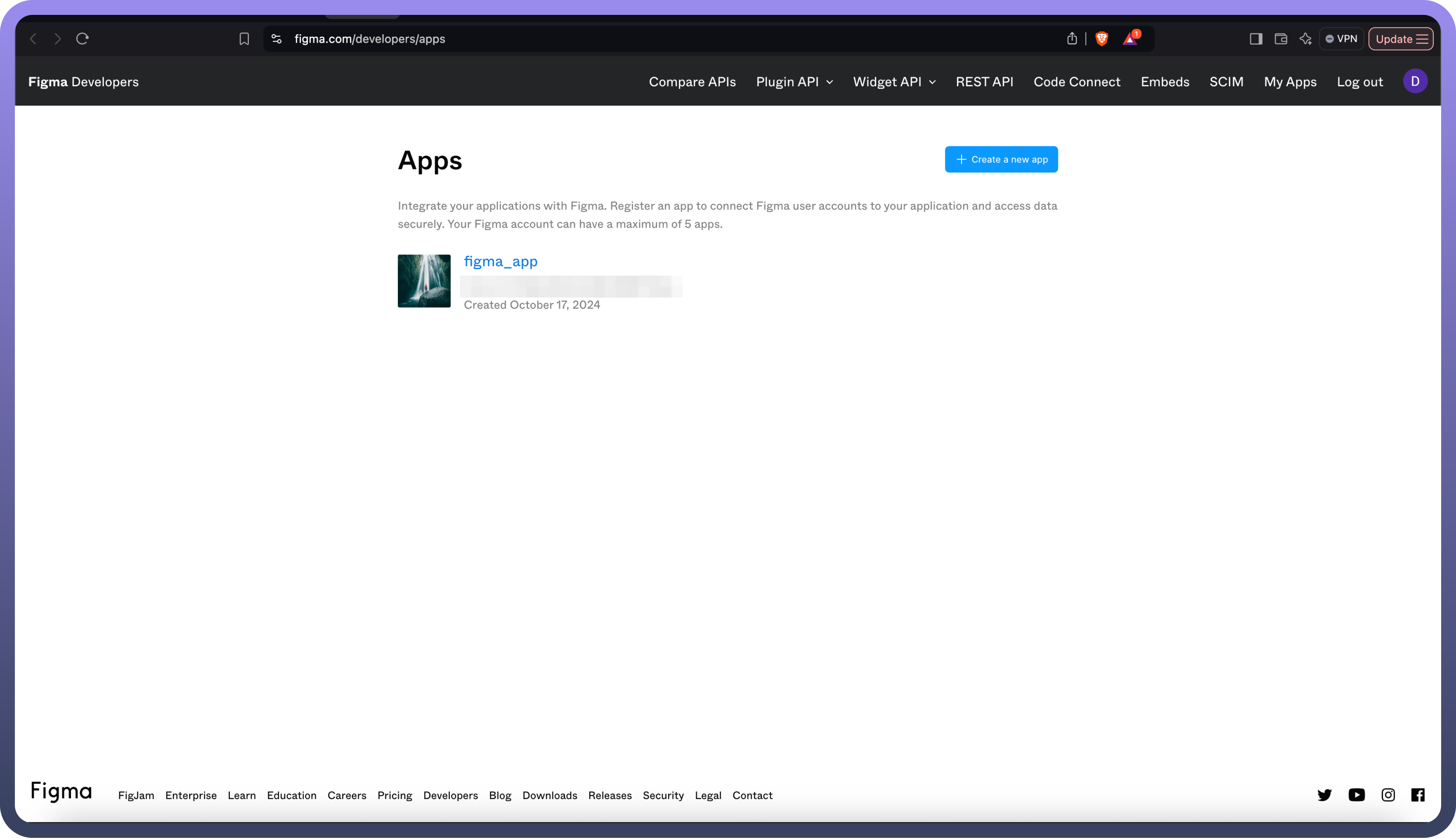
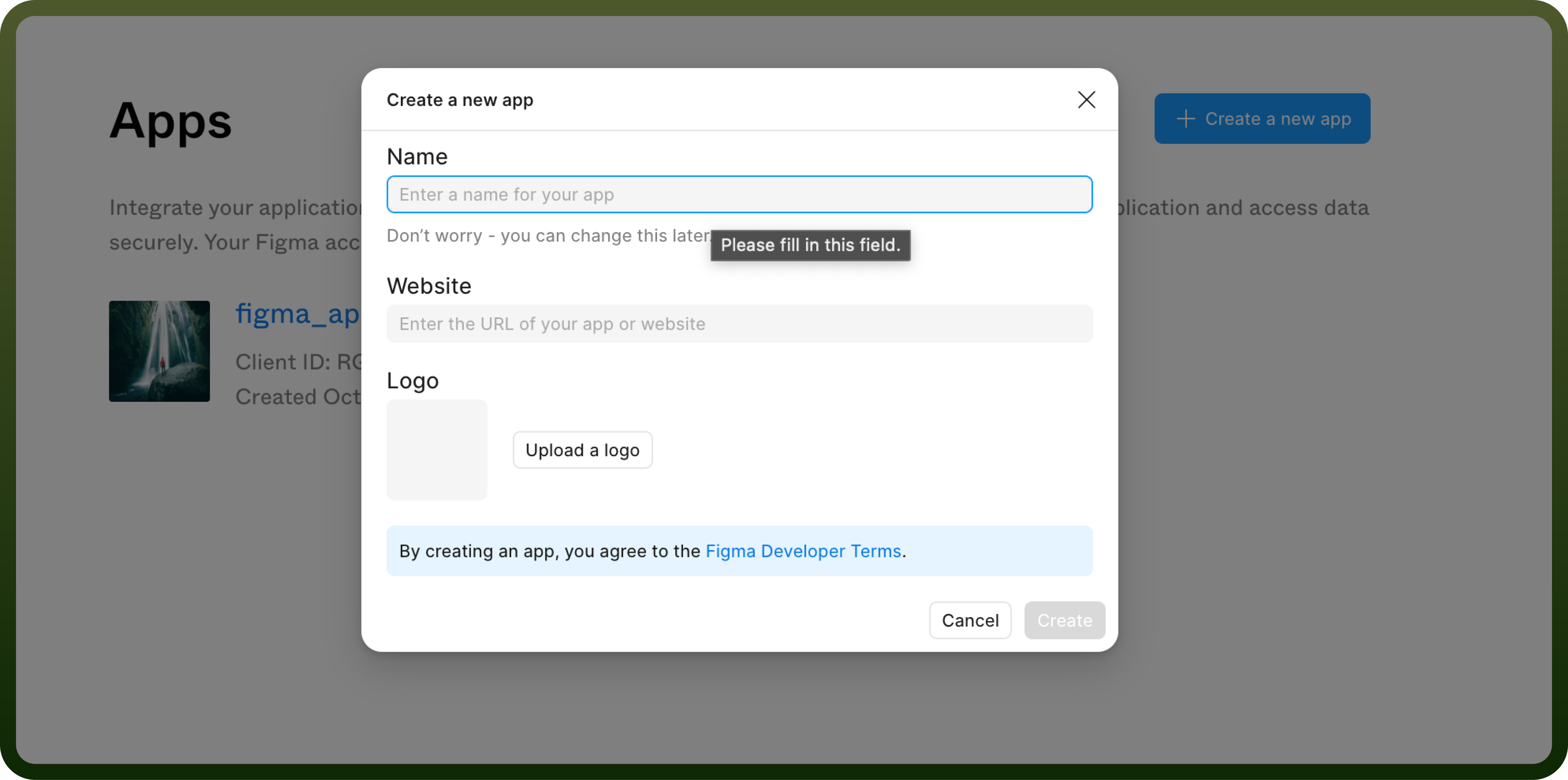
Create an app at https://www.figma.com/developers/apps.
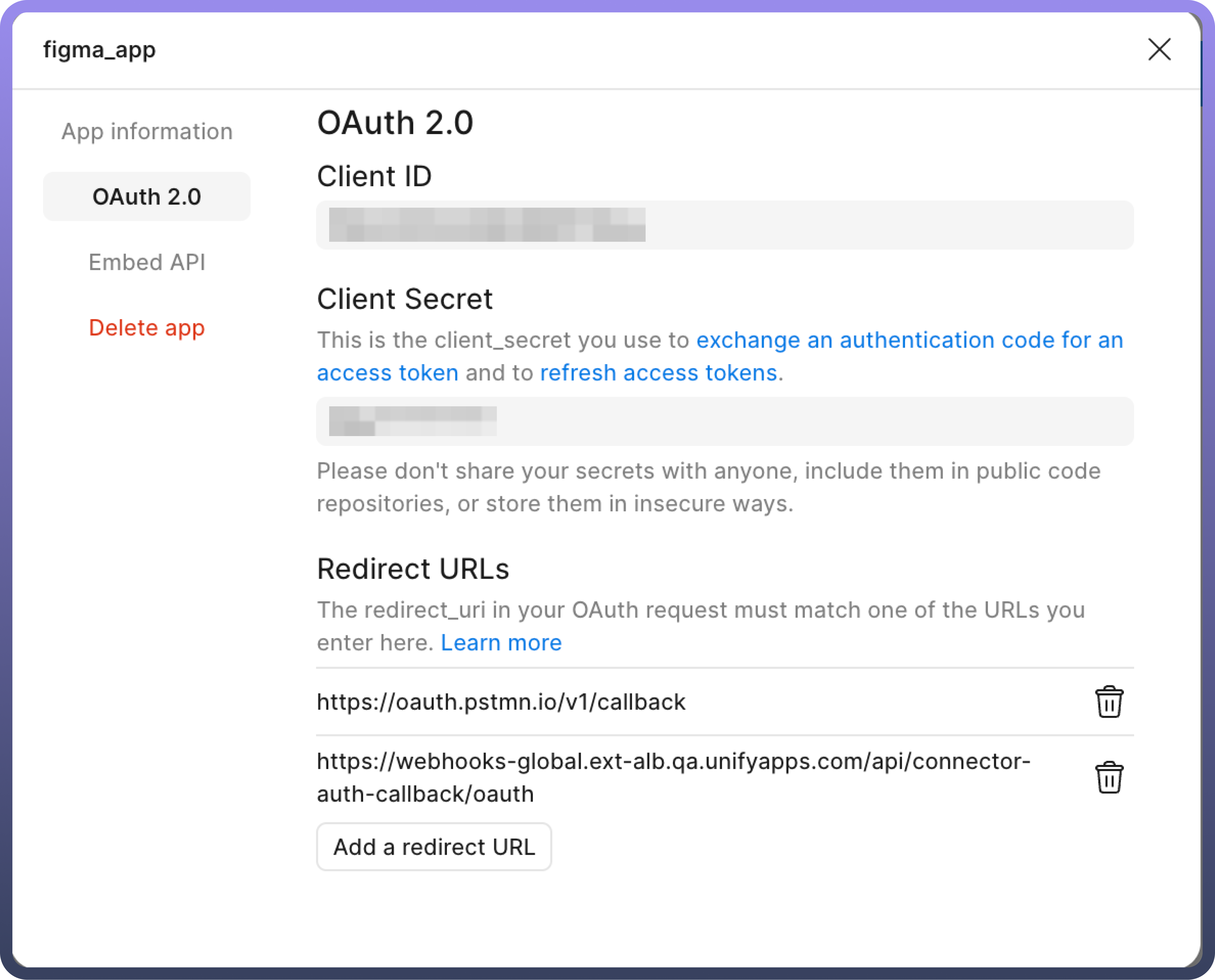
In UnifyApps, select OAuth with client configuration and copy the Callback URL shown in the connection form.
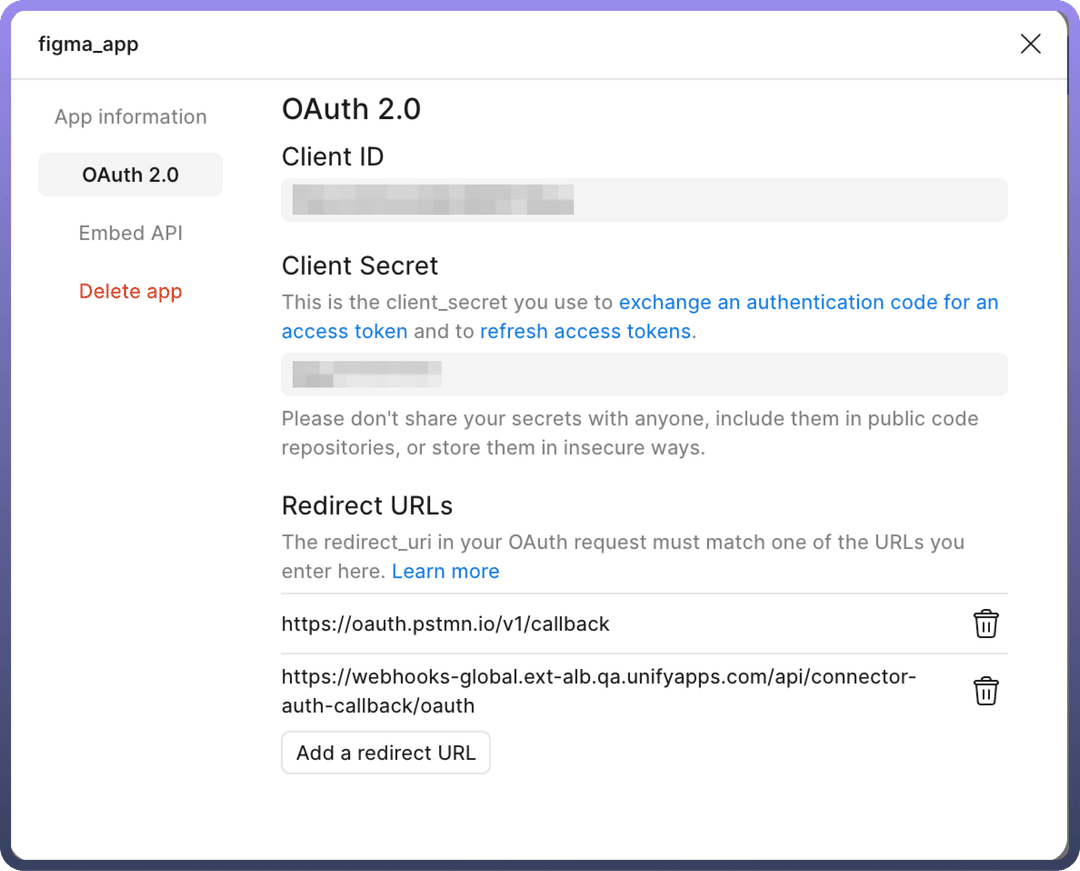
In your Figma app's OAuth settings, add the Callback URL as a redirect URL.
Copy the Client ID and Client secret of your Figma app and paste them into the Client ID and Client secret fields.
Select the Scopes you want to grant, then click Authorize. A pop-up opens with the permissions UnifyApps needs; allow access to finish.


Personal access token (PAT)
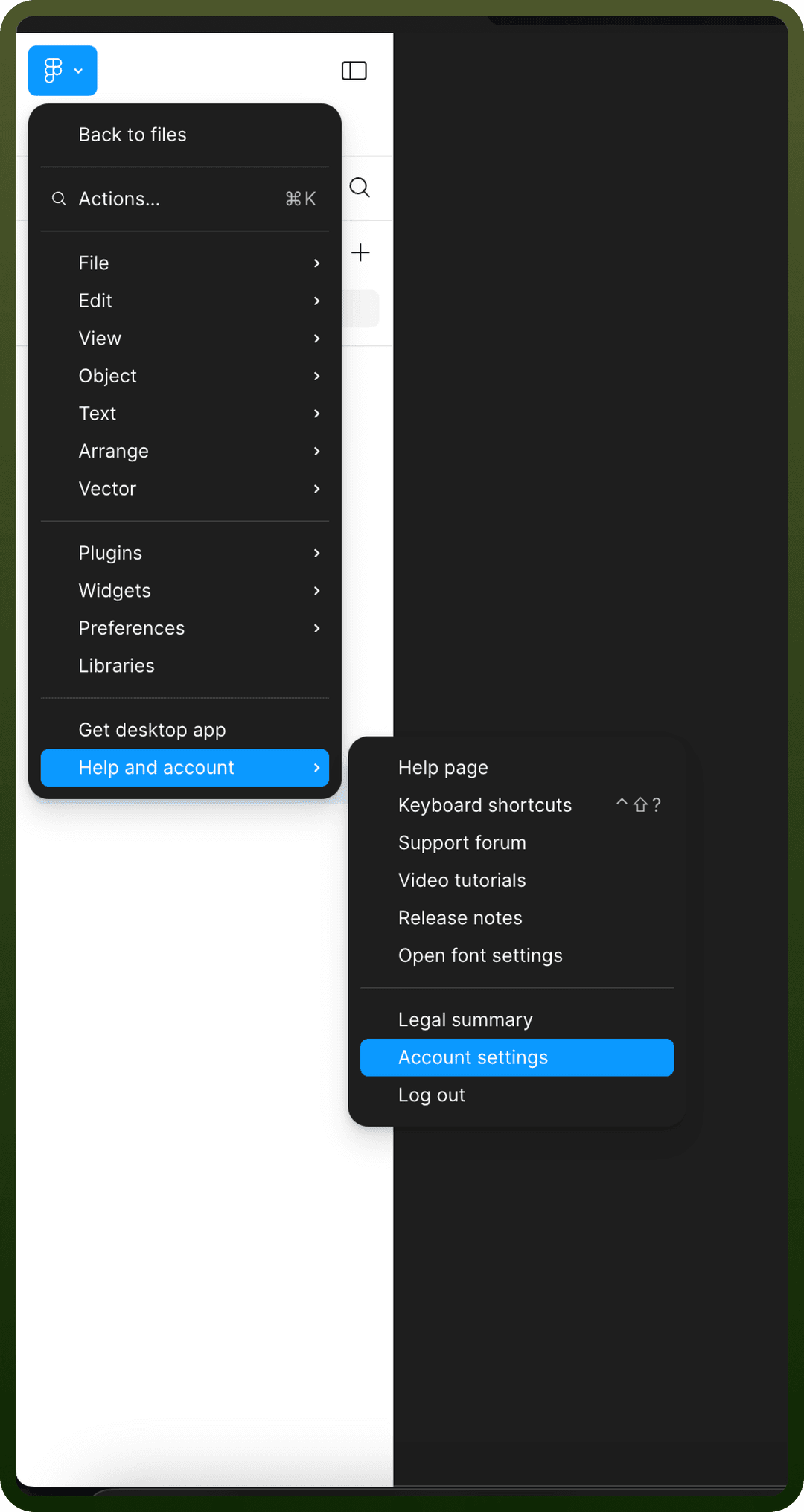
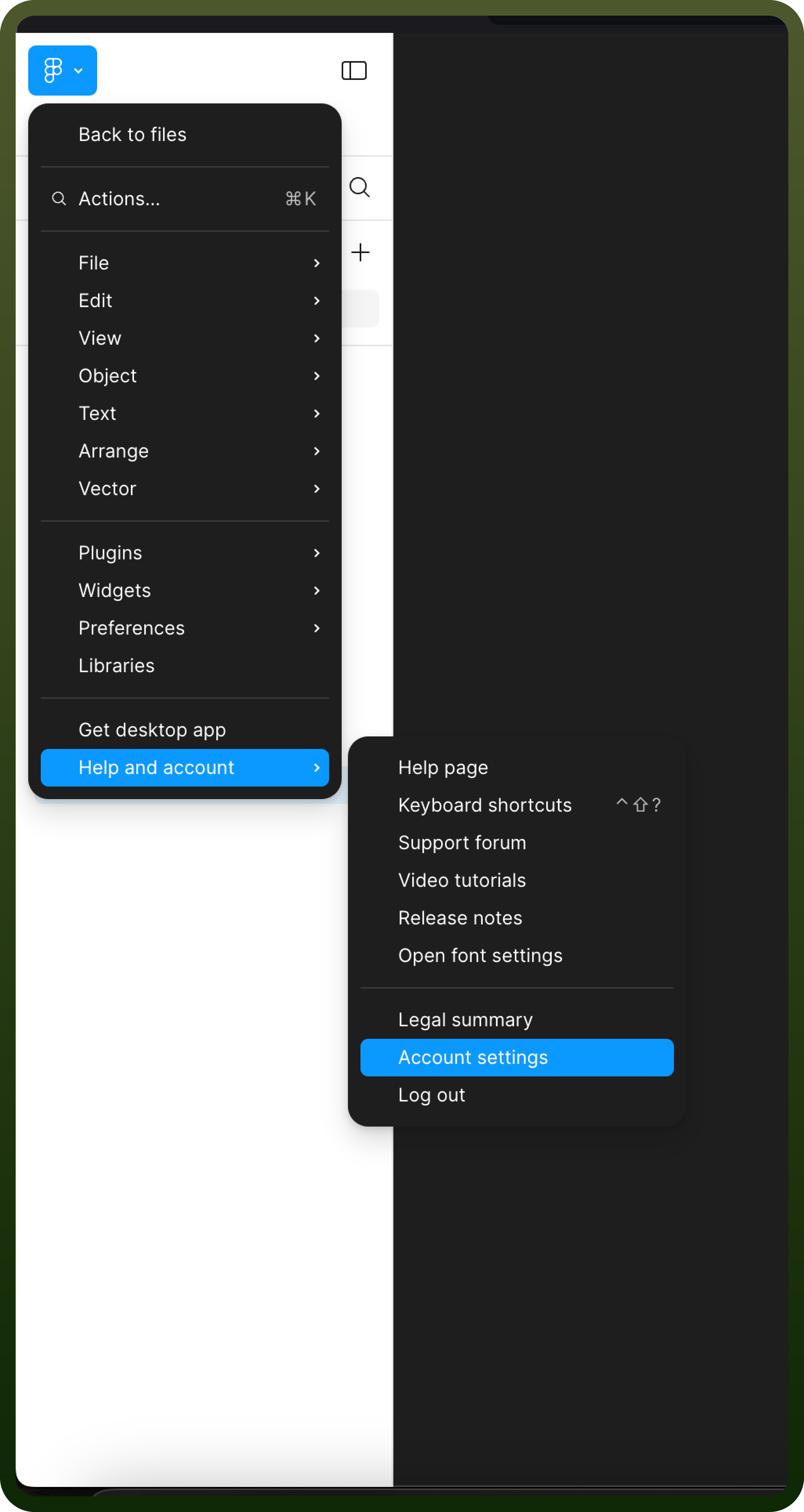
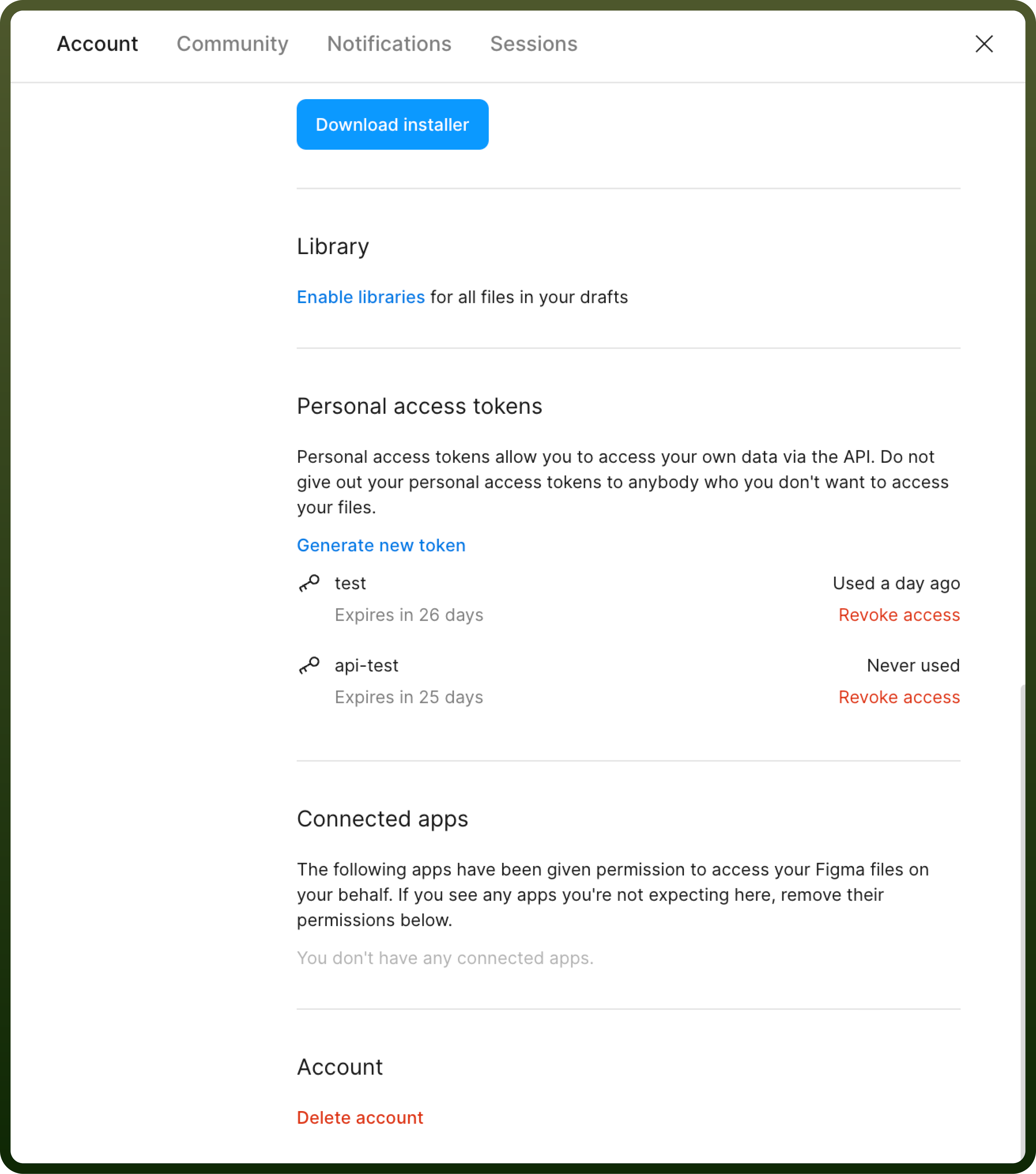
In Figma, go to Help and account > Account settings and create a personal access token in the Personal access tokens section, with the scopes and expiration time you need. In UnifyApps, select Personal access token (PAT) and paste the token into the Personal Access Token (PAT) field.

Granular Permissions
OAuth scopes
The Scopes list in the connection form offers these scopes:
OAuth Scope | Description |
|---|---|
| Read your name, email and profile image. |
| Read comments in files. |
| Post and delete comments and reactions in files. |
| Read the contents of files, such as nodes and the editor type. |
| Read dev resources in files. |
| Write to dev resources in files. |
| Read metadata of files. |
| Read variables in files. Available only to members of Enterprise organizations. |
| Write to variables in files. Available only to members of Enterprise organizations. |
| Read the version history of files. |
| Read your design system analytics. |
| Read data of individual published components and styles. |
| Read published components and styles of files. |
| Read activity logs for your organization. |
| Read developer logs for your organization. |
| Read discovery data for your organization. |
| Read metadata of projects. |
| List projects and the files in them. |
| Read selections in files. |
| Read published components and styles of teams. |
Actions
Name | Description |
|---|---|
| Creates a comment in Figma |
| Creates a comment reaction in Figma |
| Deletes a comment in Figma |
| Gets file information by ID |
| Gets a file's metadata in Figma |
| Gets file nodes information by ID in Figma |
| Gets image fills in Figma |
| Gets an image from a file in Figma |
| Gets a metadata style in Figma |
| Gets project files in Figma |
| Gets team projects in Figma |
| Gets users in Figma |
| Lists comment reactions in Figma |
| Lists file component sets in Figma |
| Lists file components in Figma |
| Lists file styles in Figma |
| Lists metadata component in Figma |
| Lists metadata component set in Figma |
| Lists team component sets in Figma |
| Lists team components in Figma |
| Lists team styles in Figma |
| Searches files within a team's project by name and returns the matching file keys |
| Searches projects in a team by name and returns the matching project IDs |