


Use the FedEx connector to manage shipping and parcel tracking.
Integrating your application with FedEx lets you use these operations in an automation. It exposes 15 actions, listed below. Add the connector from the Connections area, authenticate, then select its operations in the automation builder. Capabilities: actions.
Authentication
Before you begin, make sure you have the following information:
Connection Name: Choose a meaningful name for your connection. This name helps you identify the connection within your application or integration settings.
Authentication Type: FedEx uses client credentials. The connection form asks for a Client ID, a Client Secret and an Environment (Sandbox or Production).
Obtaining Your API Key and Secret Key
Go to the FedEx Developer Portal at developer.fedex.com and sign up for a developer account, or log in if you already have one.
From the menu, select My Projects, then select Create an organization and enter your company details.
Select the APIs tab, then click + Create API Project.
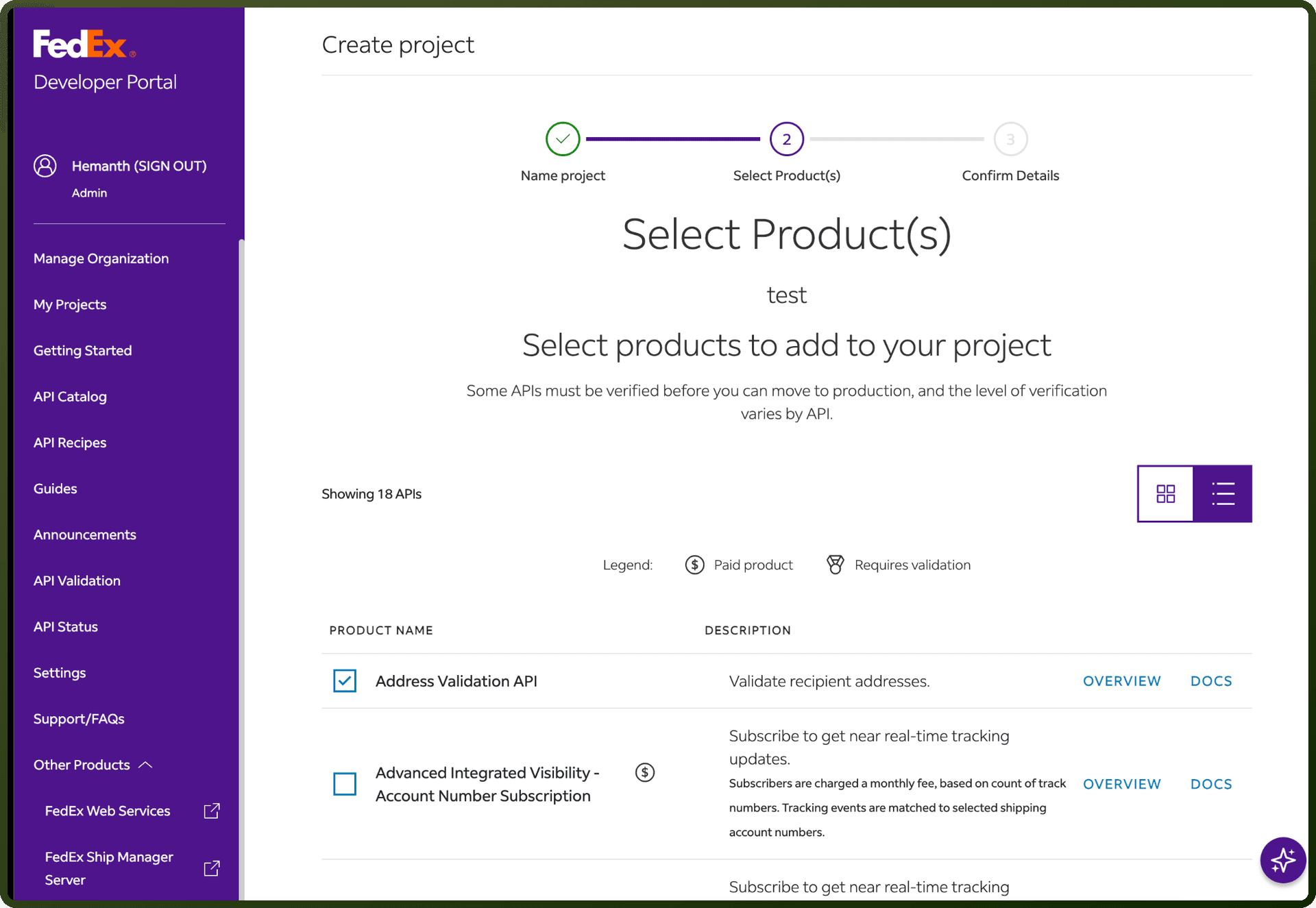
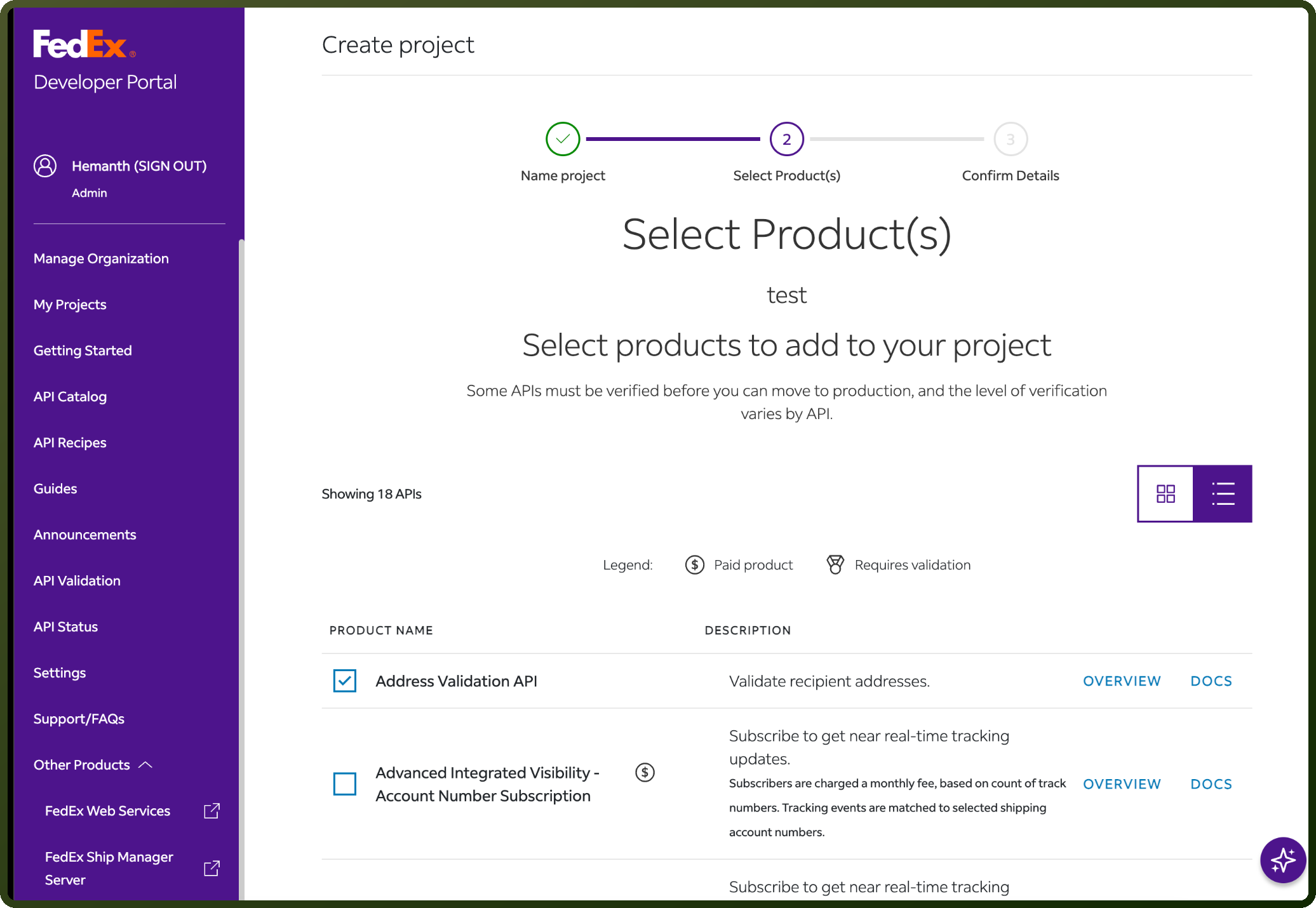
Select the FedEx APIs you need, name the project, choose the countries it applies to, and accept the terms and conditions to finish creating it.
From My Projects, open your project by clicking its name.
On the API keys tab, under Test Key, copy your test API Key (Client ID) and Secret Key (Client Secret) for development.
When you're ready to go live, open the Production key tab, copy your production API Key and Secret Key, and store both securely — you'll need them for authentication.
Connecting in UnifyApps
In the connection form, enter:
Client ID: your FedEx API Key.
Client Secret: your FedEx Secret Key.
Environment: select Sandbox if you copied Test keys, or Production if you copied Production keys.
UnifyApps requests and renews the FedEx access token for you. Child keys, which FedEx issues to some customer types such as integrators, can't be entered in this connection.
Actions
Action Name | Description |
|---|---|
Cancel pickup | Cancels the already scheduled pickup request in FedEx |
Cancel shipment | Cancels unsubmitted FedEx express and ground shipments in FedEx |
Cancel tag | Cancels return labels and schedule pickups for FedEx express and ground shipments in FedEx |
Create notification | Creates and sends notification in FedEx |
Create pickup | Creates a pickup request for a package in FedEx |
Create shipment | Creates shipment requests in FedEx |
Create tag | Creates return labels and schedule pickups for FedEx express and ground shipments in FedEx |
Get async ship | Retrieves confirmed shipments to process asynchronously in FedEx |
Get delivery proof | Retrieves the proof of delivery in FedEx |
Get multiple piece shipment | Retrieves information for multiple piece shipments in FedEx |
Get pickup availability | Checks and retrieves the pickup availability in FedEx |
Get track information | Retrieves tracking information by customer reference in FedEx |
Get tracking control | Retrieves tracking information by tracking control number in FedEx |
Get tracking for customers package | Retrieves tracking for customers package in FedEx |
Update address | Verifies and updates address in FedEx |
About the API
FedEx provides APIs for shipping and logistics operations. Please refer to the official documentation for specific endpoint details.
Official documentation
https://developer.fedex.com/api/en-us/catalog/authorization/docs.html