


Freshservice is a cloud-based IT service management (ITSM) solution designed to streamline IT operations, including incident management, asset tracking, and workflow automation. It offers an intuitive interface, customizable workflows, and integrations to improve efficiency and service delivery.
Integrating Freshservice enhances IT efficiency by centralizing operations, automating workflows, and improving service delivery.
Authentication
Before you begin, make sure you have the following information:
Connection Name: Select a descriptive name for your connection, like "MyAppFreshServiceIntegration". This helps in easily identifying the connection within your application or integration settings.Authentication Type: Freshservice provides API key authentication. This method ensures secure access to Freshservice's functionalities and data.Helpdesk: Enter only your helpdesk name as found in your Freshservice URL. For example, if your URL is https://example.freshservice.com, enterexample. Don't enter the full URL.API key: Enter your Freshservice API key.
How to obtain the API key?
To generate an API token in Freshservice, follow these steps:
Log in to the Freshservice Admin Console.
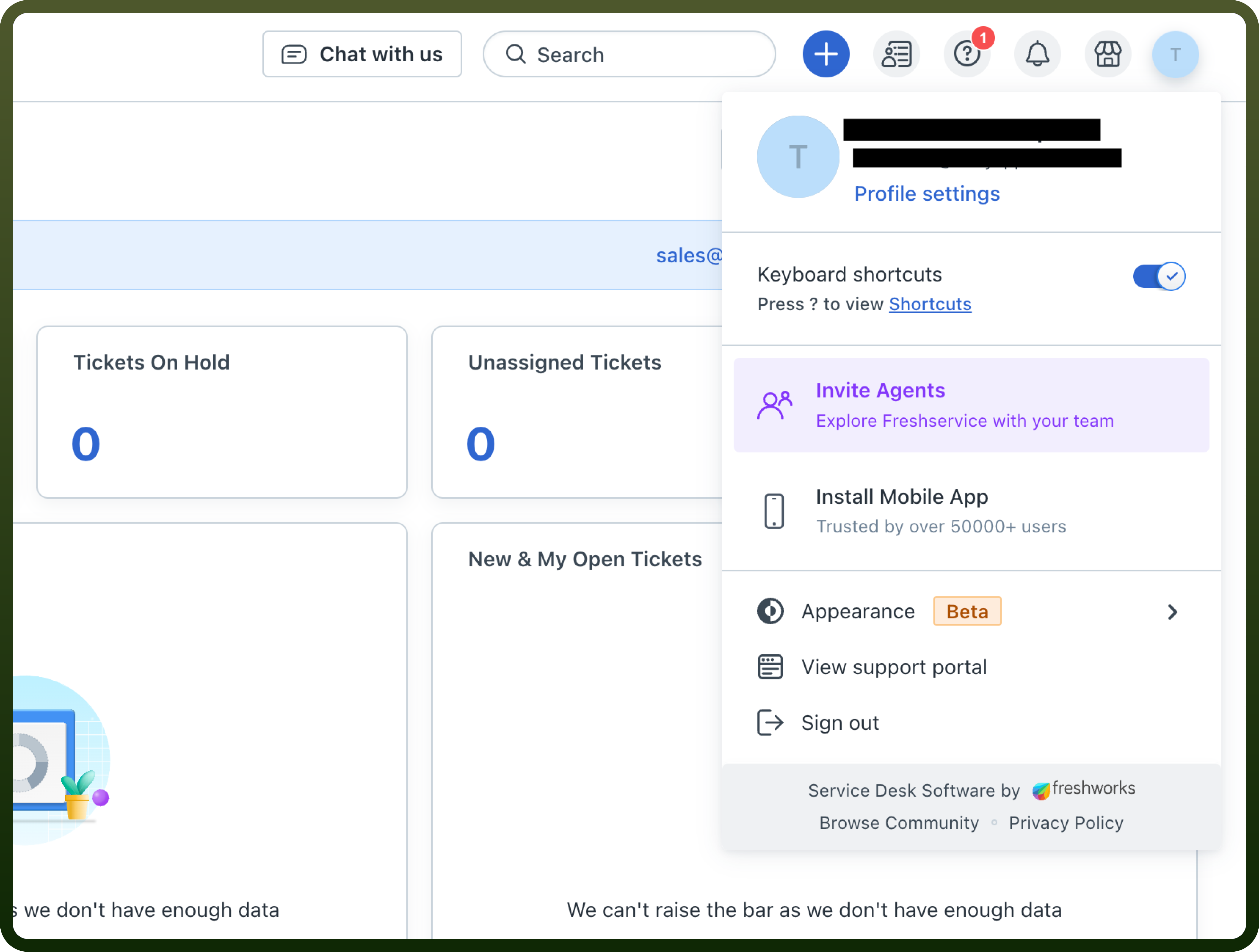
Navigate to the Profile Settings In the top right corner, click on your profile icon and from the dropdown menu, select Profile Settings.
Go to the
API SectionYou will see an option to generate an API key. Click on
Generate API Key.After generating the token, make sure to copy it immediately. Please keep this secure as it allows access to your Freshservice account.

Actions
Action Name | Description |
|---|---|
Add comment | Add comment to an existing ticket in Freshservice |
Add ticket attachment | Updates a ticket with attachments in Freshservice |
Create agent | Create agent in Freshservice |
Create incident | Create incident in Freshservice |
Create onboarding request | Create onboarding request in Freshservice |
Create requester | Create requester in Freshservice |
Create service request | Create service request in Freshservice |
Get agent | Get agent details in Freshservice |
Get group | Get group details in Freshservice |
Get requester | Get requester details in Freshservice |
Get solution article | Retrieve solution article details by ID in Freshservice |
Get solution category | Retrieve solution category details by ID in Freshservice |
Get solution folder | Retrieve solution folder details by ID in Freshservice |
Get ticket attachments | Get ticket attachments in Freshservice |
List agent fields | List agent fields in Freshservice |
List approvals | List approvals assigned to user in Freshservice |
List onboarding form fields | List onboarding form fields in Freshservice |
List requester fields | List requester fields in Freshservice |
List Service Items | List service items in Freshservice |
List solution articles | List solution articles in Freshservice |
List solution categories | List solution categories in Freshservice |
List solution folders | List solution folders in Freshservice |
List ticket fields | List ticket form fields in Freshservice |
List tickets | List tickets in Freshservice |
Search agent | Search agents in Freshservice |
Search requester | Search requesters in Freshservice |
Search ticket | Search tickets in Freshservice |
Update requester | Update requester in Freshservice |
Update ticket | Update ticket in Freshservice |
Triggers
Trigger Name | Description |
|---|---|
New ticket | New ticket in Freshservice |
New/updated ticket | New or updated ticket in Freshservice |
On new or updated ticket | Triggers when a ticket is created or updated in Freshservice |
On new ticket | Triggers when a ticket is created in Freshservice |
Setting up the real-time triggers: On new ticket and On new or updated ticket are webhook triggers, and UnifyApps doesn't register the webhook for you. When you add one of them, copy the Webhook URL it shows and configure it in Freshservice (for example, as a webhook action in a Workflow Automator rule). Do this before you enable the automation, or the trigger won't fire. New ticket and New/updated ticket are polling triggers and need no setup in Freshservice.