


Use the FraudLogix connector to detect ad fraud and verify traffic.
Integrating your application with FraudLogix lets you use these operations in an automation. It exposes 1 action, listed below. Add the connector from the Connections area, authenticate, then select its operations in the automation builder. Capabilities: actions.
Authentication
Before you begin, make sure you have the following information:
Connection Name: Choose a meaningful name for your connection. This name helps you identify the connection within your application or integration settings.
API Key: The connection uses API key authentication. Enter your FraudLogix API key in the API Key field. Follow the steps below to find it.
Obtaining Your API Key
Go to the FraudLogix IP Risk Score registration page at ipui.fraudlogix.com and sign up with your name, company, company website, and phone number.
Check your email for the verification message and click the link to activate your account.
Log in to your FraudLogix dashboard at ipui.fraudlogix.com.
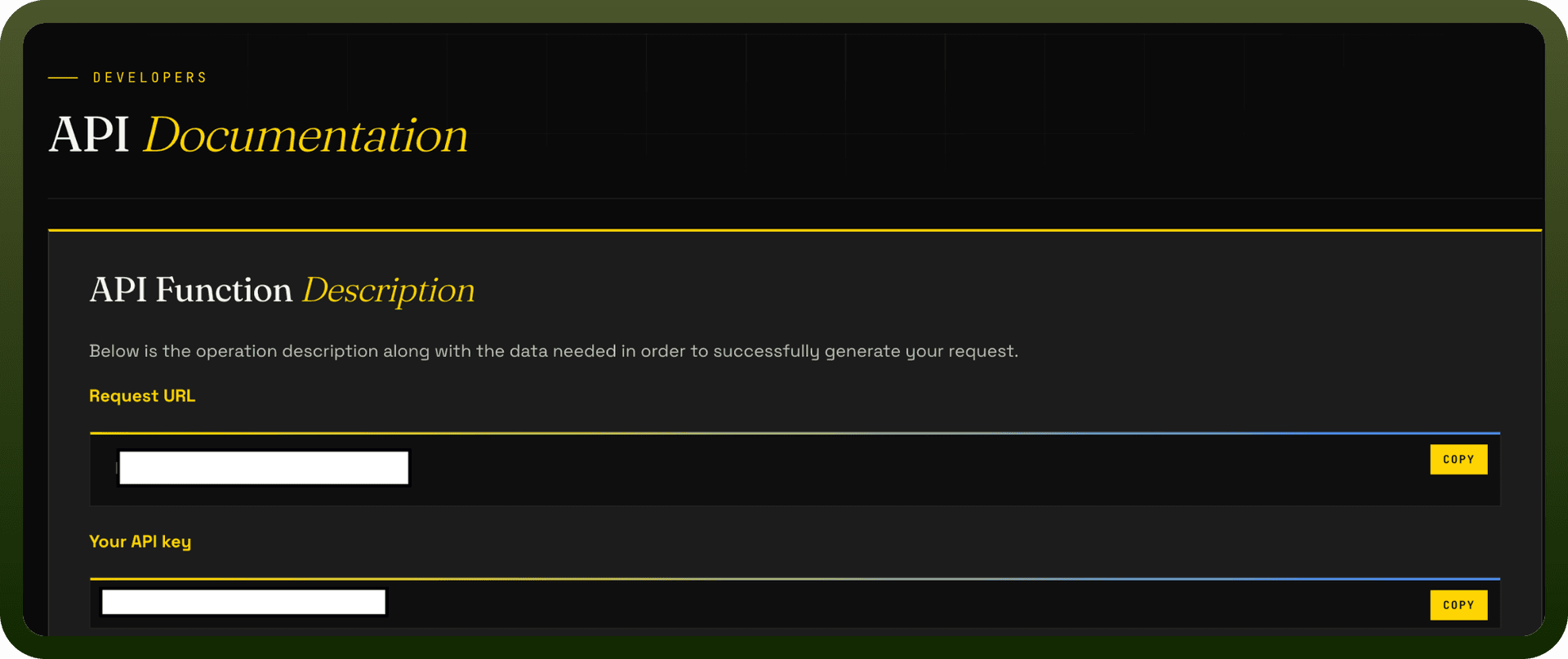
Navigate to the API Access page.
Copy your API key and store it securely for further authentication purposes.
The connector calls the FraudLogix IP Risk Score API with your API key. The IP Blocklist API, which signs in with a dashboard username and password, isn't available through this connector.
Actions
Action Name | Description |
|---|---|
Gets IP risk score in FraudLogix | Get IP risk score |
About the API
The connector uses the FraudLogix IP Risk Score API to look up risk-related information about an IP address, such as proxy and VPN detection and other signs of fraudulent or suspicious activity.