


Use the Amazon Cognito connector to manage user authentication and access.
Integrating your application with Amazon Cognito lets you use these operations in an automation. It exposes 3 actions, listed below. Add the connector from the Connections area, authenticate, then select its operations in the automation builder. Capabilities: actions.
Authentication
Before you begin, make sure you have the following information. Amazon Cognito connections use Access Key authentication, and every field below is required.
Connection name: a name that identifies this connection in UnifyApps, such as "MyAppAmazonCognitoIntegration".
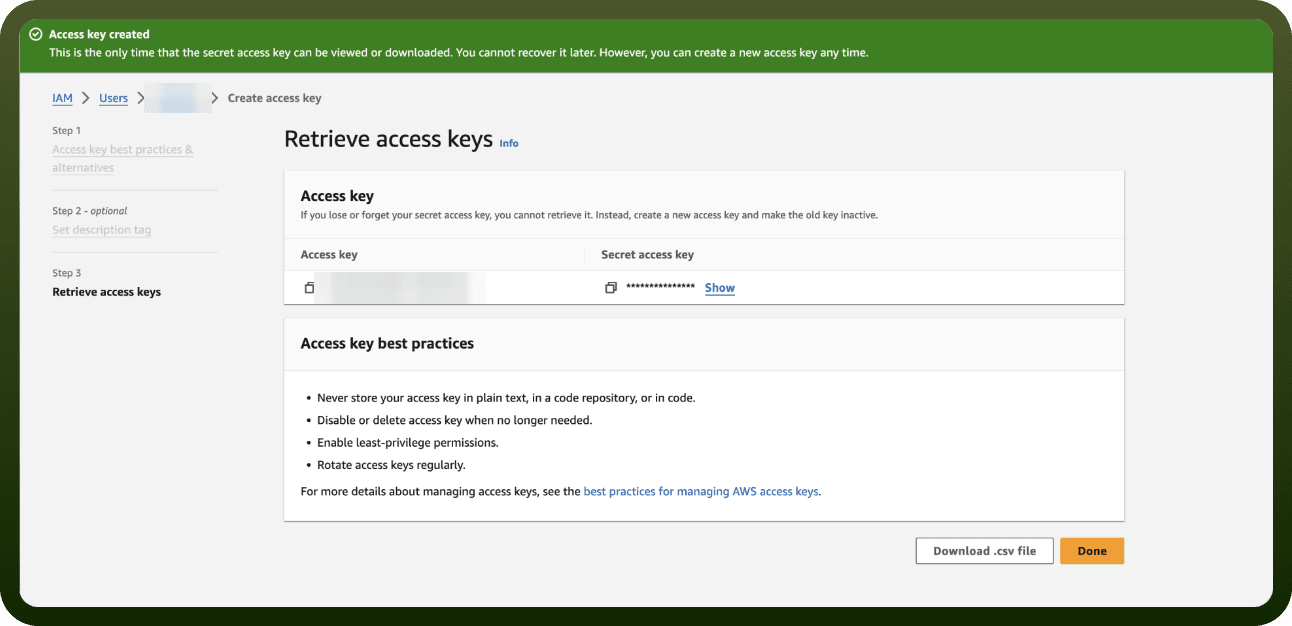
Access key ID and Secret access key: the access keys of an IAM user that can call Amazon Cognito. See the steps below.
Region: the AWS region of your Cognito pools, such as us-east-1. If your AWS console URL starts with https://us-east-1.console.aws.amazon.com, enter us-east-1.
Cognito user pool: the User pool ID, and the Client ID and Client secret of the app client associated with the user pool. In the Amazon Cognito console, open User pools and select your pool to see its ID; the app client ID and secret are under App clients.
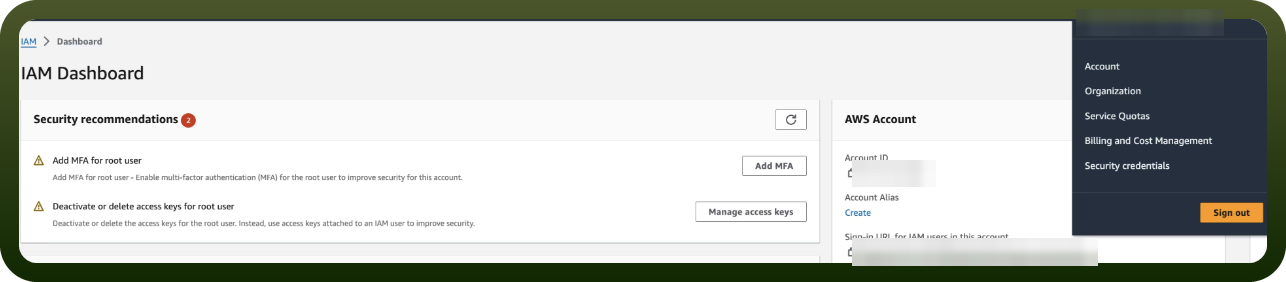
Cognito identity pool: your AWS Account ID (shown in the account menu at the top right of the AWS console) and the Identity pool ID, which you find under Identity pools in the Amazon Cognito console.
Access Key Based Authentication
Sign in to the AWS Management Console.
Search for Users in the search bar at the top of the console and open Users in IAM (Identity and Access Management).
Click Create user and enter a user name.
Choose Attach policies directly and attach a policy that grants the Amazon Cognito permissions you need (for example, AmazonCognitoPowerUser). Click Create user.
Open the new user, go to Security credentials and click Create access key.
Choose Command Line Interface as the use case, add a description tag and click Create access key.
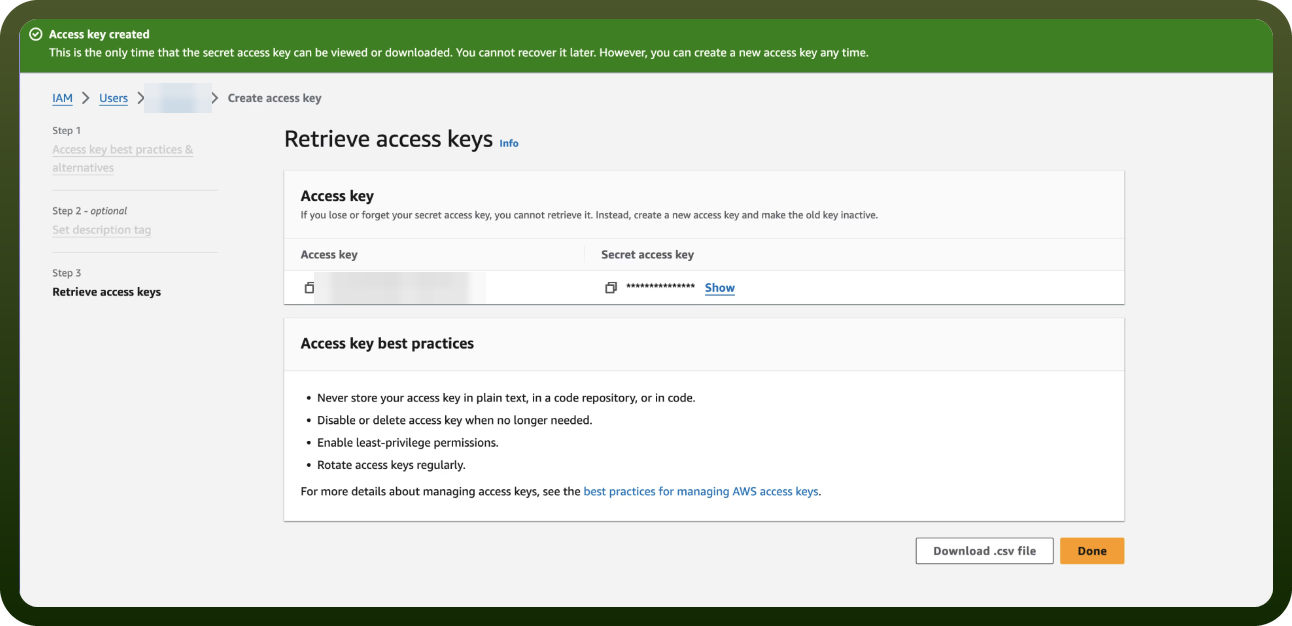
Copy the access key ID and secret access key into the connection form. Store them securely; anyone with them can access your AWS account.


Actions
Action Name | Description |
|---|---|
Authenticate user | Authenticate user in Amazon Cognito |
Generate AWS secutity tokens | Generate AWS secutity tokens using Cognito token in Amazon Cognito |
Refresh auth token | Refresh auth token in Amazon Cognito |