


Use the BuiltWith API connector to retrieve website technology stack information.
Integrating your application with BuiltWith API lets you use these operations in an automation. It exposes 1 action, listed below. Add the connector from the Connections area, authenticate, then select its operations in the automation builder. Capabilities: actions.
Authentication
Before you begin, make sure you have the following information:
Connection Name: Choose a meaningful name for your connection. This name helps you identify the connection within your application or integration settings.
Authentication Type: BuiltWith uses API key authentication. The connection form asks for a Connection name and your API key.
Obtaining Your API Key
Go to builtwith.com/signup and create a free BuiltWith account, or log in if you already have one.
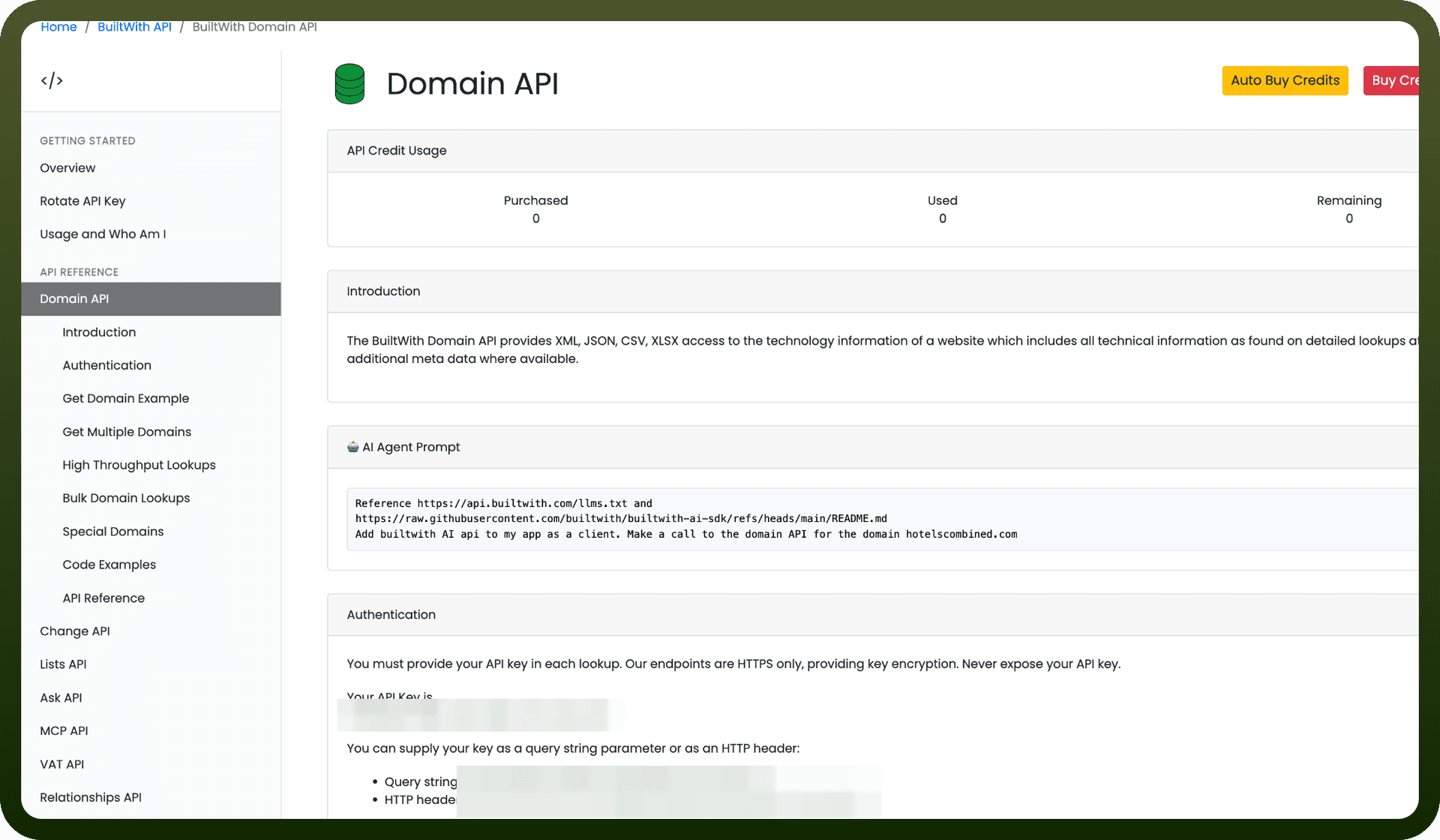
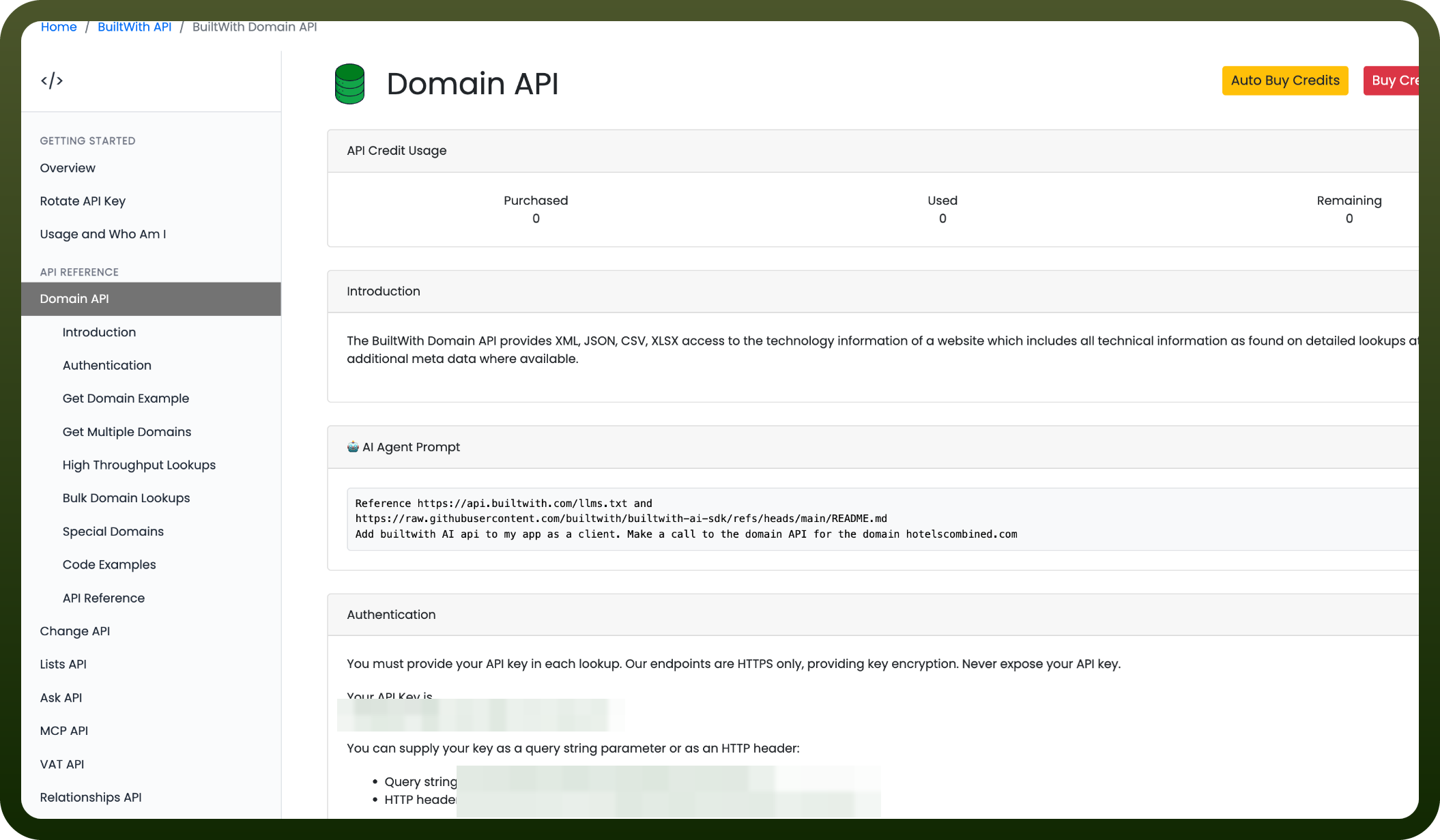
Once logged in, go to api.builtwith.com and open the Domain API page.
Click Get API Key.
Copy the API key now shown on the page (formatted like 00000000-0000-0000-0000-000000000000).
Paste the key into the API key field of the BuiltWith connection in UnifyApps. Store the key securely.
Actions
Action Name | Description |
|---|---|
Get sigle domain API | Gets a single domain API in BuiltWith API |