


Use the Amplitude connector to track product usage and user behavior analytics.
Integrating your application with Amplitude lets you use these operations in an automation. It exposes 19 actions, listed below. Add the connector from the Connections area, authenticate, then select its operations in the automation builder. Capabilities: actions.
Authentication
Before you begin, make sure you have the following information. All fields are required.
Connection name: a name that identifies this connection in UnifyApps, such as "MyAppAmplitudeIntegration".
API-key: your Amplitude project's API key.
Secret-key: your Amplitude project's secret key.
Server: Standard (default) or EU Residency. Choose EU Residency if your Amplitude project stores its data in the EU data center; the connection fails if an EU project is left on Standard.
Authentication & setup
Amplitude provides API keys and secret keys for authentication to its various APIs.
Getting Credentials
To retrieve your API credentials:
Navigate to Settings in the Amplitude web app
Select Projects from the side navigation
Choose your project and go to the General tab
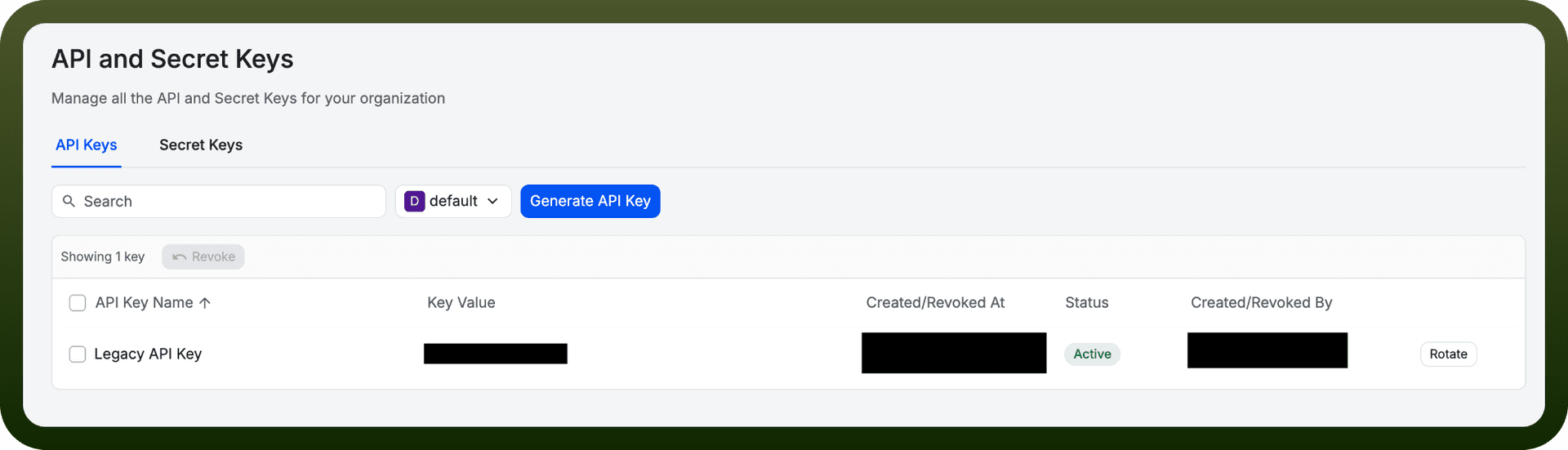
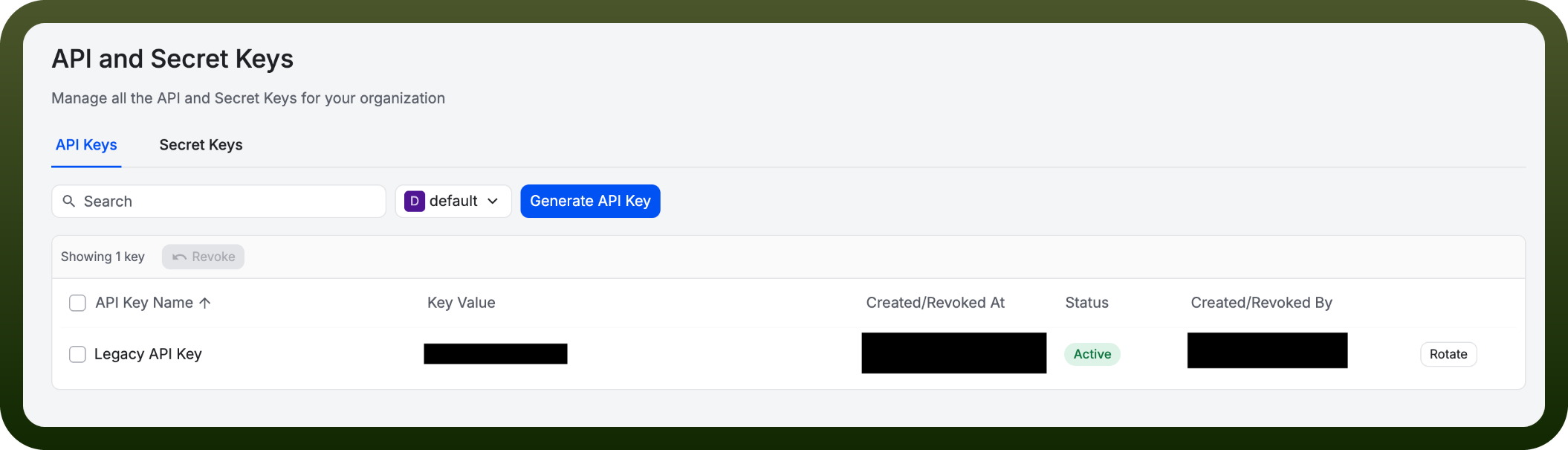
Click Manage next to API Key or Secret Key to view and copy values
Permission Requirements: Managers and Admins can generate, copy, and revoke API keys, and generate secret keys.
API Key Types
API Key: Used for client-side ingestion and analytics APIs
Secret Key: Used for server-side APIs that read or modify project data
The UnifyApps connection uses the API key and secret key only.
Actions
Action Name | Description |
|---|---|
Create an annotation | Creates an annotation in Amplitude |
Download cohort data | Downloads cohort data in Amplitude |
Get a chart result | Gets a chart results by id from Amplitude |
Get a cohort | Gets a cohort in Amplitude |
Get a cohort request status | Gets a cohort request status in Amplitude |
Get a single chart annotation | Gets a single chart annotation in Amplitude |
Get average no. of session per user | Gets average no. of session per user in Amplitude |
Get distribution of users | Gets distribution of users in Amplitude |
Get event segmentation | Gets event segmentation in Amplitude |
Get funnel analysis | Gets a funnel analysis in Amplitude |
Get real time active users | Gets real time active users in Amplitude |
Get retention analysis | Gets a retention analysis in Amplitude |
Get revenue lifetime value | Gets revenue lifetime value in Amplitude |
Get session length distribution | Gets session length distribution in Amplitude |
Get user activity | Gets user activity in Amplitude |
Get user search | Gets user search in Amplitude |
Send a user event | Sends a user event in Amplitude |
Update cohort membership | Updates cohort membership in Amplitude |
Upload cohort | Uploads cohort data in Amplitude |
About the API
Amplitude provides comprehensive APIs across multiple product areas:
Analytics APIs - Product analytics and data querying
Experiment APIs - Feature and web experimentation management
Guides and Surveys APIs - User engagement and feedback tools
Session Replay APIs - Recording and playback of user sessions
Admin APIs - Account and project management
AI Feedback API - AI-powered insights and analysis
The APIs enable data ingestion, analysis, experimentation, and insights generation for product analytics and user engagement.