


Kanban Tool is a visual project management platform that uses boards, cards, and swimlanes to help teams track tasks and workflows in real time. It supports time tracking, automation, and collaboration for increased productivity.
Integrating Kanban Tool enables seamless task automation, centralized updates, and enhanced visibility across project workflows.
Authentication
Before you begin, make sure you have the following information:
Connection Name: Select a descriptive name for your connection, like "MyAppKanbanToolIntegration". This helps in easily identifying the connection within your application or integration settings.Domain: The URL of your Kanban Tool account, for example https://example.kanbantool.com.Authentication Type: Kanban Tool supports API keys for authentication. Paste your key into the API key field.
API Key Based Authentication
Log in to your Kanban Tool account.
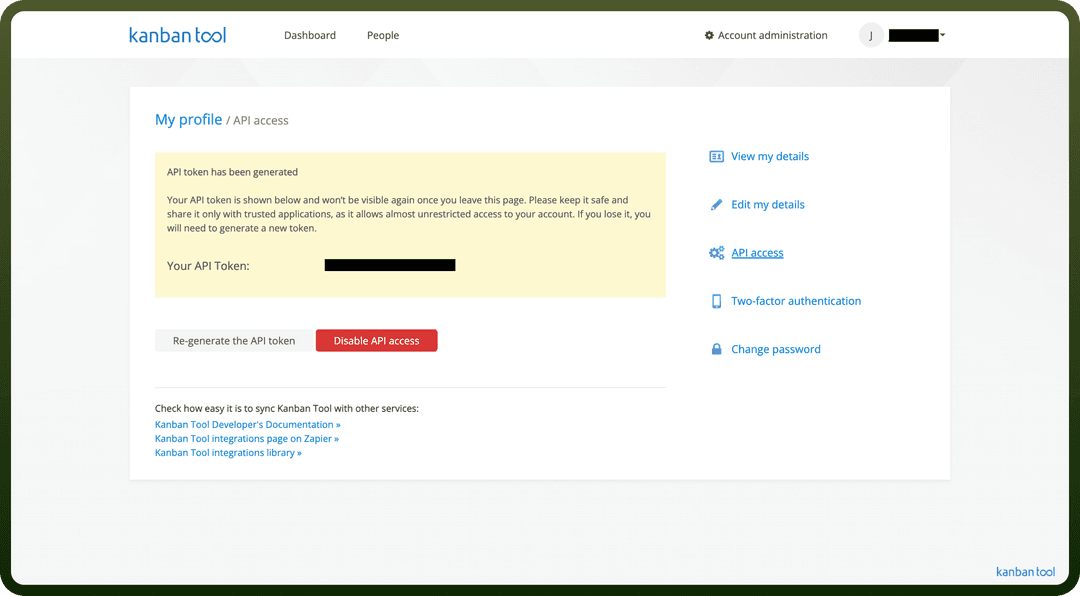
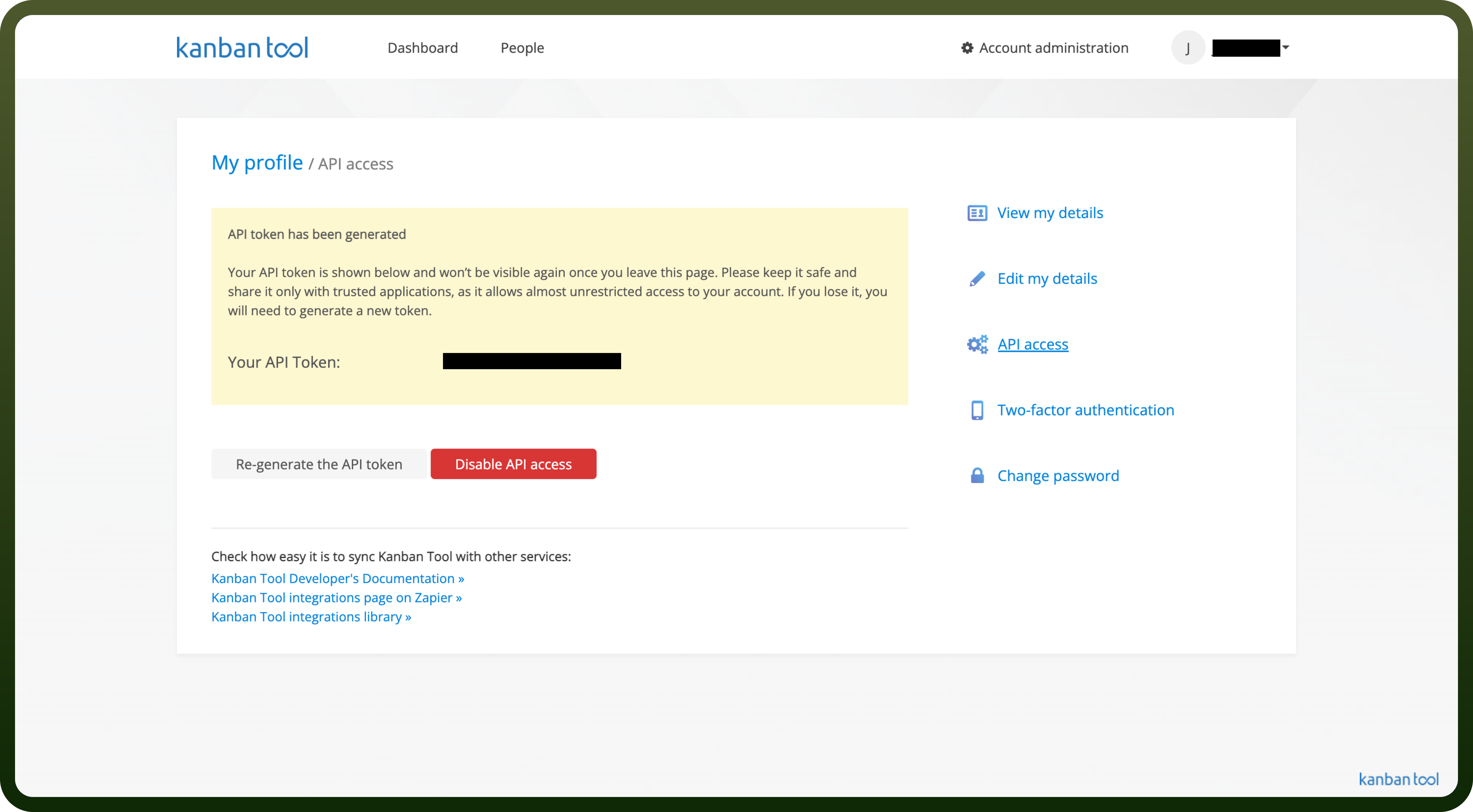
From the top navigation bar, select
My profile.Click on
API access.Enable your API access if it isn't.
Copy the generated API key and store it securely to prevent unauthorized access.
Actions
Actions | Description |
|---|---|
| Archives a task from Kanban Tool |
| Creates a comment for a specific task for Kanban Tool |
| Creates a subtask for Kanban Tool |
| Creates a task for Kanban Tool |
| Creates a time tracker for Kanban Tool |
| Deletes a comment for a specific task from Kanban Tool |
| Deletes a subtask from Kanban Tool |
| Deletes a task from Kanban Tool |
| Deletes a time tracker from Kanban Tool |
| Detaches an attachment from an object for Kanban Tool |
| Gets information about a board from Kanban Tool |
| Gets detailed board information from Kanban Tool |
| Gets detailed task information from Kanban Tool |
| Gets information about a task from Kanban Tool |
| Gets information about a user from Kanban Tool |
| Lists board changelogs from Kanban Tool |
| Reorders subtasks in Kanban Tool |
| Restores a task from Kanban Tool |
| Searches a task from Kanban Tool |
| Sets a mode attribute of an attachment for Kanban Tool |
| Unarchives a task from Kanban Tool |
| Updates subtask on Kanban Tool |
| Updates a task in Kanban Tool |
| Updates a time tracker in Kanban Tool |