


Use the Adafruit IO connector to collect and visualize IoT device data.
Integrating your application with Adafruit IO lets you use these operations in an automation. It exposes 10 actions, listed below. Add the connector from the Connections area, authenticate, then select its operations in the automation builder. Capabilities: actions.
Authentication
Before you begin, make sure you have the following information:
Connection Name: Choose a meaningful name for your connection. This name helps you identify the connection within your application or integration settings.
API token: The Adafruit IO key (Active Key) of your account.
Username: The username of your Adafruit IO account.
Getting your API token
Log in to Adafruit IO at https://io.adafruit.com.
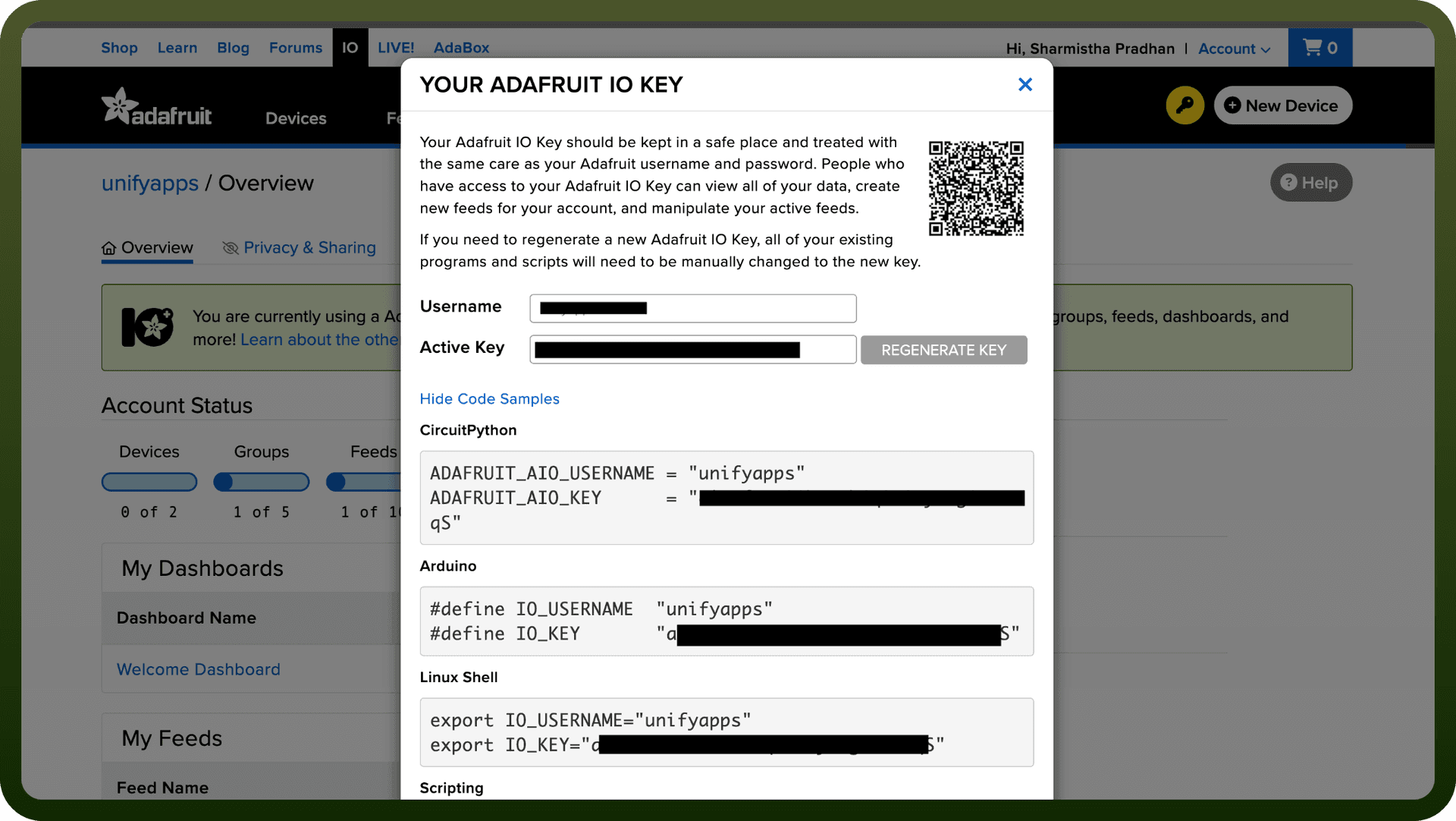
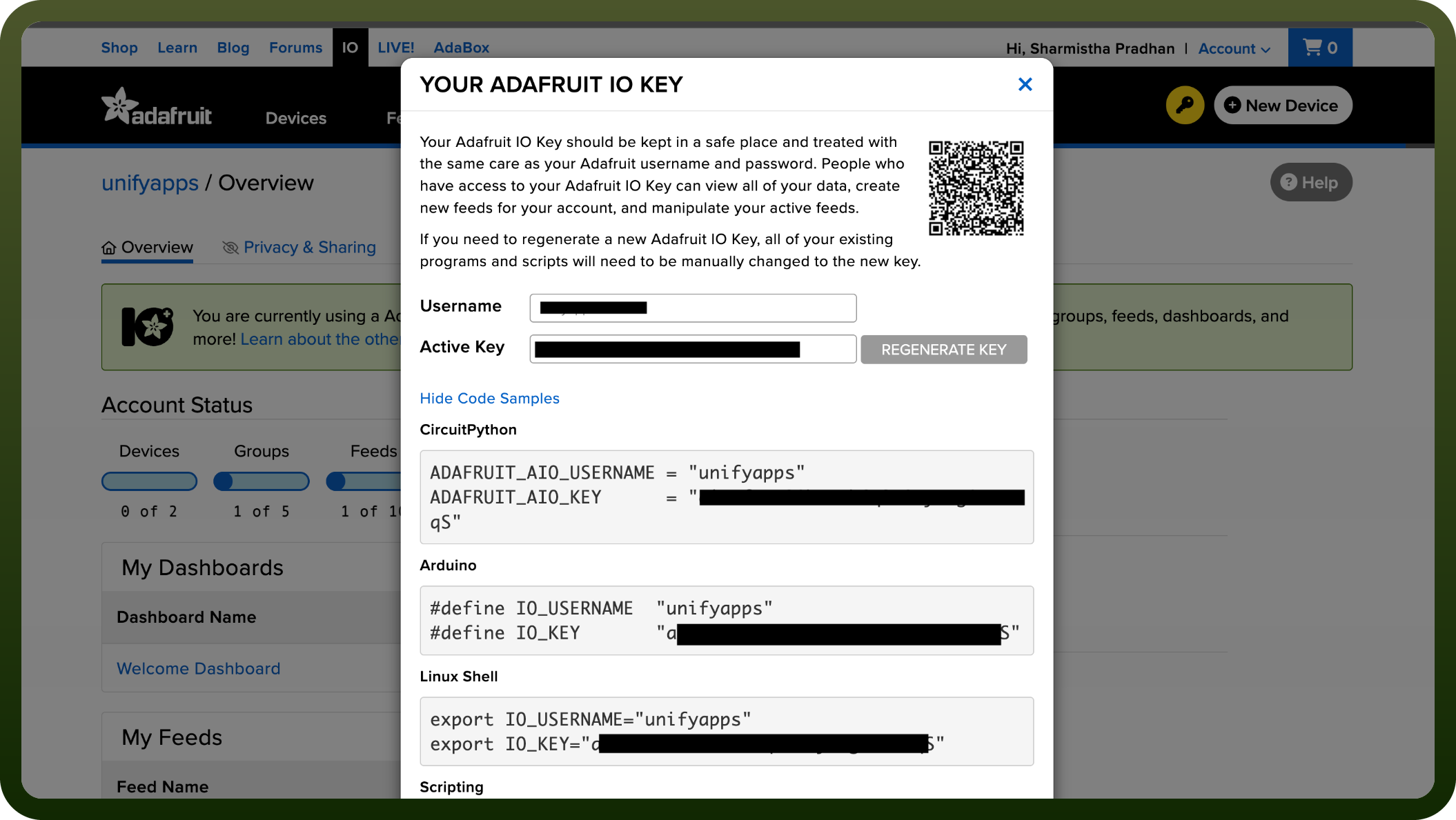
Click the golden key icon on any page, or select View Adafruit IO Key in the dropdown menu.
Copy your Username and Active Key from the dialog.
In the UnifyApps connection form, paste the key into API token and enter your Username.
Keep your key safe. Regenerating it invalidates the old key immediately, and the connection stops working until you update it.
Actions
Action Name | Description |
|---|---|
Add feed to group | Adds a feed to a group in Adafruit IO |
Create feed | Creates a feed in Adafruit IO |
Create group | Creates a group in Adafruit IO |
Delete a feed | Deletes a feed in Adafruit IO |
Delete a group | Deletes a group in Adafruit IO |
Get feed | Gets a feed in Adafruit IO |
Get group | Gets a group in Adafruit IO |
Get user | Gets a user in Adafruit IO |
List feeds | Lists all feeds in Adafruit IO |
List groups | Lists all groups in Adafruit IO |
About the API
The Adafruit IO API enables IoT and automation workflows with feed management, data organization, and dashboard creation. Key capabilities include:
Feed Management: Create, read, update, and delete data streams for sensors and devices
Data Groups: Organize feeds into logical groups
Dashboard Support: Create and manage visual representations of your data
Location Metadata: Track latitude, longitude, and elevation
Batch Operations: Handle multiple data points in a single request
Rate Limits: Free accounts allow 30 data points/minute; Plus accounts 60 data points/minute
Historical Data: Query and retrieve up to 1,000 data points per request with pagination
Webhooks: Receive data from external services
Automation Actions: Scheduled and reactive automation rules
Audit Log: Track all account activity via Activities API
Adafruit provides official client libraries for Arduino, CircuitPython, Python, and Ruby for simplified integration.