


Delighted.com is an experience management platform that enables businesses to collect and analyze customer feedback effortlessly, offering various survey templates and seamless integrations. It serves brands worldwide, providing actionable insights to enhance customer satisfaction and loyalty.
Integrating Delighted.com helps businesses gather real-time customer feedback, enabling data-driven decisions to improve satisfaction and loyalty.
Authentication
Before you begin, make sure you have the following information:
Connection Name: Select a descriptive name for your connection, like "MyAppDelightedIntegration". This helps in easily identifying the connection within your application or integration settings.Authentication Type: Delighted provides API based authentication.
API Based Authentication
First, create an account or sign up on Delighted. In the dashboard, there will be an option for integration .
Click on it, and then select the API option.
You will find an API key under the authentication section.
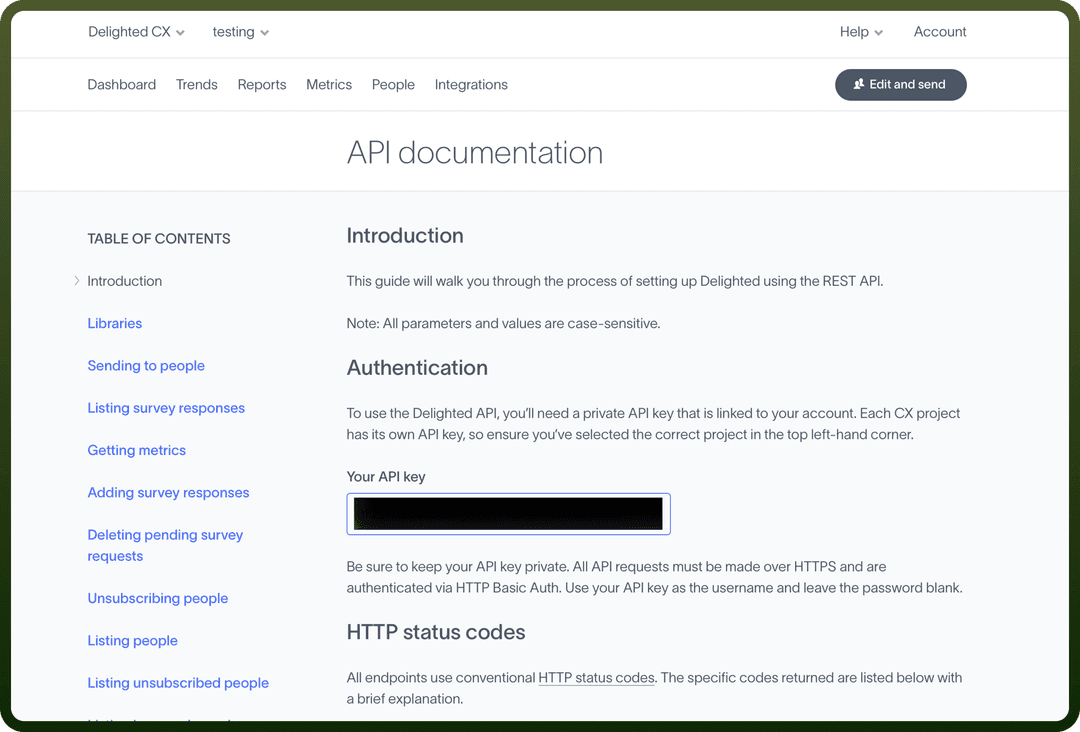
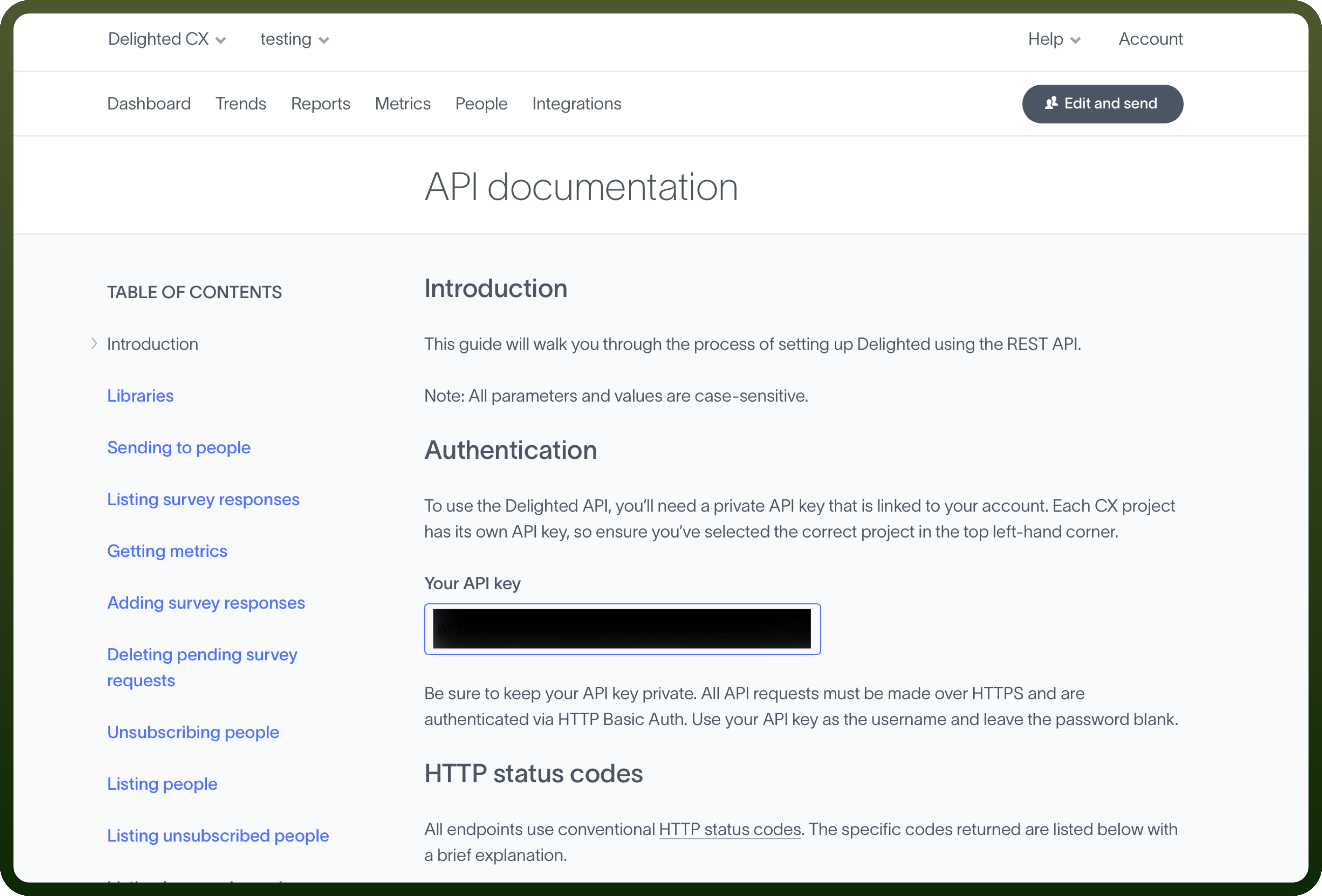
Copy the API key and paste it into the API key field of the connection form in UnifyApps.
UnifyApps uses the key to authenticate every request, so you don't need to set up HTTP Basic Auth yourself.
Actions
Actions | Description |
|---|---|
| Creates a person in Delighted |
| Adds a survey response in Delighted |
| Retrieves metrics for your account in Delighted |
| Retrieves all people for your account in Delighted |
| Sends an Email platform survey in Delighted |
| Adds a person to your unsubscribe list in Delighted |
Triggers
| Triggers | Description |
New response | Triggers when a new response is received in Delighted |
New unsubscribe | Triggers when a new person unsubscribes in Delighted |