


Use the Gender API connector to determine likely gender from names for data enrichment.
Integrating your application with Gender API lets you use these operations in an automation. It exposes 9 actions, listed below. Add the connector from the Connections area, authenticate, then select its operations in the automation builder. Capabilities: actions.
Authentication
Before you begin, make sure you have the following information:
Connection Name: Choose a meaningful name for your connection. This name helps you identify the connection within your application or integration settings.
API key: The connection uses API key authentication. Enter your Gender API key in the API key field. Follow the steps below to find it.
Obtaining Your API Key
Sign up for a Gender API account at gender-api.com, or log in if you already have one.
Open your Account Overview page.
Scroll to the bottom of the page to find the API key that is generated automatically for you at signup.
To create a separate key instead, click Settings in the account menu, then click API Keys.
Click Create New Key and give it a name so you can identify where it's used.
Copy the API key and store it securely for further authentication purposes.
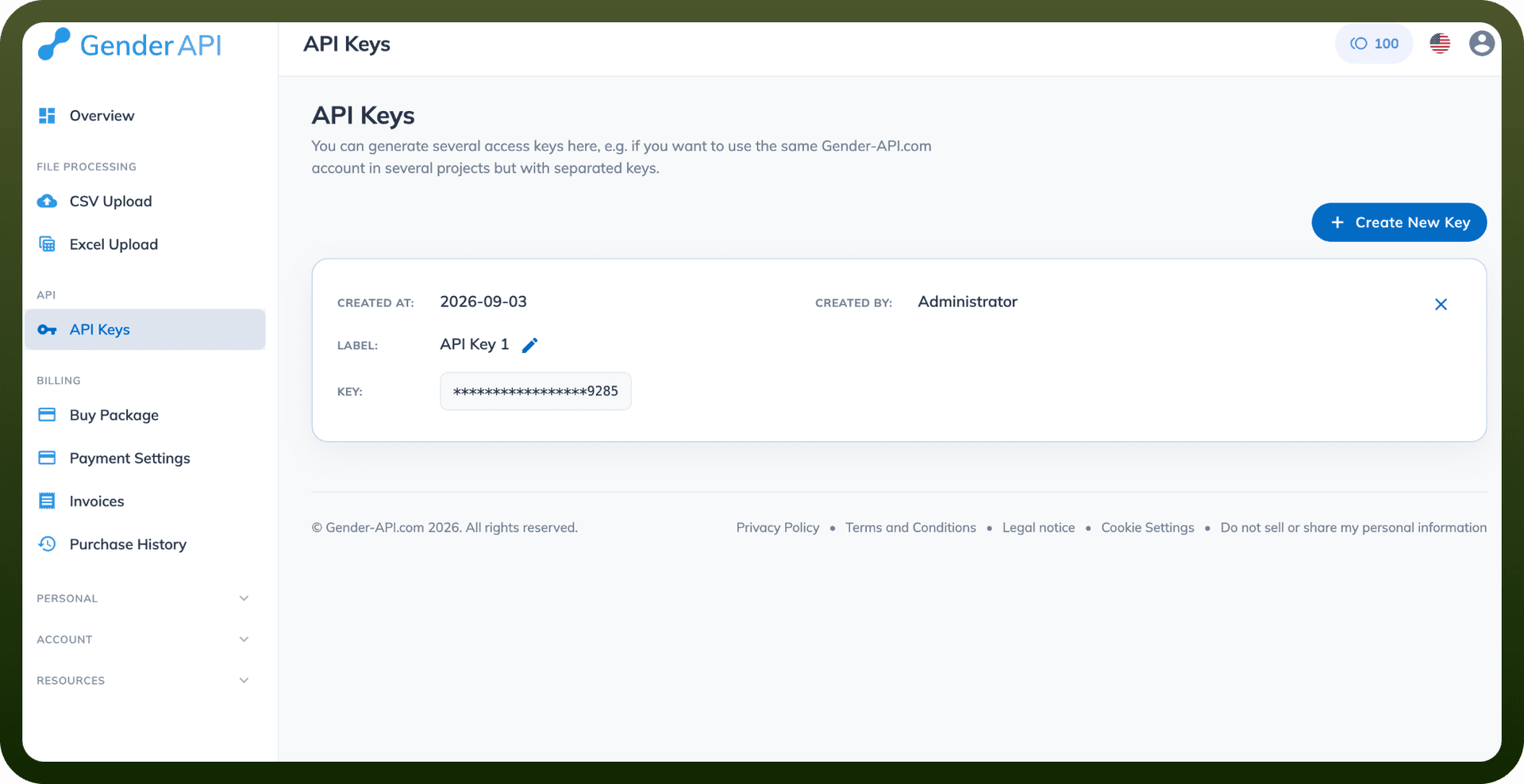
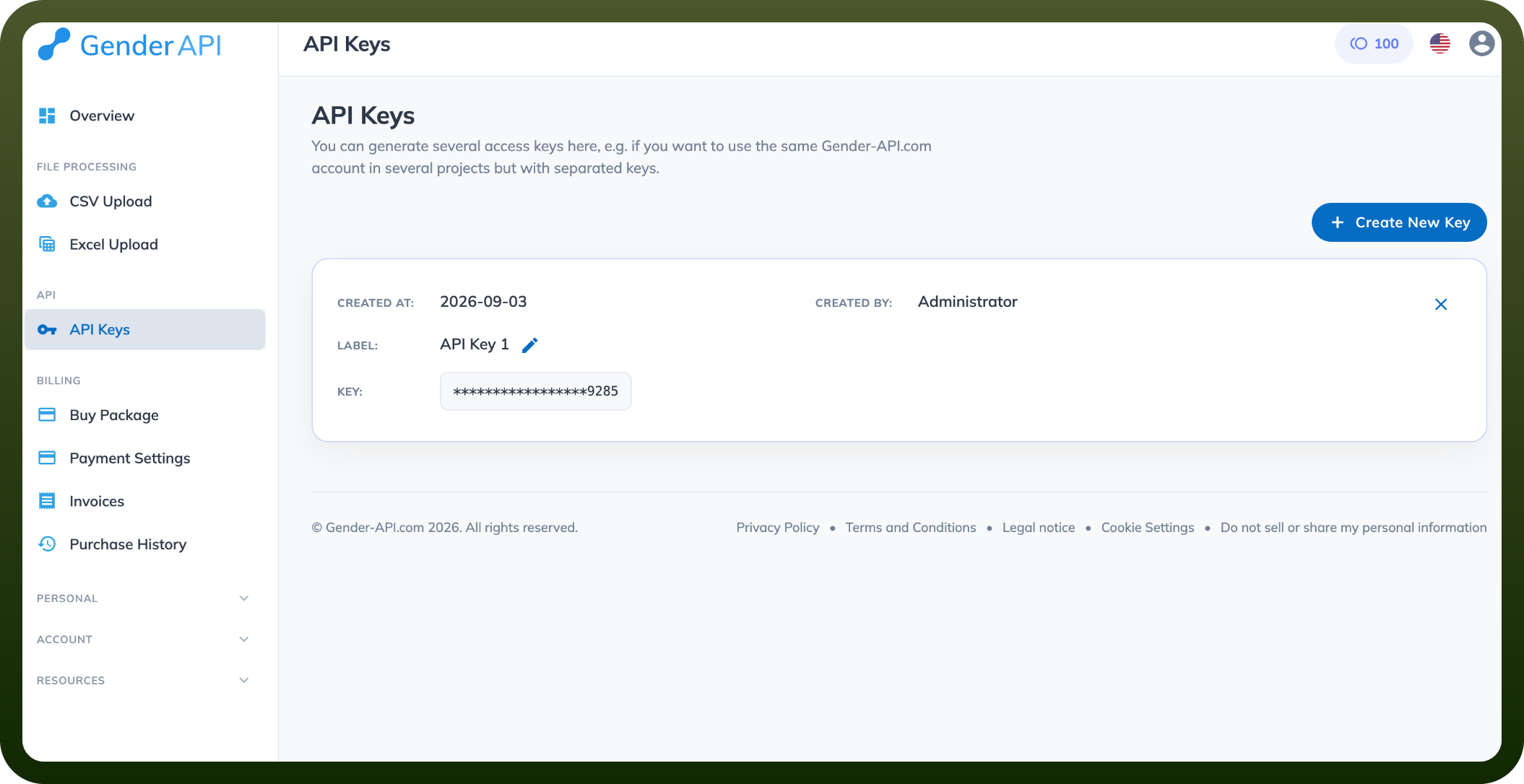
Authentication
UnifyApps sends your API key with every request to the Gender API v2 for you, so you don't add it to URLs or headers yourself.
Actions
Action Name | Description |
|---|---|
Get account statistics | Retrieves account statistics including remaining credits and usage information in Gender API |
Get country of origin | Determines the likely country of origin for a given first name in Gender API |
Get gender by email address | Determines the gender from an email address by extracting and analyzing the first name portion in Gender API |
Get gender by name | Determines the gender of a given first name in Gender API |
Get gender by name and country | Determines the gender of a given first name with localization by country code in Gender API |
Get gender by name and IP | Determines the gender of a given first name with localization by IP address in Gender API |
Get gender by name and locale | Determines the gender of a given first name with localization by browser locale (e.g., en_US, de_DE) in Gender API |
Get gender for multiple names | Determines the gender of multiple names in a single request in Gender API |
Split full name and get gender | Splits a full name into first and last name, then determines the gender in Gender API |
Overview
Gender API is a RESTful service that determines the gender of a first name. The API returns JSON responses and uses a credit-based system where each request consumes credits based on the endpoint used.
Gender API reference
Each action above calls an endpoint of the Gender API v2 and uses your account's credits. For endpoint details and credit costs, see the official Gender API documentation.
Error Codes
Code | Message | Meaning |
|---|---|---|
10 | invalid country code | See valid country codes list |
11 | country codes mismatch | Name/country count mismatch |
20 | name not set | No name received |
21 | too many names | Maximum 100 names per request |
30 | limit reached | Query quota exhausted |
40 | invalid or missing key | API key not found |
500 | unknown error | Server error |