


Use the BigML connector to build and deploy machine learning models.
Integrating your application with BigML lets you use these operations in an automation. It exposes 10 actions, listed below. Add the connector from the Connections area, authenticate, then select its operations in the automation builder. Capabilities: actions.
Authentication
Before you begin, make sure you have the following information:
Connection Name: Choose a meaningful name for your connection. This name helps you identify the connection within your application or integration settings.
Authentication Type: BigML uses username and API key authentication. The connection form asks for a Connection name, your Username and your API key.
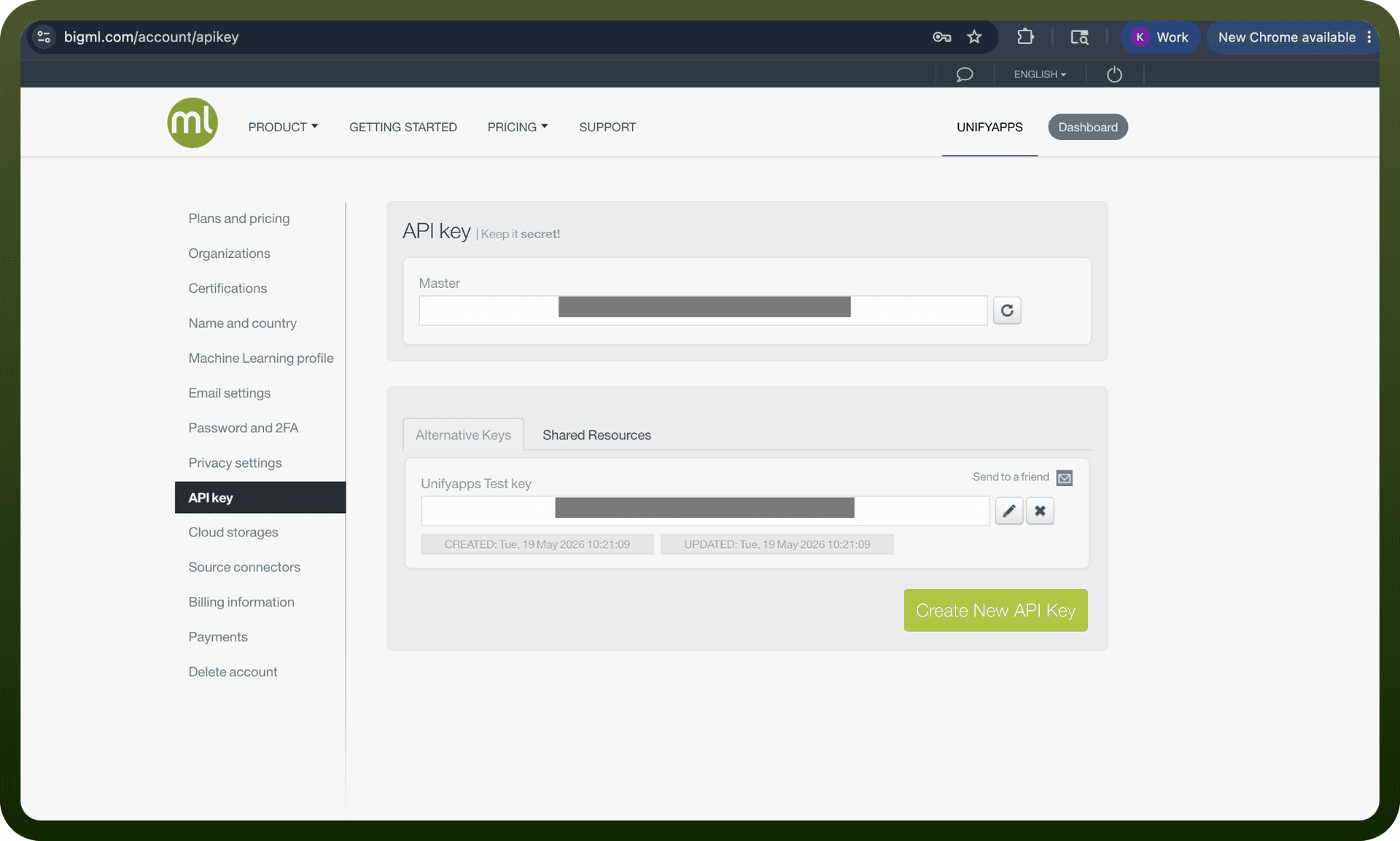
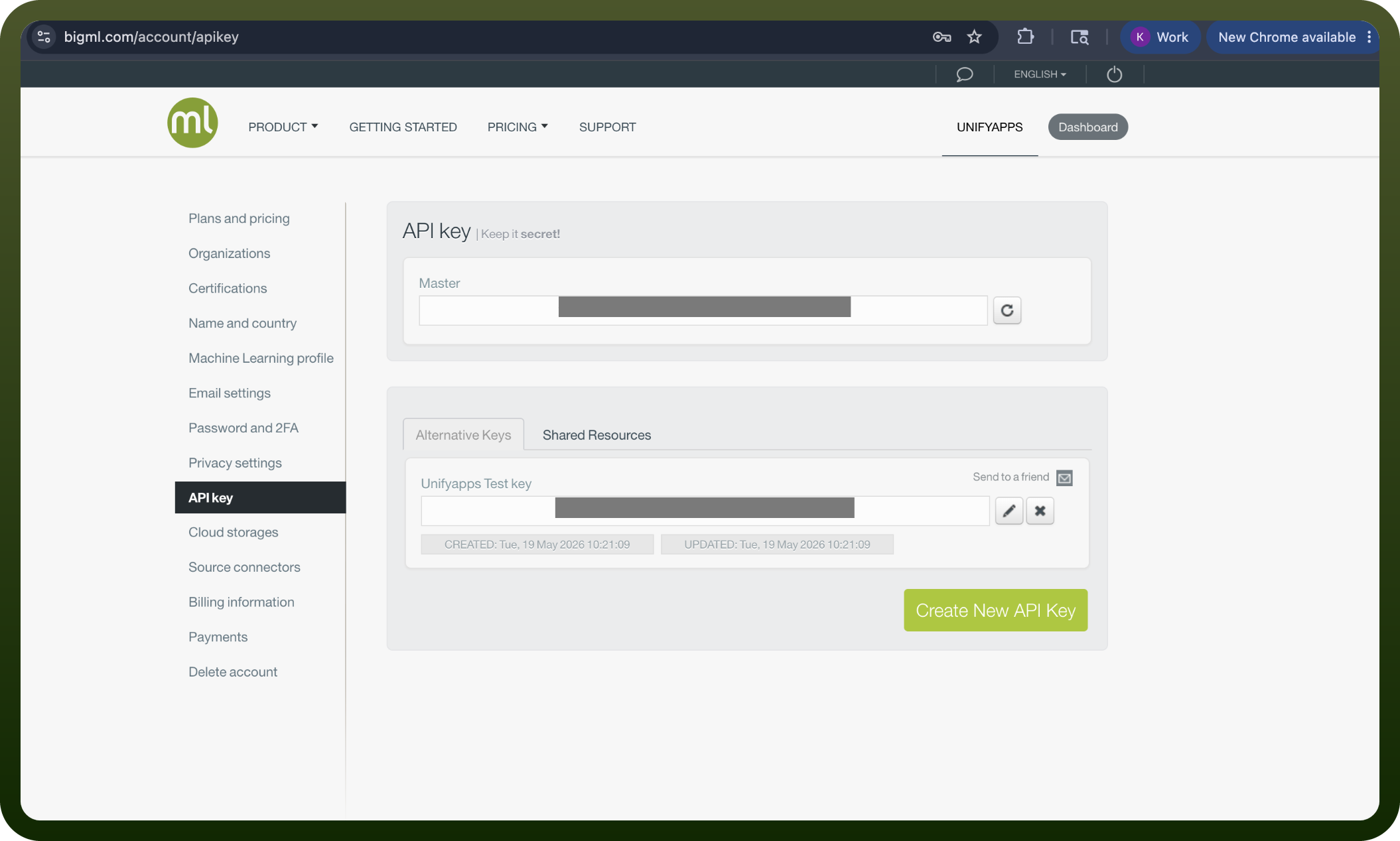
Obtaining Your API Key
Log in to your BigML account and open the Dashboard.
Note your username, shown in the top bar of the Dashboard.
Click the configuration icon in the top menu of the Dashboard.
In the window that opens, copy your API key.
Enter your username in the Username field and your API key in the API key field of the connection form.
Actions
Action Name | Description |
|---|---|
Create dataset | Creates a new dataset in BigML |
Create project | Creates a new project in BigML |
Create sample | Creates a new sample in BigML |
List datasets | Lists datasets in BigML |
List projects | Lists projects in BigML |
List samples | Lists samples in BigML |
List statistical tests | Lists statistical tests in BigML |
Retrieve project | Retrieves a project in BigML |
Retrieve sample | Retrieves a sample in BigML |
Update project | Updates a project in BigML |