


Use the Enrich connector to enrich customer and company information.
Integrating your application with Enrich lets you use these operations in an automation. It exposes 5 actions, listed below. Add the connector from the Connections area, authenticate, then select its operations in the automation builder. Capabilities: actions.
Authentication
Before you begin, make sure you have the following information:
Connection Name: Choose a meaningful name for your connection. This name helps you identify the connection within your application or integration settings.
Authentication Type: Enrich uses API key authentication. The connection form asks for an API key.
Obtaining Your API Key
Go to dash.enrich.so and sign up for a free account, or log in if you already have one.
In the dashboard, open the API Keys page.
Click Create Key to generate a new API key.
Copy the generated key (it starts with
sk_) and store it securely — you'll need it to authenticate your requests.
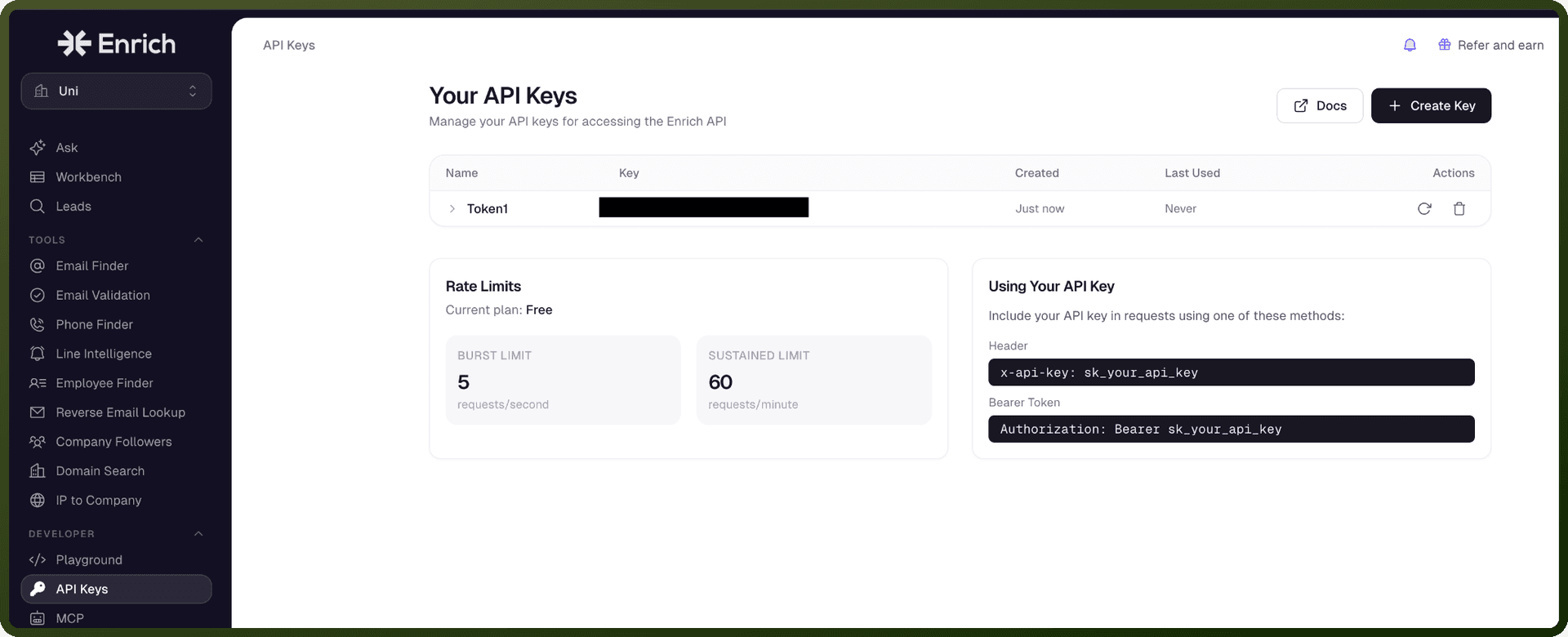
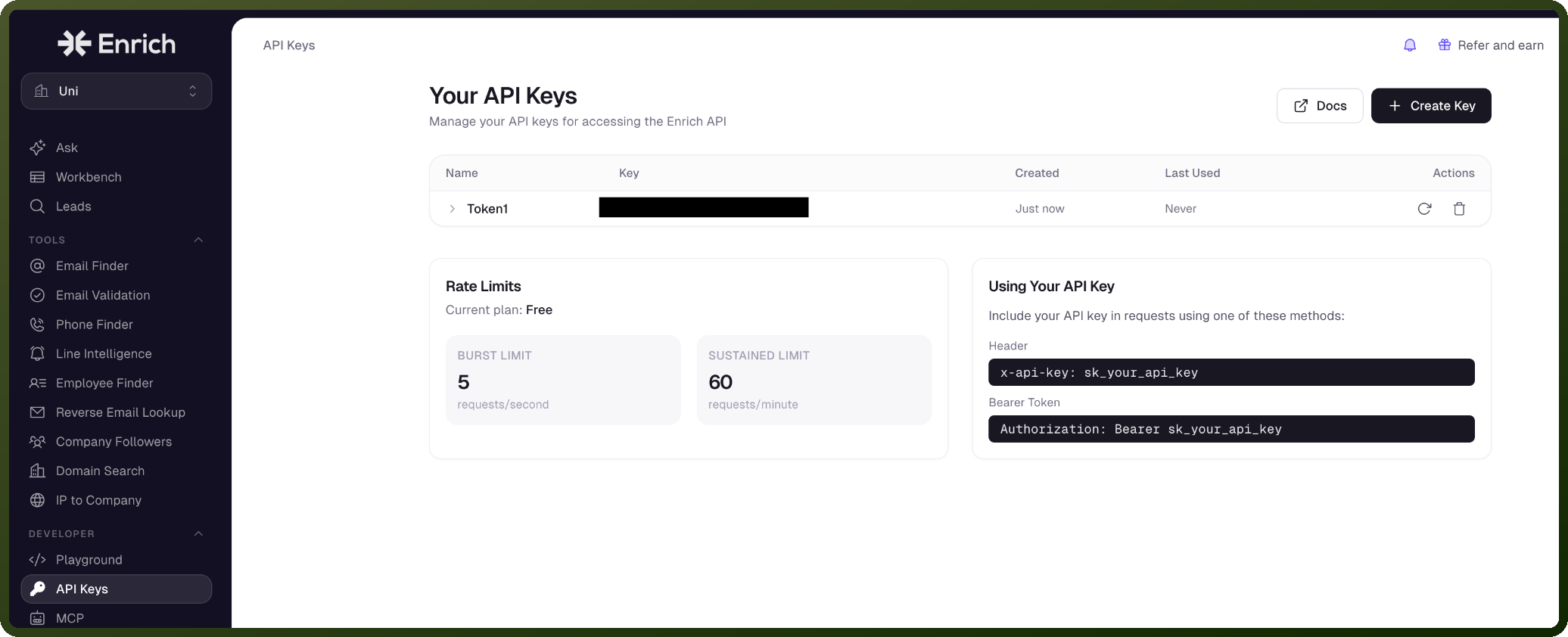
In UnifyApps, paste the key into the API key field of the Enrich connection.
Actions
Action Name | Description |
|---|---|
Check batch validation progress | Checks the progress of an email validation batch in Enrich |
Find a professional email | Finds a professional email address in Enrich |
Get credit balance | Gets the current credit balance for your organization in Enrich |
Validate email | Validates an email address in Enrich |
Validate emails in batch | Validates multiple email addresses in Enrich |
About the API
Enrich is a comprehensive suite of tools designed to streamline the integration of fresh and processed data into your application. The platform provides data enrichment services for business intelligence and data processing workflows.