


Use the Buddy Works connector to automate software deployment workflows.
Integrating your application with Buddy Works lets you use these operations in an automation. It exposes 27 actions, listed below. Add the connector from the Connections area, authenticate, then select its operations in the automation builder. Capabilities: actions.
Authentication
Before you begin, make sure you have the following information:
Connection Name: Choose a meaningful name for your connection. This name helps you identify the connection within your application or integration settings.
Authentication Type: Buddy Works supports two authentication types: OAuth (Client ID and Client secret) and API token.
Obtaining Your OAuth Client Credentials
Log in to your Buddy account and click your avatar in the top-right corner.
Select Apps from the menu.
On the Apps tab, click the + icon to add a new application.
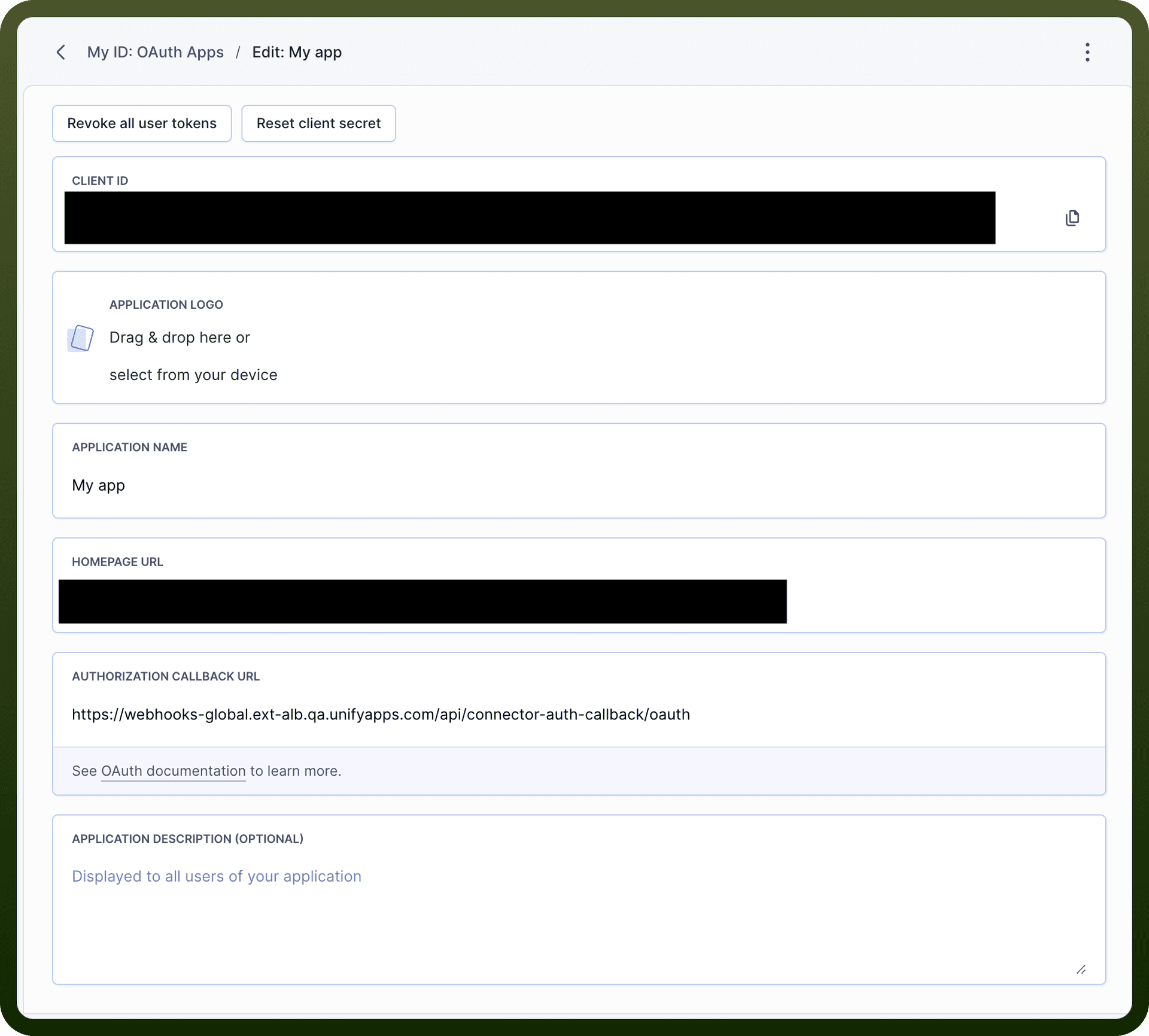
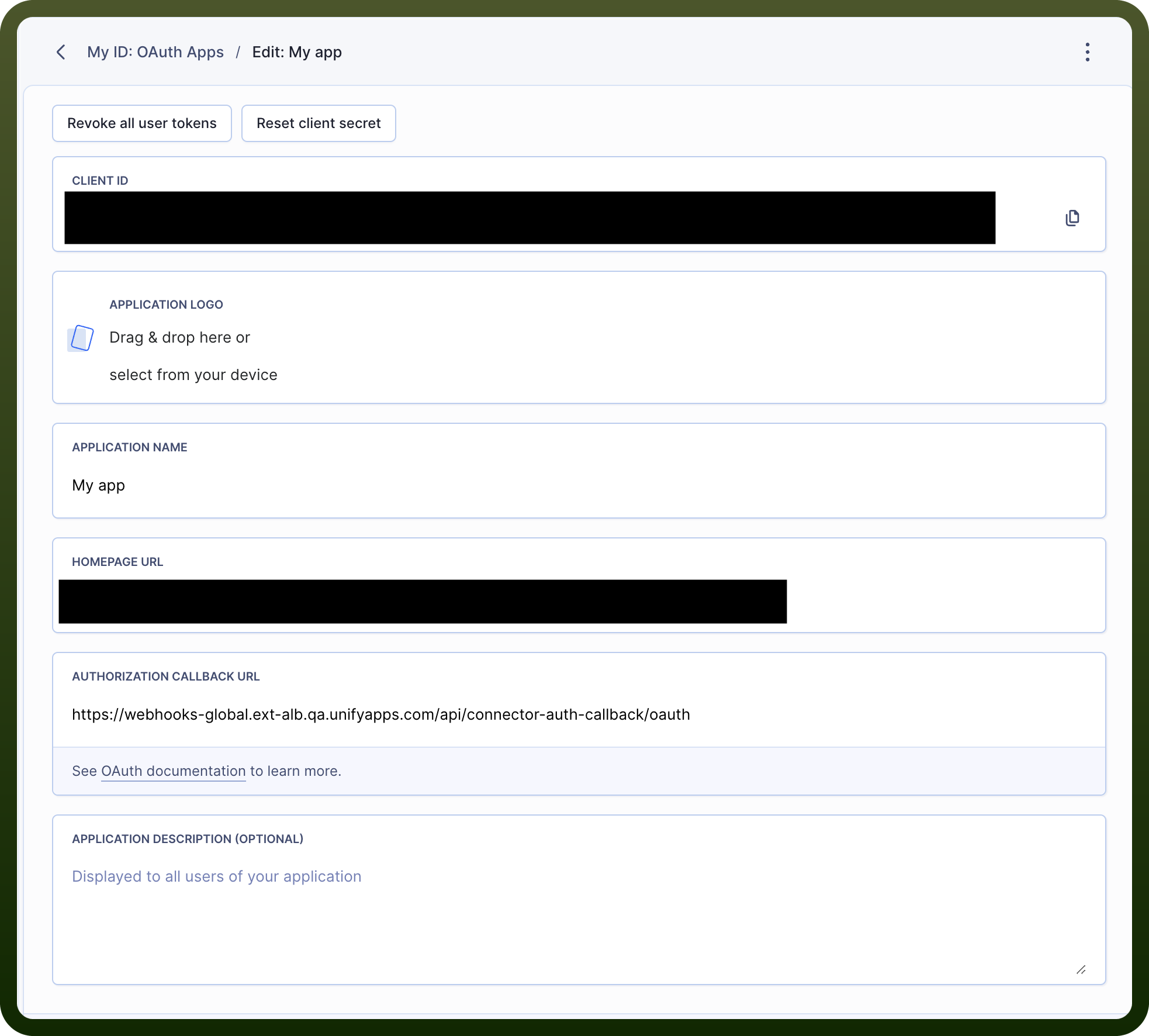
Enter an application name and homepage URL, then add the redirect URL that Buddy should send users to after authorization.
Save the form to register the application.
Copy the generated Client ID and Client Secret and paste them into the Client ID and Client secret fields of the connection form (select OAuth as the authentication type). The Client Secret is shown only once and disappears when you close the popup.
Obtaining Your API Token
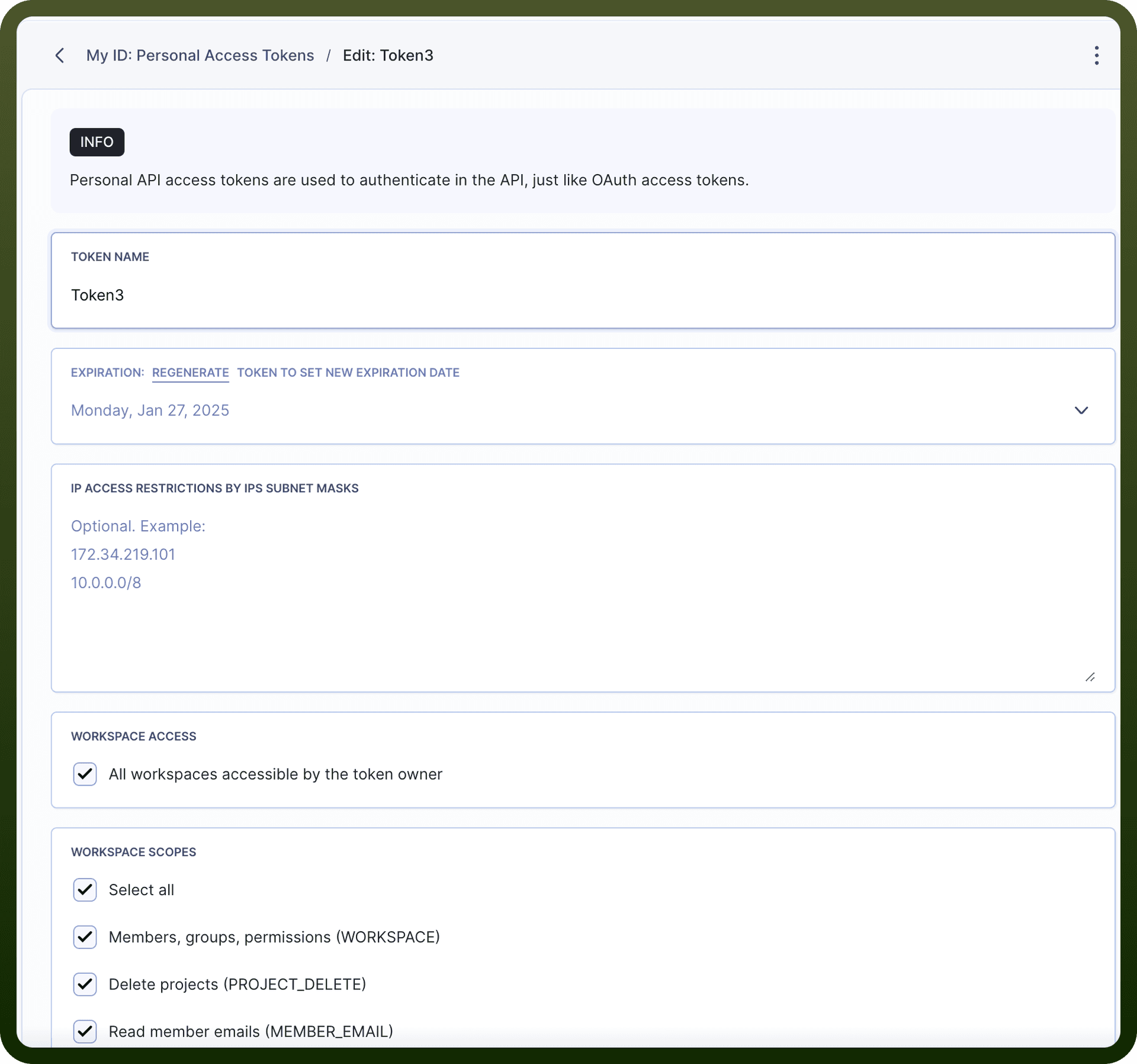
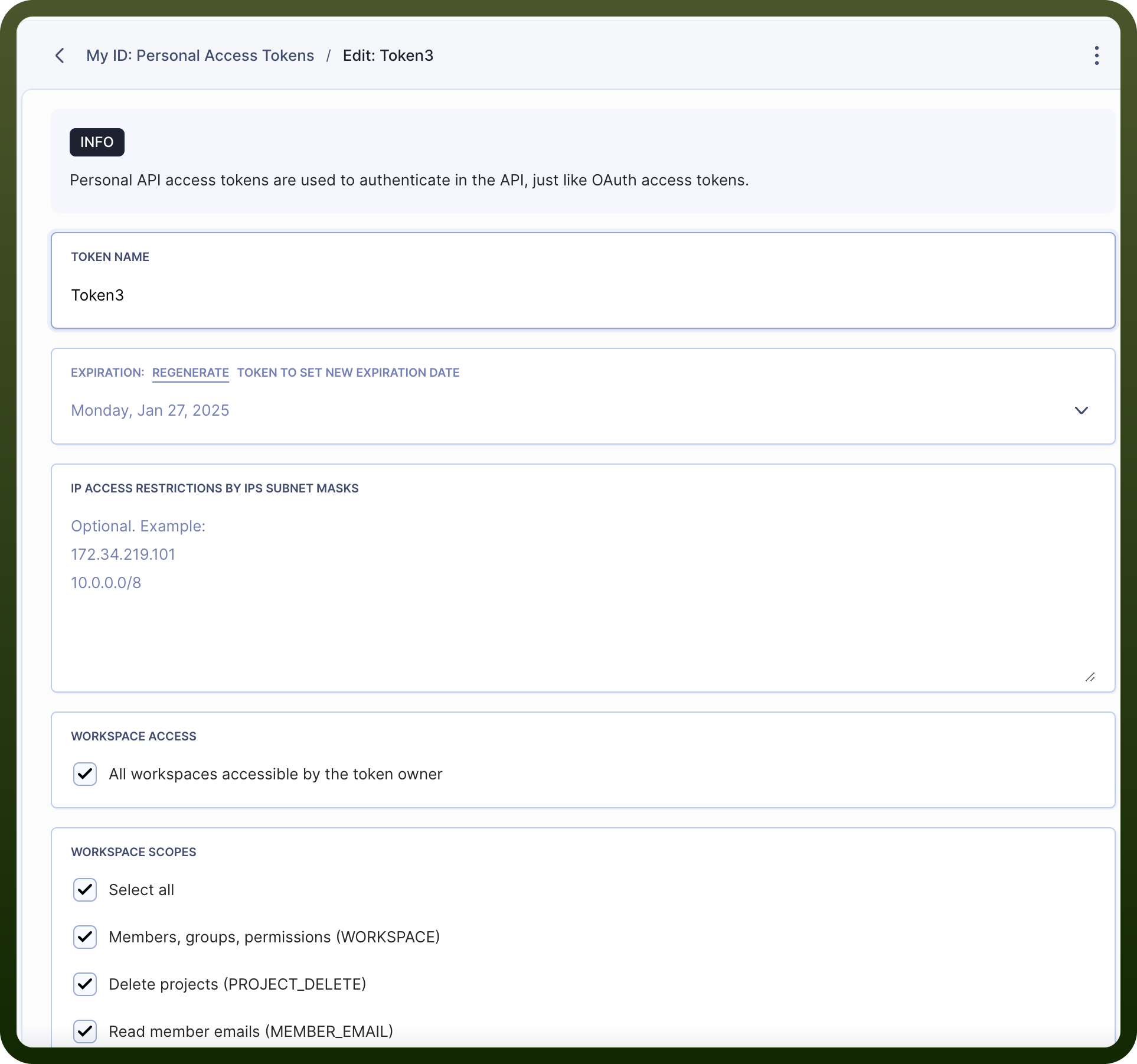
Go to the workspace settings in your Buddy Works account. Find the option for Developer API and click Enable to activate it.
Click your avatar in the top-right corner to access your profile.
Select Personal Settings from the dropdown menu.
In Personal Settings, click the Security tab.
Click Generate Token in the API section, and provide a name for the token.
Copy the generated token. In the UnifyApps connection form, select API token as the authentication type and paste the token into the API Token field.
Actions
Action Name | Description |
|---|---|
| Adds a user to the group in Buddy Works |
| Adds a user to the workspace in Buddy Works |
| Assigns admin rights to the specified user in Buddy Works |
| Creates a new group in Buddy Works |
| Creates a custom permission set in Buddy Works |
| Create a project in a workspace in Buddy Works |
| Deletes user group or group member in Buddy Works |
| Deletes a single workspace member in Buddy Works |
| Deletes a custom permission set in Buddy Works |
| Deletes a project from a workspace in Buddy Works |
| Returns the details of group in specific project in Buddy Works |
| Returns the details of user group or group member in Buddy Works |
| Returns details of a single workspace member in Buddy Works |
| Returns the details of permission set in Buddy Works |
| Returns the details of a project in Buddy Works |
| Returns the details of a project member in Buddy Works |
| Returns details of a single workspace in Buddy Works |
| Returns the list of groups in a project in Buddy Works |
| Returns the list of user groups or group members in Buddy Works |
| Returns the list of members in Buddy Works |
| Returns the list of members in project in Buddy Works |
| Returns the list of projects in workspace in Buddy Works |
| Returns the list of user projects in Buddy Works |
| Returns the workspaces of the authorized user in Buddy Works |
| Updates user groups or group members in Buddy Works |
| Updates a custom permission set in Buddy Works |
| Updates a project in Buddy Works |