


Cal.com is an open-source scheduling platform that simplifies booking meetings by integrating with calendars and automation tools. It offers customizable scheduling links, team coordination, and API access for seamless appointment management.
Integrating your application with Cal allows you to streamline scheduling, manage appointments, and enhance your productivity.
Authentication
Before you begin, make sure you have the following information:
Connection Name: Select a descriptive name for your connection, like "MyAppCalIntegration". This helps in easily identifying the connection within your application or integration settings.Authentication Type: Cal.com uses API key authentication. The connection form asks for a Connection name and your API key.
API Key Based Authentication
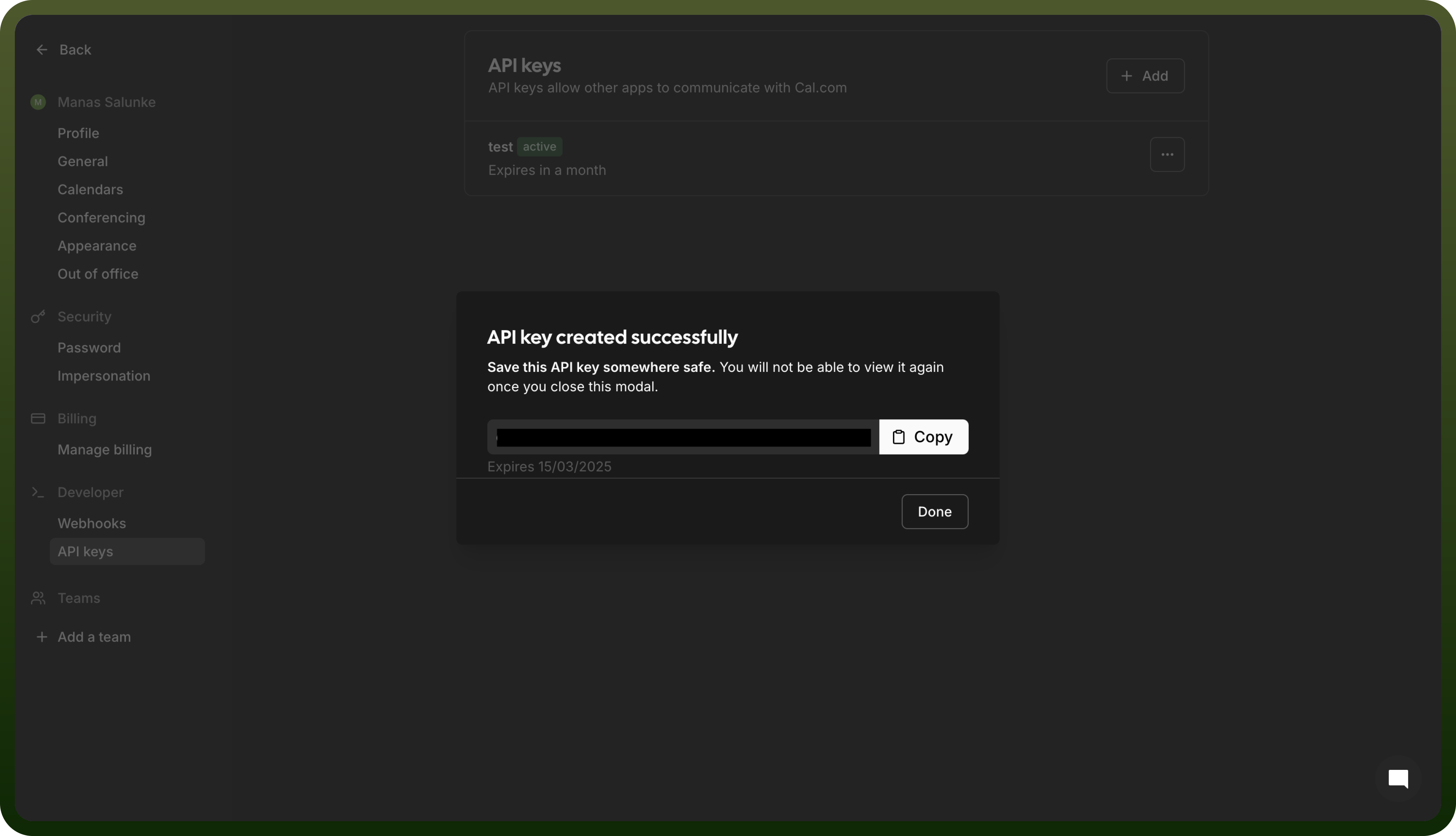
Log in to your Cal.com account and open Settings. Under Developer, click API keys.
Click on the “
Add” button.Provide a name and an expiry for the key, then click “
Save”.Copy the API key and paste it into the API key field of the Cal.com connection form. Treat this key with high confidentiality, as it allows access to your Cal.com account.

Actions
Actions | Description |
|---|---|
| Creates a new availability for a schedule in Cal |
| Creates a new event type in Cal |
| Creates a new schedule in Cal |
| Deletes an existing availability in Cal |
| Deletes an existing event type in Cal |
| Deletes an existing schedule in Cal |
| Edits an existing availability in Cal |
| Edits an existing event type in Cal |
| Edits an existing schedule in Cal |
| Finds an event using eventID in Cal |
| Gets a list of all event types in Cal |
| Gets a list of all schedules in Cal |
Triggers
| Triggers | Description |
Booking created | Triggers when a new booking is created on Cal |
Booking deleted | Triggers when a booking is cancelled on Cal |
Booking rescheduled | Triggers when a booking is rescheduled on Cal |
Meeting ended | Triggers after a meeting ends on Cal |
Meeting started | Triggers when a meeting starts on Cal |
Out of office created | Triggers when a new Out Of Office entry is created on Cal |