


Discord integration enhances your application by enabling efficient channel management, messaging, and invites, leading to improved communication and user engagement.
Connecting your application to Discord enhances functionality and communication. With Discord’s API, you can manage channels, messages, and invites.
Authentication
Before you begin, ensure you have the required information.
Connection Name: Choose a meaningful name for your connection. This name helps you identify the connection within your application or integration settings. It could be something descriptive like "MyAppDiscordIntegration"Authentication Type: Select the type of authentication for connecting to your Discord account.OAuth (default): Sign in to Discord and authorize UnifyApps when prompted.
OAuth with Client Credentials: Use your own Discord application. Enter its Client ID, Client Secret and Bot Token, then choose the Scopes and Bot permissions the connection needs.
OAuth with Client Credentials
Visit the Discord Developer Portal and log in with your Discord account. For more information on bots see bots vs user accounts.
Click
New Applicationand provide a name for your application.Navigate to the
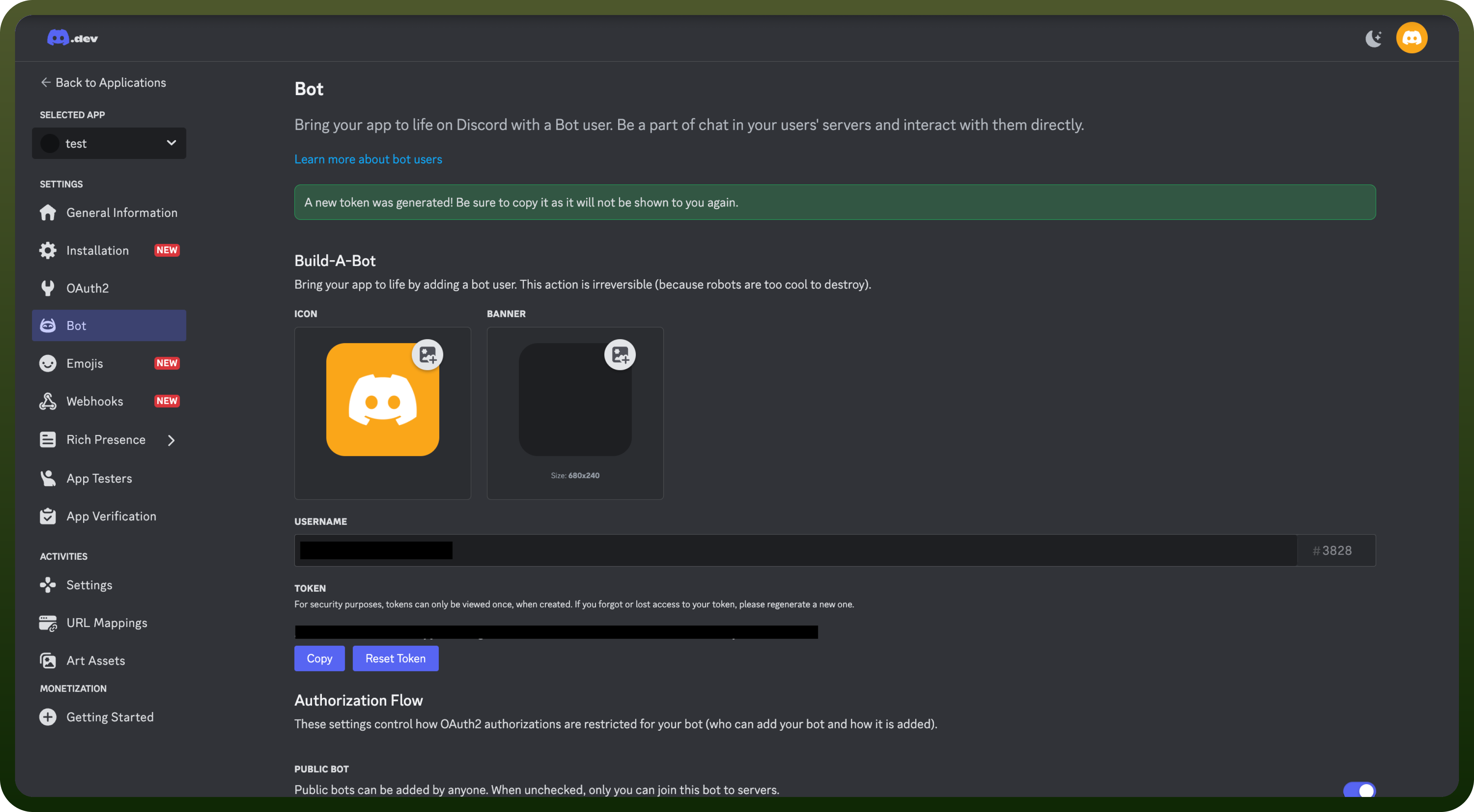
Bottab and clickAdd Botto create a new bot for your application.Under
TOKEN, clickReset Tokento generate your bot token.Copy and securely store the bot token to prevent unauthorized access.
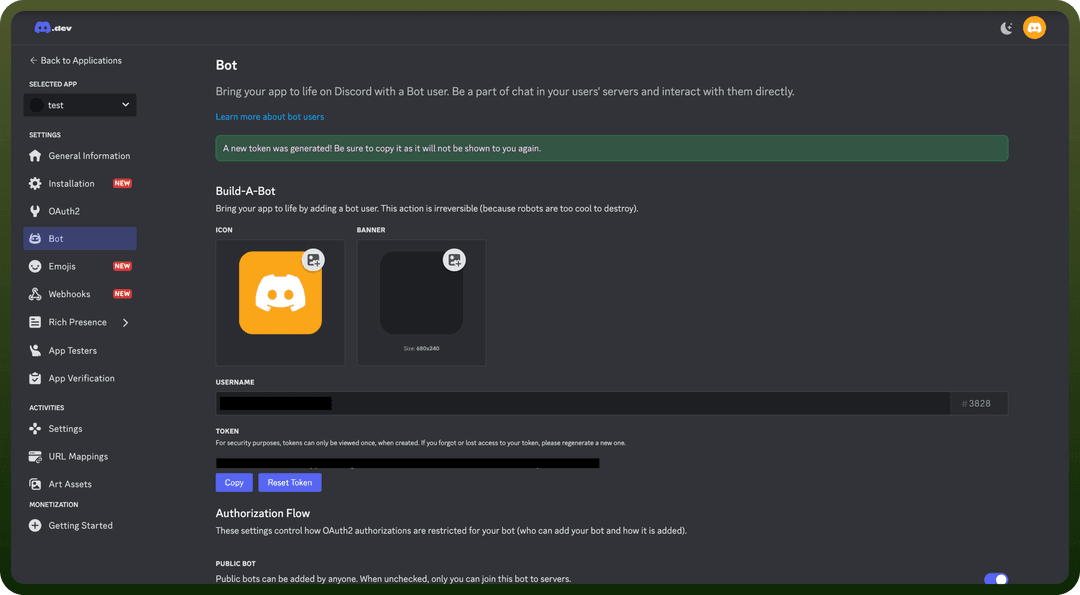
Then finish the setup:
Open the OAuth2 tab of your application and copy the Client ID and Client Secret.
In UnifyApps, copy the Callback URL shown in the connection form and add it as a redirect URL in the OAuth2 tab.
Enter the Client ID, Client Secret and Bot Token in the connection form, select the Scopes and Bot permissions, and authorize the connection.
Actions
Action | Description |
|---|---|
| Adds a guild member role in Discord |
| Creates channel for a guild in Discord |
| Creates channel invite in Discord |
| Deletes a channel from a guild in Discord |
| Deletes invite for a channel in Discord |
| Deletes a guild member role in Discord |
| Deletes channel message in Discord |
| Retrieves authenticated user from Discord |
| Retrieves a guild's channel from Discord |
| Retrieves invite for a channel in Discord |
| Retrieves a guild role from Discord |
| Retrieves a user from Discord |
| Lists invites for a channel in Discord |
| Lists messages for a channel in Discord |
| Lists guild's channels from Discord |
| Retrieves all the guild roles from Discord |
| Lists all the guilds in Discord |
| Retrieves members for a guild in Discord |
| Sends a message to a channel in Discord |
| Updates channel message in Discord |
Triggers
Trigger | Description |
|---|---|
| Triggers when a new message is posted in a channel in Discord |
| Triggers when a new message is posted in a forum in Discord |
| Triggers on new reaction on a message in Discord |