


Use the GoTo connector to manage online meetings, messaging, and remote support.
Integrating your application with GoTo lets you use these operations in an automation. It exposes 5 actions, listed below. Add the connector from the Connections area, authenticate, then select its operations in the automation builder. Capabilities: actions, knowledge (RAG).
Authentication
Before you begin, make sure you have the following information:
Connection Name: Choose a meaningful name for your connection. This name helps you identify the connection within your application or integration settings.
Authentication Type: GoTo supports OAuth authentication.
Authentication & setup
GoTo APIs use OAuth 2.0 for authentication. An OAuth client connects your developer account with the GoTo products you specify.
To authenticate:
Create a GoTo developer account at https://developer.goto.com/.
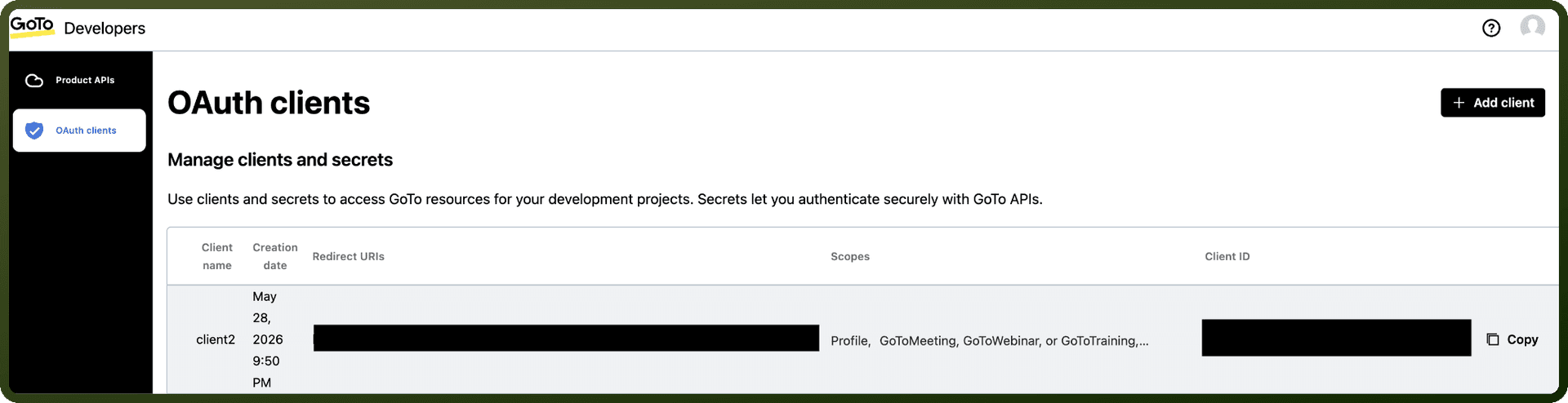
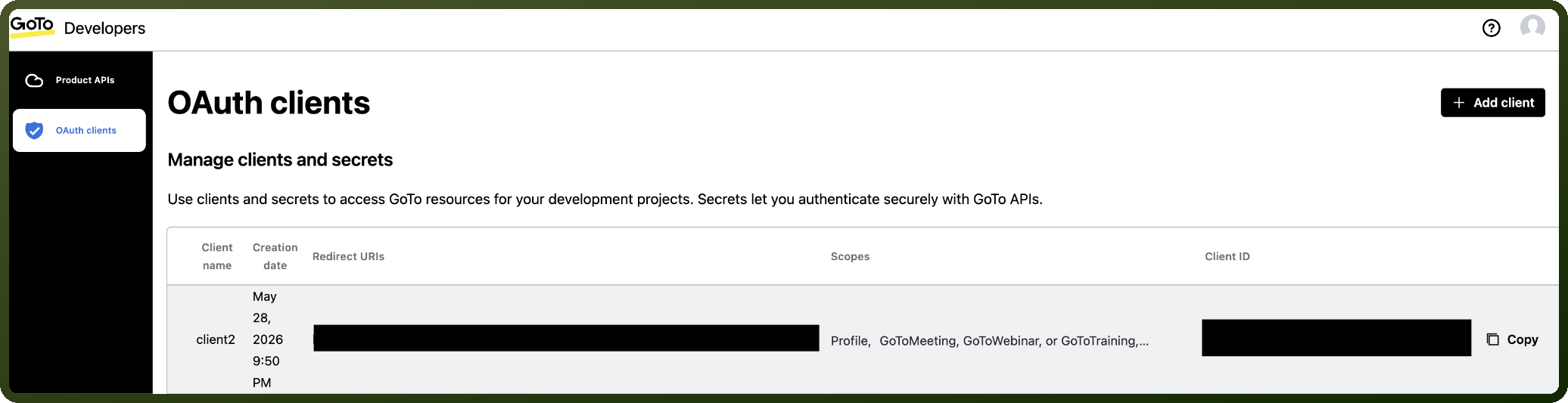
In the developer portal, choose OAuth Clients from the menu and create a client. On the Details page, enter a client name and an optional description.
Copy the Callback URL shown in the UnifyApps connection form and add it as the client's Redirect URI.
Save the client and copy the Client ID and Client Secret that GoTo shows you.
In the UnifyApps connection form, enter the Client ID and Client secret, then click Authorize and sign in to GoTo.
Scopes control what permissions your integration receives. A scope is an authorization from the end user to let your integration act on their behalf with a specified product. Scopes are independent of the permissions the user has in their GoTo account.
Actions
Action Name | Description |
|---|---|
Get account | Gets account details in GoTo |
List attendees | Lists attendees of a meeting in GoTo |
List historical meetings | Lists historical meetings of an organizer in GoTo |
List organizers | Lists organizers in GoTo |
List upcoming meetings | Lists upcoming meetings of an organizer in GoTo |
About the API
GoTo provides APIs for multiple products including:
GoTo Connect: Communication and collaboration platform
GoTo Meeting: Web conferencing service
GoTo Webinar: Webinar and event hosting
GoTo Assist: Remote support and assistance
Admin API: Account and organization management