


Use the Groq connector to run fast AI inference workloads.
Integrating your application with Groq lets you use these operations in an automation. It exposes 5 actions, listed below. Add the connector from the Connections area, authenticate, then select its operations in the automation builder. Capabilities: actions.
Authentication
Before you begin, make sure you have the following information:
Connection Name: Choose a meaningful name for your connection. This name helps you identify the connection within your application or integration settings.
API key: Enter your Groq API key in the API key field. Follow the steps below to create one.
Obtaining Your API Key
Go to console.groq.com and sign in, or create a free account with Google, GitHub, or your email.
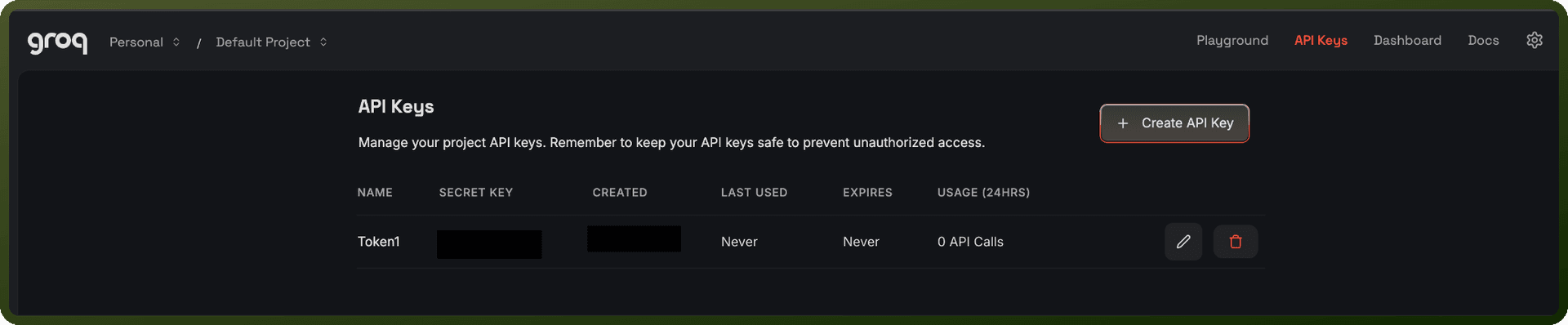
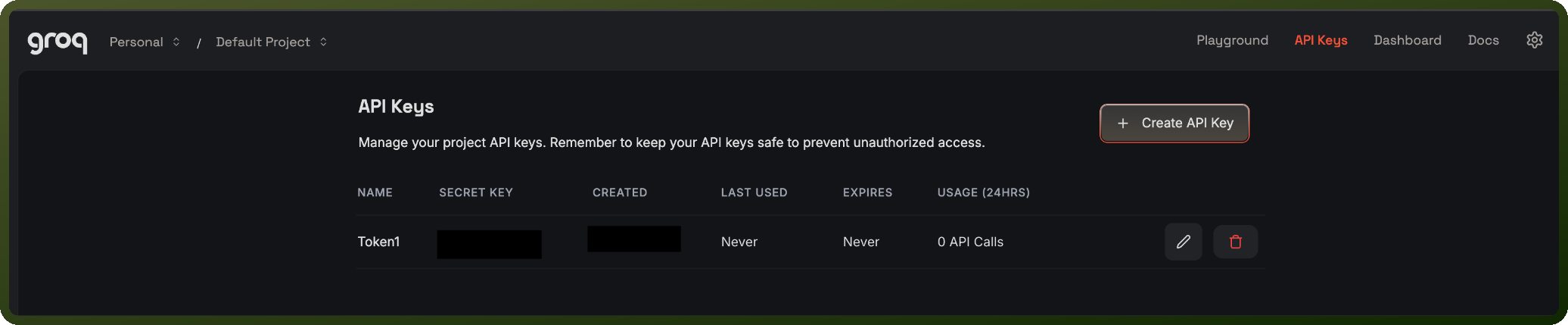
In the left-hand navigation, click API Keys.
Click Create API Key.
Enter a name for the key so you can identify it later, then confirm to generate it.
Copy the generated key and store it securely — GroqCloud only displays the full key once.
Actions
Action Name | Description |
|---|---|
Create audio transcription | Creates an audio transcription in Groq |
Create audio translation | Creates an audio translation in Groq |
Create chat completion | Creates a model response for the given chat conversation in Groq |
Create streaming chat completion | Creates a model response for the given chat conversation in Groq in a streaming fashion |
List models | Lists models in Groq |