


Use the Certifier connector to create and manage digital certificates.
Integrating your application with Certifier lets you use these operations in an automation. It exposes 10 actions, listed below. Add the connector from the Connections area, authenticate, then select its operations in the automation builder. Capabilities: actions, knowledge (RAG).
Authentication
Before you begin, make sure you have the following information:
Connection Name: Choose a meaningful name for your connection. This name helps you identify the connection within your application or integration settings.
Authentication Type: Certifier uses access token authentication. The connection form asks for a Connection name and your Access token.
Obtaining Your Access Token
Log in to your Certifier account and open the Dashboard.
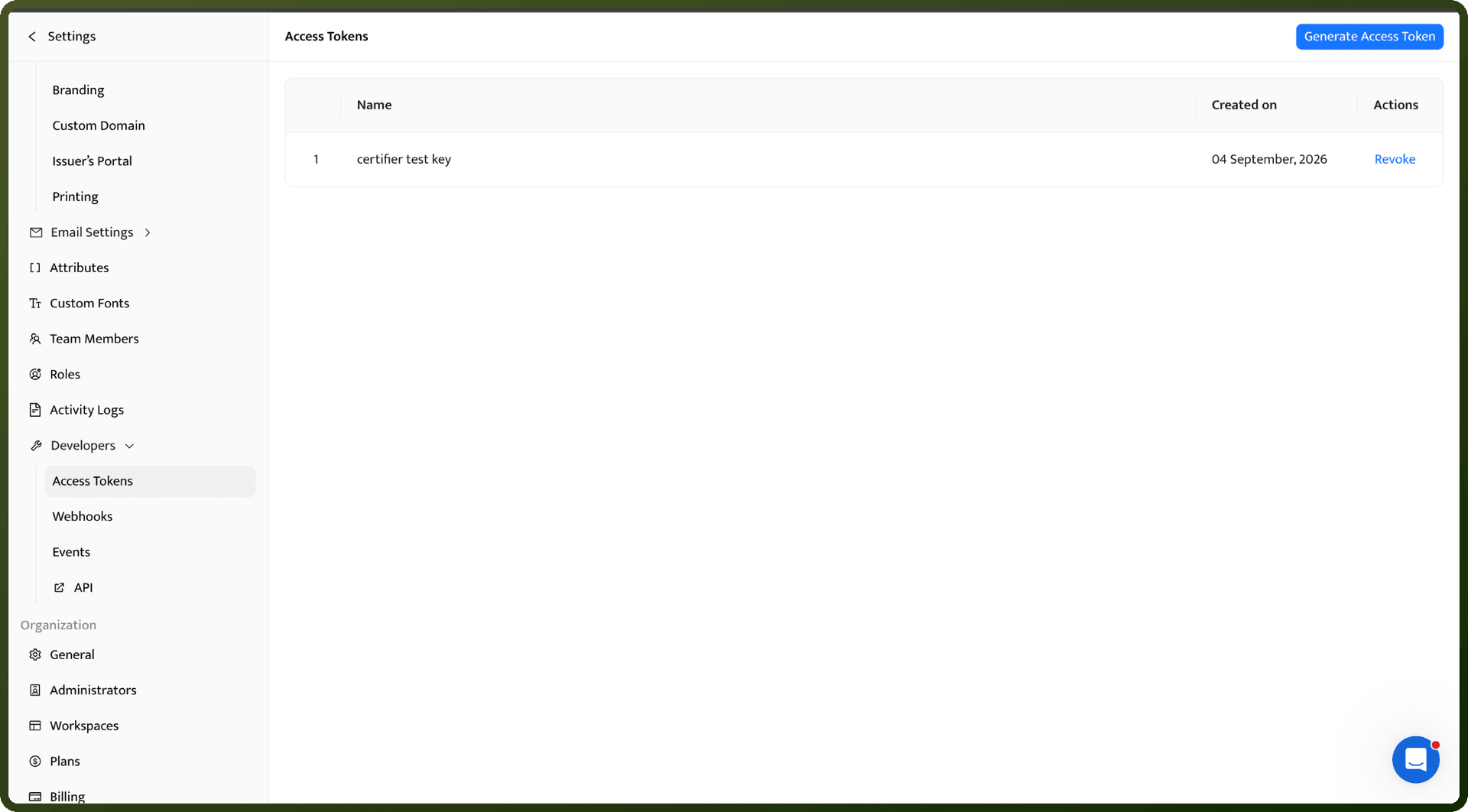
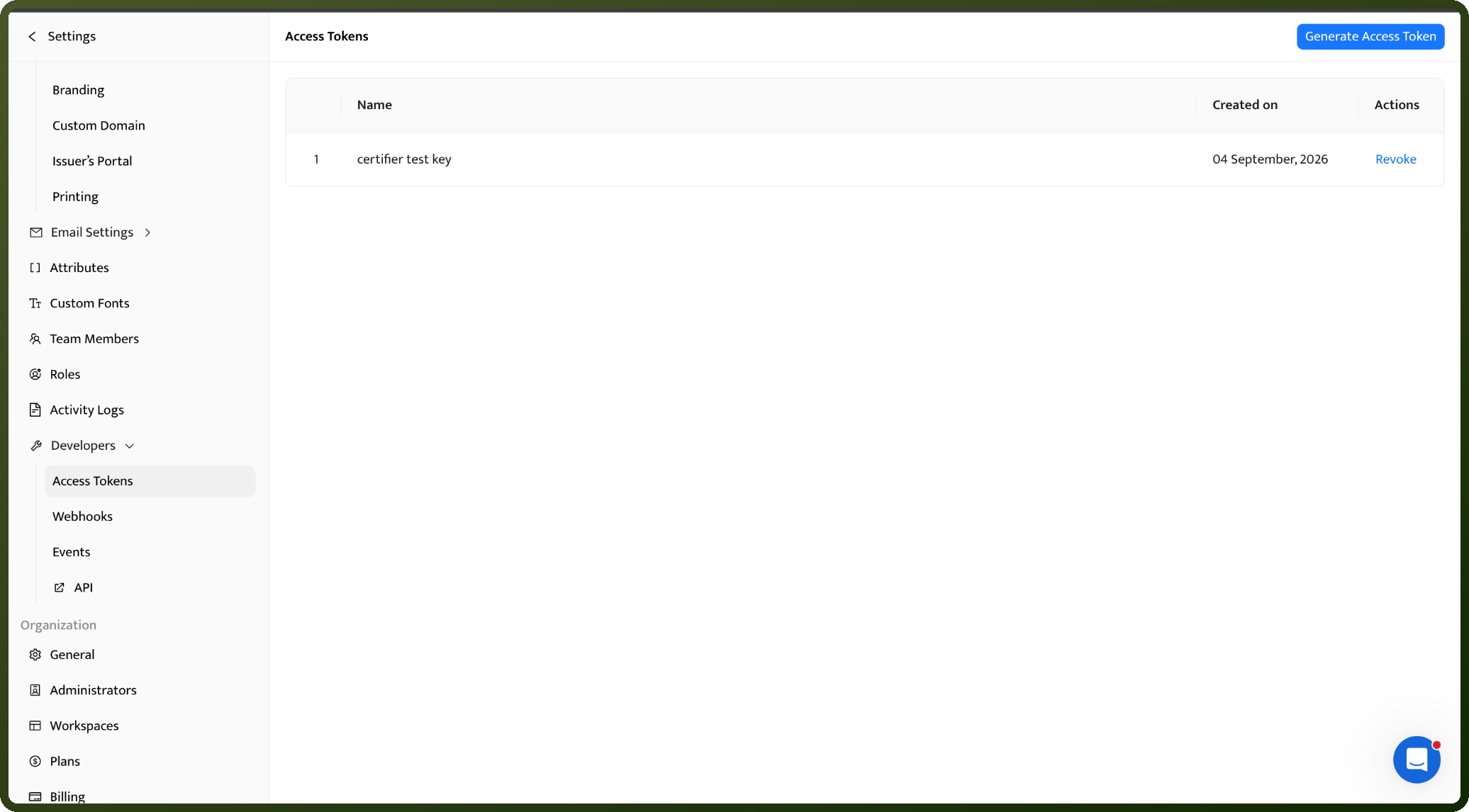
Go to Settings, then select Developers.
Click Generate Access Token.
Enter a descriptive name for the token so you can identify its purpose later.
Click Continue to create the token.
Copy the generated access token and paste it into the Access token field of the connection form. Store it securely — Certifier will not show it again.
Actions
Action Name | Description |
|---|---|
Create group | Creates a group in Certifier |
Delete credential | Deletes a credential in Certifier |
Delete group | Deletes a group in Certifier |
Get credential | Retrieves a credential from Certifier |
Get group | Retrieves a group from Certifier |
Issue credential | Creates, issues, and sends a credential in Certifier |
List credentials | Lists credentials in Certifier |
List groups | Lists groups in Certifier |
Update credential | Updates, issues, and sends a credential in Certifier |
Update group | Updates a group in Certifier. |
About the API
Certifier provides a REST API for managing digital credentials and certificates. The API uses JSON for requests and responses. Core capabilities include creating and issuing credentials, verifying credential authenticity, and managing credential records. The platform supports verifiable credentials for secure credential authentication and prevents unauthorized use of credentials. The API is ideal for organizations managing certificates, licenses, badges, and other digital credentials at scale.