


Use the ExchangeRate-API connector to retrieve currency exchange rates.
Integrating your application with ExchangeRate-API lets you use these operations in an automation. It exposes 4 actions, listed below. Add the connector from the Connections area, authenticate, then select its operations in the automation builder. Capabilities: actions.
Authentication
Before you begin, make sure you have the following information:
Connection Name: Choose a meaningful name for your connection. This name helps you identify the connection within your application or integration settings.
Authentication Type: ExchangeRate-API uses API key authentication. The connection form asks for an API Key.
Obtaining Your API Key
Go to
https://app.exchangerate-api.com/sign-up.Enter your email address, create a password, and click Accept Terms & Create Account!.
Open the confirmation email ExchangeRate-API sends you and confirm your email address — your account and API key are enabled only after this step.
Log in at
https://app.exchangerate-api.com/sign-inwith your email and password.On your account dashboard, copy your API key and store it securely for further authentication purposes.
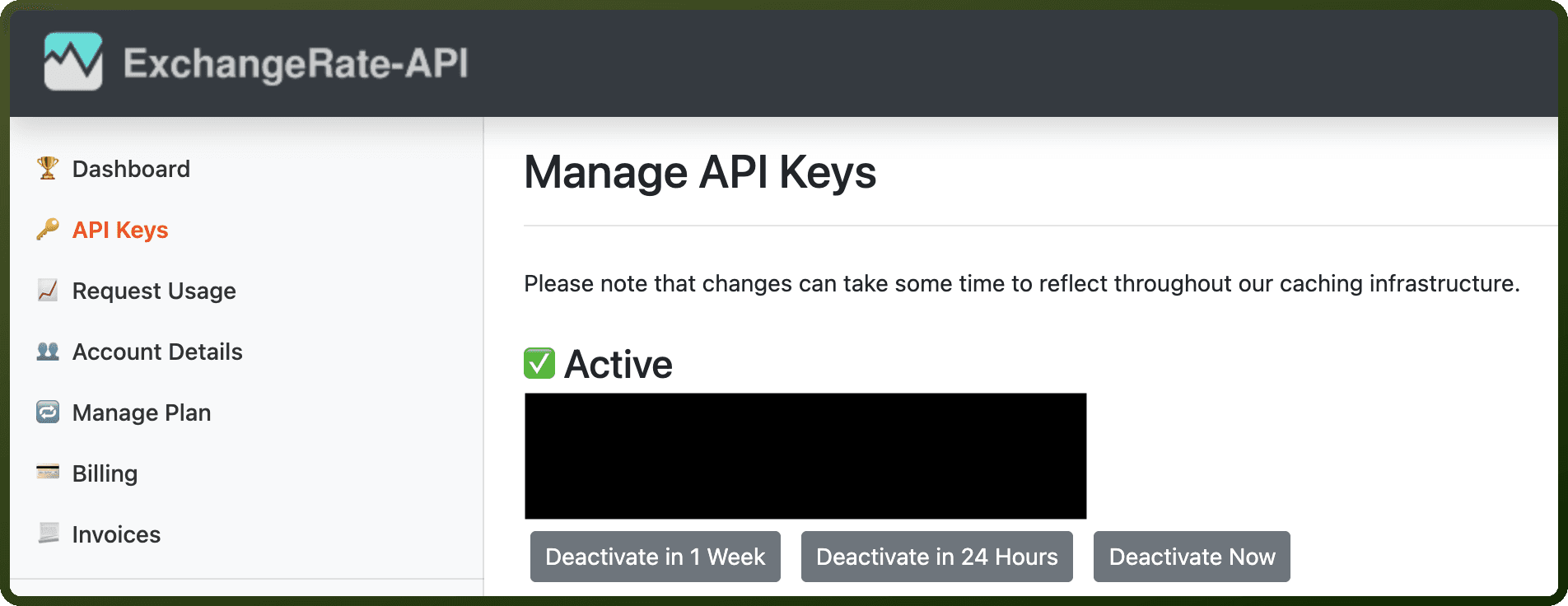
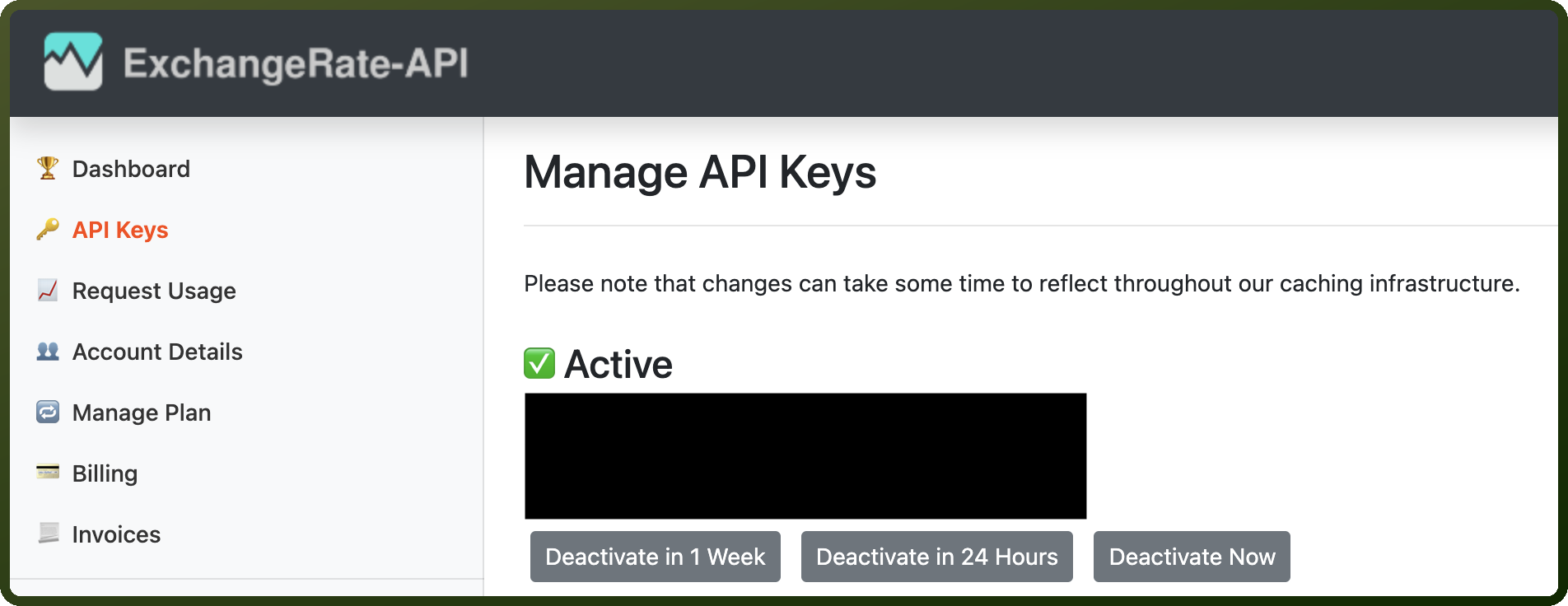
In UnifyApps, paste your API key into the API Key field of the ExchangeRate-API connection.
Actions
Action Name | Description |
|---|---|
Get latest rates | Retrieves exchange rates by base currency from the ExchangeRate-API |
Get pair conversion | Retrieves currency conversion rates from the ExchangeRate-API |
Get request quota | Retrieves API request quotas from the ExchangeRate-API |
Get supported codes | Retrieves supported currency codes from the ExchangeRate-API |
About the API
The connector covers these ExchangeRate-API endpoints:
Standard Response – Latest exchange rates for a base currency
Pair Conversion – Single currency pair conversions
Supported Codes – List of available currencies
Request Quota – Check API usage limits
Other ExchangeRate-API endpoints, such as enriched and historical data, are not available as UnifyApps actions.