


Use the Dachser connector to manage logistics and supply chains.
Integrating your application with Dachser lets you use these operations in an automation. It exposes 5 actions, listed below. Add the connector from the Connections area, authenticate, then select its operations in the automation builder. Capabilities: actions.
Authentication
Before you begin, make sure you have the following information:
Connection Name: Choose a meaningful name for your connection. This name helps you identify the connection within your application or integration settings.
Authentication Type: Dachser uses token authentication, so you don't select an authentication type. The connection form asks for a single field, API key. Enter the X-API-Key from My Subscriptions in the DACHSER API Portal.
Fetching credentials
Dachser API credentials are issued through the DACHSER API Portal at edi.dachser.com. Follow the steps below.
Step 1 - Generate a test token (no account required)
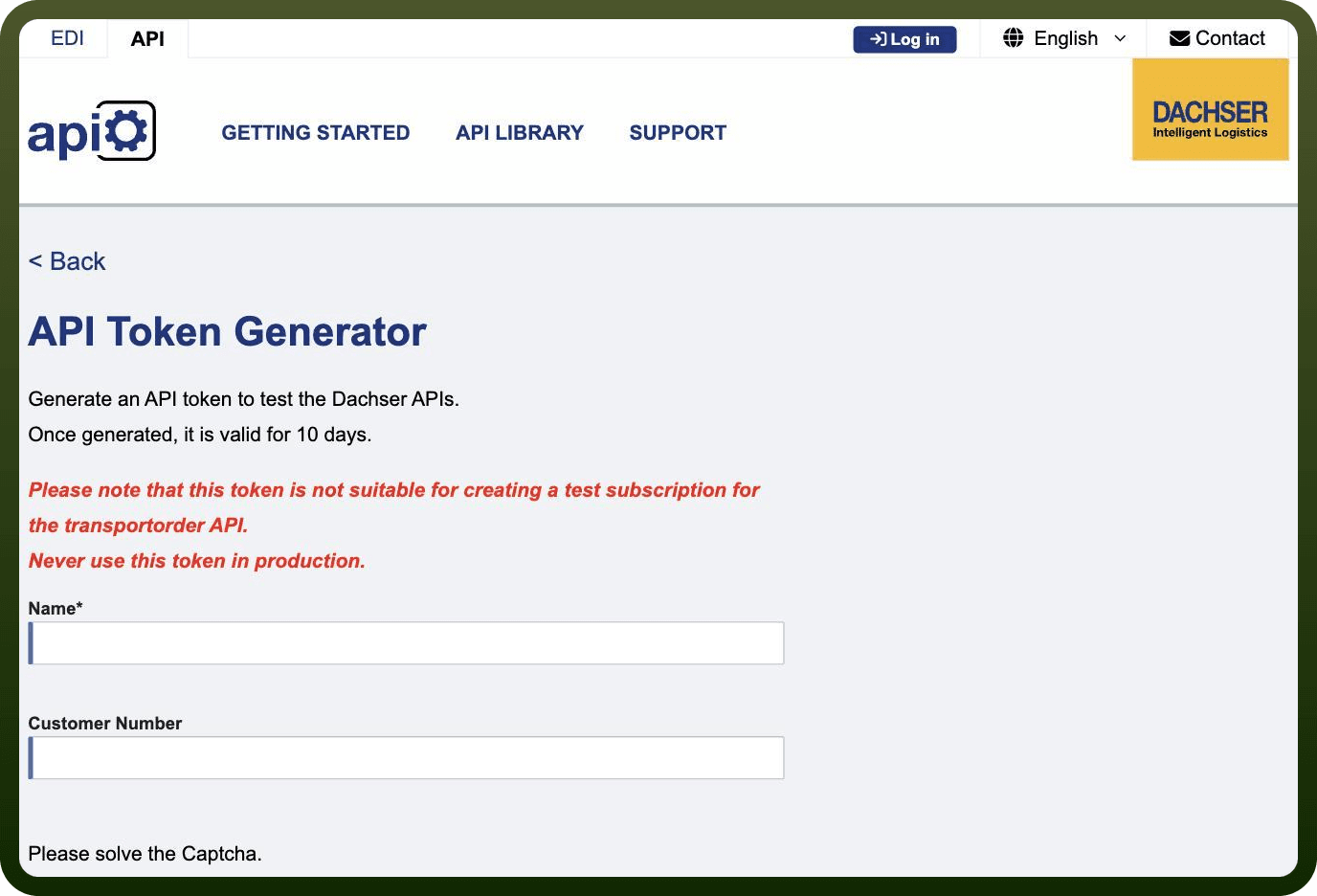
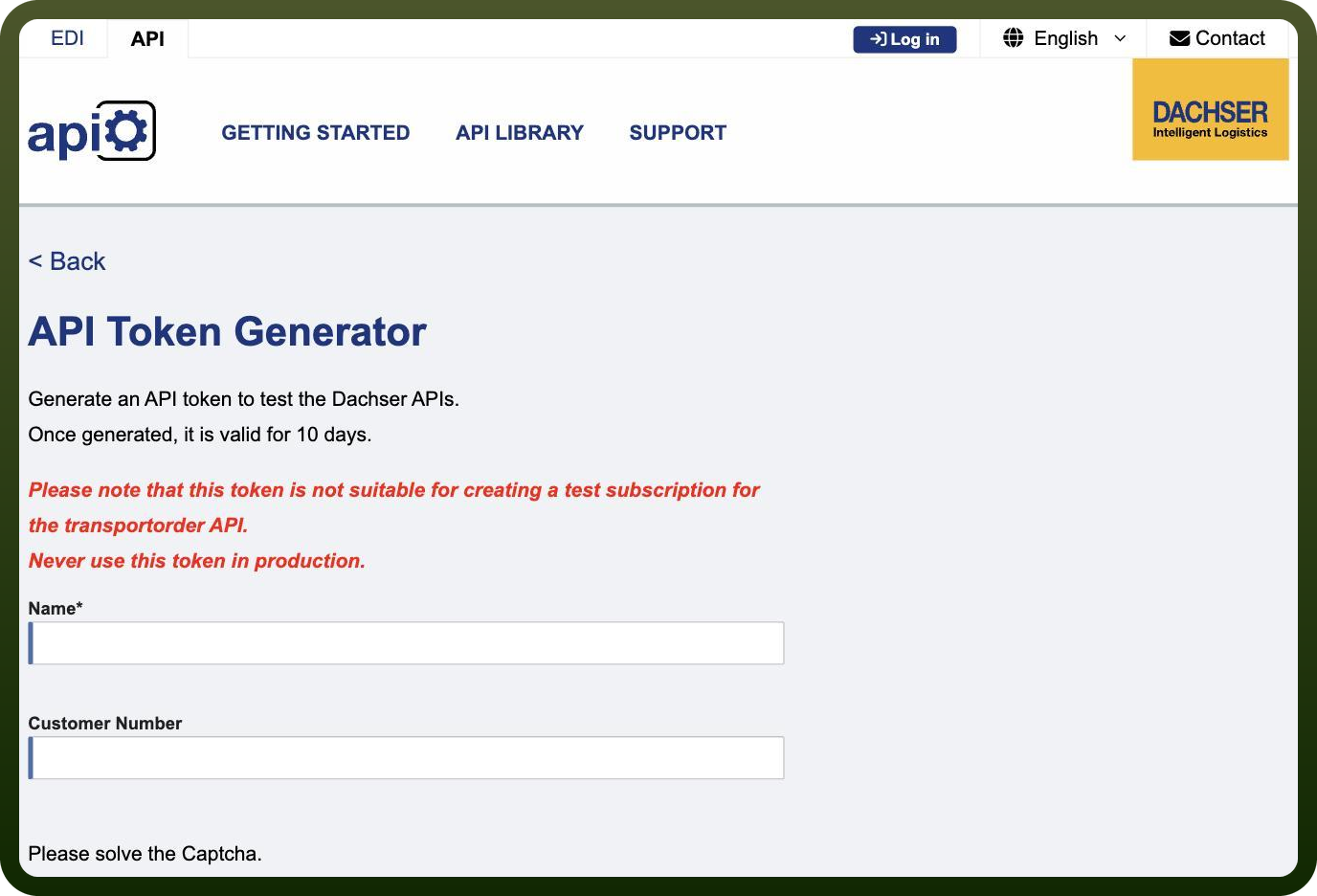
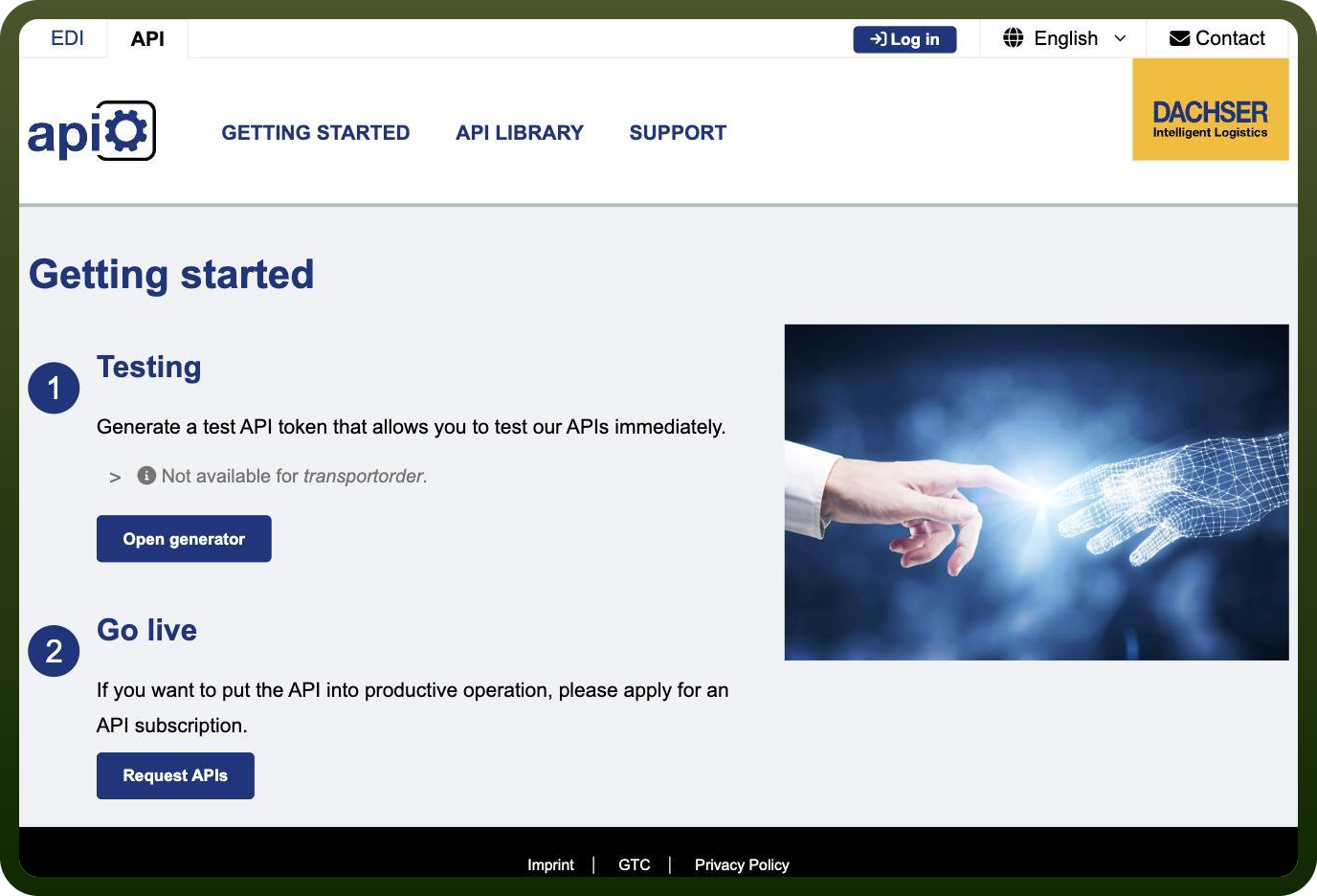
Open Getting started, then under Testing click Open generator. Enter a name (customer number is optional), solve the captcha and click Generate Token. The token is valid for 10 days, is not available for the transportorder API, and must never be used in production.

Step 2 - Register a portal account
Click Log in in the top bar, then choose Register. Select Shared Account (generic mailbox) or Personalized Account and enter company name, email and password. Registration is free and does not require a Dachser customer number.
Step 3 - Request a production subscription
Sign in, then open Getting started and under Go live click Request APIs. Select the APIs you need and submit the request. Your Dachser customer number is required, and every production request must be confirmed by Dachser.
Step 4 - Copy the X-API-Key
Once Dachser confirms the subscription, open My Subscriptions in the portal to view your customer-specific X-API-Key. Send it in the X-API-Key header on every request and keep it confidential.
Actions
Action Name | Description |
|---|---|
Create transport order | Creates a transport order in Dachser |
Get existing label order | Gets an existing label order from Dachser |
Get shipment status | Gets shipment status in Dachser |
List pods | List pods in Dachser |
Send a transport order | Sends a transport order to Dachser |