


Billetto is a self-service event ticketing platform that enables organizers to set up events, sell tickets, and manage attendees online. It provides tools for event promotion, real-time analytics, and access control.
Integrating Billetto simplifies event data handling by syncing attendee, order, and event updates with your internal systems or automation workflows.
Authentication
Before you begin, make sure you have the following information:
Connection Name: Select a descriptive name for your connection, like "MyAppBillettoIntegration". This helps you identify the connection in UnifyApps.Authentication Type: Billetto uses OAuth. The connection form needs four values at once: Client ID, Client Secret, API Key and API Secret. The steps below show where to get each one.
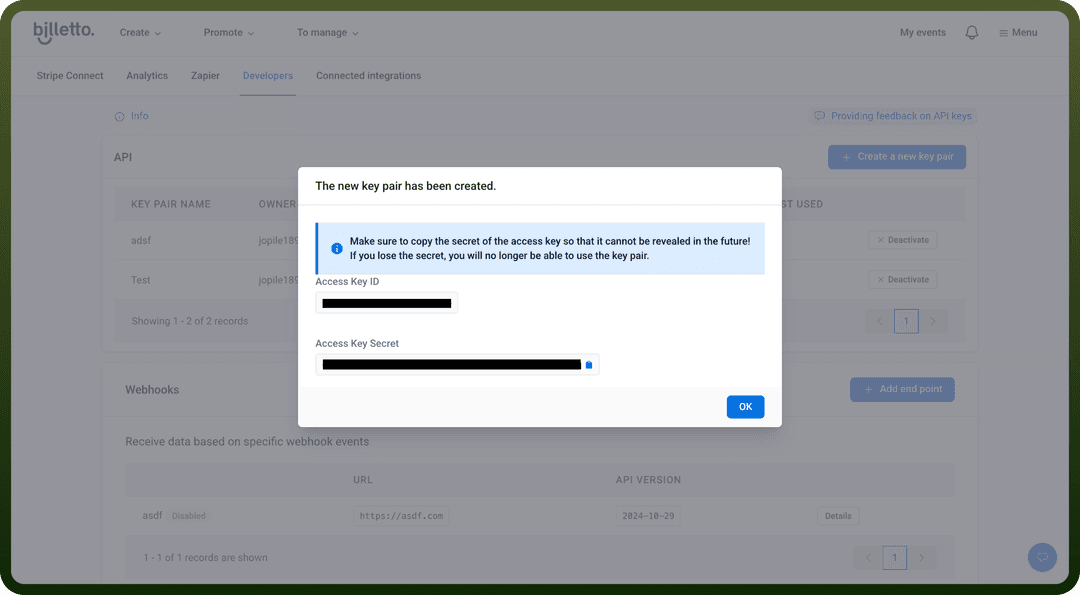
Getting Your API Key and API Secret
Log in to your Billetto account.
Navigate to
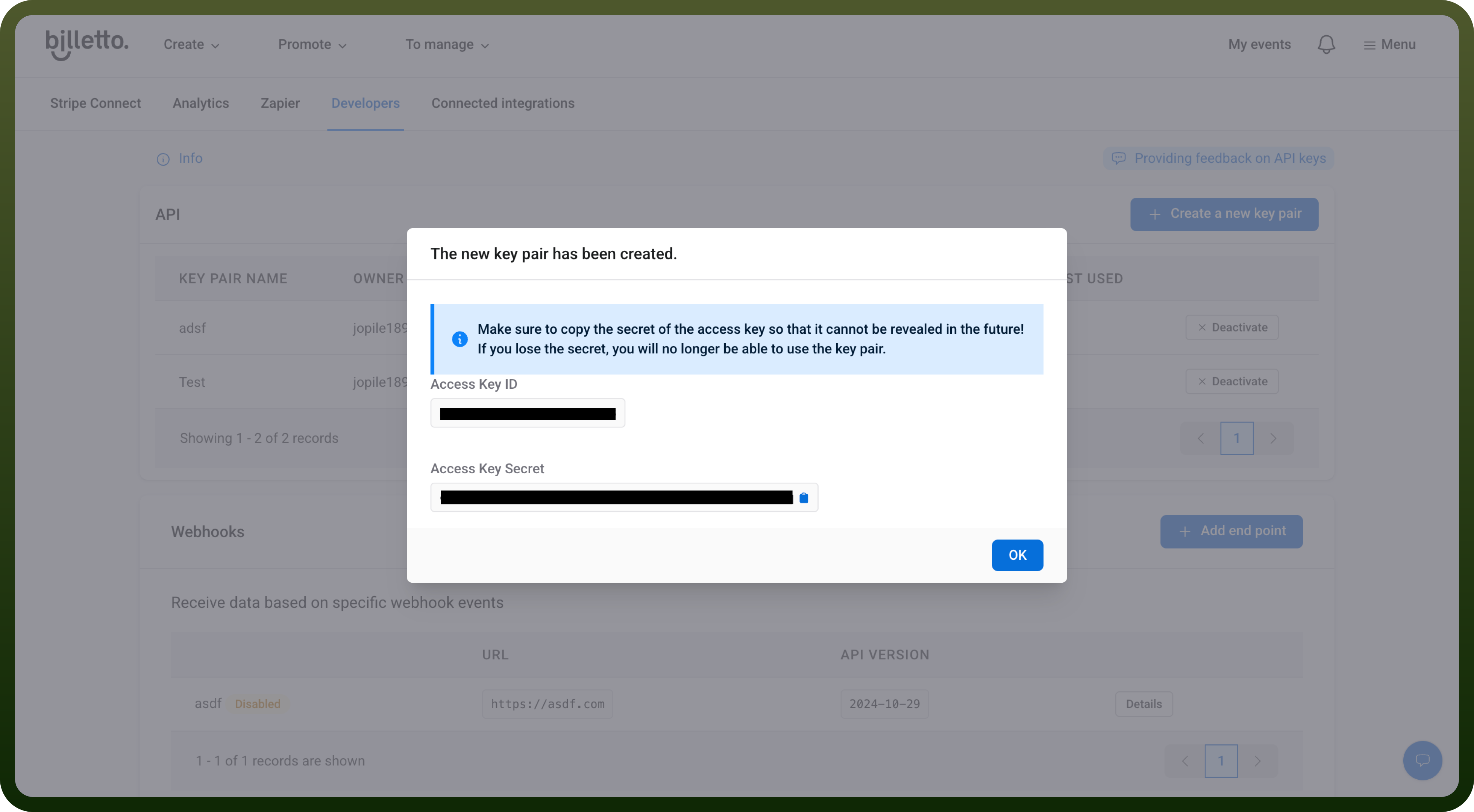
Menu->Integrate->Developers.Click Create a new key pair.
Copy the API key and the API secret and store them securely to prevent unauthorized access.

Note
When you ask Billetto for OAuth credentials (see below), give them the Callback URL shown in the UnifyApps connection form as your redirect URL.
Getting Your Client ID and Client Secret
Email Billetto support at
support@billetto.comwith your application name and, as the redirect URL, the Callback URL shown in the UnifyApps connection form. Billetto support sends you a client ID and client secret for your application.Use Api token as Api Keypair and access token as Bearer token, both in the headers in order to register the webhook.
Entering the Connection Details
In the UnifyApps connection form, fill in these fields:
Connection Name: a name that helps you identify the connection.
Callback URL: shown by the form. This is the redirect URL you give Billetto support.
Client ID and Client Secret: the values from Billetto support.
API Key and API Secret: the key pair you created under Developers.
Actions
Actions | Description |
| Lists attendees in Billetto |
| Lists events in Billetto |
| Lists orders in Billetto |
| Retrieves attendee in Billetto |
| Retrieves event in Billetto |
| Retrieves order in Billetto |
Triggers
Triggers | Description |
| Triggers when a attendee is cancelled in Billetto |
| Triggers when a attendee is generated in Billetto |
| Triggers when a attendee is registered in Billetto |
| Triggers when a attendee is scanned in Billetto |
| Triggers when a attendee is updated in Billetto |
| Triggers when an event is cancelled in Billetto |
| Triggers when an event is completed in Billetto |
| Triggers when a new event is created in Billetto |
| Triggers when a new event is published in Billetto |
| Triggers when a new event is unpublished in Billetto |
| Triggers when an event is updated in Billetto |